Lowercase b, uppercase B, and the factor of 8
Nearly every question that brings someone to a bandwidth converter is the same question wearing different clothes. Connection speeds are sold in bits per second. File sizes, download managers and progress bars count in bytes per second. One byte is eight bits, so the two numbers describing the exact same transfer differ by a factor of 8, and the only thing separating their names in writing is the case of a single letter: Mbps is megabits, MB/s is megabytes.
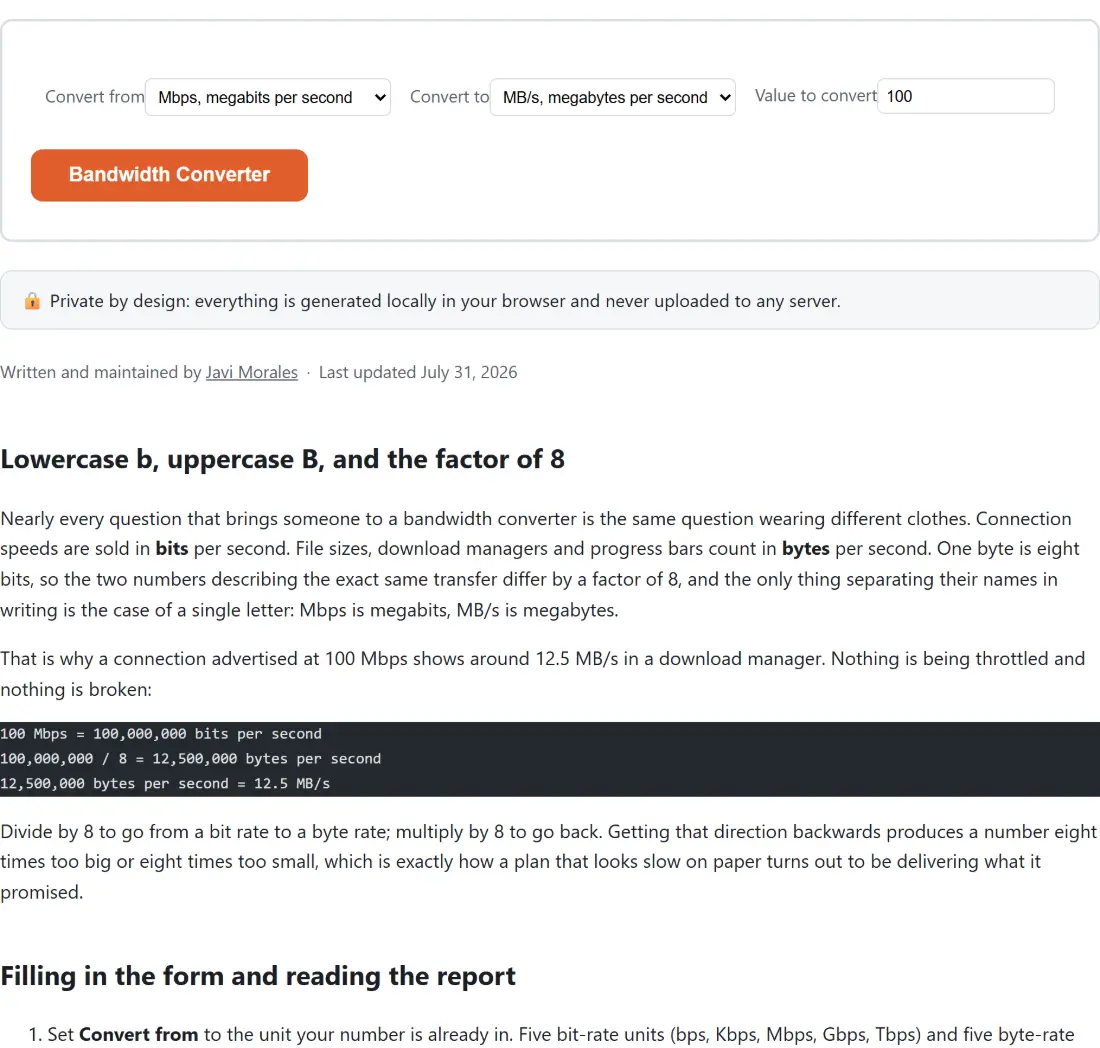
That is why a connection advertised at 100 Mbps shows around 12.5 MB/s in a download manager. Nothing is being throttled and nothing is broken:
100 Mbps = 100,000,000 bits per second
100,000,000 / 8 = 12,500,000 bytes per second
12,500,000 bytes per second = 12.5 MB/s
Divide by 8 to go from a bit rate to a byte rate; multiply by 8 to go back. Getting that direction backwards produces a number eight times too big or eight times too small, which is exactly how a plan that looks slow on paper turns out to be delivering what it promised.
Filling in the form and reading the report
- Set Convert from to the unit your number is already in. Five bit-rate units (bps, Kbps, Mbps, Gbps, Tbps) and five byte-rate units (B/s, KB/s, MB/s, GB/s, TB/s) are available on both dropdowns.
- Set Convert to for the unit you want it in.
- Type the number into Value to convert. It starts at 100, paired with Mbps in and MB/s out, which answers the most common question on the page before you change anything.
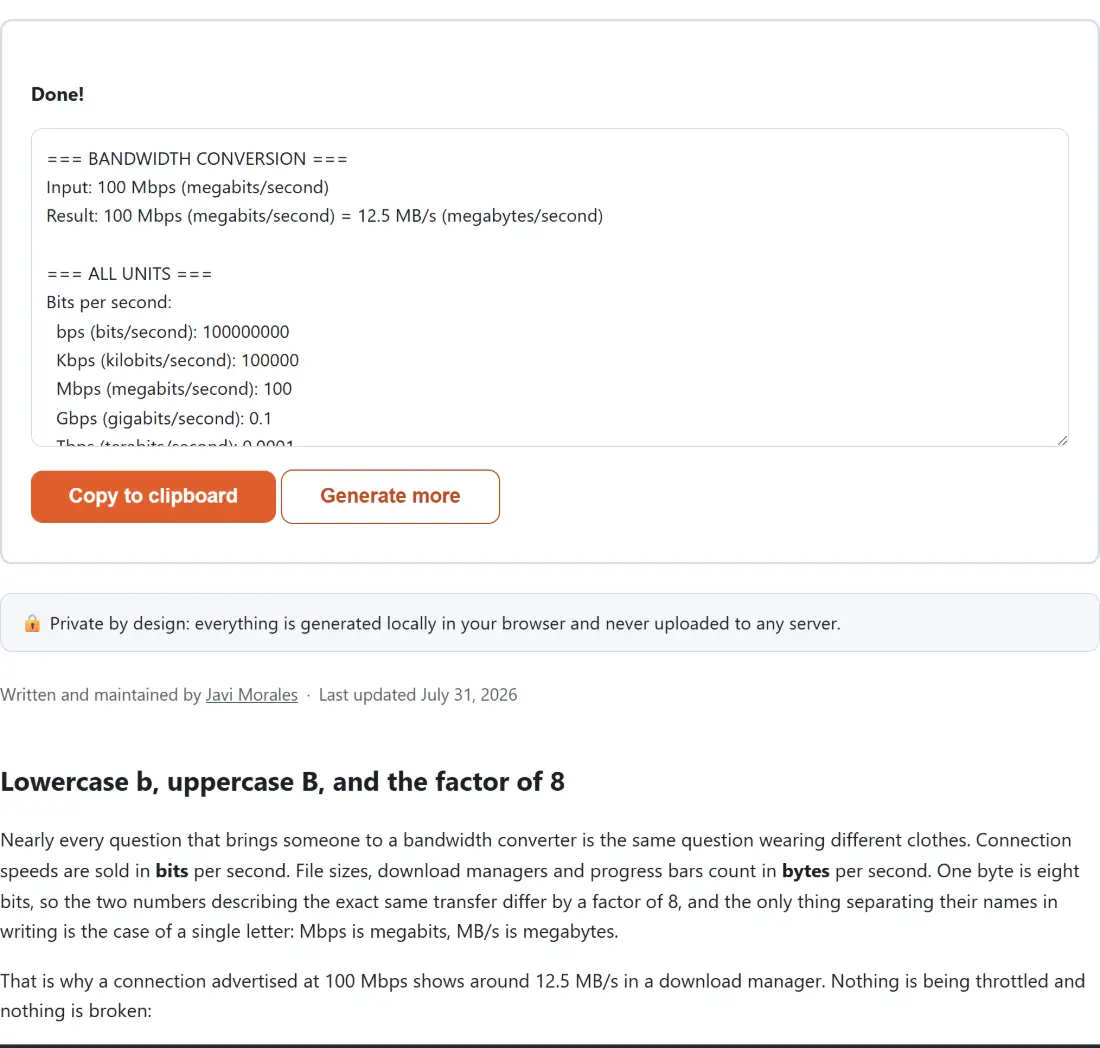
- Click the button. The report replaces the form and can be copied out in one click, or you can click Generate more to bring the form back with your selections still in place.
The report arrives as four labelled blocks: the conversion you asked for, the same value expressed in all ten units, a note on bits versus bytes, and a note on the unit convention in use. Copying the whole thing into a ticket or a spreadsheet cell carries the reasoning along with the number, which is often the point when you are trying to convince someone else that the link really is fine.
Every unit steps by 1000, deliberately
There is no 1024 anywhere in this tool. One Kbps is 1000 bps, one Mbps is 1000 Kbps, one Gbps is 1000 Mbps, and the byte-rate units step the same way. That is the decimal convention every ISP, switch vendor and network interface uses to describe a speed, so it is the convention that makes the output comparable to the number printed on your plan or your datasheet.
The consequence is worth naming: a file-size figure from your operating system may be counted in binary units (1024-based) even when the label reads MB or GB, so a byte rate from this page and a size reading from a file browser can disagree slightly without either one being wrong. They are answering the question in different units of the same name. The general Unit Converter covers length, weight, temperature, volume, area and speed rather than data rates, which is precisely the gap this page fills.
Six significant figures, and the very small results
Results are rounded to six significant figures and then stripped of trailing zeros, which keeps both ends of the scale readable. Convert a handful of bps into TB/s and the answer is small enough that JavaScript prints it in exponent notation, as 6.25e-13, rather than as a wall of leading zeros; convert Tbps into bps and you get a whole number rather than exponent notation. The rounding also suppresses the floating-point noise that would otherwise turn 12.5 into something like 12.500000000000002.
Six figures is plenty for reading a plan or a datasheet, and it is not the right tool for byte-exact accounting. If you need the precise byte count of a transfer rather than its rate, that is a different calculation.
A converted rate is a ceiling, not a measurement
This page converts units. It does not model reality, and that distinction matters more than the arithmetic does. The 12.5 MB/s that 100 Mbps converts to is the theoretical maximum of the link. What you actually observe is lower, because of protocol overhead, TCP behaviour, the server on the other end, other devices on the same network, and the difference between wired and wireless.
If you want that gap accounted for, the Download Time Calculator is built for it: it takes a file size and a connection speed, applies the same divide-by-8 conversion internally, and by default also prints a real-world estimate based on an adjustable efficiency assumption that starts at 80%. Use this page to get a rate into the right unit, and that one to turn the rate into minutes.
Datasheets, router pages and speed-test screenshots
The conversions that come up most are rarely exotic. A switch datasheet quotes Gbps and you need KB/s to size a backup window. A monitoring graph reports B/s and the plan is sold in Mbps. Someone sends a speed-test screenshot and wants to know why their download “only” runs at a tenth of it. All three are one dropdown pair apart here.
Once the rate is in a sensible unit, sizing the network around it becomes the next question, which is where the IP Subnet Calculator picks up: it works out the address range and usable host count for a given CIDR block, so you can reason about how many devices are sharing the bandwidth you just converted. The rest of the arithmetic tools on the site sit together on the calculators hub.