Audio tools
Convert and edit audio files. Everything runs locally in your browser.
📖 New to audio? Read our Best Free Online Audio Tools: A Complete Guide to Converting, Editing and Fixing Audio Files for a full comparison of every tool below and which one to pick.
In-depth audio guides
- Loudness Normalization: What LUFS Is and Why Streaming Services Care
Why turning up the peaks does not make a podcast louder, what -16 LUFS means, and why every platform quietly re-levels what you upload.
- Lossless vs Lossy Audio: What Is Thrown Away, and Can You Hear It
What a psychoacoustic encoder actually removes, why re-encoding a lossy file compounds the damage, and how to pick a bitrate you will not regret.
- Choosing a Bitrate for Voice vs Music
Why 40 kbps is fine for a lecture and ruins a song. What a bitrate actually buys, which content survives a low one, and what to change instead.
No tools found. Try a different search term.
- 8D Audio Converter
Turn a song into 8D audio in your browser with a rotating left-right pan, adjustable speed and depth, plus optional reverb. Free, private, no upload.
- Convert AIFF to MP3
Convert AIFF and AIF audio to MP3 in your browser at 320, 256 or 192 kbps. Free and private, with no upload and no size limit.
- Convert AMR to MP3
Convert AMR voice recordings from old Nokia and Android phones to MP3 in your browser. Free and private, with no upload and no size limit.
- Audio Converter
Convert MP3, WAV, FLAC, OGG, Opus, M4A, AAC, WMA, AIFF or AMR to MP3, WAV or M4A in your browser. No upload, no account, no size cap.
- Audio Joiner
Join multiple audio files into one MP3 or WAV in your browser, free and private. Mix MP3, WAV, M4A and OGG tracks, with an optional crossfade.
- Audio Pitch Changer
Shift audio pitch in semitones without changing speed, or apply nightcore and slowed plus reverb presets. Free and private, with no upload.
- Bass Booster
Boost the bass in a song or audio file in your browser. Subtle, strong or extreme presets with a clipping-safe limiter. Free, private, no upload.
- Binaural Beats Generator
Generate binaural beats with delta, theta, alpha, beta and gamma presets, an adjustable beat frequency and a session timer. Free and private, in your browser.
- Boost MP3 Volume
Make an MP3 louder or quieter in your browser. Presets for +50%, +100% and -50%, or an exact decibel value. Free, private, no upload, no watermark.
- BPM Counter
Find a song's tempo by tapping along. Tap any key or click to the beat for a live BPM with a rolling average and a tap-consistency confidence score.
- Change Audio Speed
Speed up or slow down MP3, WAV, M4A, OGG and FLAC in your browser. Seven presets from 0.5x to 3x, pitch left alone, nothing uploaded.
- Chord Transposer
Transpose chord sheets to a new key by semitones, fix sharp/flat spelling, and get a capo suggestion. Free, runs in your browser, nothing is uploaded.
- Compress MP3
Re-encode an MP3 at 96, 64 or 40 kbps mono in your browser. Free, no upload, no watermark, and it never returns a file bigger than the one you dropped in.
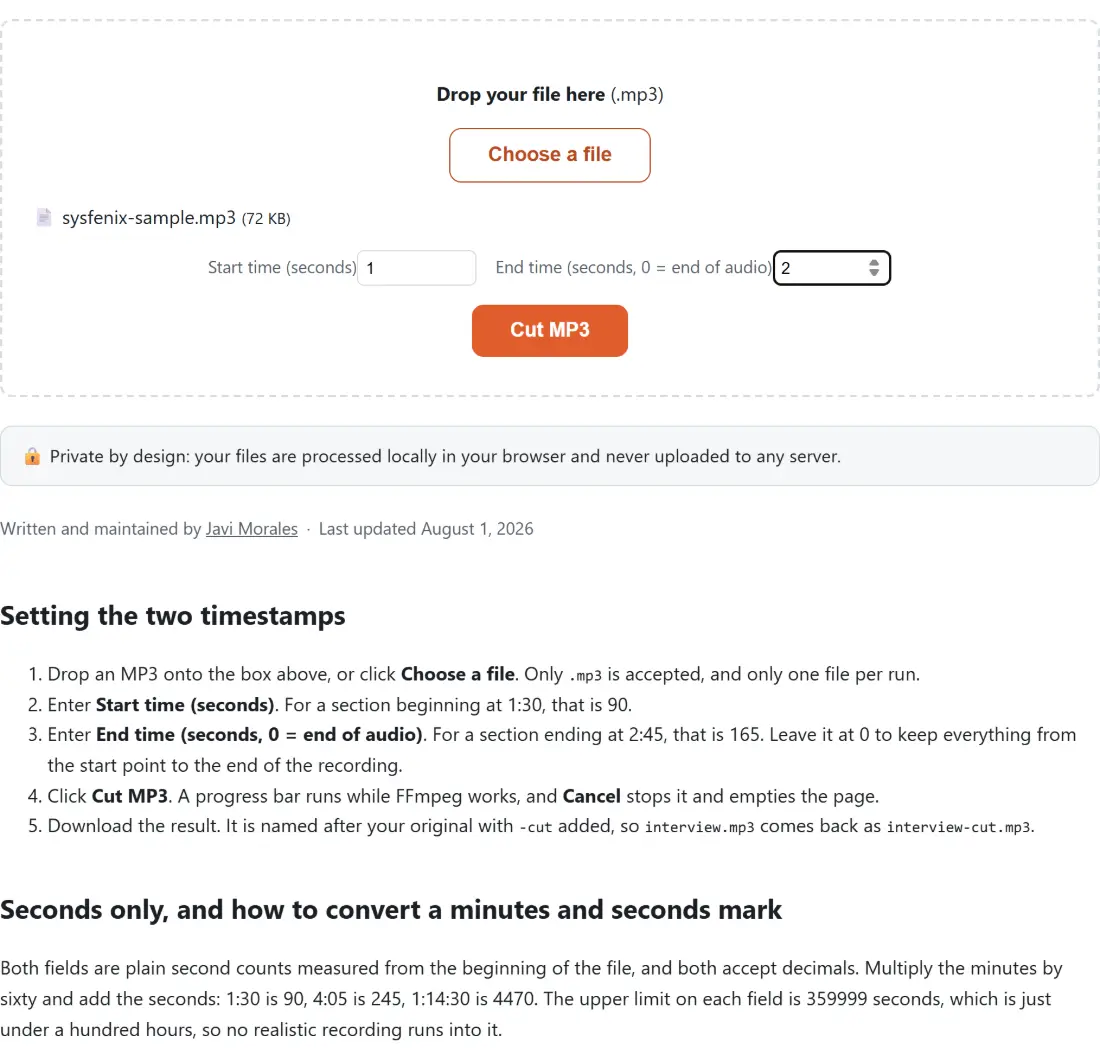
- Cut MP3
Cut a section out of an MP3 in your browser. The frames inside your range are copied straight across, so there is no re-encode, no upload and no watermark.
- Edit MP3 Tags
Set an MP3's title, artist, album, year, genre and cover art from a small JSON file, in your browser. The audio frames are copied through untouched.
- Convert FLAC to MP3
Convert FLAC to MP3 in your browser at 320, 256 or 192 kbps. Free and private, with no upload, no size limit and no watermark.
- Guitar Chord Finder
Look up guitar chord shapes with clear fretboard diagrams, left-handed mode, and a strum-to-hear button. Free, works in your browser, nothing to install.
- Online Guitar Tuner
Tune your guitar, bass or ukulele by microphone with real-time pitch detection and a cents-off needle. Free, works in your browser, nothing recorded.
- Convert M4A to MP3
Convert M4A voice memos and iTunes audio to MP3 in your browser. Free and private, with no upload, no size limit and no watermark.
- Online Metronome
A precise online metronome with a 30 to 250 BPM slider, tap tempo, four time signatures and an accented downbeat that will not drift over a long session.
- Convert MP3 to M4R (iPhone Ringtone)
Cut any MP3 down to a 30 second AAC ringtone an iPhone will accept, with a start time field. Runs on your own device, no sign-up and no watermark.
- Convert MP3 to WAV
Convert MP3 to uncompressed 16-bit PCM WAV in your browser, ready for editors, samplers and CD burning. Free, private, no upload, no size limit.
- Convert MP4 to MP3
Extract the audio from an MP4 video as an MP3 file, right in your browser. Free and private, with no upload, no size limit and no watermark.
- Normalize Audio Loudness
Normalize MP3, WAV, M4A, OGG and FLAC to a chosen loudness target in your browser. Two-pass loudnorm, free and private, with no upload.
- Convert OGG to MP3
Convert OGG and OGA audio to MP3 in your browser. Free and private, with no upload, no size limit and no watermark. Game audio and voice notes welcome.
- Convert OPUS to MP3
Convert OPUS voice notes from WhatsApp, Telegram or Discord to MP3 in your browser. Free and private, with no upload and no size limit.
- Remove Background Noise from Audio
Clean hiss, hum and room noise out of a recording with an FFT denoiser at three strengths, plus an optional rumble cut. Runs in your browser.
- Reverse Audio
Play an audio file backwards, or reverse just a section of it by start and end time, and download the result as MP3 or WAV. Nothing is uploaded.
- Remove Silence from Audio
Cut the dead air out of a recording throughout, not just at the ends, with three silence thresholds and a minimum gap length. Runs in your browser.
- Speaker Test
Four speaker checks in your browser, a hard left/right channel test, a stereo pan sweep, six frequency tones and a 50 Hz bass test. Nothing is recorded.
- Audio Spectrum Analyzer
Watch your microphone's live frequency spectrum as 64 animated bars, with a selectable FFT size. Nothing is recorded, nothing is uploaded, no download.
- Convert Stereo to Mono
Downmix MP3, WAV, M4A, OGG or FLAC to a single mono channel, averaged or taking one side only. Output is a 192 kbps MP3. Nothing is uploaded.
- Text to Speech Converter
Turn text into speech with an AI voice model that runs on your own device. Six English voices, adjustable speed, MP3 or WAV download, no account.
- Tone Generator
Generate a pure tone from 1 Hz to 20 kHz in four waveforms, with seven hearing-range presets and an exponential frequency sweep. Free and private.
- Transcribe Audio to Text
Transcribe voice notes, interviews and meetings to text with a Whisper model that runs in your browser. Batch friendly, no upload, no account, no quota.
- Convert Video to MP3
Extract MP3 audio from MP4, MOV, MKV, WEBM, AVI, 3GP and MTS video in your browser. Free and private, with no upload and no size limit.
- Virtual Piano
A three octave piano from C3 to C6 you can play by mouse or computer keyboard, with sustain, note labels and two demo songs with falling note hints.
- AI Vocal Remover & Karaoke Maker
Split a song into an instrumental and an acapella with a source separation model running in your browser. WAV output, batch friendly, nothing uploaded.
- Voice Changer
Apply a chipmunk, deep, robot, echo or telephone effect to a recording in your browser. Pitch shifts keep the original speed. Nothing is uploaded.
- Voice Recorder
Record your microphone in the browser and download an MP3 at three quality levels or an uncompressed WAV. No account, no install, nothing uploaded.
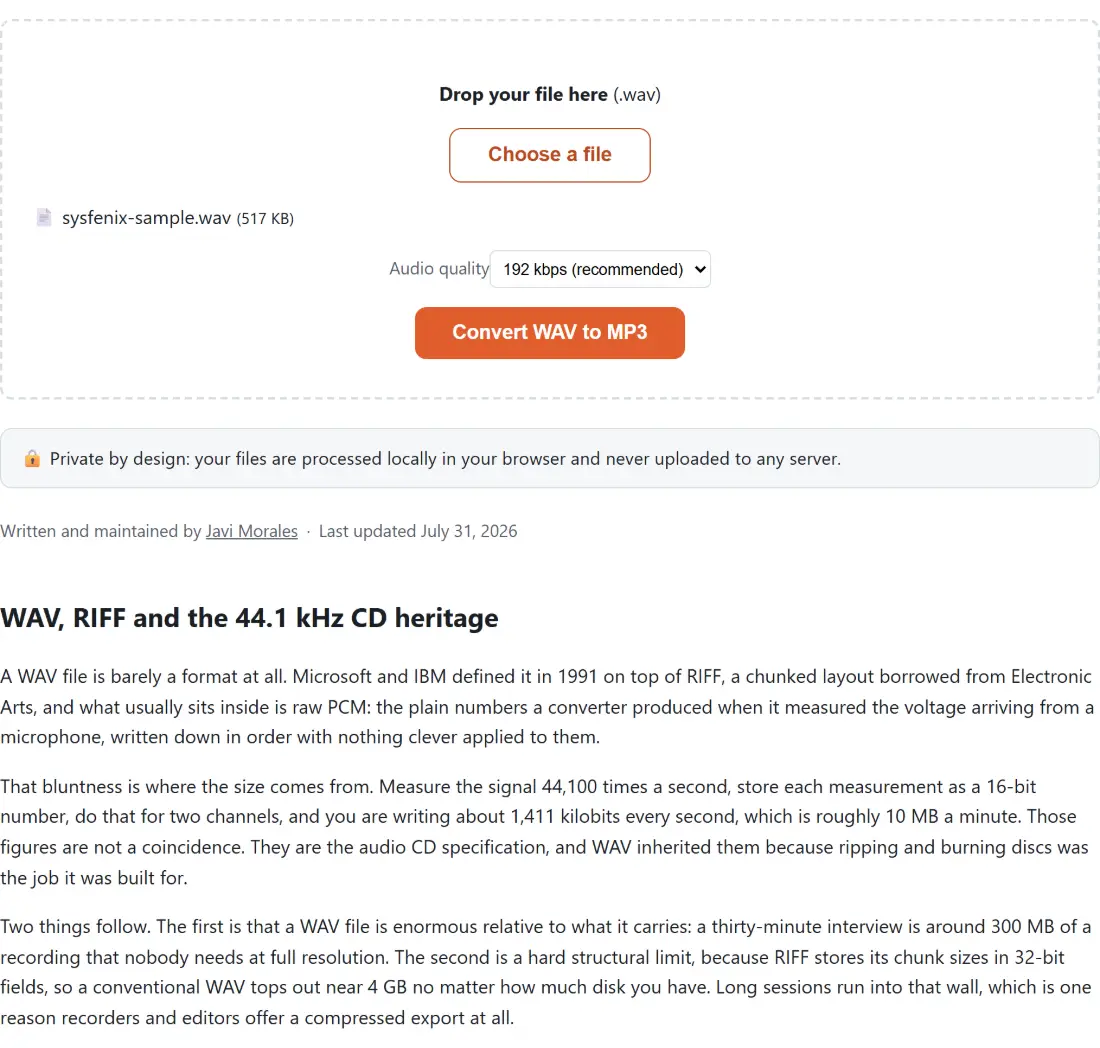
- Convert WAV to MP3
Convert uncompressed WAV recordings to MP3 in your browser. Free and private, with no upload, no size limit and no watermark.
- White Noise Generator
Mix white, pink and brown noise with rain and ocean ambience on independent level sliders, with a sleep timer. Synthesised live, nothing is downloaded.
- Convert WMA to MP3
Convert Windows Media Audio (WMA) files to MP3 in your browser. Free and private, with no upload, no size limit and no watermark.
Audio tools in action