Mirroring is not rotating, and the difference shows
A horizontal mirror swaps left for right. The pixel in the first column moves to the last column, the second to the second-to-last, and so on all the way across. A rotation moves pixels around a centre point and never reverses their handedness. In the abstract that sounds like hair-splitting. In a photograph it is unmissable: turn a picture of a printed page upside down and the text is inverted but still spelled correctly, mirror the same picture and every letter is backwards.
The vertical option here is the top-to-bottom version of that same reversal, not a rotation. If you want the algebra, a vertical flip equals a 180 degree rotation followed by a horizontal mirror. That is why an image flipped vertically looks subtly wrong next to the same image simply turned upside down. Both put the sky at the bottom; they agree on nothing else. If your real problem is a phone photo that came out sideways or inverted, Rotate Image is the tool you want, and this one will only make the result stranger.
Why your front camera hands you a backwards photo
Phone front cameras deliberately show a mirrored live preview, because a preview that behaved like a real camera pointed at you would feel like fighting a reversed video call: raise your right hand and a hand on the left of the screen moves. Most camera apps un-mirror the frame before writing the file, so what lands on disk matches reality. Some do not, and some social and messaging apps save whichever version they were handed.
The tell is always an asymmetric detail rather than the face itself. A logo on a t-shirt, a book spine, a watch on the wrong wrist, a house number in the background, a parting on the wrong side of someone’s hair. A horizontal flip puts all of them back. Faces are close enough to symmetrical that most people cannot say which version is correct, which is exactly why the mistake goes unnoticed until there is text in the shot.
Mirroring is also a legitimate creative move rather than only a repair. Flipping one image of a pair makes two subjects face each other. Flipping a portrait can rebalance a composition where the subject was looking out of the frame. A vertical flip of a landscape, stacked under the original, is the crude version of a water reflection.
What the canvas keeps and what it throws away
Each file is decoded with createImageBitmap, drawn once into an OffscreenCanvas under a translate plus scale(-1, 1) transform (or scale(1, -1) for vertical), and re-encoded. Browsers without OffscreenCanvas fall back to a normal canvas element with identical output. Pixel dimensions always match the input, because a flip rearranges samples and never resamples them.
Two consequences of that pipeline deserve a warning before you overwrite an original. First, the re-encode is a real re-encode. Nothing is lost geometrically, but a JPEG coming back out of the encoder picks up one further generation of JPEG compression. PNG output is lossless, so PNG in and PNG out is equivalent pixel for pixel. WebP output uses the browser’s own default WebP encoder setting, since we pass no explicit quality value.
Second, metadata does not survive at all. A canvas holds pixels, not EXIF, so the flipped copy has no camera model, no capture date, no GPS coordinates and no orientation tag. Sometimes that is welcome, since stripping location data out of a photo before posting it is a good habit. Sometimes it is a genuine loss, if the capture date was the only record of when the shot was taken. Output format follows the extension: .jpg and .jpeg stay JPEG, .webp stays WebP, and anything else is written as PNG.
Flipping one image or forty
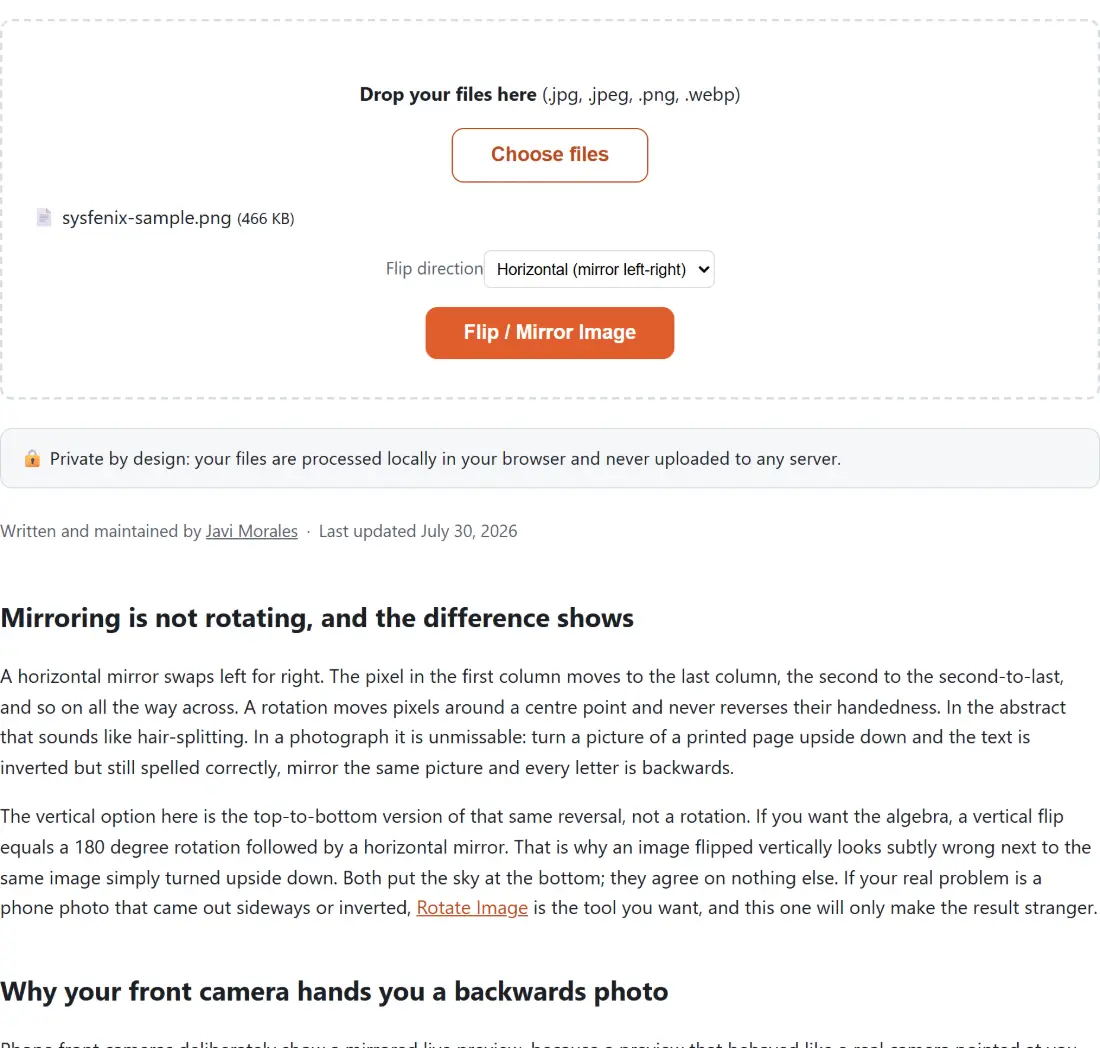
- Drop your JPG, PNG or WebP files into the box above, or click to choose them. There is no per-file or per-day cap; the ceiling is how much your browser can hold in memory.
- Pick a Flip direction. Horizontal mirrors left to right. Vertical turns the image top to bottom.
- Click the button. Files are handled one after another with a progress bar, and a long batch can be cancelled part way.
- Download the results. Each name gains a
-mirroror-flip-vsuffix, so nothing overwrites an original in your downloads folder.
The whole batch takes one direction. Two folders needing opposite flips means two passes, which is still faster than opening an editor.
When a flip will not fix it
A flip is a whole-image operation. If only part of the picture is reversed, because a sign was photographed in a mirror while the rest of the room was not, no flip can help; you need to select and transform that region in a real editor. If the image is a screenshot of an interface, mirroring makes the layout read right to left with every label backwards, so Crop Image is usually what you actually wanted.
With a scan, check whether the page went in backwards or simply upside down before choosing. Reversed letters sitting on horizontal lines want a horizontal flip. Correctly formed letters standing on their heads want a 180 degree rotation. Video needs a different path entirely, since a frame-by-frame canvas pass is not how you handle a movie file: Flip Video uses FFmpeg’s own hflip and vflip filters instead.