A photograph is not only a picture. Alongside the pixels, almost every camera writes a block of structured fields describing the moment the shutter opened: which body and lens, at what aperture and shutter speed, on what date, at what ISO, in which orientation, and on a phone, at which coordinates on the surface of the earth. That block is EXIF, and it travels with the file.
Most people meet it in one of two ways. Either they want it, because it is the only record of when a photo was taken and what settings produced it, or they discover it by accident, usually when a picture they published turned out to name the street it was taken on.
The fields a camera actually writes
The tags are not one list. They live in several directories inside the file, and a reader has to open each one deliberately.
The main image directory holds the things that describe the picture as an object: dimensions, orientation, the software that last wrote the file, and the make and model of the camera. The EXIF sub-directory holds the photographic settings, which is where exposure time, aperture, ISO, focal length and the capture timestamp live. A separate GPS directory holds location. An interoperability directory holds a small compatibility record. On top of those sit other formats that are not EXIF at all but travel in the same file: JFIF headers, an ICC colour profile describing the colour space the pixels are encoded in, IPTC fields used by publishers for captions and credits, and XMP, an XML block that editing software uses for its own history and keywords.
That last group is the reason a metadata tool that only knows about EXIF gives an incomplete answer. Our own EXIF metadata viewer asks its parser for everything rather than a curated shortlist, and prints anything it did not already label into a general block at the end, sorted alphabetically. In practice that block is where the interesting oddities show up: firmware strings, editing history, a keyword somebody left in from a stock library, the name of the phone’s owner as configured in the operating system.
One directory is deliberately skipped: the second image directory, where a JPEG stores a small embedded thumbnail along with its own duplicate copy of the tags. It is worth knowing that thumbnail exists, because it is a genuine hazard in its own right. On older software, editing a photo sometimes updated the full-size image and left the embedded thumbnail showing the original, uncropped scene. Photos have been published where the thumbnail revealed what the crop was meant to hide.
Six decimal places is a doorway, not a neighbourhood
The GPS block deserves separate treatment because its precision is routinely underestimated.
Coordinates are stored as degrees, minutes and seconds, and when written out as a decimal they are conventionally shown to six places. A sixth decimal place of latitude is a distance of well under a metre on the ground. That is not “the city where this was taken” or even “this block”. It is close enough to distinguish a front door from the door of the house next door.
This is why our viewer does not politely list two numbers among forty others. It opens the GPS section with an explicit warning, prints the coordinates at full precision, and includes a ready-made map link so you can see for yourself where the photo claims to have been taken. Reading a number is easy to shrug at. Watching a map centre on your own hallway is not, and the honest design choice was to make that one click away rather than leave it as an abstraction.
The section also states plainly when there is no location data, rather than leaving you to infer it from an absence. If you are checking whether a photo is safe to publish, “no location was found” is a materially different answer from a section that simply did not appear.
Why most photos you download carry nothing at all
Run a handful of images through a viewer and a lot of them come back almost empty. That is normal and worth understanding, because an empty result is easy to misread as a broken tool.
Screenshots never had camera data to begin with; there was no camera. Most large platforms strip metadata during upload, partly for privacy and partly because they re-encode everything anyway. And any image that has been through an editor which rebuilds the pixels has usually lost its tags as a side effect rather than as a policy.
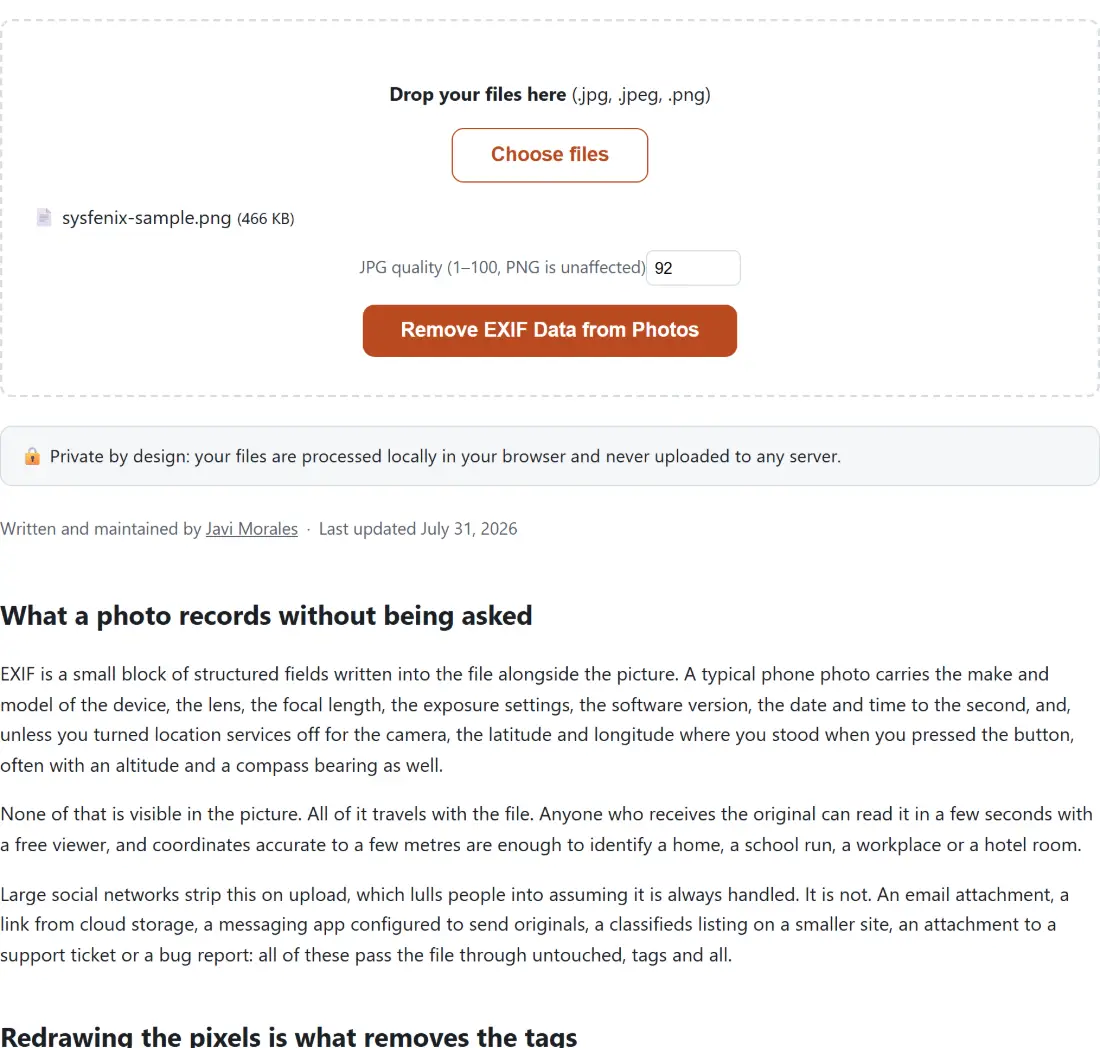
That last case is the one that surprises people, and it is the mechanism behind the cleanest way to strip a file. Removing EXIF data from a photo does not walk the tag list deleting entries one at a time. It decodes the image to a canvas bitmap and re-encodes it. A canvas holds pixels and nothing else, so there is no EXIF segment in the output, not because anything deleted it but because there was never anywhere for it to go. Stripping by construction is more trustworthy than stripping by enumeration, because a list can miss a field and a redraw cannot.
The trade is that a re-encode is a real re-encode. A JPEG going through that path picks up one more generation of lossy compression, which is why the tool exposes a quality setting that defaults to 92 rather than silently choosing for you. PNG is lossless, so a PNG round-trips unchanged and that number is ignored.
When you want to change a field rather than delete it
Deleting everything is a blunt instrument, and sometimes the problem is that one field is wrong rather than that all of them are dangerous.
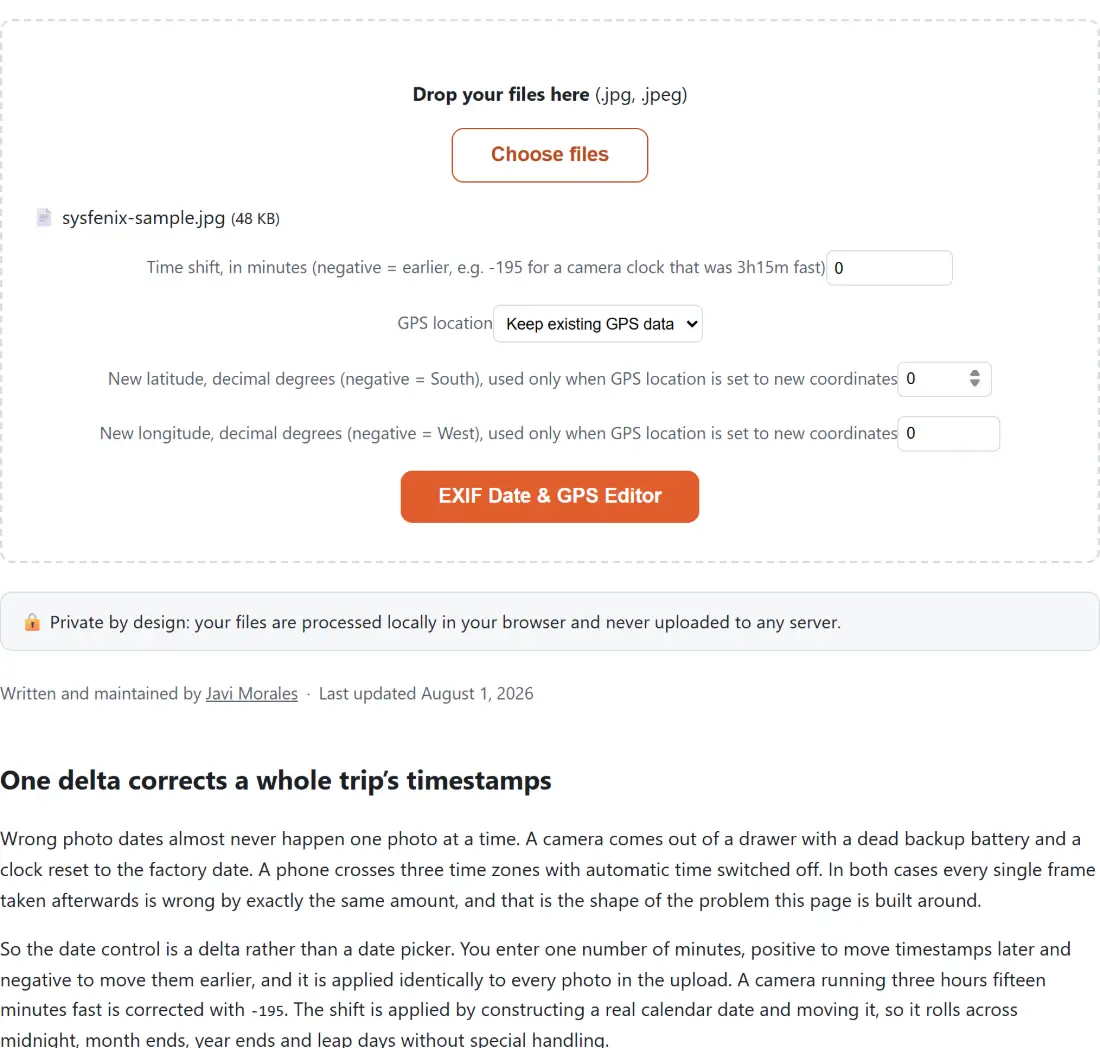
The common case is a camera clock. A body set to the wrong time zone, or never adjusted after travel, stamps every photo of a trip with a timestamp that is consistently off by a fixed amount. Sorting by date then interleaves two cameras incorrectly, and no amount of renaming files fixes it because the library is reading the tag. Shifting the capture time across the whole set is the correct repair, and it is what the EXIF date and GPS editor exists for. It also sets or removes coordinates specifically, which is the surgical version of the privacy question: keep the photographic record, drop the location.
That tool is narrower than the viewer on purpose. It handles JPEG only, because writing tags back into a file safely means understanding that file’s exact structure, and the viewer’s willingness to read five extensions does not imply an equal ability to write them.
The order to do things in
Metadata interacts with the rest of an image workflow in one direction, and getting the order wrong quietly undoes your work.
Strip last. If you strip a photo and then run it through a resizing or compression step, the second tool re-encodes the file again and you have paid twice for one privacy decision. If you compress an image first and strip afterwards, you get one re-encode and a clean file. Better still, in a browser-based workflow most of these steps are canvas operations anyway, so the compression pass has usually already removed the tags before you get to the stripping step. Checking the output rather than assuming is the whole point of having a viewer.
And keep the original. Every operation described here produces a new file, which means the version with the capture date, the lens, and the settings you might want in five years exists only if you decided to keep it. The published copy should be the stripped one. The archived copy should not be.