What a photo records without being asked
EXIF is a small block of structured fields written into the file alongside the picture. A typical phone photo carries the make and model of the device, the lens, the focal length, the exposure settings, the software version, the date and time to the second, and, unless you turned location services off for the camera, the latitude and longitude where you stood when you pressed the button, often with an altitude and a compass bearing as well.
None of that is visible in the picture. All of it travels with the file. Anyone who receives the original can read it in a few seconds with a free viewer, and coordinates accurate to a few metres are enough to identify a home, a school run, a workplace or a hotel room.
Large social networks strip this on upload, which lulls people into assuming it is always handled. It is not. An email attachment, a link from cloud storage, a messaging app configured to send originals, a classifieds listing on a smaller site, an attachment to a support ticket or a bug report: all of these pass the file through untouched, tags and all.
Redrawing the pixels is what removes the tags
This tool does not go looking for EXIF fields and blank them out. It decodes the photo to raw pixels, draws those pixels onto a fresh canvas, and encodes a brand new file from that canvas. A canvas holds nothing but colour values, so there is no route by which a tag could reach the output.
That construction is what makes the guarantee strong. There is no field list to keep up to date, no vendor-specific maker note that got missed, and no difference in behaviour between a file with three tags and a file with three hundred. It also covers metadata beyond EXIF proper: XMP blocks written by editing software, IPTC captions, and the text chunks a PNG can carry, none of which have anywhere to live in a canvas either.
The output keeps its original format. A JPG comes back as a JPG, encoded at the quality you set; a PNG comes back as a PNG, written losslessly, with the quality box ignored because PNG has no such dial.
Cleaning a batch of photos
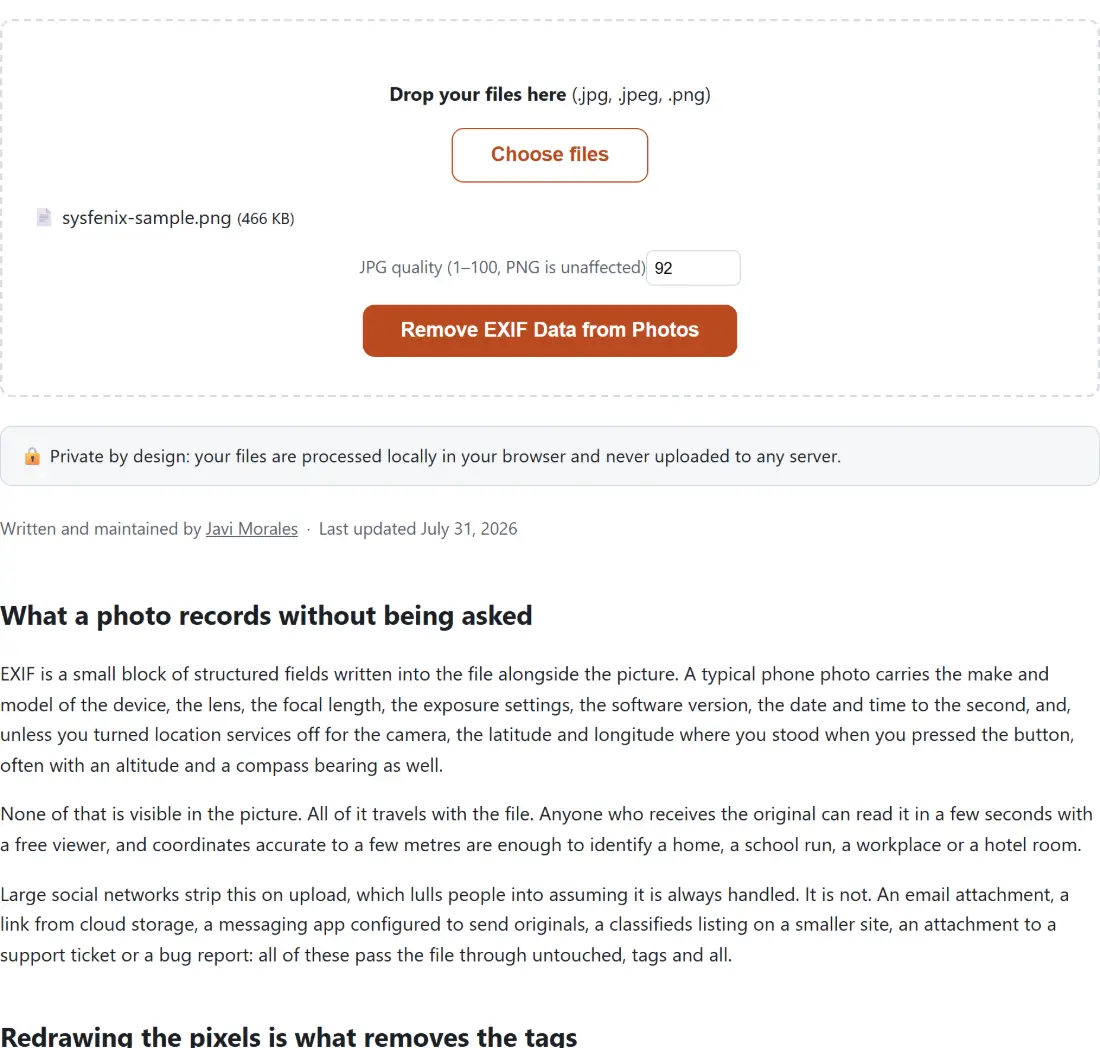
- Drop your JPG or PNG files into the box above, or use Choose files. Files accumulate across drops and duplicates are filtered out by name and size.
- Leave JPG quality (1–100, PNG is unaffected) at 92 unless you also want a smaller file.
- Click Remove EXIF Data from Photos. The progress bar advances once per completed photo.
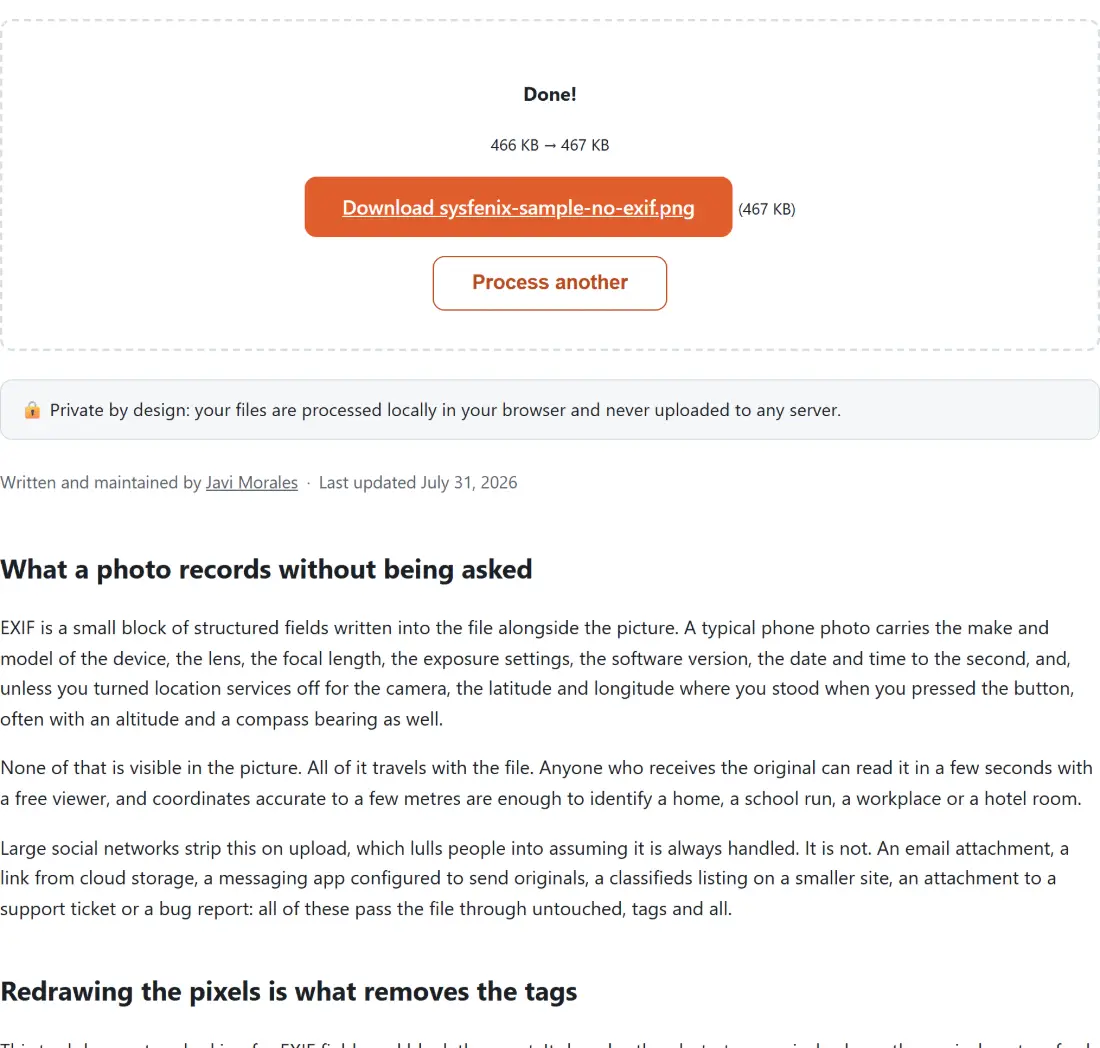
- Download each result. The suffix
-no-exifis added before the extension, sobeach.jpgarrives asbeach-no-exif.jpgand your original stays where it is.
Orientation, colour profile and the rest of the sidecar data
Two of the things a photo carries alongside its pixels are not purely informational, so it is worth knowing what happens to them.
Orientation is the tag that lets a phone save every photo in the sensor’s native layout and note “this one is rotated 90 degrees” rather than rewriting the pixels. Browsers apply that tag while decoding, so the bitmap this tool receives is already upright, and the file it writes needs no tag at all. Your photo is not rotated by the cleaning, and it will now look the same in software that used to ignore the tag.
The colour profile is the other one, and here the trade is real. Nothing copies an ICC profile into the new file, so a photo captured in a wide gamut loses the description of that gamut and is interpreted as ordinary sRGB afterwards. Most photos are sRGB anyway and nothing changes; a deliberately profiled image can look a little flatter. If that matters more than the metadata does, keep the original as your master.
Checking that the tags are really gone
Do not take anyone’s word for it, including ours. Run the original through EXIF Metadata Viewer and note what it lists, then run the cleaned download through the same viewer and confirm it now finds nothing. That takes under a minute and it is the only proof that means anything.
If you would rather keep some fields and remove others, for instance keeping the capture date on a family archive while deleting the coordinates, Edit EXIF Data is the selective tool, for JPGs specifically, and this one is the blunt instrument that also takes a PNG. For iPhone files, HEIC to JPG already produces metadata-free output as a side effect of how it decodes. The rest of the collection sits on the image tools hub.