GIF, a 1987 format still doing a 2026 job
The Graphics Interchange Format was published by CompuServe in 1987 to move small pictures over dial-up modems. Animation arrived with the GIF89a revision two years later, as an extension block that lets each frame carry its own delay, measured in hundredths of a second. Nothing about that design anticipated photographs, let alone phone cameras.
It survives because of one property nothing has replaced: a GIF is treated as an image, not as video. It needs no player, no codec negotiation and no tap to start. Paste one into a forum post, an email, a wiki, an older content management system or a chat window and it simply moves. That is why turning a handful of stills into a GIF is still the shortest path to something that plays everywhere.
Two consequences of the 1980s heritage are worth knowing up front. Each frame is limited to 256 colours, and there is no audio track at all.
Assembling the slideshow
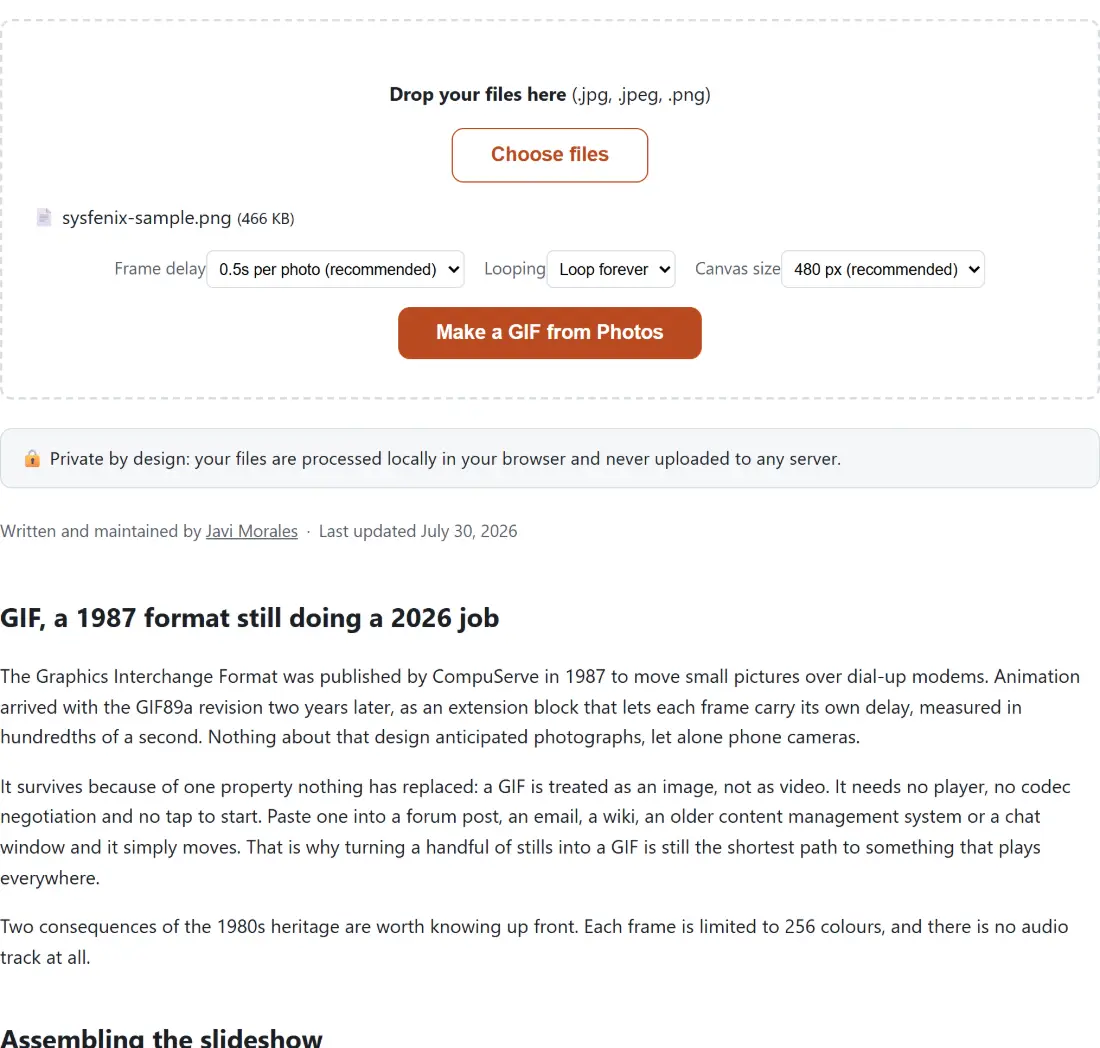
- Add your JPG or PNG photos. The list order is the animation order, top to bottom.
- Choose a Frame delay. All three presets happen to land on whole hundredths of a second, which is the smallest unit the format can express, so none of them get rounded oddly by a player.
- Choose a Canvas size and a Looping mode.
- Click the button. The progress bar tracks the encode, and you can cancel a long batch at any point.
- Download
slideshow.gif.
Frame delay, canvas size and looping
Delay is the decision that changes the character of the result most. At 0.2 seconds a set of stills reads as motion, which is what you want for a product spin or a reaction GIF built from burst photos. At 0.5 seconds it reads as a slideshow, and viewers have time to actually look at each image; this is the right default for holiday photos or a before-and-after. At one second per photo the pacing suits a diagram sequence or a step-by-step where each frame carries text.
Total run time is simply photos multiplied by delay, so twelve pictures at half a second gives a six second loop. Anything much beyond ten seconds is where a GIF starts to feel like the wrong container.
Canvas size sets a square box that every frame is fitted into. 480 pixels suits inline chat and forum posting. 320 keeps the file small enough for an email signature or a Slack emoji-adjacent use. 640 and 800 are for cases where detail actually matters, at a real cost in bytes, because a GIF’s size grows roughly with pixel area times frame count.
Looping is a single flag written into the file header: loop forever, which is what social platforms and chat clients expect, or play once, which suits a reveal or a punchline you do not want repeating in someone’s timeline.
Why a GIF can only hold 256 colours per frame
GIF is an indexed format. Every frame references a palette table, and that table holds at most 256 entries, a hard limit from an era when a colour screen showed 16 colours. A photograph typically contains tens of thousands of distinct colours, so something has to give.
The naive approach uses a fixed web-safe palette and produces the muddy, dithered look people associate with old GIFs. This tool does the two-pass job instead: one pass analyses your actual photos and generates a palette tailored to them, a second pass maps every pixel to that palette. FFmpeg calls these filters palettegen and paletteuse, and the filter chain splits the frame stream in two so the same decoded frames feed both passes in a single run.
The difference is large on faces, skin tones and brand colours, which land close to correct rather than approximately. Where the limit still shows is any wide smooth gradient: a sunset, a studio backdrop, a blurred background. 256 steps cannot describe those without visible banding, and no palette generator can change that. If the gradient matters, this format is the wrong choice.
Notes from running FFmpeg inside a browser tab
The encoder here is FFmpeg compiled to WebAssembly, running in your tab. It is the single-threaded build, because the multi-threaded one requires cross-origin isolation headers this site cannot send, so an encode is slower than the same command on your desktop. A handful of photos is a few seconds; dozens of high-resolution images take proportionally longer.
Two details took real debugging. First, frames keep their original file extension when handed to FFmpeg, so a .png stays .png, because the image demuxer picks its decoder from the name and renaming a PNG to .jpg makes it fail rather than adapt. Second, the concat demuxer has a documented quirk: the duration on the last playlist entry is discarded unless the entry is repeated, which is why the generated playlist always names the final photo twice. The test suite pins both behaviours, including the single-photo case, where the one and only frame is still listed twice.
Because all of this runs locally, the photos themselves never leave the device. Photo-to-GIF is a tool people reach for with family pictures, screenshots of internal systems and unreleased products, and none of that is uploaded, queued or logged anywhere. Turn off your network after the page loads and the encode still completes.
When an MP4 is the better answer
Be honest about the trade. For the same clip at the same visual quality, an MP4 is dramatically smaller, keeps full colour, and can carry sound. If your target is Instagram, TikTok, YouTube or a modern web page, encode video and skip GIF entirely; GIF to MP4 exists precisely for people who made the GIF first and then discovered its file size.
GIF wins in the places that still treat an image tag as the only reliable embed: older forums, plain-text-adjacent email, wikis, internal tools, bug reports. Pick it deliberately for those. Going the other way, MP4 to GIF extracts a GIF from footage you already have, and GIF Speed Changer retimes one you have already made without rebuilding it from the source photos.