Two effects share this page because they are the same idea to a viewer and completely different jobs to a video encoder. Repeating a clip is copying. Bouncing a clip is redrawing it. That split explains almost everything about how the two modes behave, including why one has limits and the other does not.
Two ffmpeg strategies behind one button
Loop mode never re-encodes. The clip is handed to ffmpeg with a stream-loop option placed before the input, which replays the source a set number of extra times, and the output is written with a plain copy of both the video and the audio packets. No frame is decoded, no frame is redrawn, and no quality is lost no matter how many passes you ask for. It is also why even a long clip stays cheap to loop: the work is proportional to the bytes moved, not to the pixels decoded.
Boomerang mode cannot work that way. The reversed half has to exist before it can be written, so the clip is decoded, run through a filter graph that splits it into two streams, reverses the second and concatenates the two, and then encoded again with x264 at a constant rate factor of 20 on the fast preset, in a broadly compatible pixel format. That is a real re-encode with a real, if usually small, generational quality cost. If you want the full explanation of why that cost exists at all, the guide on re-encoding covers it.
The count is total plays, not extra repeats
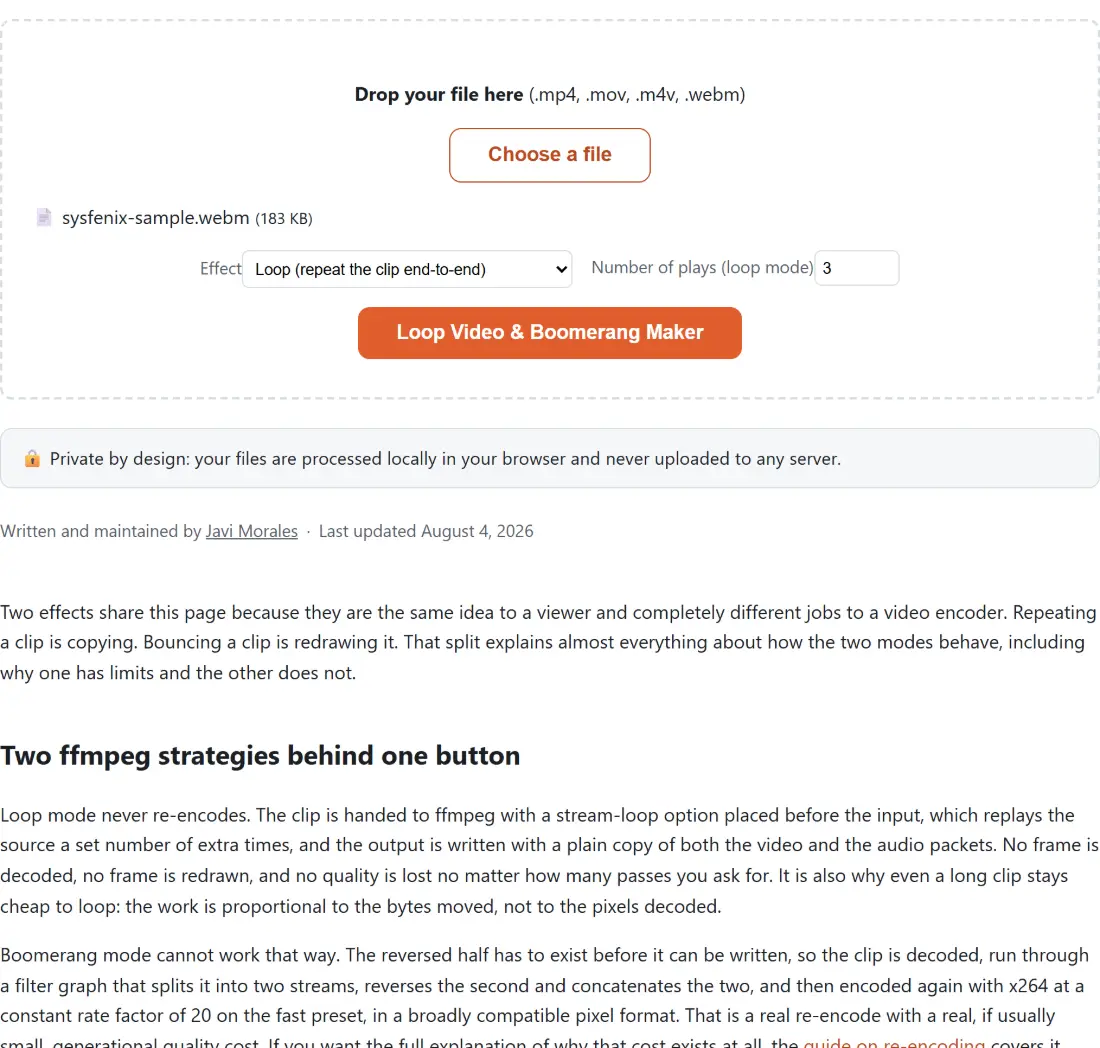
Number of plays (loop mode) is how many times you will see the clip, end to end. Three means three. Under the hood ffmpeg counts additional replays rather than total plays, so the tool subtracts one before handing the number over: three plays becomes a request for two extra loops. Getting that conversion backwards is the classic way to end up with four passes when you asked for three, and it is the single most common bug in hand-written loop commands.
The field accepts two to twenty. Two is the floor because looping something once is just copying it.
Choosing an effect and exporting the clip
- Drop a file on the box or press Choose a file. MP4, MOV, M4V and WEBM are accepted, one at a time.
- Set Effect to Loop (repeat the clip end-to-end) or Boomerang (play forward, then reversed).
- For a loop, set Number of plays (loop mode). The boomerang ignores this field.
- Press Loop Video & Boomerang Maker and watch the progress percentage. A loop only moves bytes around, so it finishes quickly; a boomerang has to decode the clip and then encode twice its length with a single-threaded encoder, so expect a substantially longer wait.
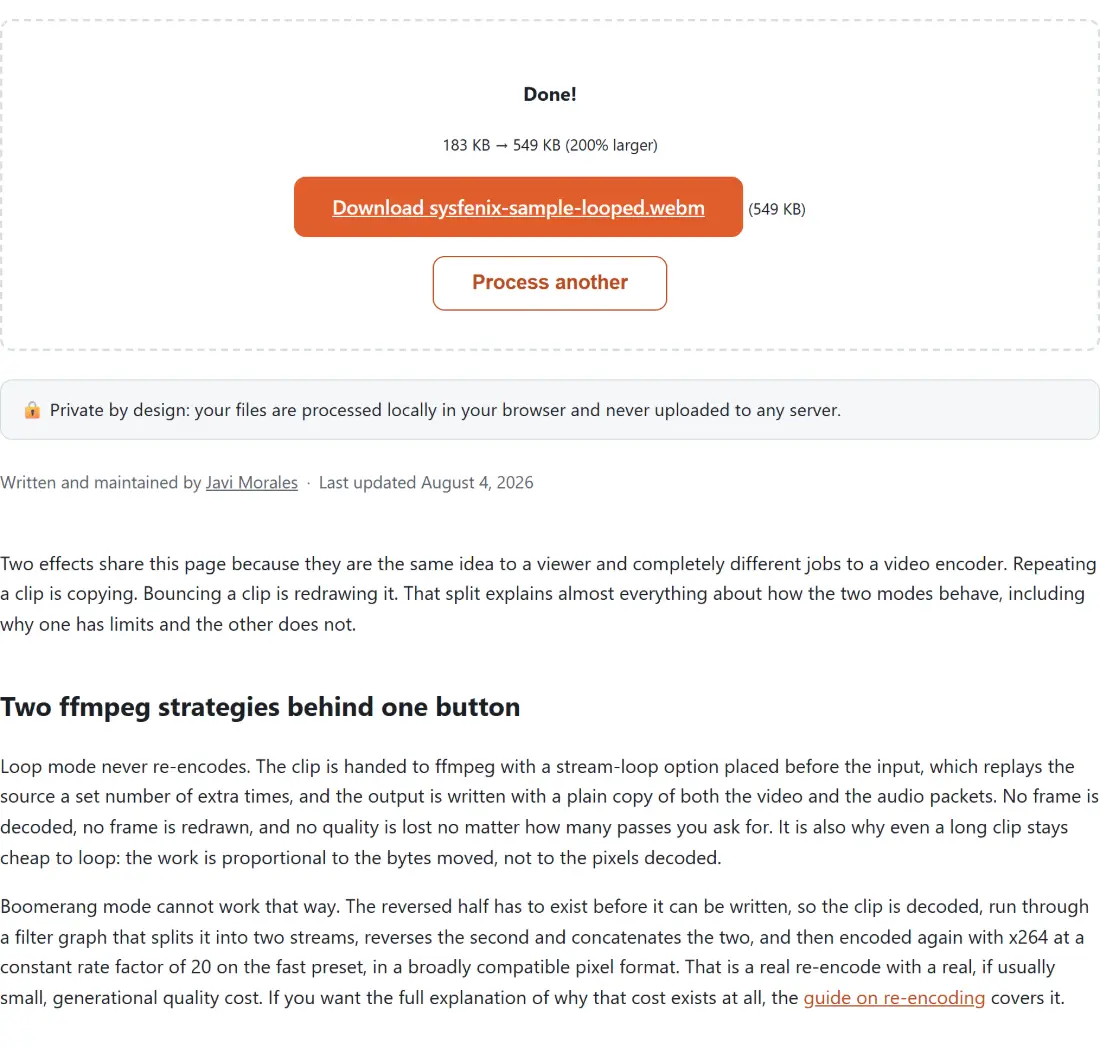
- Download the result. A looped file arrives as your own file name with a -looped suffix and its original extension, and a boomerang arrives with a -boomerang suffix and an .mp4 extension. Process another clears the box for the next clip.
The thirty second and hundred megabyte boomerang ceiling
Reversing has no streaming form. To emit the first output frame the filter must already hold the last input frame, which means holding all of them at once. On a single-threaded WebAssembly build of ffmpeg with a bounded heap, a long or high-resolution clip will exhaust memory and take the tab with it.
Rather than let that happen, boomerang mode probes the input, reads its duration, and refuses anything over thirty seconds or over one hundred megabytes before any encoding starts. The size check runs first, and a file with no readable duration is judged on size alone. Loop mode has neither limit, because copying packets never needs the whole clip in memory.
One honest caveat about that refusal: the module composes a detailed explanation naming which limit you hit and by how much, but the shared file-tool shell replaces every error with one generic sentence and writes the real text to the browser console. So the clip stops instead of crashing, which is the point, but the on-screen message will not tell you whether it was the length or the size. If you hit it, trim the clip first, which is a stream copy on the same four formats and so does not re-encode either, then boomerang the shorter piece. For an MP4 that is under thirty seconds but still too heavy, compress it first instead; that page takes MP4 only.
No crossfade, and that is deliberate
There is no blend between loop passes here. Doing a crossfade properly means re-rendering the entire video and mixing the tail of each pass into the head of the next, which throws away the one thing loop mode is good at and is fragile on an in-browser encoder. A half-working crossfade that ships glitchy output would be worse than none.
If what you actually want is motion with no visible cut, the boomerang is the answer: the forward and reversed halves meet on the same frame, so the join is seamless by construction. The trade is that you get a bounce rather than a repeat, and no audio.
File names, containers and the size readout
Loop output keeps the source container and lowercases the extension, so a file named “My Clip.MOV” comes back as “My Clip-looped.mov”. The MP4 family also gets the fast-start flag so the result begins playing before it has fully downloaded. Boomerangs always land as “My Clip-boomerang.mp4”.
The first video tool you use in a session downloads the ffmpeg engine itself, which is a large one-time fetch from a public package CDN before any processing starts. Your footage is not part of that: the file is read from disk into the tab and never sent anywhere. Cancelling mid-run terminates the engine and empties the box, so there is no half-finished file left to download.
Looping pairs naturally with a few neighbors. Turn the looped clip into a GIF if the destination will not autoplay video, though that page accepts MP4 only. Change the speed before or after looping for a faster bounce. The rest of the clip-editing set is on the video tools hub.