Cutting without decoding
There are two ways to shorten a video and they differ enormously in cost.
The thorough way decodes every frame, discards the ones outside your range, and re-encodes the rest. It can cut at any frame you like, and it charges you an encoding pass plus a generation of compression loss for the privilege.
The fast way leaves the compressed data alone. It finds the byte range covering your clip, copies it into a fresh container, fixes up the timestamps and stops. Nothing is decoded, nothing is re-compressed, and a trim of a large file finishes in the time it takes to read and write it. The catch is that the clip has to begin at a keyframe.
This tool takes the fast route, without an option for the other one. For trimming that is almost always the right call, because you are extracting footage you intend to keep exactly as it is, and paying an encode to move the cut by half a second is a poor exchange.
Trimming a file
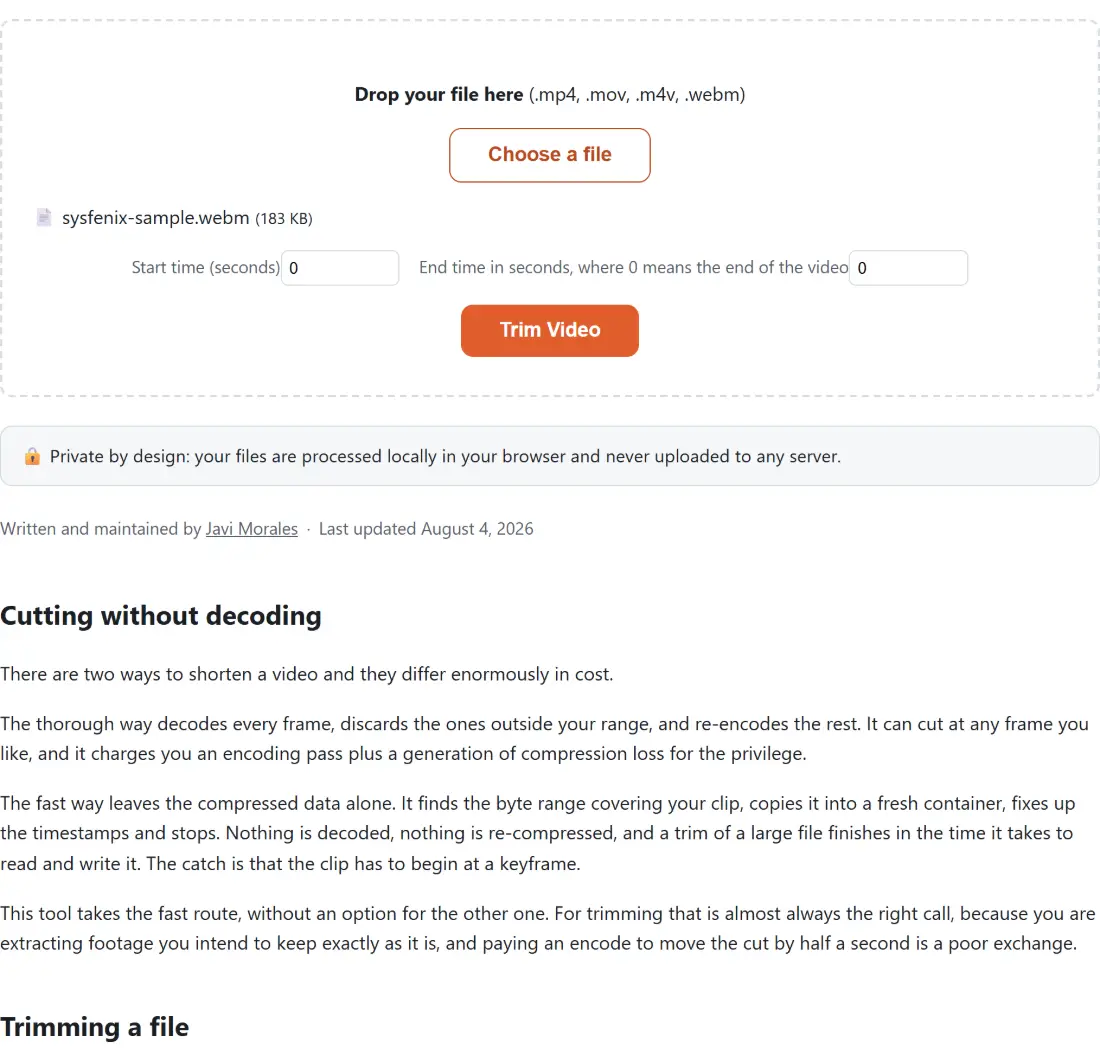
- Drop an MP4, MOV, M4V or WEBM onto the box.
- Enter a Start time (seconds).
- Enter an End time in seconds, where 0 means the end of the video. Leave it at zero to run to the end.
- Run it and download the trimmed clip.
Both fields are in whole seconds counted from the beginning of the file, so a cut from two minutes ten to three minutes is a start of 130 and an end of 180.
Why the start moves and the end does not
This is the one behaviour worth understanding, because it surprises people who expect frame accuracy.
Compressed video does not store every frame independently. A keyframe is complete on its own, and the frames after it are stored as differences from what came before, which is what makes video files a manageable size. A clip can only begin at a complete frame, because there is nothing preceding it to be a difference from.
So the seek jumps to the nearest keyframe at or before your requested start. If your footage has a keyframe every two seconds and you ask to start at 45, you may actually get 44. The end has no such constraint, since a clip can stop anywhere, so it lands where you asked.
The direction of the error is deliberate. Snapping backwards means you get slightly more than you asked for rather than losing the first word of a sentence.
What happens to the container
The output keeps the container it came in with. The compressed streams are being moved into a new wrapper rather than converted, so an MP4 stays an MP4.
For the MP4 family, which covers MP4, M4V and MOV, the index that tells a player how the file is laid out is moved to the front. Cameras and phones commonly write it at the end, which forces a player to download the entire file before it can show anything. Moving it forward is free and makes the clip start playing immediately when served over the web.
Timestamps get one fixup too. Because the cut can land mid stream, the first packets can carry negative timestamps that some players stumble over, so they are shifted to start the clip at zero.
The neighbouring operations
To break a file into several pieces rather than keep one range, Split Video uses the same copy strategy in both an equal parts and a fixed length mode. To join pieces, Merge Videos is the counterpart.
If you need the file smaller rather than shorter, that genuinely does require re-encoding, and Compress Video is the tool for it, though it takes MP4 only. To pull only the audio out of the range, Video to MP3 does that in one step. The rest are on the video hub.