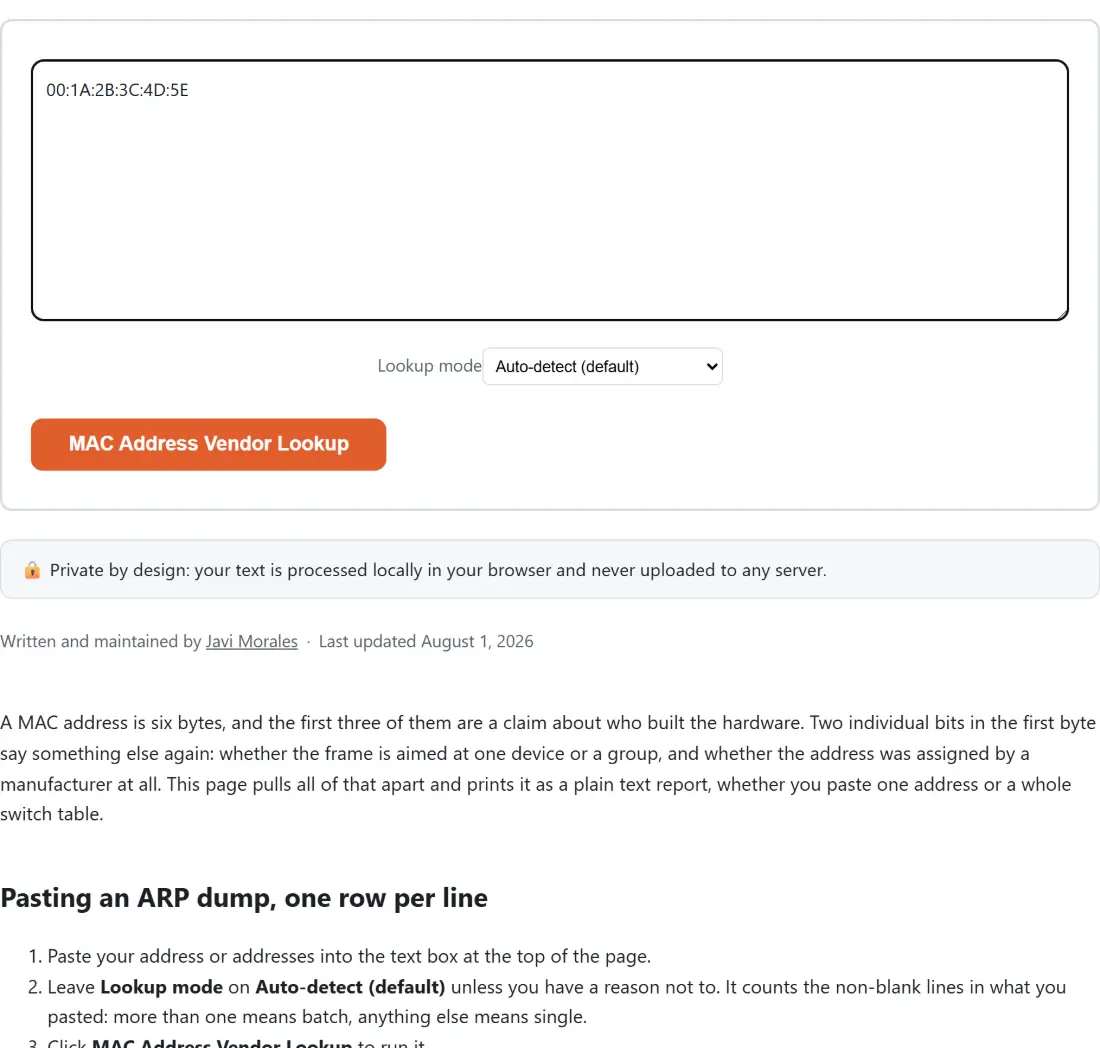
A MAC address is six bytes, and the first three of them are a claim about who built the hardware. Two individual bits in the first byte say something else again: whether the frame is aimed at one device or a group, and whether the address was assigned by a manufacturer at all. This page pulls all of that apart and prints it as a plain text report, whether you paste one address or a whole switch table.
Pasting an ARP dump, one row per line
- Paste your address or addresses into the text box at the top of the page.
- Leave Lookup mode on Auto-detect (default) unless you have a reason not to. It counts the non-blank lines in what you pasted: more than one means batch, anything else means single.
- Click MAC Address Vendor Lookup to run it.
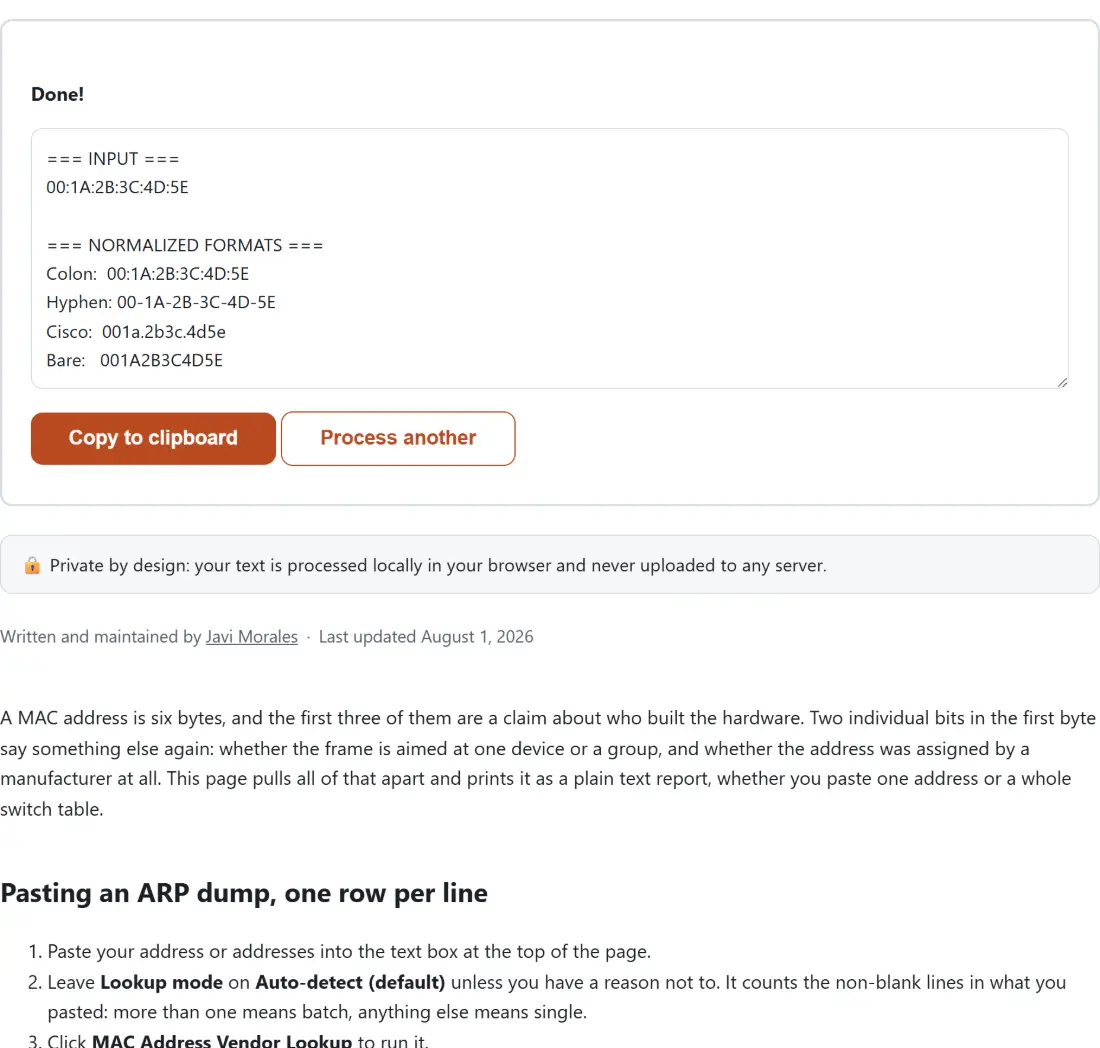
- Use Copy to clipboard for the report, or Process another to clear the box and start again.
The one case where auto-detect works against you is a single line copied straight out of an ARP table, with the hostname still attached. That is one line, so it runs as a single lookup, and the parser rejects the whole string. Force Batch (one address per line) and it works.
Reading a MAC address one byte at a time
Two flags live in the first octet, and they are the reason a report can be useful even when the vendor is a blank.
- The I/G bit is the lowest bit. Zero means unicast, one specific network interface. One means multicast, a group of them. The all-ones address FF:FF:FF:FF:FF:FF is the broadcast special case, and the report calls it out by name.
- The U/L bit is the next one up. Zero means universally administered, which is to say the OUI came from IEEE and the address was burned in at the factory. One means locally administered, assigned by software: a phone rotating its Wi-Fi address for privacy, a hypervisor handing a virtual NIC an address, or an operator typing one in by hand.
When the U/L bit is set, the report skips the vendor lookup entirely instead of guessing, because a locally administered address has no manufacturer prefix to look up in the first place.
The four notations, and the one your switch prints
Every device family prints MAC addresses differently, and the differences are purely cosmetic. The parser strips colons, hyphens, dots and whitespace before it validates anything, so all four forms below are the same twelve hex digits as far as this page is concerned.
Colon:  B8:27:EB:12:34:56
Hyphen: B8-27-EB-12-34-56
Cisco:  b827.eb12.3456
Bare:   B827EB123456
The single-address report prints all four of them, which is the part people actually use it for: taking an address out of a Cisco CLI and getting it into a DHCP reservation or a firewall rule that wants colons. Three of the four come out upper case; the Cisco form is deliberately lower case, matching IOS output.
A starter table of 29 prefixes, not the IEEE registry
This is the honest limitation of the page, and it is disclosed in the report itself rather than buried here. The vendor table is hand-picked and holds 29 prefixes across roughly a dozen organizations, chosen where the assignment was confidently known. Cisco’s original prefix, several VMware ranges, the address block VirtualBox uses by default, the Raspberry Pi prefixes, a few Apple, Google and Microsoft entries, Xensource, Parallels and Realtek.
That is enough to answer the question people usually have, which is not “who made this” but “is this a real box or a virtual one”. It is nowhere near the full registry. Every report that actually runs a vendor lookup ends with the same notes block, spelling out that an unknown result means absent from this small set, not invalid and not unassigned. The module’s own comments even document the refresh procedure for a maintainer with the IEEE CSV in hand.
Auto-detect picks single or batch by counting lines
Single mode produces a sectioned report: your input echoed back, the four normalized notations, the address type lines, then the vendor section. Batch mode produces a numbered list instead, one compact line per address, with the count of addresses processed at the top and the starter table disclaimer at the bottom. A batch line reads as the colon form, then unicast or multicast, then universal or locally administered, then the vendor field.
Neither mode ever throws. A parse failure in single mode is folded into an error section inside the report text, and a failure in batch mode becomes a numbered invalid entry. That is a deliberate design choice, because the shared text shell replaces any thrown error with one generic sentence, which would hide the specific reason your address was rejected.
Auditing a network without handing it over
An ARP table or a switch MAC table is an inventory of real machines on infrastructure you are responsible for. This page parses it with plain JavaScript in the tab you already have open, and nothing you paste is transmitted anywhere. If you are documenting the same network’s addressing, the IP Subnet Calculator works the same way for IPv4 ranges, and the rest of the developer tools category follows the same rule. For the server side of the same job, the Crontab Expression Generator and the Nginx and .htaccess Config Generator are both in the developer tools guide alongside this one.