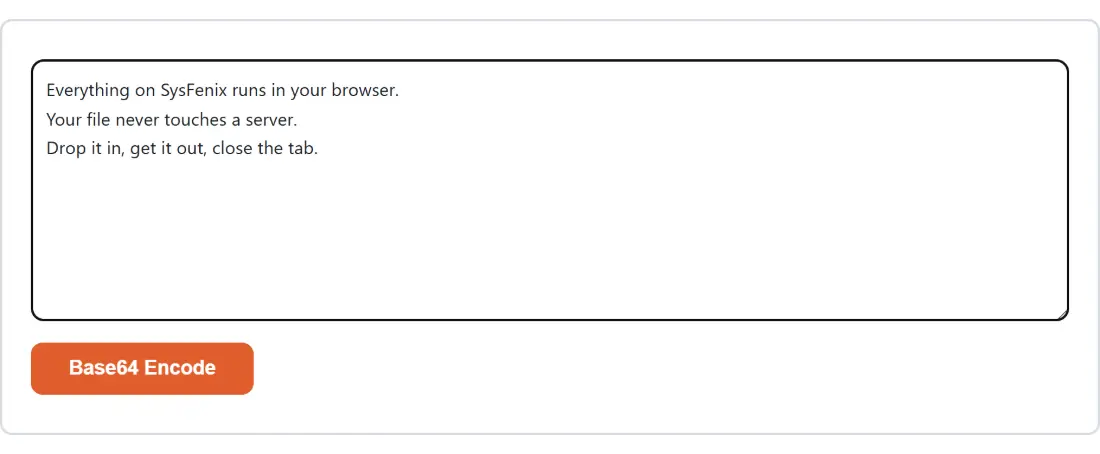
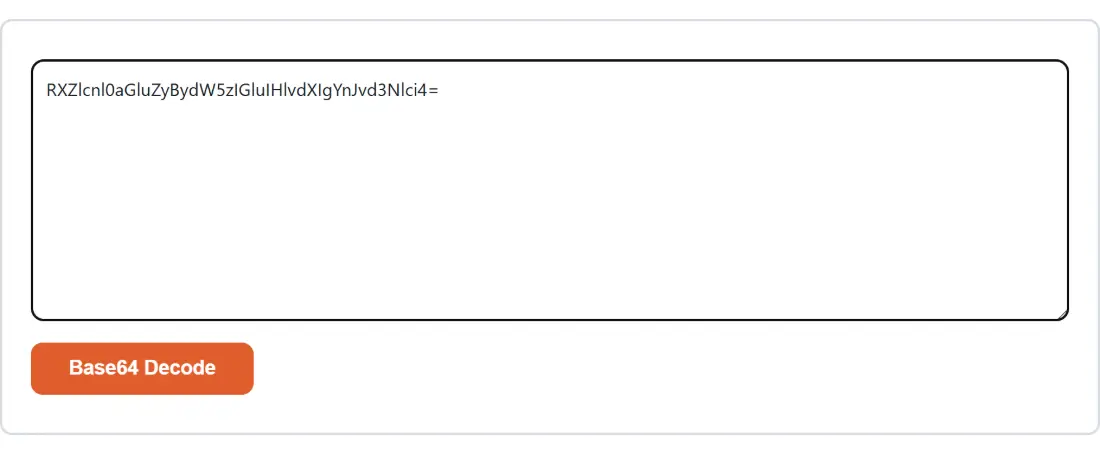
This is the largest tool category on SysFenix — 61 tools covering the everyday work of building and running software: encoding and hashing, structured-data formatting, archive files, SEO/webmaster utilities, and sysadmin/network config generators. Every one of them runs entirely in your browser tab. That’s a genuinely different privacy posture from most competing “online JWT decoder” or “online JSON formatter” sites, since it’s common to paste something here — an API token, a password hash, a curl command with a live bearer token — that you really don’t want touching a third-party server.
Encoding and decoding
The basics, each with a matching decoder:
Hashing, passwords and cryptography
- MD5 Hash Generator, SHA-1 Hash Generator, SHA-256 Hash Generator, SHA-512 Hash Generator — plain cryptographic hash digests of pasted text. MD5 and SHA-1 are broken for security purposes; use SHA-256 or SHA-512 for anything that matters.
- HMAC Generator produces a keyed HMAC signature (SHA-256/SHA-1/SHA-512/MD5) from a message and secret — used for webhook signature verification and API request signing.
- Bcrypt Hash Generator & Verifier hashes (and verifies) passwords the correct way — deliberately slow, salted, and resistant to brute-force, unlike a plain SHA hash.
- File Checksum Verifier computes an MD5/SHA-1/SHA-256/SHA-512 checksum of any uploaded file, optionally comparing it against an expected value to confirm a download wasn’t corrupted or tampered with.
- Password Generator and Password Strength Checker create strong random passwords and estimate how long a real attacker would take to crack one you already have.
- UUID Generator generates RFC 4122 v4 UUIDs in bulk.
- SSH Key Generator generates a real Ed25519 or RSA SSH key pair, entirely client-side (the only defensible way to generate a private key you actually want to trust).
- SSL CSR Generator generates a real Certificate Signing Request with a matching private key, for requesting an SSL certificate.
- htpasswd Generator generates Apache/Nginx basic-auth
.htpasswdentries (bcrypt or MD5-APR1 format). - Encrypt a File with a Password and Encrypt a Text Message with a Password use real AES-256-GCM encryption to password-protect a file or a short message.
Structured data: JSON, YAML, XML, CSV and Excel
- JSON Formatter & Validator pretty-prints or minifies JSON, with clear line/column error reporting for invalid input.
- JSON Schema Validator validates a JSON document against a JSON Schema (draft-07 or 2020-12), and can even generate a starter schema from an example document.
- YAML to JSON Converter converts bidirectionally between YAML and JSON — handy for Kubernetes manifests and Docker Compose files.
- XML Formatter & Validator and XML to JSON Converter format/validate XML and convert it to and from JSON.
- Convert JSON to CSV, Convert JSON to Excel, Convert Excel to JSON — round-trip between JSON and spreadsheet formats.
- Convert VCF to CSV converts a vCard contacts export into a spreadsheet-friendly CSV.
- Number Base Converter converts between binary, decimal, hexadecimal and octal (plus text-to-binary/hex).
- Chmod Calculator converts between octal (
755) and symbolic (rwxr-xr-x) Unix file permissions, with a plain-English breakdown.
General developer utilities
- Regex Tester & Builder tests a regular expression against sample text, highlighting every match and capture group.
- Text Diff Checker compares two blocks of text line-by-line or word-by-word.
- SQL Formatter beautifies SQL for PostgreSQL, MySQL, SQLite or T-SQL.
- CSS Minifier & Formatter minifies CSS (or beautifies it back), with a before/after size comparison.
- Curl Command Converter converts a pasted
curlcommand into equivalent JavaScript fetch, Python requests, Node axios, PHP cURL, or PowerShell code. - JWT Decoder and JWT Generator decode a JSON Web Token’s header/payload, or create and sign a new one (HS256/HS384/HS512).
- CSV Viewer, Hex Viewer and HAR File Viewer open a CSV, any binary file, or a browser DevTools network-capture (
.har) file as a browsable, sortable table. - Fake Data Generator generates realistic-looking test data (names, emails, phone numbers, addresses) as JSON, CSV or SQL insert statements — using only fictional-safe values, never real people’s data.
Archive files
- Create ZIP Files Online builds a real compressed ZIP archive from multiple files.
- Unzip Files Online, RAR Extractor Online, 7z Extractor Online, TAR.GZ / TGZ Extractor Online — extract the contents of an existing archive in each of these formats (all read-only; only ZIP creation is supported here).
SEO and webmaster tools
- Meta Tags Generator builds title/description/canonical plus Open Graph and Twitter Card meta tags, with live social-preview cards.
- Robots.txt Generator & Tester builds a robots.txt file and tests whether a given path is allowed for a given crawler.
- Schema Markup Generator generates JSON-LD structured data for Article, FAQ, How-To, Product and more.
- SEO Title & Description Pixel Counter checks whether a title/description will get truncated in Google search results.
- Privacy Policy Generator generates a starter privacy policy from a short questionnaire (a template, not legal advice).
- UTM Link Builder builds campaign-tracking URLs with utm_source/utm_medium/utm_campaign parameters.
Sysadmin, network and server config
- Nginx & .htaccess Config Generator and Dockerfile Generator build server/container config from a visual form.
- Crontab Expression Generator builds a cron expression from a schedule and explains it in plain English.
- .gitignore Generator builds a merged, deduplicated
.gitignorefrom checkboxes for your language/OS/editor. - IP Subnet Calculator computes network/broadcast address, usable host range, and CIDR details.
- MAC Address Vendor Lookup parses and normalizes a MAC address and looks up its manufacturer.
- SPF, DKIM & DMARC Record Generator builds the DNS TXT records needed to properly authenticate outbound email.
Which tool should I use?
| I want to… | Use this tool |
|---|---|
| Encode/decode Base64, a URL, or HTML entities | Base64 Encode / URL Encode / HTML Encode |
| Hash text securely | SHA-256 Hash Generator |
| Hash a password for storage | Bcrypt Hash Generator & Verifier |
| Verify a downloaded file wasn’t corrupted | File Checksum Verifier |
| Generate a strong random password | Password Generator |
| Generate an SSH key pair | SSH Key Generator |
| Format or validate JSON | JSON Formatter & Validator |
| Convert YAML to JSON (or back) | YAML to JSON Converter |
| Convert a spreadsheet to/from JSON | Convert Excel to JSON / Convert JSON to Excel |
| Test a regular expression | Regex Tester & Builder |
| Decode a JWT | JWT Decoder |
| Convert a curl command to code | Curl Command Converter |
| Extract a ZIP/RAR/7z/TAR.GZ archive | Unzip Files Online / RAR Extractor Online / 7z Extractor Online / TAR.GZ Extractor Online |
| Add SEO meta tags to a page | Meta Tags Generator |
| Build a robots.txt | Robots.txt Generator & Tester |
| Generate an Nginx or .htaccess config | Nginx & .htaccess Config Generator |
| Build a cron schedule | Crontab Expression Generator |
| Calculate a subnet’s network/broadcast address | IP Subnet Calculator |
With 61 tools in this category, there’s a good chance the one you need is here — and whichever it is, your data stays on your own device the entire time.