Running the conversion, step by step
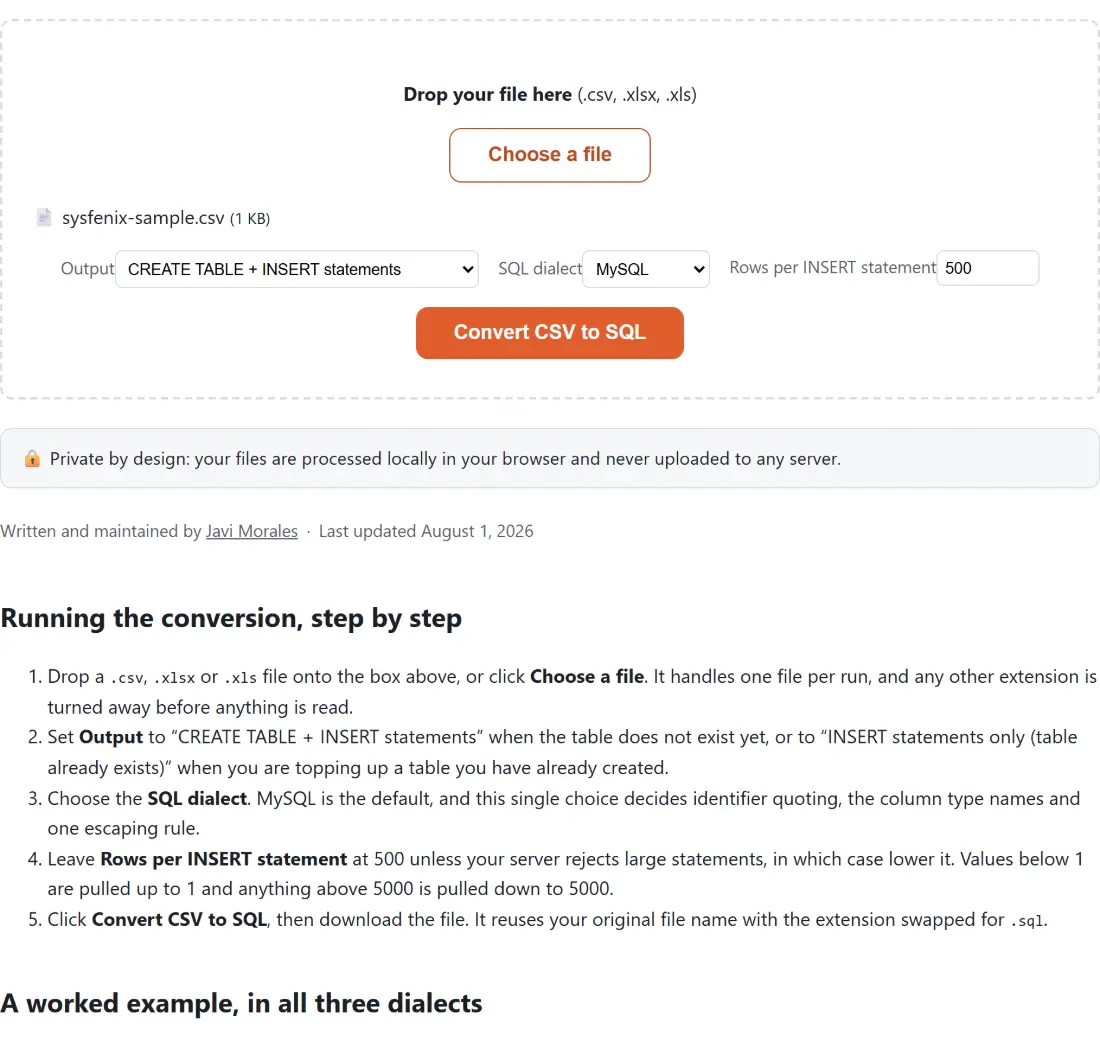
- Drop a
.csv,.xlsxor.xlsfile onto the box above, or click Choose a file. It handles one file per run, and any other extension is turned away before anything is read. - Set Output to “CREATE TABLE + INSERT statements” when the table does not exist yet, or to “INSERT statements only (table already exists)” when you are topping up a table you have already created.
- Choose the SQL dialect. MySQL is the default, and this single choice decides identifier quoting, the column type names and one escaping rule.
- Leave Rows per INSERT statement at 500 unless your server rejects large statements, in which case lower it. Values below 1 are pulled up to 1 and anything above 5000 is pulled down to 5000.
- Click Convert CSV to SQL, then download the file. It reuses your original file name with the extension swapped for
.sql.
A worked example, in all three dialects
Say the file is called Q3 Products (final).csv and looks like this:
sku,Product Name,price,zip,notes
A-19,Widget,3.14,00501,"O'Brien's pick"
B-02,Gadget,12,90210,
C-77,Doo-dad,7.5,10001,C:\temp\new
With the default options and the MySQL dialect, the output begins with a CREATE TABLE whose identifiers are wrapped in backticks, then a single INSERT holding all three rows:
CREATE TABLE `q3_products_final` (
  `sku` VARCHAR(255),
  `Product Name` VARCHAR(255),
  `price` DECIMAL(18,4),
  `zip` VARCHAR(255),
  `notes` VARCHAR(255)
);

INSERT INTO `q3_products_final` (`sku`, `Product Name`, `price`, `zip`, `notes`) VALUES
('A-19', 'Widget', 3.14, '00501', 'O''Brien''s pick'),
('B-02', 'Gadget', 12, 90210, NULL),
('C-77', 'Doo-dad', 7.5, 10001, 'C:\\temp\\new');
Switch the dialect to PostgreSQL and the backticks become double quotes, DECIMAL(18,4) becomes NUMERIC(18,4), and the Windows path in the last row keeps its single backslashes. Switch to SQLite and the text columns become TEXT, the decimal column becomes REAL, and the backslashes again stay as they are. Nothing else about the data changes between the three.
That small sample already contains most of the decisions the converter has to make, so it is worth walking through them.
Per-cell typing, and the leading-zero problem
Two separate judgements happen on every run. The declared column type is decided once per column, from every non-blank cell in it: all clean integers gives you an integer column, a mix of integers and decimals gives you the decimal type, and anything else gives you text. Whether an individual cell is written with quotes around it is decided again, on its own, for that one cell.
The rule for “looks like a number” is deliberately narrow. A value qualifies only if the entire trimmed cell is an optional minus sign, then either a lone zero or a digit from one to nine with any number of digits after it, optionally followed by a dot and at least one more digit. 1e5 does not qualify. 1,234 does not qualify. Neither does 00501, and that exclusion is the whole point: a postal code written as the bare number 501 has quietly lost the information that made it a postal code. Blank and whitespace-only cells become the unquoted keyword NULL rather than an empty string pretending to be one.
The trade-off in the sample above is visible. The zip column is declared VARCHAR(255) because of 00501, yet 90210 and 10001 are still emitted as bare numbers, since each cell is judged on its own. Read the generated CREATE TABLE before you run it. Type inference from a sample of text can never be more than a good guess, and this one is honest about being a guess.
Quoting rules, and the one place MySQL differs
Every value written as a string is single-quoted, and every single quote inside it is doubled. That is the SQL standard rule and it holds in all three dialects, which is why O'Brien's pick comes out as 'O''Brien''s pick' and cannot break out of its literal.
Backslashes are the exception. MySQL, in its usual configuration, reads a backslash inside a string literal as the start of an escape sequence, so the two characters that make up \n in a Windows path would be stored as a newline. For the MySQL dialect only, every backslash is therefore doubled first. PostgreSQL and SQLite treat a backslash as an ordinary character, and doubling it for them would insert a second backslash into your data, so nothing is done there. Table and column names are quoted too, which is why a header like Product Name survives the trip intact and a column named after a reserved word still works.
Table names, sheet names and file names
There is no free-text box for the table name, so it is derived. For a CSV, and for a workbook with a single sheet, the name comes from the file name with the extension removed, punctuation and spaces collapsed into underscores, and the whole thing lowercased. That is how Q3 Products (final).csv became q3_products_final. A file called 2024 sales.csv becomes _2024_sales, because a bare leading digit is not a valid identifier.
A workbook with more than one sheet is treated differently: each sheet becomes its own table named after that sheet tab, so a three-tab workbook produces three CREATE TABLE statements and three sets of INSERTs in the same download. Only the table names get this cleanup. Column names are taken from your header row exactly as written and simply quoted, so spacing and capitalisation are preserved.
Limits worth knowing before you run the SQL
The output is a text file, not a migration. There are no primary keys, no indexes, no foreign keys, no NOT NULL constraints and no length tuning beyond the fixed VARCHAR(255) that MySQL and PostgreSQL text columns get, so treat the CREATE TABLE as a first draft you edit rather than a schema you ship. Nothing runs against a database here either; you get a file to review and execute yourself.
Because the whole file is parsed and turned into text in the tab’s own memory, the ceiling is your device rather than an upload quota, and a genuinely huge export will make the tab work for it. If you only need to look at the data first, open it in the CSV Viewer and sort or search it there. If your source is an Excel workbook and JSON is the real destination, Excel to JSON skips the SQL step entirely and accepts several workbooks at once. To paste CSV text straight from the clipboard instead of picking a file, CSV to JSON takes pasted input. And once you have the statements, the SQL Formatter will re-indent them, which is handy after you have edited the CREATE TABLE by hand. More conversion utilities live on the developer tools hub.