Size buckets first, SHA-256 only where it matters
Duplicates pile up by accident. A photo library gets copied to a backup drive, then copied again
because nobody could remember whether the first copy finished. The same installer is downloaded
twice. A phone sync writes IMG_1234.jpg and then IMG_1234 (1).jpg beside it. Months later
there are gigabytes of exact copies and no obvious way to find them.
Sorting by name misses anything renamed. Sorting by size gets you close and then wastes your time on files that merely happen to be the same length. The scan on this page does both stages in the right order. Every selected file is bucketed by its exact byte count, and any bucket holding a single file is discarded on the spot: a file with a unique length provably has no byte-identical twin anywhere in the selection. Only the survivors are opened, and each one is streamed through SHA-256 in chunks rather than being loaded into memory whole. Files are then grouped on size and digest together, so a coincidental size clash cannot survive to the results.
In a typical Downloads or photo folder that filter eliminates most of the work before a single byte is read.
Running a scan from the two pickers
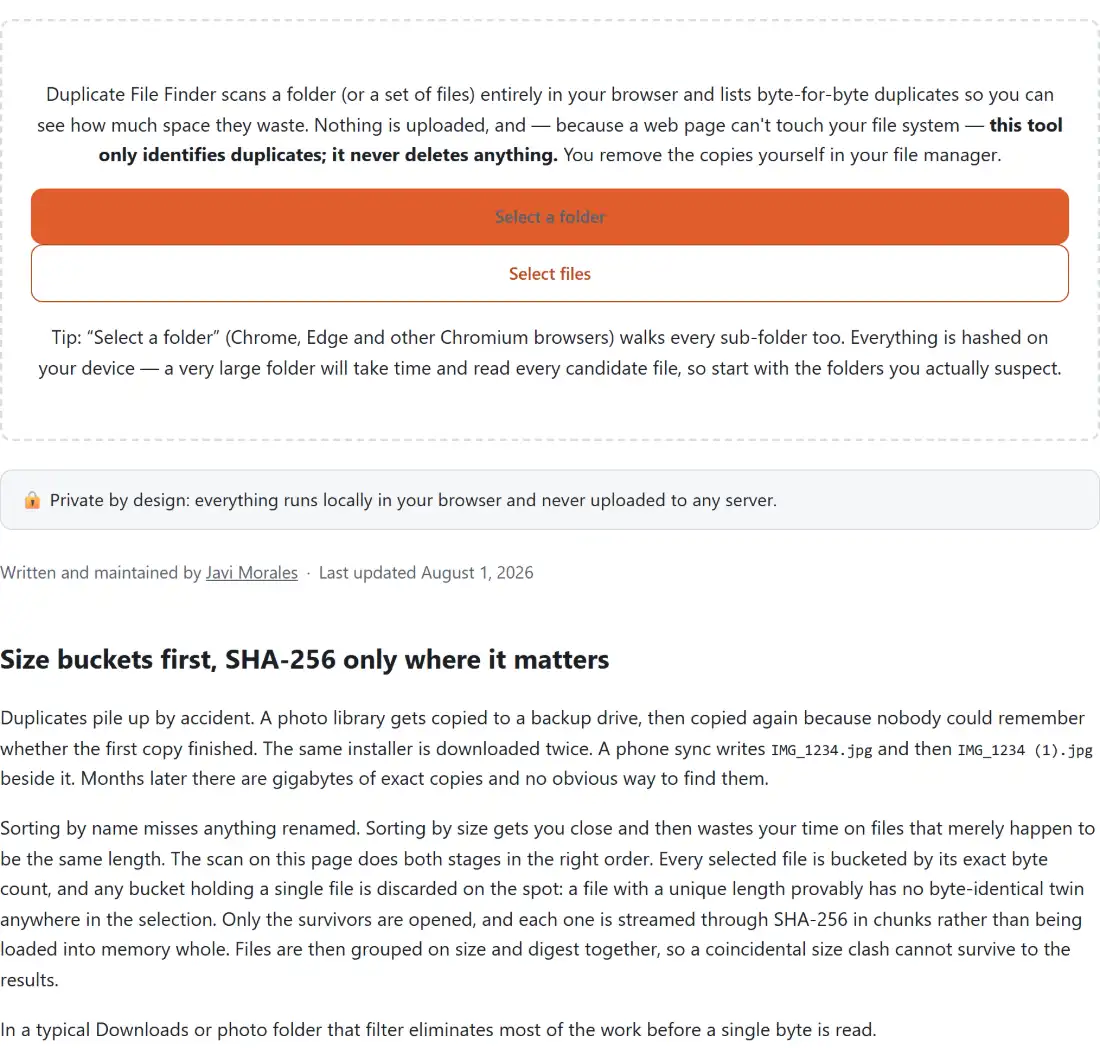
- Click Select a folder to pick a directory and walk every sub-folder inside it, or Select files to choose a specific set by hand. There is no drag-and-drop zone on this page; the two buttons are the whole input.
- Watch the counter while the same-size candidates are hashed. It reads as a done-of-total over the candidate set, and shows a note about finding same-size candidates before that total is known. Cancel stops the scan and returns you to the pickers with nothing kept.
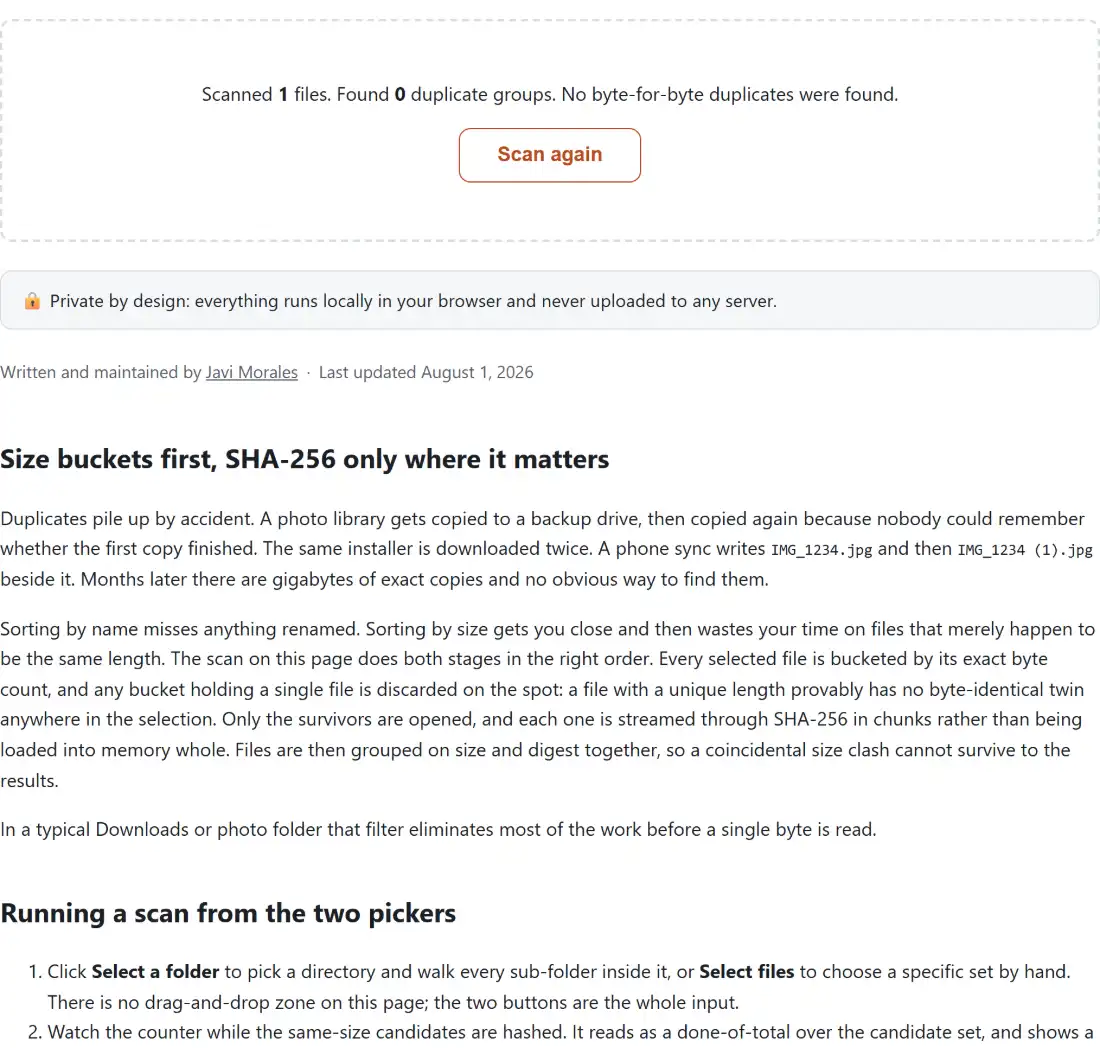
- Read the summary line, which states how many files were scanned, how many duplicate groups came back, and how much space you would reclaim by keeping one copy of each.
- Work down the groups. Press Download report (.txt) or Download report (.csv) to save the list, then delete the extra copies yourself in your file manager. Scan again clears everything and returns to the pickers.
The folder button relies on a directory-picking attribute that Chromium browsers support; where it is unavailable the same button degrades into an ordinary multi-file picker, which is what the second button offers explicitly anyway.
One keep, the rest duplicate
Groups are ordered by reclaimable space, largest first, so the worst offenders are at the top of the list rather than buried. Each group header states how many identical files it holds, the size of each one, and the total you would get back. Inside the group the files are sorted by name, the first is tagged keep, and the rest are tagged duplicate.
The reclaimable figure for a group is the size of one file multiplied by the number of extra copies. Four identical 3 MB exports are 12 MB on disk but only 9 MB of waste, because one of them is the file you actually wanted. The total at the top is that figure summed across every group, and files with no duplicate contribute nothing at all to it.
Inside the txt and csv reports
The plain-text export opens with the number of files scanned, the number of groups, and the total reclaimable space in both human-readable and raw-byte form, followed by a paragraph restating that nothing has been or will be deleted. Each group then lists its shared SHA-256 digest and every path underneath it, prefixed with the keep or duplicate tag. It is the version to keep for reference or to paste into a ticket.
The CSV is the version to feed to something else. It has one row per file and the columns
group, role, path, size_bytes, size_human, copies_in_group and reclaimable_bytes,
with the reclaimable figure filled in only on each group’s first row so that summing the column
gives the correct total instead of counting each group once per member. Fields are quoted properly,
so paths containing commas survive the trip into a spreadsheet.
Byte-identical is a stricter test than looks-identical
The digest is computed over the file’s actual contents, which cuts both ways and it is worth being clear about both.
In your favour: names, timestamps and folder locations are irrelevant. A photo renamed, moved to another directory, or copied with a “(1)” appended is still detected as a copy of the original, because none of that touches the bytes.
Against you: anything that rewrote the file is a different file. A JPEG re-saved at a different quality, an image resized, a video re-encoded, even a photo whose EXIF was edited, will not match its ancestor no matter how identical the two look on screen. This tool finds exact copies. It is not a perceptual near-duplicate matcher, and it will not claim to be one. If you want to look at what a file really contains before deciding, the Hex Viewer opens one file at a time as a classic offset, hex and ASCII dump.
The deletion step is yours, and the tool has no way to take it
This page only ever reads files through a plain file picker, which gives it no handle it could delete, move or rename anything with, so the scanner is read-only by construction rather than by policy. That constraint is worth keeping even if it could be lifted. An automatic cleaner that guesses wrong takes something you wanted and gives you nothing to appeal to, whereas a reviewed list costs a few minutes and cannot lose data.
Everything happens inside the tab: the files are read from disk and hashed locally, which is also why there is no size ceiling imposed from outside and why the page keeps working with the network off. The same streamed hashing runs in the File Checksum Verifier, which points it at a single file and, if you add a companion .txt holding the published hash, reports a match or mismatch instead of comparing a whole set of files against each other. Once you have pruned a folder, the Create ZIP Files tool will pack what remains into a single archive, and the rest of the dev-tools hub covers the neighbouring file-inspection jobs.
One honest limitation: if a file cannot be read part way through a scan, the run stops and reports the error rather than returning partial groups. Nothing is lost, but you will need to deselect the problem file and scan again.