Create ZIP Files Online

Combine any files into one ZIP archive in your browser with a real DEFLATE compression level you choose. Nothing is uploaded and no software is needed.

🌐 Español

Drop your files here (any file type)

🔒 Private by design: your files are processed locally in your browser and never uploaded to any server.

Zipping without a zip utility

Combining files into an archive is a right click on a desktop and a genuine obstacle everywhere else. A managed work laptop with archive creation removed. A school Chromebook. A phone, where gathering several files from different apps into one archive is far more work than it should be. A borrowed computer where you would rather not install anything.

This page compresses in the browser tab. Select the files, choose how hard to compress, and download one archive. Nothing is installed and nothing is uploaded, which also means there is no size cap imposed by somebody else’s free tier.

Building an archive

  1. Drop your files onto the box or pick them. Any file type is accepted and there is no count limit.
  2. Choose a Compression level. Balanced is the sensible default.
  3. Run it and download the archive.

The compression levels are a real scale

The three options are not marketing tiers, they map onto genuine settings of the standard DEFLATE algorithm.

The fastest level does no compression at all. It packs the files end to end into the archive structure and nothing else, so the result is roughly the size of the inputs combined and is produced as fast as the files can be read. It is the right choice when everything inside is already compressed, since the other levels would spend time achieving nothing.

Balanced runs real compression at a middle setting. For text, source code, CSV, logs, spreadsheets and most documents the saving is substantial, and the time cost is imperceptible on anything but a very large batch.

Maximum pushes the same algorithm as hard as it goes. The extra saving over balanced is usually modest and the time cost is real, so it earns its place when the archive is going somewhere with a size limit rather than as a default.

What compresses and what does not

Compression works by finding repetition, so how much you save depends entirely on what is inside.

Text is enormously repetitive, so plain text, code, JSON, CSV, XML and logs frequently shrink to a fraction of their size.

Files that are already compressed have had their repetition removed already. JPEGs, PNGs, MP3s, most video formats and any file that is itself an archive will not shrink meaningfully at any level. Choosing maximum compression on a folder of photos wastes time for no benefit, which is precisely the case the fastest level exists for.

Folder structure, and why it is not there

A browser cannot see your folders. When you pick a file, the page receives its name and its contents and nothing else, with no path attached, regardless of how deeply nested it was on disk. Dropping a folder does not solve it either, since what arrives is not reliably walkable as a tree.

The consequence is that the archive is flat. Every file sits at the top level, and if you selected files from several folders they are now neighbours.

Where that matters, name collisions are handled properly rather than silently. Two different files sharing a name both survive, with the second gaining a numeric suffix before its extension, and the check runs across the whole selection rather than pairwise. If you genuinely need the folder tree preserved, your operating system’s own compress command is the right tool, because it has the file system access a web page does not.

To go the other way and open an archive, Unzip Files is the direct counterpart and shares this tool’s naming logic. For the formats a fresh machine cannot open at all, RAR Extractor, 7z Extractor and TAR.GZ Extractor each handle one.

If you are bundling data files, JSON to CSV and Excel to JSON convert them first, and Duplicate File Finder is worth a pass before archiving a large batch. The rest are on the dev tools hub.
See it in action

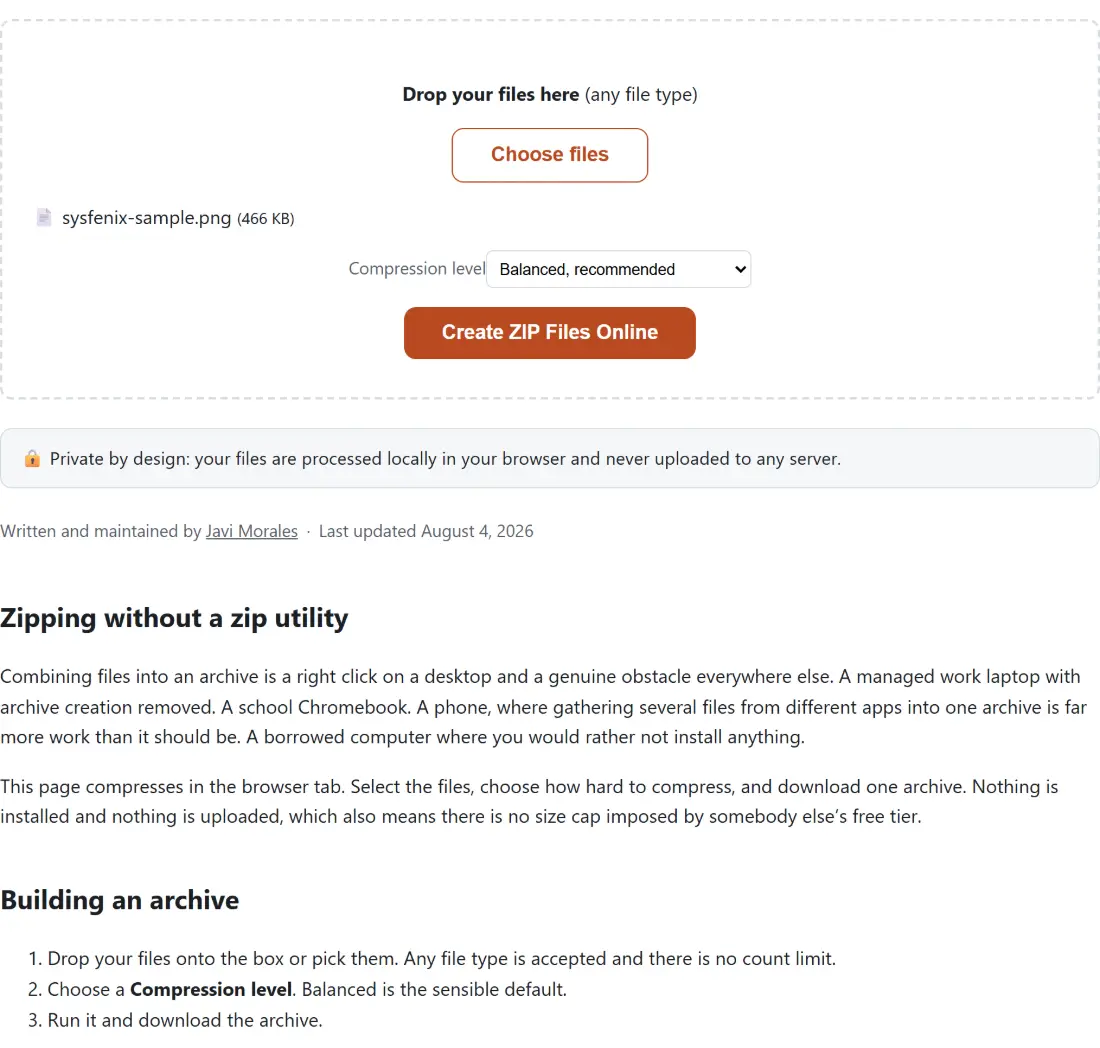
Screenshot of the Create ZIP Files Online tool with sysfenix-sample.png (466 KB) loaded, Compression level set to Balanced, recommended
Create ZIP Files Online mid-process: sysfenix-sample.png (466 KB) loaded, Compression level set to Balanced, recommended.
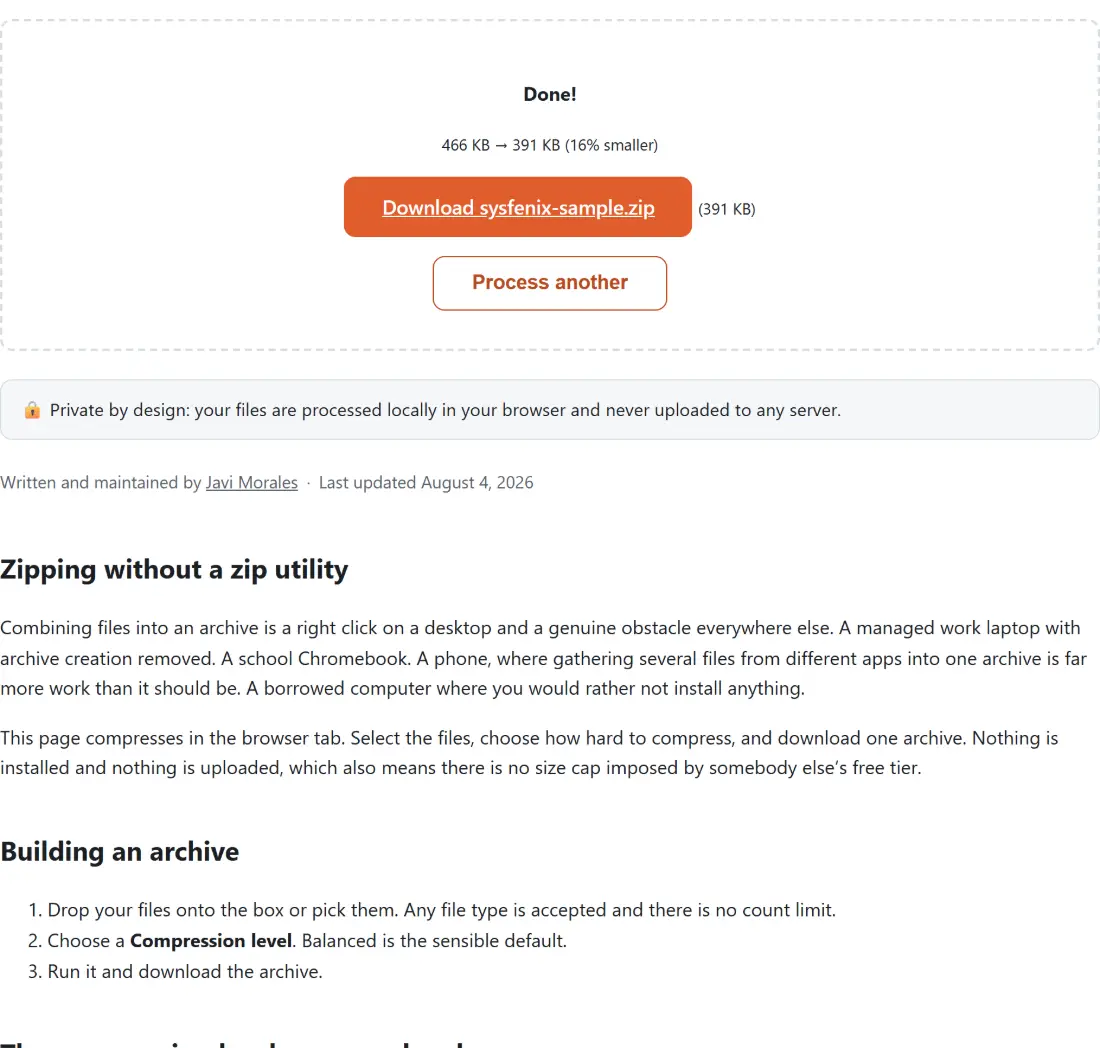
Screenshot of the Create ZIP Files Online result screen showing sysfenix-sample.zip ready to download (391 KB, 16% smaller)
The finished result: sysfenix-sample.zip ready to download (391 KB, 16% smaller). The download link is a local blob URL — the file never leaves your device.

Frequently asked questions

Are my files uploaded to build the archive?

No. Every file is read and compressed inside your browser tab, and the finished archive goes straight to your downloads folder. Nothing about your files, or even the fact that you zipped them, is transmitted anywhere. That is the reason to use this rather than a service that takes an upload and gives you a link back.

Does it preserve my folder structure?

No, and this is an honest limitation rather than an oversight. A browser file picker never reveals which folder a file came from, since a file's name is always just the bare name with no path attached, and a dropped folder is not reliably walkable either. Every file you select therefore goes into the archive as one flat list at the top level. If you need a real folder tree, your operating system's own compress command has direct access to the file system and this page does not.

What do the three compression levels actually do?

They map onto a real compression scale. The fastest level packs the files together with no compression at all, so the archive is roughly the size of the files combined but is produced instantly. Balanced applies genuine DEFLATE compression at a middle setting, which noticeably shrinks text, code, spreadsheets and documents at a speed you will not notice. Maximum pushes the same algorithm as far as it goes for a modest further saving and a longer wait.

Why did my archive not get any smaller?

Because of what is in it. JPEGs, MP3s, most video and any file that is already an archive are compressed already, and compressing compressed data does essentially nothing regardless of the level you choose. That is a property of those formats rather than a limitation here. Text, code, CSV, logs and uncompressed documents compress dramatically.

What will the archive be called?

A single file zips to that file's own name with a zip extension. Several files zip to a generic timestamped name instead, since there is no one file name to derive it from and this page has no field to type one in. Rename the download afterwards the same way you would rename any file.

What if two of my files have the same name?

Both are kept. The second and any further file with a repeated name gets a numeric suffix added before its extension inside the archive, so nothing is silently overwritten or lost. That check runs across the whole selection rather than just between adjacent pairs.

Is there a limit on size or file count?

None imposed here. Compression happens in your browser's memory, so the practical limits are how much memory your device has and how long you are willing to wait for a large batch. There is no queue, no account and no upload cap, because there is no server involved to impose one.

Will the result open everywhere?

Yes. It is a standard ZIP archive using the ordinary compression method that every mainstream tool understands, including the built in extraction in Windows and macOS and every desktop archiver. It also opens with the unzip tool on this site.

Related tools