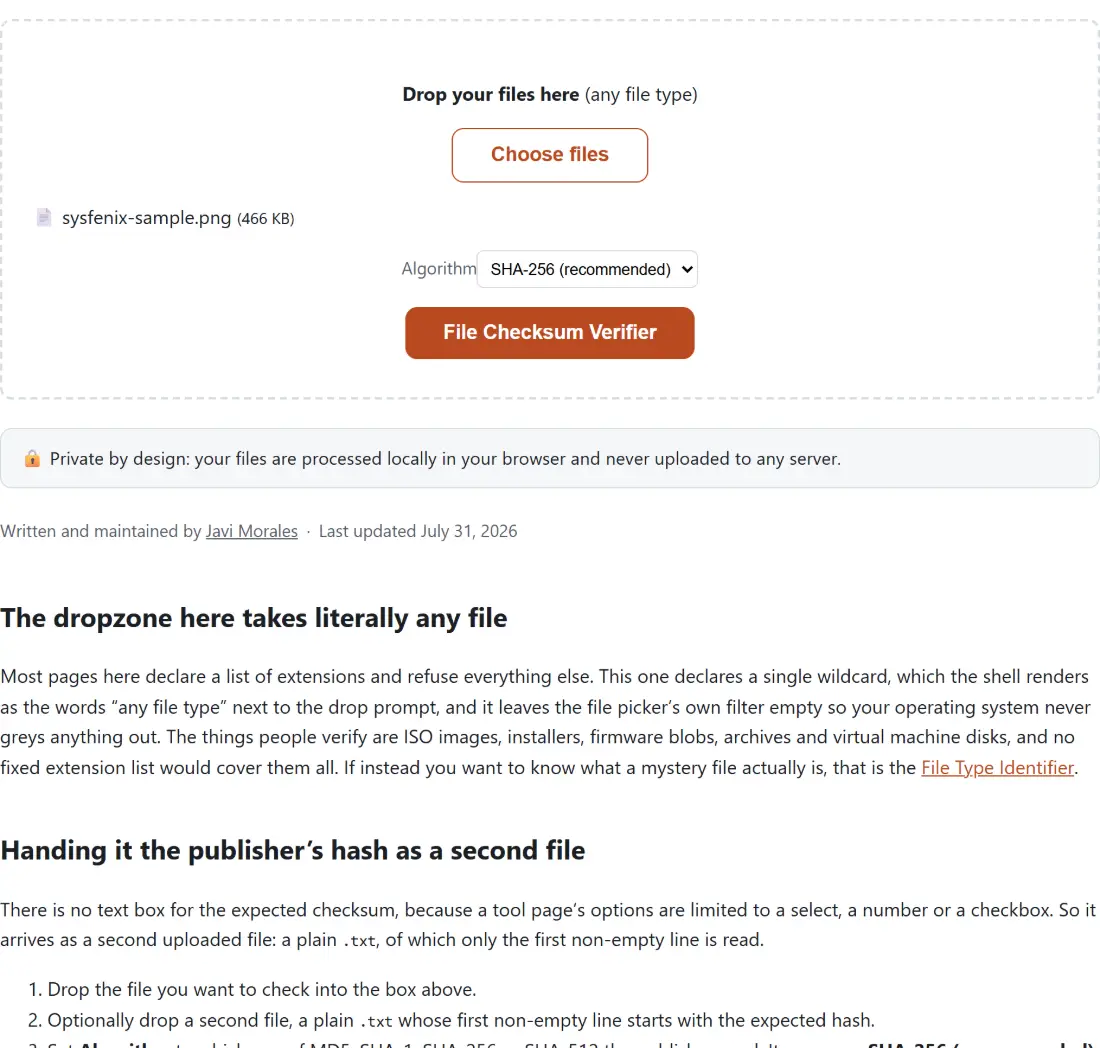
The dropzone here takes literally any file
Most pages here declare a list of extensions and refuse everything else. This one declares a single wildcard, which the shell renders as the words “any file type” next to the drop prompt, and it leaves the file picker’s own filter empty so your operating system never greys anything out. The things people verify are ISO images, installers, firmware blobs, archives and virtual machine disks, and no fixed extension list would cover them all. If instead you want to know what a mystery file actually is, that is the File Type Identifier.
Handing it the publisher’s hash as a second file
There is no text box for the expected checksum, because a tool page’s options are limited to a
select, a number or a checkbox. So it arrives as a second uploaded file: a plain .txt, of which
only the first non-empty line is read.
- Drop the file you want to check into the box above.
- Optionally drop a second file, a plain
.txtwhose first non-empty line starts with the expected hash. - Set Algorithm to whichever of MD5, SHA-1, SHA-256 or SHA-512 the publisher used. It opens on SHA-256 (recommended).
- Click File Checksum Verifier, then download the report.
The parser keeps the leading run of hex characters from that first line and discards the rest, which is
precisely the shape sha256sum and md5sum print: the digest, two spaces, then a file name.
Upper-case hex is fine too, since the expected value is lower-cased before comparison and the
computed digest is lower-case hex already.
What the report actually says
The download is a small plain-text file named after your original with the algorithm appended, so
hashing ubuntu.iso under SHA-256 produces ubuntu.iso.sha256.txt. Inside are three labelled lines:
the file name, the algorithm, and the checksum. Supply an expected hash and two more follow, the
expected value and a result line that begins with either MATCH or MISMATCH. The comparison is exact
equality on the full digest, so a truncated expected value (the first eight characters copied out of
a forum post, say) reports MISMATCH even when the file is perfectly fine.
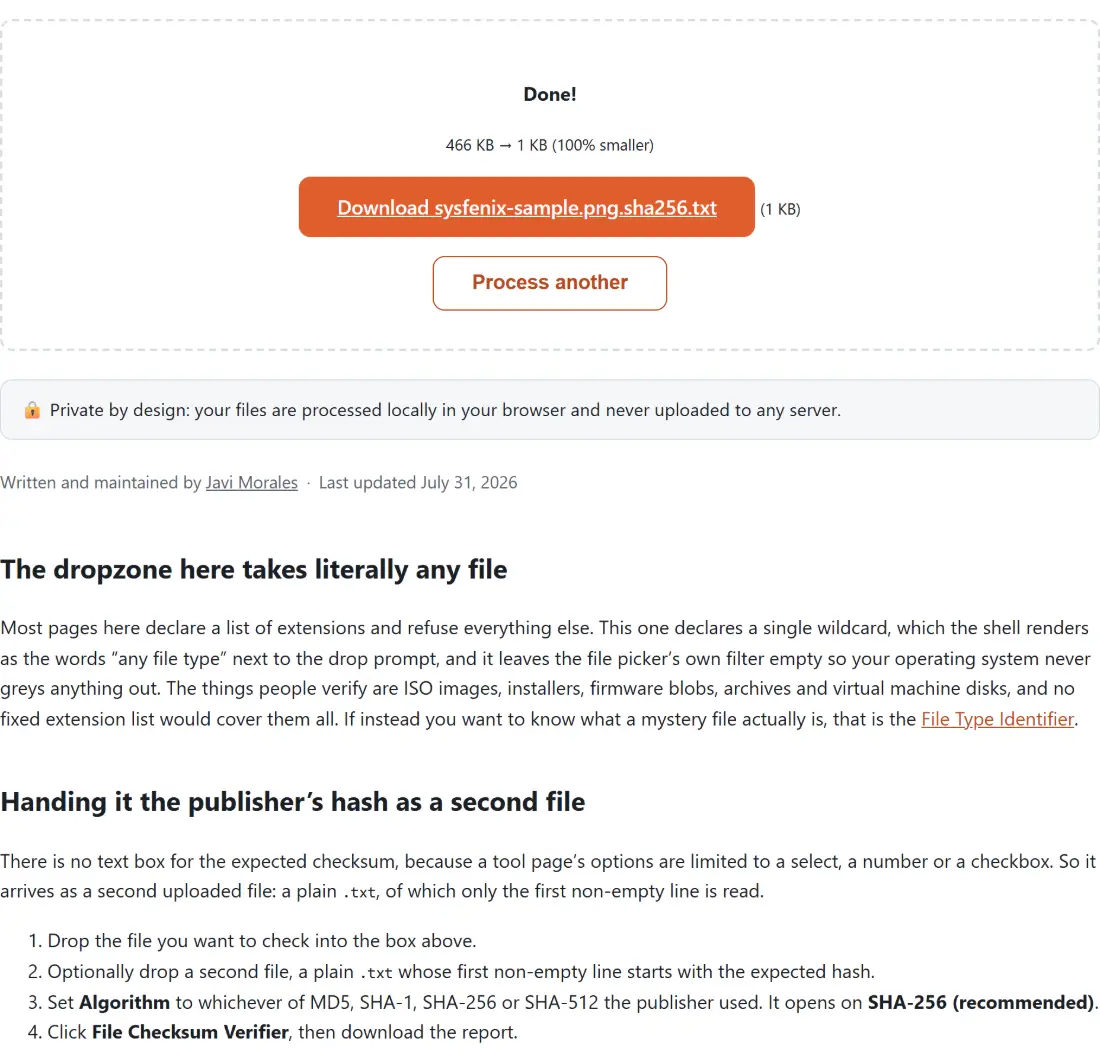
One quirk to know before it confuses you: the shared file shell prints an input-to-output size line whenever both sides have a size, and here the output is a few hundred bytes of text against however large your ISO was. It will cheerfully announce that the result is 100% smaller. That figure is meaningless on this page. The report is the answer.
Bytes reach the hasher in chunks, never as one buffer
The obvious way to hash a file in a browser is to call file.arrayBuffer() and hand the result to
crypto.subtle.digest. That works up to a point and then stops, because the entire file has to be
resident in memory as one allocation before the first byte is hashed. A four-gigabyte disk image is
not going to cooperate.
This page reads through File.stream() instead and pushes each chunk the browser hands back into an
incremental hasher. That holds for all four algorithms, which is exactly why the Web Crypto API is
not used here at all: crypto.subtle exposes a single digest(algorithm, data) call taking one
complete buffer, with no init, update and digest interface to feed a stream into. A small WebAssembly
hashing library supplies that interface for all four, loaded on demand the first time you run the
tool. There is one fallback, a whole-file read, for a browser too old to expose File.stream.
The same streaming hasher is what the Duplicate File Finder calls while it scans a folder, which is a fair hint about how much data it was built to chew through.
MD5 and SHA-1 are broken for security and still fine here
Both have practical collision attacks: someone who controls both files can construct two different inputs sharing a digest. That disqualifies them for signatures and certificates. It does not disqualify them for the job on this page, which is catching a truncated download, a bit flipped on a failing USB stick, or a mirror that served you half a file. Use whichever algorithm the publisher published, because a checksum with nothing to compare it against is just a number.
For hashing a string rather than a file, a config value or a short message, the SHA-256 Hash Generator and the MD5 Hash Generator take pasted text and hand the digest straight back in the page.
When the verdict comes back MISMATCH
Check the boring causes first. The algorithm select does not sniff your expected value, so aiming SHA-256 at an MD5 hash fails every time; count the characters. Confirm you copied the digest for the exact variant you downloaded, since projects publish a separate line per architecture and edition. If the file really is wrong, fetch it again from the publisher rather than the mirror, and remember a checksum only proves something when it came from a source you trust more than the one that served the file.
Two upload rules stop the run before any of that. More than two files is refused, and with exactly
two files exactly one of them has to be the .txt. The module writes a clear explanation for each
case, but the shared file shell replaces every thrown error with one generic sentence about checking
the file is valid, so the generic message is what you see. Reduce the selection to one file, or one
file plus one .txt, and run it again. To go further and inspect what is actually inside a
suspicious download, the Hex Viewer shows you its raw bytes.