Bitrate is the one audio setting almost everybody has an opinion about and almost nobody applies differently to different content. The same person who would never print a photo at the same size as a billboard will happily encode a two-hour interview at the bitrate they use for albums, and then wonder why the file is enormous.
The useful question is not “what is a good bitrate”. It is “what is in this recording, and what does the encoder have to throw away to hit a given size”.
What a bitrate actually is
Bitrate is bits per second of encoded audio, and it maps directly to file size. Uncompressed CD-quality audio, 44,100 samples per second, 16 bits per sample, two channels, works out at 1,411,200 bits per second, which is about 10 MB per minute. That is the reference point every lossy format is measured against.
At 128 kbps a minute of audio takes roughly 960 KB. At 64 kbps, 480 KB. At 40 kbps, 300 KB. The arithmetic is boring and unavoidable: halving the bitrate halves the file.
What is interesting is what the encoder does with the budget it is given.
What a lossy encoder throws away first
An MP3, AAC or Opus encoder is not compressing the waveform the way a ZIP file compresses text. It is building a model of what you can and cannot hear, and then spending its bits only on the parts you can.
The three things it gives up, roughly in this order as the bitrate falls:
Precision in masked frequencies. When a loud sound is present, quieter sounds at nearby frequencies are inaudible. The encoder detects this and codes those quieter components coarsely, or not at all. At high bitrates this is close to free. At low bitrates the model gets aggressive and starts discarding things that were only just masked.
The top of the spectrum. Encoders apply a lowpass filter that tightens as the bitrate falls, because spending bits on 16 kHz content when the budget is tiny starves the middle of the spectrum where the actual music is. This is why very low bitrate music sounds dull and slightly underwater rather than distorted.
Stereo separation. Rather than coding two independent channels, encoders switch to a mid/side representation, coding the sum and the difference. The difference channel is usually small and compresses well. As the budget tightens the difference is coded ever more coarsely, which progressively collapses the stereo image toward the centre.
Notice that all three of those hurt music far more than speech.
Why speech is so cheap
Human speech is remarkably compact as a signal. The frequency range that carries intelligibility is narrow enough that the entire global telephone network was built on it: standard narrowband telephony transmits roughly 300 Hz to 3.4 kHz and remains perfectly understandable.
Speech also has almost no stereo content that matters. One person talking into one microphone is a mono source, and even a two-microphone interview usually carries the same voice on both channels with a slight level difference. Coding it as stereo spends bits describing a spatial image that does not exist.
Put those together and a spoken-word recording at 40 kbps in mono sounds close to a spoken-word recording at 128 kbps in stereo. The encoder was never using most of that budget for anything you were listening to.
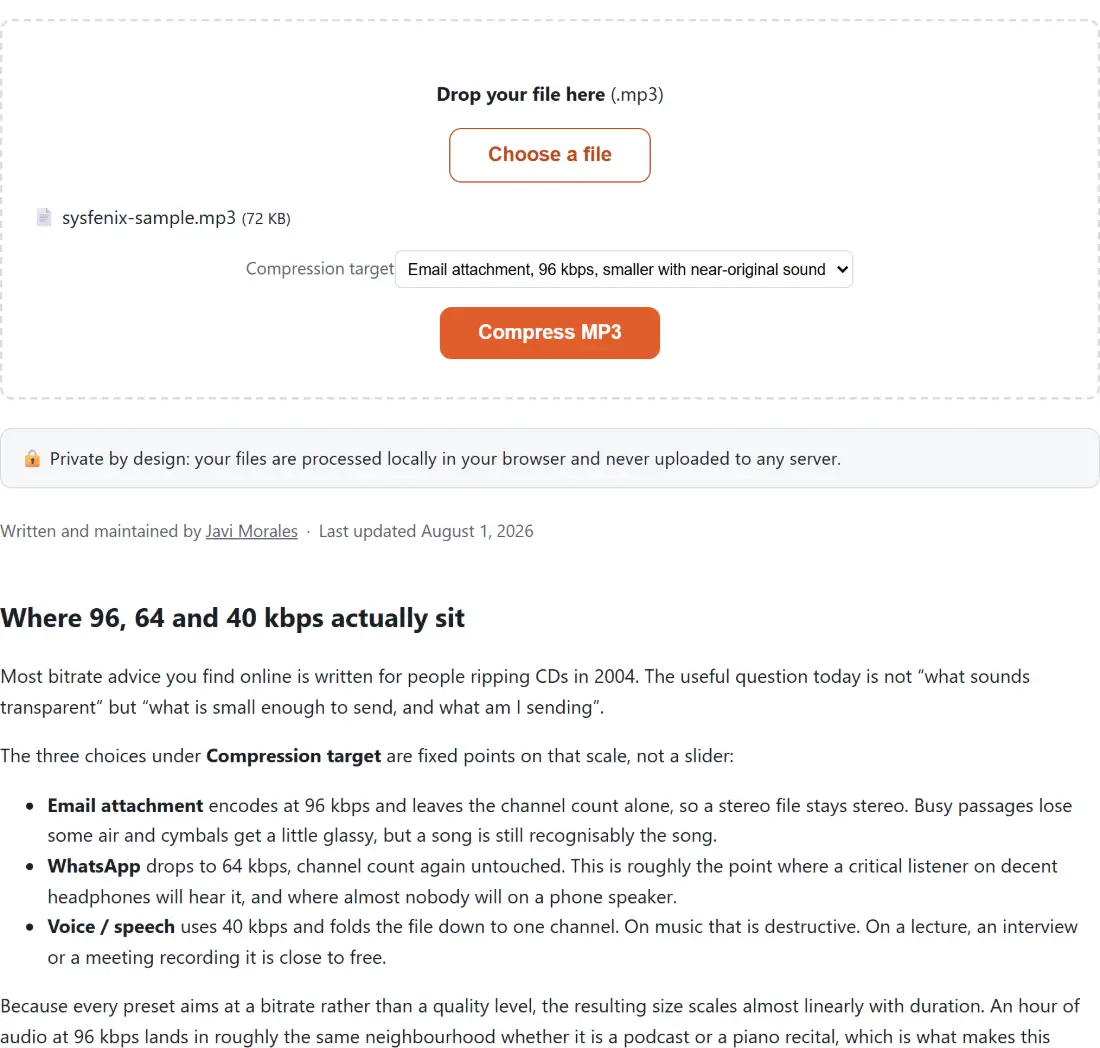
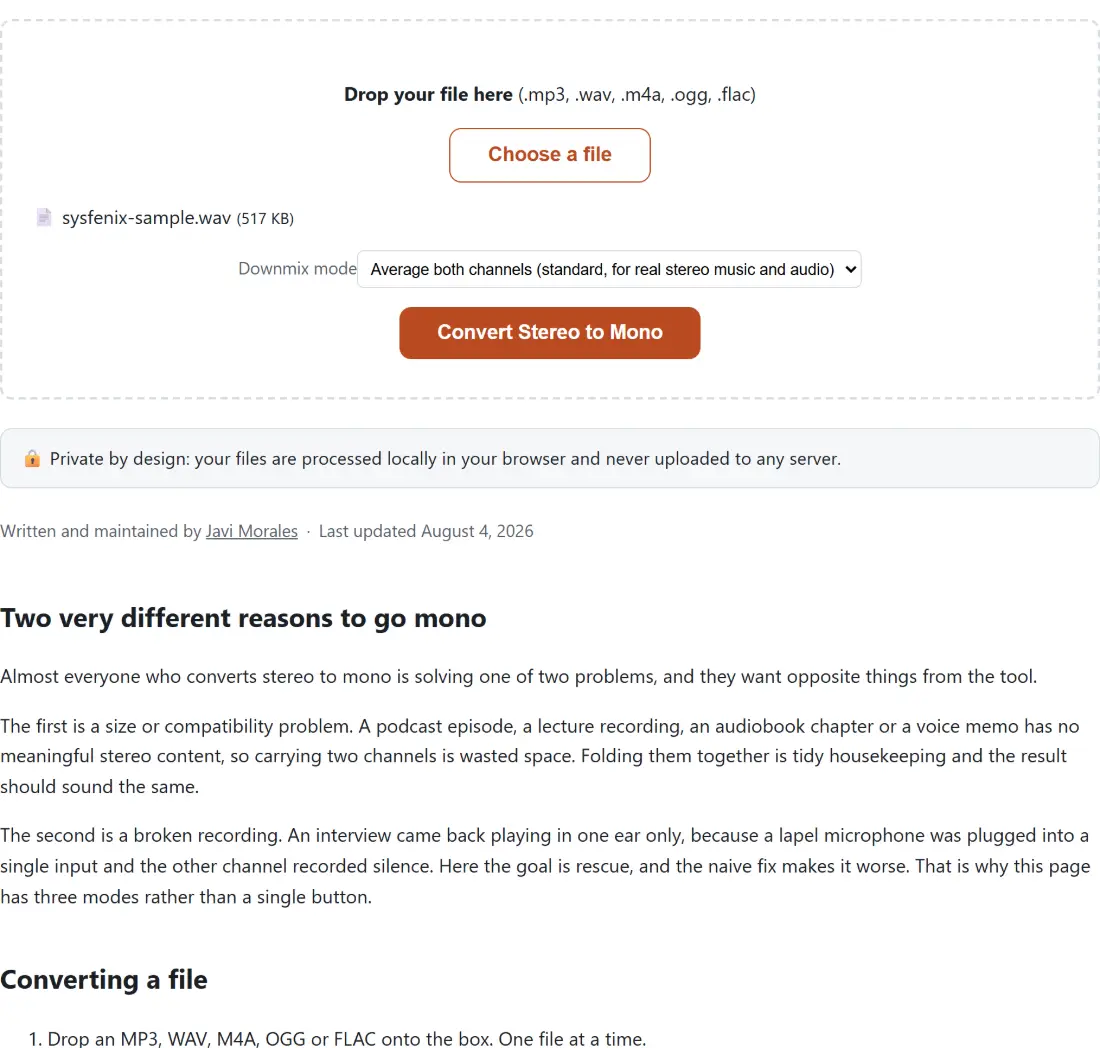
That reasoning is exactly what the presets on the MP3 compressor here encode. Its email preset is 96 kbps stereo, its messaging preset 64 kbps stereo, and its voice preset drops to 40 kbps and forces mono, because for speech those two changes reinforce each other instead of compounding damage. If your source is stereo but the content is a single voice, doing the downmix explicitly with a stereo to mono converter is worth understanding rather than leaving to a default: averaging both channels is right for genuinely dual-channel material, but if one channel is silent (the classic “audio only in one ear” recording) averaging halves your level instead of fixing anything, and you want to keep a single channel instead.
Why music is expensive
Music breaks every assumption that makes speech cheap.
It uses the whole spectrum. Cymbals, string harmonics and air in a room live above 10 kHz. Lowpass the top off a mix and it audibly loses life, even to listeners who cannot hear a 16 kHz test tone.
Transients are hard. A snare hit or a plucked string is a sudden broadband event. Frequency-domain coding spreads a transient’s energy across a time window, and at low bitrates the coarse quantisation smears it, producing a faint whoosh just before the hit. It is the single most recognisable low-bitrate music artifact once you know what to listen for.
Reverb and stereo are the point. Depth, width and decay are exactly the low-level, spread-out information a tight bit budget discards first. A stereo mix squeezed into a low bitrate does not just get quieter detail, it gets narrower.
So for music, the sensible ladder for MP3 is 320 kbps when you want no argument, 192 kbps as a genuinely good default, 128 kbps as acceptable for casual listening, and below that only when size is the actual constraint. When converting from a lossless source, this site’s WAV to MP3 converter offers exactly those three steps, and going from a lossless WAV is the one case where a high bitrate is unambiguously worth the bytes, because nothing has been discarded yet.
The mistake that costs more than a bad bitrate
Picking a slightly low bitrate is a small, one-time loss. Encoding lossy audio repeatedly is a compounding one.
Every lossy encode quantises a signal that already contains the previous encoder’s artifacts, and the new encoder cannot tell an artifact from real content, so it spends bits preserving the damage. Extracting audio from a video with a video to MP3 converter, then compressing that MP3, then normalising it and saving again, is three generations. Each one is defensible on its own and the stack is audible.
Two habits avoid nearly all of it: keep the most original file you have, and do all your processing in as few passes as possible before the final encode.
Also worth knowing: a good compressor should refuse to make things worse. The MP3 compressor here compares its output against the source and returns the original bytes if the “compressed” file came out the same size or larger, which is a real possibility when the source is already encoded below your chosen preset. Re-encoding a 32 kbps voice memo at 40 kbps would otherwise produce a bigger file and a second generation of loss.
When the problem is not the bitrate at all
A large share of “the audio quality is bad” complaints are not bitrate problems.
Too quiet, or wildly inconsistent between speakers. That is loudness, and it is a separate axis entirely. Peak normalisation, the thing most editors do by default, only scales the file until its single loudest sample reaches the ceiling, which does nothing useful if that sample is a door slam. Perceived loudness is measured in LUFS instead, averaged over the whole programme with a frequency weighting that approximates hearing.
The audio normaliser here targets three documented values: -16 LUFS, which is the common streaming and podcast target, -14 LUFS, and -23 LUFS, which is what EBU R128 specifies for European broadcast. It also measures the file in a first pass and applies a single correction in a second, rather than guessing on the fly, and it leaves 1.5 dB of true-peak headroom so that the lossy encode afterwards cannot clip on inter-sample peaks. Fix loudness first, encode once afterwards.
Room noise, hum, clipping. No bitrate helps. These are recording problems, and raising the bitrate faithfully preserves them at greater expense.
A mono source in a stereo file. Doubles the size, adds nothing.
The short version
Ask what is in the file. Voice: mono, 40 to 64 kbps, and stop thinking about it. Music: stereo, 192 kbps unless you have a reason. Anything you will edit later: keep it lossless until the last step. And whatever you choose, encode once.