Two people can both say “I password-protected the PDF” and mean completely different things. One of them encrypted the file, so that without the password the pages are noise. The other set a flag asking viewers not to print it, and the file opens for anyone who double-clicks it.
The PDF specification has supported both for decades, under the same menu item in most software, which is why the confusion is so durable. This guide separates the two, explains what the encryption actually covers, and lists what a password leaves in plain sight no matter how strong it is.
Two passwords, two jobs
The standard security handler in a PDF defines two passwords.
The user password, better called the open password, is the one a reader must type before the document is decrypted. If it is set, the page content, the images and the text strings inside the file are encrypted, and a reader without the password gets nothing usable.
The owner password, better called the permissions password, controls a set of flags: may this document be printed, may text be copied, may it be modified or annotated. Supplying the owner password to a reader lifts those restrictions. Not supplying it leaves them in force, in the sense that a well-behaved viewer greys out the relevant menu items.
The important case is a file with an owner password and no user password. The specification handles it by encrypting the document with an empty open password. Every reader knows the empty password, so every reader decrypts the file silently, and the only thing the owner password protects is the permissions dictionary. The content is fully readable, by design, to anyone who opens the file. The flags are a request to the software, not a property of the data.
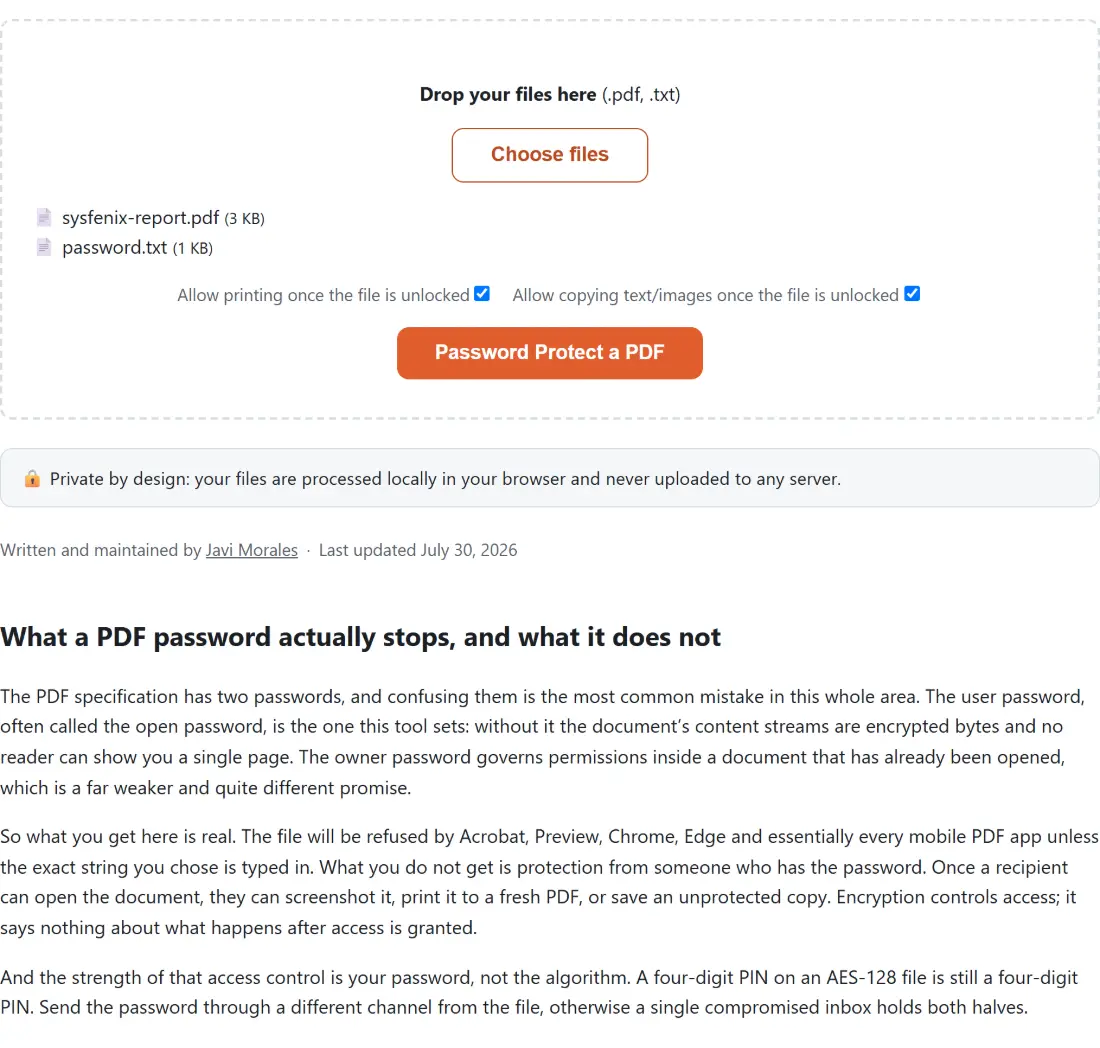
That is why “remove PDF restrictions” tools exist and why they are trivial: the content was never locked. It is also why our own password protect a PDF tool asks for a single password and sets it as the open password. Behind the scenes it generates a random owner password that is never shown, so there is exactly one secret to manage, and it is the one that does something.
What the encryption covers, and the ciphers behind it
PDF encryption is applied to strings and streams. Page content streams, embedded image streams, font programs and the text strings in the document information dictionary are all encrypted. Numbers, names, arrays and dictionaries are not. That distinction has real consequences, which the next section covers, but first the ciphers.
The standard security handler has gone through several revisions, and the cipher depends on which one a file uses:
- Revision 2 uses 40-bit RC4. The key space is 2^40, about 1.1 trillion keys, which is small enough that the cipher itself, not the password, is the weak point.
- Revision 3 uses RC4 with keys up to 128 bits.
- Revision 4 adds crypt filters (PDF 1.5) and, from PDF 1.6, 128-bit AES (the
AESV2filter). - Revisions 5 and 6 use 256-bit AES and a stronger password-to-key derivation. Revision 6 is the one standardised in PDF 2.0.
A detail that surprised us while building the protect tool: the library it uses picks the cipher from the file’s declared version header and nothing else. Fed a %PDF-1.4 scan it would write RC4-128, and fed a %PDF-1.3 file it would write 40-bit RC4, while the page claimed AES throughout. The tool now raises the header to 1.7 before encrypting, so every file it produces uses AES-128, and a test asserts the emitted encryption dictionary rather than trusting the API. The general lesson is worth keeping: a “protected” PDF made by older software may be sitting on 40-bit RC4, and the only way to know is to look at the encryption dictionary, not at the padlock icon.
With AES in place, the cipher stops being the weak point and the password becomes it. A PDF does not store the password. It stores values derived from it that let a reader verify a guess, so an attacker with the file can try guesses offline at whatever speed their hardware allows. A short password protected by AES-128 is still a short password.
What stays visible with any password
Because encryption stops at strings and streams, the skeleton of the document is readable without a password:
- The page count and page sizes. The page tree is made of dictionaries, which are plain.
- The file size, and roughly how much of it is images versus text, from the stream lengths.
- The encryption dictionary itself, which necessarily says which revision and cipher were used.
- The XMP metadata stream, sometimes. From revision 4 a file can declare that its metadata stream is left unencrypted so that indexing software can read the title and author of a locked file. Whether a given file does this is a per-file flag.
None of that is a defect. It is the design, and it means a password answers the question “who can read this” and nothing else. If the author name, the creating application or the modification dates are themselves sensitive, the right move is to remove the PDF’s metadata first and lock the file second. Both the information dictionary and the XMP packet need clearing; many tools blank one and leave the other.
What a password does not do at all
Three things people reach for a password to achieve, and it does none of them.
It does not stop the recipient from sharing the content. Once someone has opened the file they have the plaintext. They can print it, screenshot it, or simply save an unencrypted copy. Our own unlock a PDF tool exists for exactly the legitimate version of this: you know the password, you are tired of typing it, you want the plain file back. It runs a real decrypt with the password you supply and reports a wrong one as “incorrect password” rather than trying to guess. But the point stands. Encryption controls entry, not what happens after.
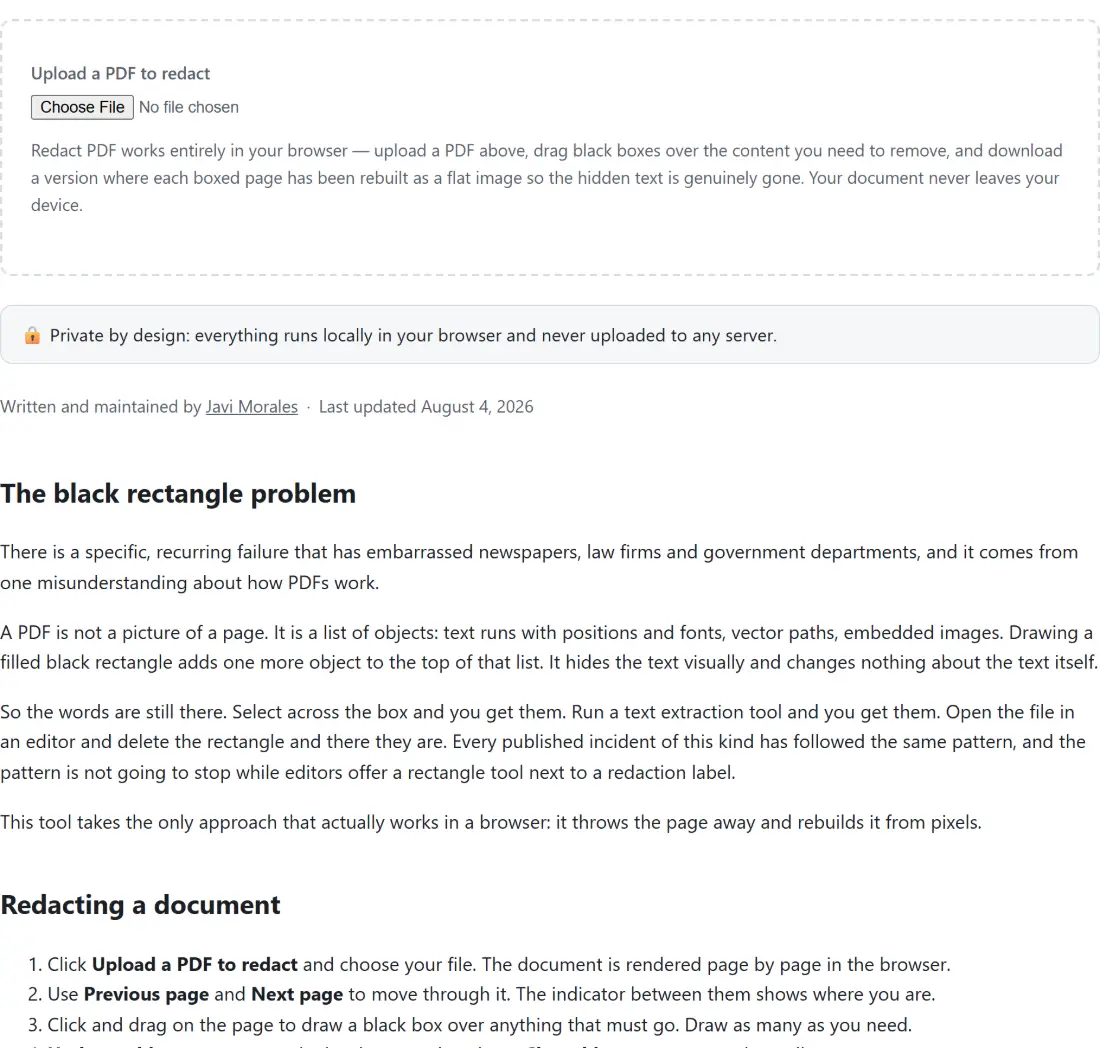
It does not hide text under a black box. A rectangle drawn over a paragraph is a rectangle drawn over a paragraph; the text object is still in the content stream underneath it, selectable and extractable. Locking that file with a password protects the rectangle and the text equally, and the moment the file is opened both are available. Real redaction removes the content. Our redact a PDF tool does it by rasterising each marked page and rebuilding it as a flat image with the boxed pixels destroyed, which is the honest way to guarantee the words are gone, at the disclosed cost that the whole page loses its text layer.
It does not make a form un-editable. The “no modifying” permission flag is the owner-password request discussed above, and a viewer that ignores it can edit freely. If you need a filled form to stop being a form, flatten the PDF: the field widgets are converted into ordinary static page content, and there is nothing left to edit in the form sense. That is a change to the data rather than a request to the viewer, which is the whole difference.
A practical way to choose
Start from the question you are actually asking.
If the question is “who may open this”, set an open password, use a passphrase you would not mind defending, and send it through a different channel from the file. Check that the tool you use writes AES rather than RC4; if the software is old enough to offer 40-bit encryption as an option, it is old enough to distrust.
If the question is “may they print or copy this”, understand that the answer is advisory. Set the permission flags if a viewer’s greyed-out button is enough for your situation, and do not describe the result as secure.
If the question is “can I stop them from seeing this part”, a password is the wrong tool entirely. Redact the content, and remove the metadata, before anyone else gets a copy.
And if the question is “can I stop them from changing this”, flatten what can be flattened, and accept that a PDF you hand to someone is a PDF they can edit. Digital signatures, which are a separate mechanism from encryption, are the way to make changes detectable rather than impossible.
A PDF password is a good lock on the front door. It has never been a guard inside the house, and the specification never claimed it was.