What an AcroForm field really is
A fillable PDF is two documents stacked on top of each other. Underneath is the page: static drawing instructions for lines, text and images that never change. On top sits the AcroForm layer, a dictionary of interactive widgets (text fields, checkboxes, radio groups, dropdowns) each with a name, a current value and an appearance stream describing how it should be painted. When you type into a form and save, you are not editing the page at all. You are setting a value on a widget that happens to float above it.
That separation is useful while a form is in play and a liability once it is finished. The widget stays editable forever, the value lives in a structure most text extraction tools ignore, and different readers take noticeably different liberties in how they render a checked box or a highlighted field. Flattening collapses the two layers into one.
What flattening does to each kind of field
The operation is pdf-lib’s own form.flatten(), and it is worth knowing exactly what it does per field type. Each widget’s appearance stream is refreshed, painted into the page’s own content at the position the widget occupied, and then the widget itself is deleted. For a text field that means the string you typed becomes ordinary page text. For a checkbox it means the on or off appearance is committed, which is why a tick that showed in Acrobat but vanished in a browser preview becomes a tick everywhere. A radio group commits the selected button. A dropdown or list box commits the chosen value as plain text, and the other options simply cease to exist in the file.
Afterwards the document has no AcroForm at all. Its visible appearance is unchanged, but a reader has nothing left to offer you a cursor in.
Flattening a PDF
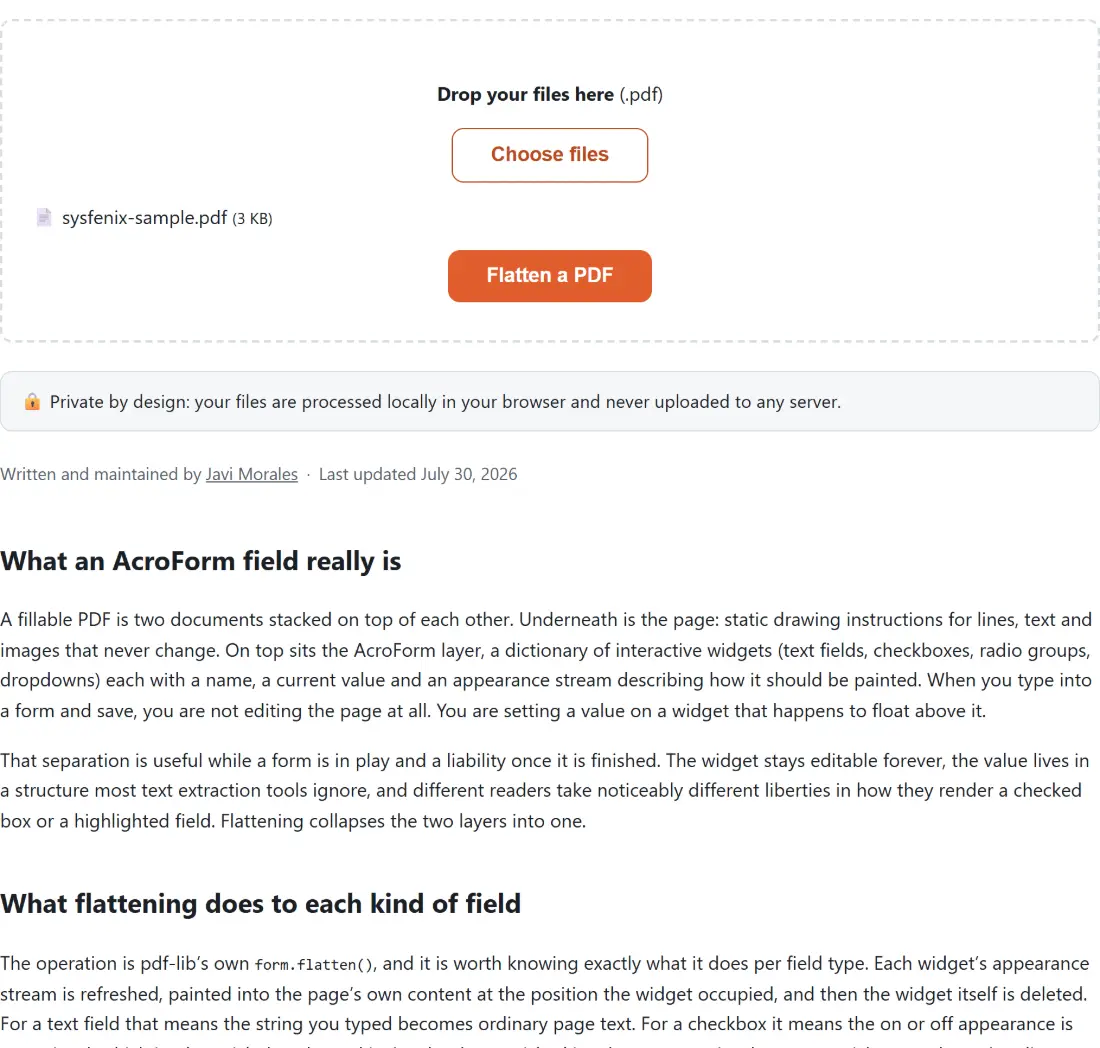
- Drop one or more PDFs into the box above.
- Click Flatten a PDF.
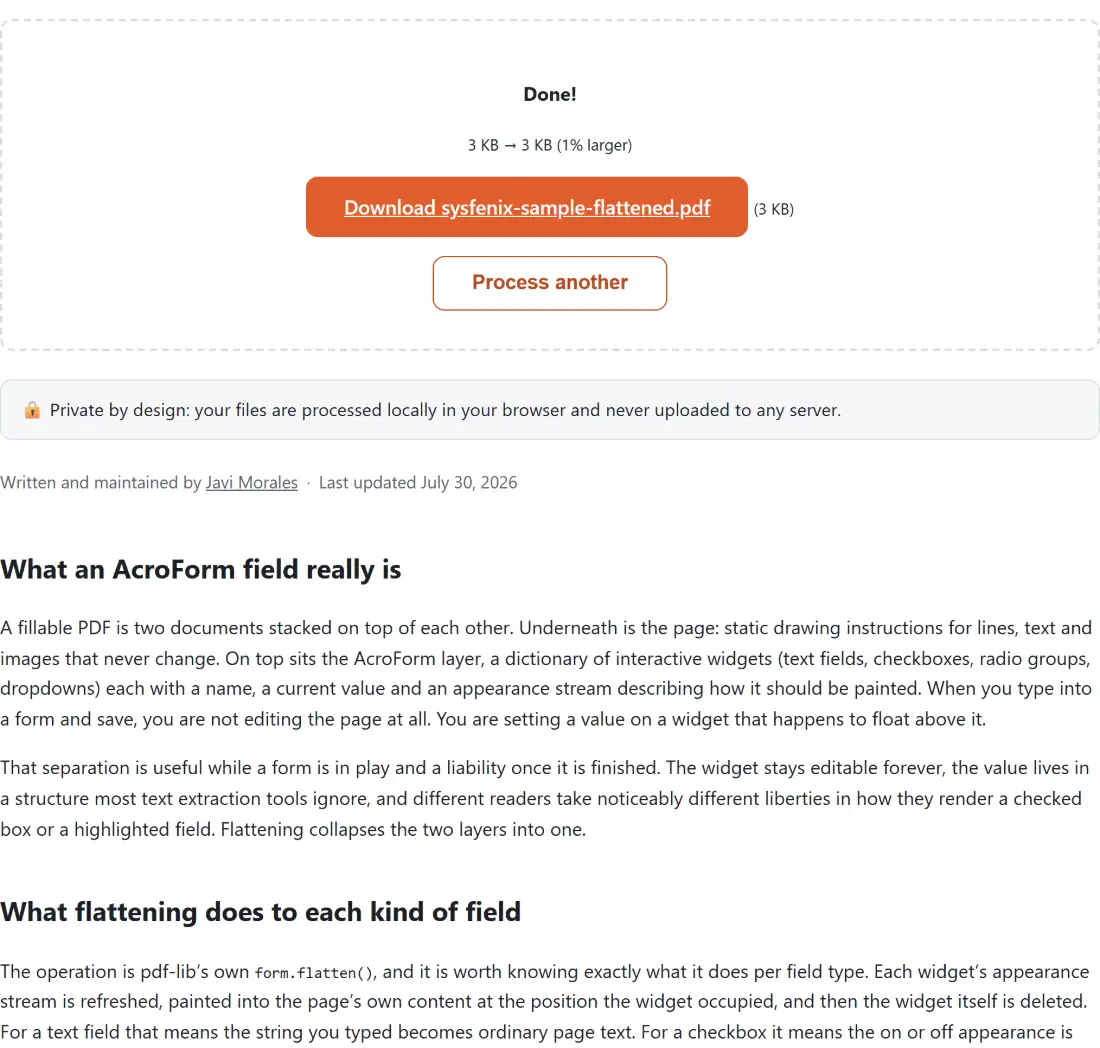
- Download each result. Names follow the input with
-flattenedadded, solease-signed.pdfbecomeslease-signed-flattened.pdf.
There are no options, because there is no meaningful variant of this operation. Either the fields are baked in or they are not.
Why the tool never asks whether your file has a form
We checked this in Node before writing a line of the tool, because the obvious defensive shape (detect a form, branch, show a “no fields found” warning) would have been the wrong design if pdf-lib tolerated the empty case. It does: calling getForm() on an ordinary PDF with no AcroForm whatsoever returns an empty form object rather than throwing, and calling flatten() on that is a harmless no-op.
That verification is why the tool runs unconditionally on anything you give it. Most files people drop here (scans, exported reports, documents that were flat to begin with) have no fields at all, and refusing them or nagging about it would be noise. The tests pin this down as a first-class case alongside the real filled-in form: a flat PDF in gives an equivalent flat PDF out, while a corrupt or non-PDF file fails loudly instead of quietly producing garbage.
What “flatten” does not mean here
The word is overloaded, and three of its other meanings do not apply.
It is not layer flattening. PDFs authored from Illustrator or InDesign can carry optional content groups, and this tool leaves them alone. It is not rasterisation either: nothing is converted to a bitmap, text stays text, and vectors stay vectors. If you genuinely want a picture of each page, PDF to JPG is the tool for that. And it is not redaction. Flattening a field that contained a national insurance number makes that number permanent, not hidden; if the goal is removing information rather than locking it, use Redact PDF.
Two sibling tools also need no flattening. Sign PDF stamps your signature image straight onto the page with a draw call, and Annotate PDF bakes highlights and notes into the page content at export time. Both produce static content by construction. Running this tool on their output changes nothing unless the same file also carries separate form fields, filled in with Fill PDF Form or in a desktop reader, that are still live.
A completed form is the worst kind of file to upload
Think about what is actually written into the fields of the PDFs people want flattened: a date of birth, a bank account, a salary, a medical history, a signature block on a contract that has not been countersigned yet. A fillable form is close to the highest concentration of personal data any ordinary document carries, and the values sit in the file in plain, machine-readable form under their own field names, which is precisely what makes them trivial for a server-side service to harvest.
This tool loads the bytes into your browser’s memory, calls flatten() there, and saves the result to your downloads folder. The one-way nature of flattening cuts the other way too, so keep the fillable original somewhere safe before you commit a form you may still need to correct.