The black rectangle problem
There is a specific, recurring failure that has embarrassed newspapers, law firms and government departments, and it comes from one misunderstanding about how PDFs work.
A PDF is not a picture of a page. It is a list of objects: text runs with positions and fonts, vector paths, embedded images. Drawing a filled black rectangle adds one more object to the top of that list. It hides the text visually and changes nothing about the text itself.
So the words are still there. Select across the box and you get them. Run a text extraction tool and you get them. Open the file in an editor and delete the rectangle and there they are. Every published incident of this kind has followed the same pattern, and the pattern is not going to stop while editors offer a rectangle tool next to a redaction label.
This tool takes the only approach that actually works in a browser: it throws the page away and rebuilds it from pixels.
Redacting a document
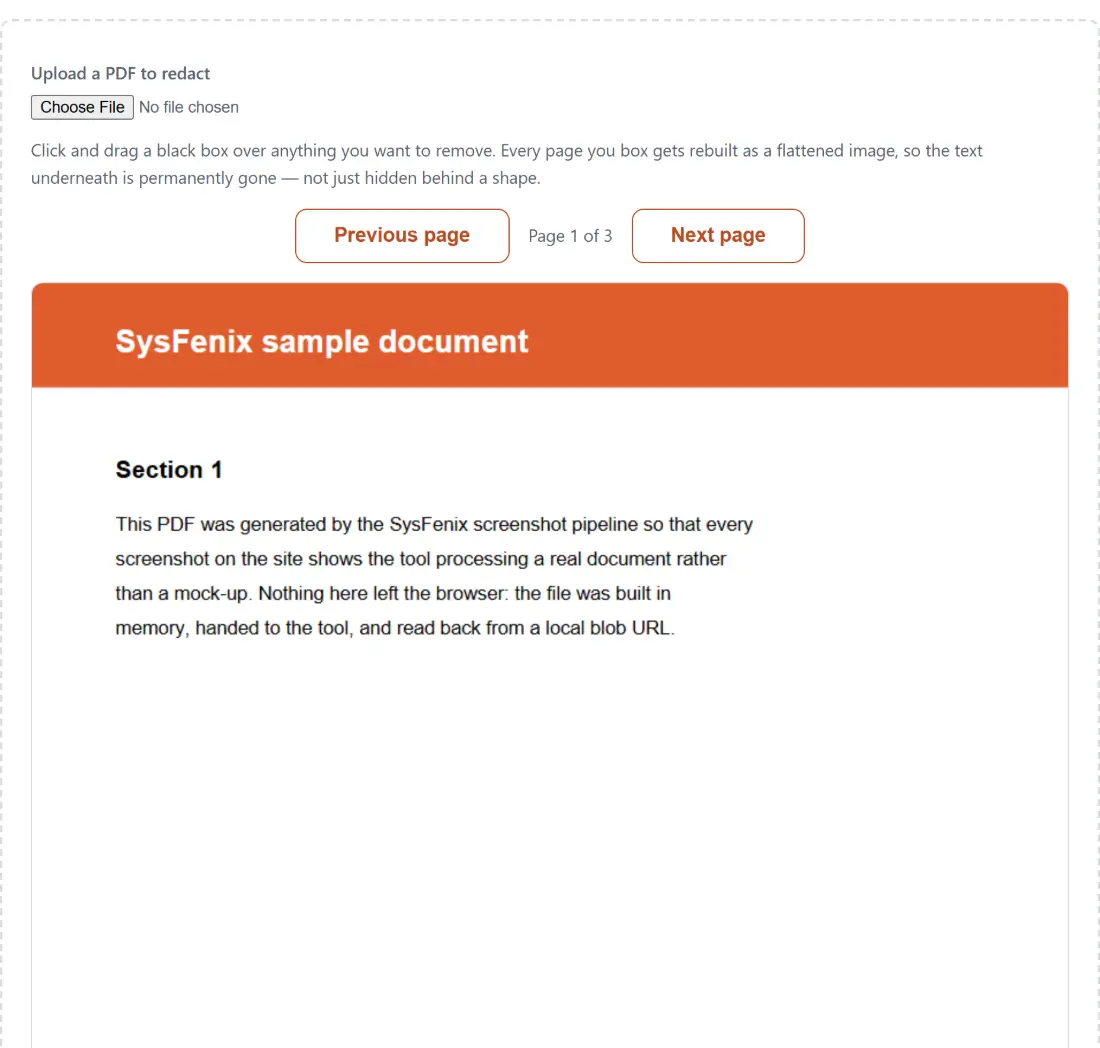
- Click Upload a PDF to redact and choose your file. The document is rendered page by page in the browser.
- Use Previous page and Next page to move through it. The indicator between them shows where you are.
- Click and drag on the page to draw a black box over anything that must go. Draw as many as you need.
- Undo on this page removes the last box you drew here. Clear this page removes them all.
- Watch the hint under the controls. It tells you how many pages will be flattened, and the download stays disabled until you have drawn at least one box.
- Click Download redacted PDF. The button changes while the export runs.
- Open the result and try to select the text on a redacted page. There should be none.
That last step is worth doing every single time. It takes three seconds and it is the only direct confirmation that the redaction worked.
What flattening actually costs
Being honest about the trade is more useful than pretending there is not one.
When a page is marked, the whole page is rendered to a bitmap, the marked regions are painted over so those pixels are destroyed in the bitmap, and the output page contains that image and nothing else. Every piece of text on that page, including everything you did not box, is now part of an image.
The consequences are real. That page is no longer searchable. Its text cannot be selected or copied. A screen reader cannot read it. It will not reflow on a small screen. And it is likely to be larger in bytes than the vector page it replaced.
Those costs are confined to the pages you marked. Every other page is copied through as the original vector PDF, keeping its text layer, its quality and its size. That is why marking three pages of a long report costs you almost nothing, and marking every page costs you a great deal.
Rendering happens at 150 dots per inch, which keeps text readable on screen and in normal printing without making the file enormous. It is lower than the vector original, so very small print will look a little softer.
What redaction does not cover
Removing content from the page is not the same as removing information from the file.
Document metadata is handled here: the output is assembled as a fresh document, so the original title and author do not carry across. But other things can survive a page level redaction, including attachments, form field values and annotation authors, none of which live in the page content stream.
If your concern is authorship and provenance rather than content, run Remove PDF Metadata as well, which strips both metadata stores including the XMP block that most cleaners miss.
And remember the obvious one: a redacted document that is a scan of a printed page may still show an impression through the paper, or a name in a header you did not box. Read the output, do not just check that the boxes are there.
Related document handling
Flatten PDF solves a neighbouring problem, turning a filled form into static page content so the fields can no longer be edited. That locks down input rather than removing content, so it is not a substitute for redaction.
Protect PDF adds a password, which controls who can open a file rather than what is in it, and the two solve different problems. Sign PDF adds a signature, and Annotate PDF draws boxes and notes on a page while deliberately leaving the text underneath intact, which is exactly the behaviour this tool exists to avoid. The rest is on the PDF tools hub.