Three modes, and the exact strings each one produces
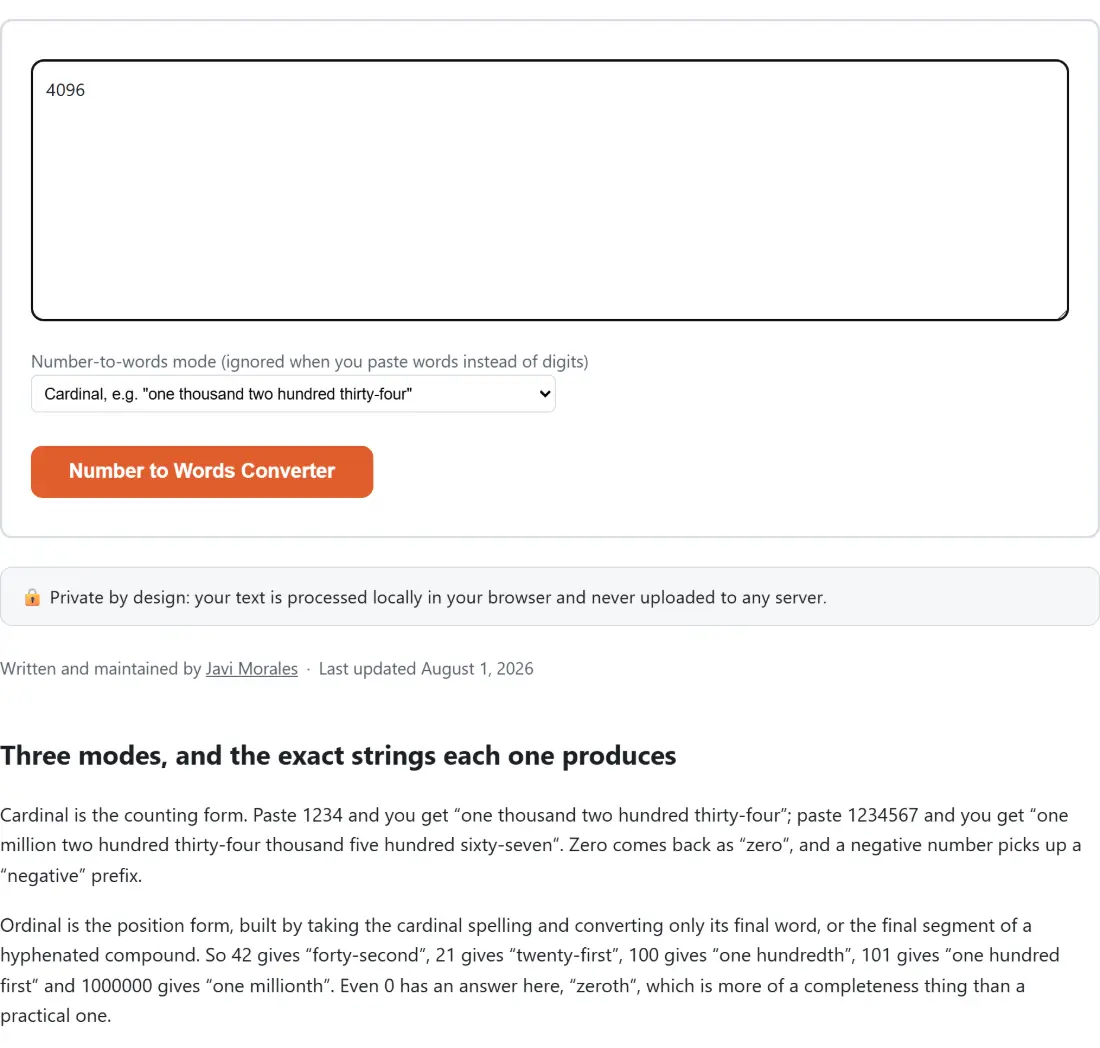
Cardinal is the counting form. Paste 1234 and you get “one thousand two hundred thirty-four”; paste 1234567 and you get “one million two hundred thirty-four thousand five hundred sixty-seven”. Zero comes back as “zero”, and a negative number picks up a “negative” prefix.
Ordinal is the position form, built by taking the cardinal spelling and converting only its final word, or the final segment of a hyphenated compound. So 42 gives “forty-second”, 21 gives “twenty-first”, 100 gives “one hundredth”, 101 gives “one hundred first” and 1000000 gives “one millionth”. Even 0 has an answer here, “zeroth”, which is more of a completeness thing than a practical one.
Currency spells both halves of an amount in one phrase. 1234.56 gives “one thousand two hundred thirty-four dollars and fifty-six cents”, and 123.45 gives “one hundred twenty-three dollars and forty-five cents”. Singular forms are handled, so 1.01 reads “one dollar and one cent”, and a whole amount still states its cents: 250 becomes “two hundred fifty dollars and zero cents”.
The amount-in-words line on a paper check
The reason this format survives at all is fraud resistance. Digits on a check are easy to extend; a one can gain a zero, a comma can move. A line of words is a different proposition, because altering it means rewriting a whole phrase in someone else’s handwriting. That is why the words line and the numeral box both appear, and why banking rules have long treated the written words as the controlling version when the two disagree.
Contracts inherit the same habit for the same reason, stating a figure numerically and then again in words. Style guides for formal writing come at it from a different angle, asking that small numbers, or any number opening a sentence, be spelled out. And occasionally the job runs the other way: an old invoice or a bond certificate has a figure written out longhand and you want to be sure it says what you think it says.
If you are producing the paperwork itself, the Invoice Generator builds the PDF with line items and tax, though it prints every amount as a formatted numeral rather than in words, so the words line is something you would take from here.
Converting an amount, mode by mode
- Paste into the box. Digits, a dollar amount, or a spelled-out cardinal phrase all work, and the direction is worked out from the characters rather than from a switch.
- Set Number-to-words mode (ignored when you paste words instead of digits) to the entry you need. It opens on Cardinal, e.g. “one thousand two hundred thirty-four”, with Ordinal, e.g. “forty-second” and Currency, e.g. “one hundred twenty-three dollars and forty-five cents” below it.
- Click Number to Words Converter. The button carries the tool’s own name, and it stays disabled until there is something in the box.
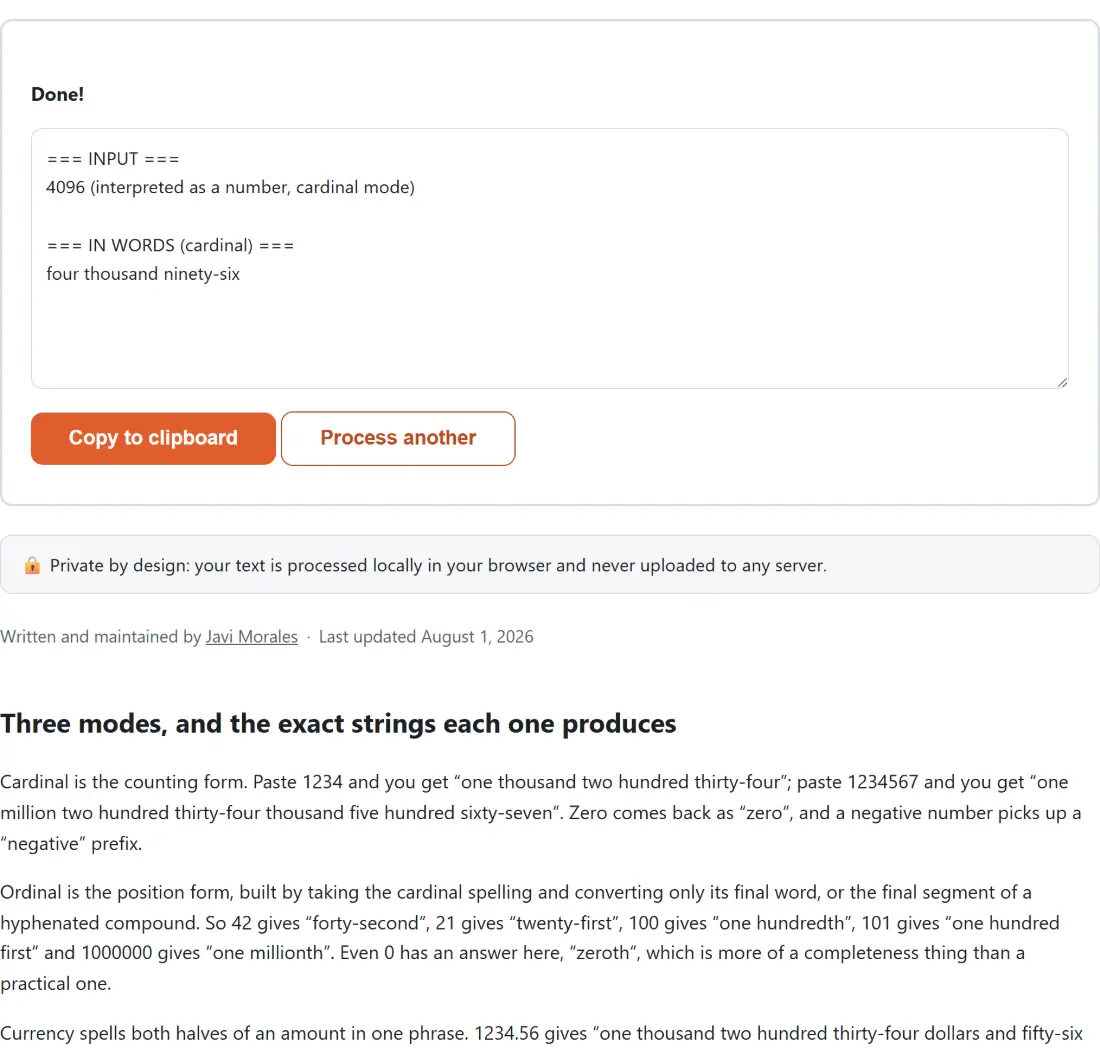
- Read the result, which arrives as a short labelled report rather than a bare string. Take it with Copy to clipboard, or press Process another to bring the input box and the mode selector back and start again.
The report looks like this for a dollar amount:
=== INPUT ===
1234.56 (interpreted as a dollar amount)

=== IN WORDS (currency) ===
one thousand two hundred thirty-four dollars and fifty-six cents
Rounding cents on the digits instead of on a float
Money and binary floating point are old enemies, so the rounding here never touches a floating point number. The pasted text is matched as a sign, a run of dollar digits and a run of decimal digits, and the decimal digits are padded to three characters so there is always a third digit to inspect. If that third digit is five or more, the cents go up by one.
Two consequences follow. First, 1234.564 rounds down to fifty-six cents while 1234.565 rounds up to fifty-seven, which is plain half-up rounding with no surprises. Second, a carry that spills out of the cents is applied to the dollars properly: 99.995 becomes “one hundred dollars and zero cents”, not the stale “ninety-nine dollars and one hundred cents” a naive implementation would emit. The size limit is re-checked after that carry, so an amount that only exceeds the maximum because of rounding is caught rather than silently wrapping.
Reading words back into digits, and where that stops
Paste “one thousand two hundred thirty-four” and you get 1,234 back, formatted with thousands separators. “negative one hundred twenty-three” gives -123. The parser validates as it goes rather than adding things up blindly: scale words have to appear largest first, so “two thousand one million” is rejected, and “hundred” has to follow a single digit word, so the common shorthand “twelve hundred” is refused rather than being guessed at.
The reverse direction is scoped to cardinal words only. Ordinal phrases are not parsed, which means “forty-second” fails on its second half, and a full currency phrase is not parsed either. Neither is British style: “one hundred and twenty-three” stops on the word “and”, which has no entry in the lookup. Mixed forms like “42nd” match neither the numeric pattern nor the letters-only pattern and come back with a message asking for one or the other.
English word lists only, which is why there is no Spanish edition
Almost every tool on this site ships with a Spanish counterpart. This one does not, and the reason is sitting in its source: the ones, tens, scale and ordinal tables are hardcoded English strings, and so is the parser that reads them back. Translating the page around them would produce a Spanish interface that still answered in English words, which is worse than not shipping it. Until those lists become locale-aware, this stays an English-only page.
For a different flavour of number notation, the Roman Numeral Converter works the same way with the same automatic direction detection, converting digits to numerals and back. If the words you get out need reformatting, the Case Converter handles upper, lower, title and sentence case in one pass, and the rest of the text tools are collected on the hub alongside our roundup of the text tools worth knowing.