The text tools on SysFenix cover the everyday work of writing, formatting, and analyzing plain text — from a simple case conversion to a real on-device AI grammar checker. Every one of them runs entirely in your browser: you paste text in, get a result out, and nothing you type is ever sent to a server. This guide walks through all 18 tools in this category.
That privacy angle matters more here than in most other categories, because the text people paste into a “check my writing” or “translate this” tool is often genuinely sensitive — a draft email, a personal journal entry, unpublished work, or a private message. A server-side competitor has to send your text over the network and, in many cases, store it or feed it to a third-party API. Every tool below, including the two that genuinely run a real AI model (Grammar Checker and AI Text Translator), does all of its processing locally, with the model itself downloaded once to your device and then run entirely offline from that point on.
Formatting and transforming text
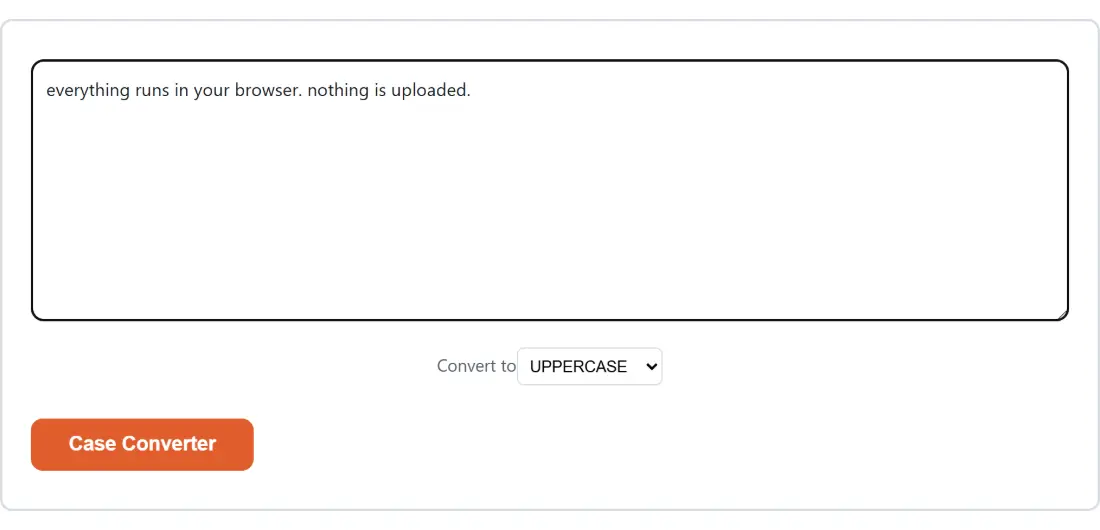
- Case Converter converts between UPPERCASE, lowercase, Title Case, Sentence case, and the three programmatic styles developers actually need — camelCase, snake_case and kebab-case — handy for both everyday writing and renaming variables or files consistently.
- Remove Duplicate Lines & Sort Text cleans up a pasted list: dedupe (keeping the first occurrence of each line), sort alphabetically/numerically/by length, reverse the order, trim stray whitespace, and drop empty lines — a genuinely common task when tidying up a spreadsheet export or a scraped list.
- Text to Handwriting Converter turns typed text into a page that looks handwritten — a script font, ruled or blank paper, a chosen ink color, and a slight per-character jitter so it doesn’t look robotically uniform — downloaded as an image or a multi-page PDF.
- Markdown Table Generator is a spreadsheet-like grid editor for building a properly-formatted Markdown table, including support for pasting straight from Excel or Google Sheets and importing an existing Markdown table to keep editing it.
- Markdown to HTML Converter and Convert Word to HTML turn a Markdown document or a real
.docxfile into clean, sanitized HTML — the Markdown converter supports GitHub-flavored Markdown extras like tables and task lists, and both strip anything potentially unsafe from the output.
Analyzing writing
Getting feedback on a piece of writing usually means either asking a friend or pasting it into a service that stores your draft on its own servers. These five tools give you objective, quantitative feedback — word counts, readability scores, sentiment, keyword density, and real grammar checking — with zero server round trip.
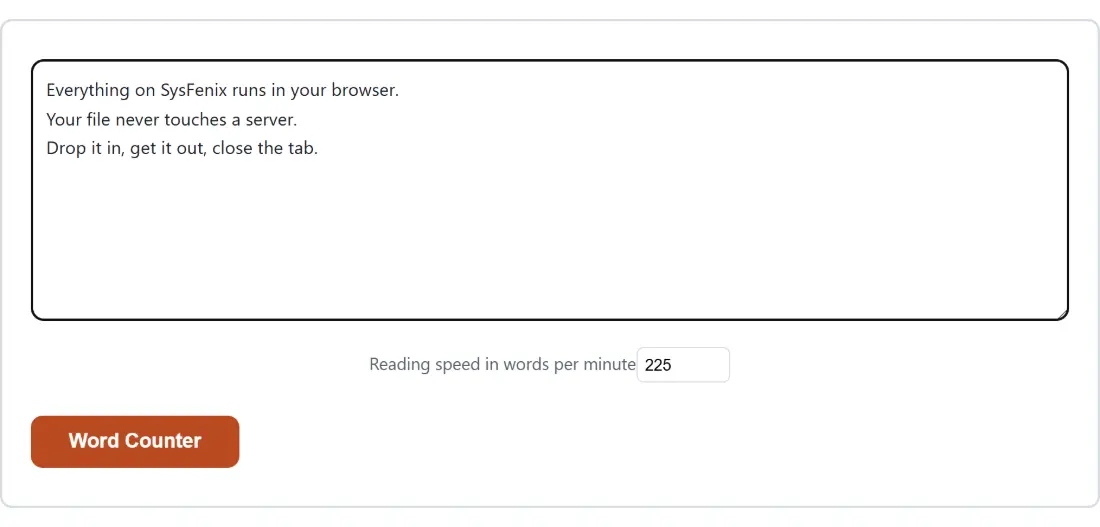
- Word Counter reports words, characters (with and without spaces), sentences, paragraphs, and an estimated reading time based on an adjustable words-per-minute rate — the standard tool for meeting an essay or article’s word-count requirement.
- Readability Checker scores how easy your text is to read using three established formulas — Flesch Reading Ease, Flesch-Kincaid Grade Level, and the Gunning Fog Index — useful for anyone writing for a general audience who wants to confirm their text isn’t accidentally too dense or academic.
- Sentiment Analyzer estimates whether a piece of text reads as positive, negative, or neutral, and can process a whole batch of customer reviews at once (one per line), reporting an aggregate breakdown across the batch.
- Keyword Density Checker shows the most frequent single words and 2/3-word phrases in a block of text along with their density percentages — a common sanity check before publishing SEO-focused writing, to spot accidental over-repetition of a phrase.
- Grammar Checker finds real grammar, spelling and style issues with plain-English explanations and suggested fixes, using a genuine on-device grammar-checking engine (not a simple dictionary spell-check) that runs the same way a cloud grammar service would, just without sending your text anywhere.
Translation and specialized conversions
- AI Text Translator translates pasted text between English and Spanish, French, or German, using a real neural machine-translation model that’s downloaded once and then runs entirely on your device for every subsequent translation.
- Number to Words Converter spells a number out as words — cardinal (“one thousand two hundred thirty-four”), ordinal (“forty-second”), or currency (“…dollars and…cents”) — and can also convert the words back into a number, useful for writing out amounts on checks or legal documents.
- Roman Numeral Converter converts between plain numbers and Roman numerals in both directions, including large values using overline notation for anything in the thousands, and includes a quick shortcut to convert the current year.
- Morse Code Translator converts text to and from Morse code, complete with real audio playback and a synced flashing-light mode, so you can both read and hear the pattern.
- Word Unscrambler finds every valid dictionary word — of any length, not just full-length anagrams — that can be made from a set of scrambled letters, with wildcard support for blank tiles, useful for word games like Scrabble or Wordle-adjacent puzzles.
- Special Characters Picker is a click-to-copy grid of currency, math, arrow, punctuation, legal, accented and invisible Unicode characters, with a search box, for whenever you need a symbol that’s not on your keyboard.
Note-taking
Online Notepad is a genuine multi-note text editor with autosave, a live word count, TXT/Markdown export, and an optional per-note password lock, powered by real AES encryption — all stored locally in your browser, with no account, no sync, and nothing ever transmitted anywhere.
Which tool should I use?
| I want to… | Use this tool |
|---|---|
| Convert text to UPPERCASE, camelCase or snake_case | Case Converter |
| Clean up and dedupe a pasted list | Remove Duplicate Lines & Sort Text |
| Count words or estimate reading time | Word Counter |
| Check how easy my writing is to read | Readability Checker |
| Find real grammar or spelling mistakes | Grammar Checker |
| Gauge whether reviews/feedback read positive or negative | Sentiment Analyzer |
| Translate a paragraph into another language | AI Text Translator |
| Check keyword density for SEO writing | Keyword Density Checker |
| Turn Markdown or Word into HTML | Markdown to HTML Converter / Convert Word to HTML |
| Build a Markdown table from spreadsheet data | Markdown Table Generator |
| Make text look handwritten | Text to Handwriting Converter |
| Spell out a number as words | Number to Words Converter |
| Convert to/from Roman numerals | Roman Numeral Converter |
| Encode/decode Morse code | Morse Code Translator |
| Solve scrambled letters into real words | Word Unscrambler |
| Find and copy a special character | Special Characters Picker |
| Take and keep private notes | Online Notepad |
Every one of these runs on your own device — no text you paste here is ever uploaded or logged. Whether you’re cleaning up a messy list, checking a draft for readability, translating a sentence, or just picking a special character your keyboard doesn’t have, this category covers a genuinely broad slice of everyday text work without ever asking you to create an account.