Thirteen pairs, and one direction of travel
Roman numerals reduce to a table of thirteen value and symbol pairs, applied greedily from the largest down. A thousand is M, nine hundred is CM, five hundred is D, four hundred is CD, and so on down to a bare I.
That table is the whole encoder. Take the number, repeatedly subtract the largest pair that fits, and append its symbol. Decoding walks the string instead, adding each symbol’s value unless it is smaller than the one after it, in which case it is subtracted.
The table itself was not written from memory and trusted. It was checked by encoding every integer from zero to 3,999 and decoding each result back, confirming both that every value round-trips and that a list of deliberately malformed strings is rejected.
Converting in either direction
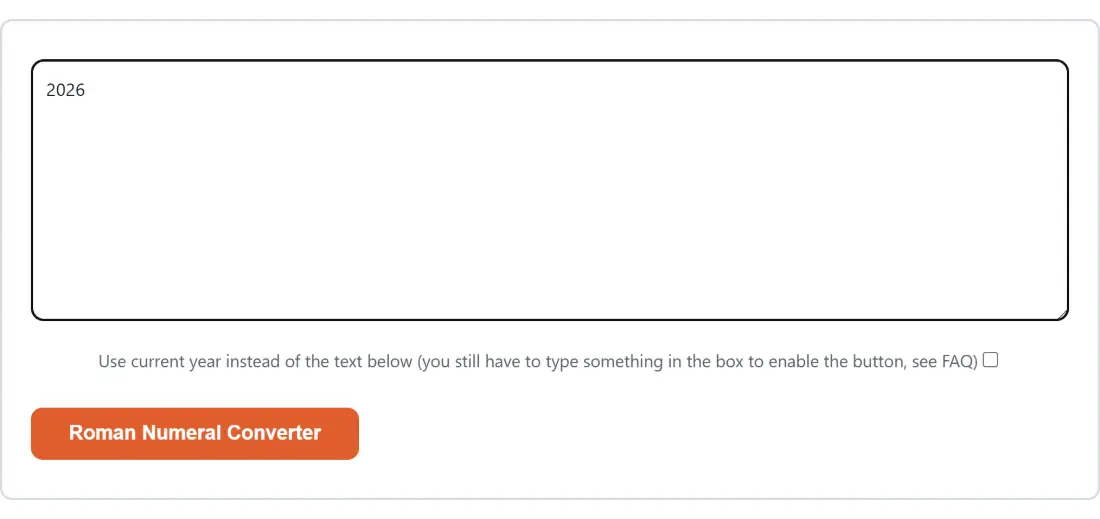
- Paste your number or numeral into the box. The action button stays disabled while it is empty.
- Optionally tick the current year checkbox, which converts this year and ignores whatever you typed.
- Click Roman Numeral Converter.
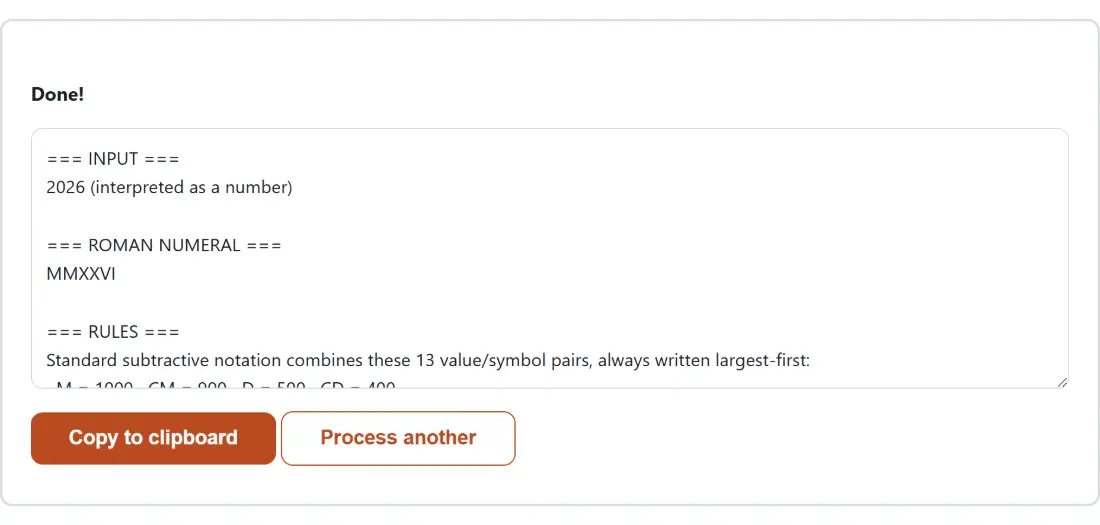
- Read the report. It restates what you entered, gives the conversion, and prints a short summary of the rules underneath.
- Click Copy to clipboard to take the result.
- Process another clears both boxes.
There is no direction selector because there does not need to be one. Digits mean you want a numeral; numeral letters mean you want a number. Lower case letters are accepted and treated as their capitals.
Strict, and here is why
Historical Roman numerals were never standardised in the way modern usage implies. Additive forms like IIII appear on inscriptions and on almost every analogue clock face. Various subtractive shortcuts turn up that no modern reference allows.
This converter accepts only the modern standard form and refuses everything else with a specific explanation. That is a real decision with a real cost, since it will reject a numeral somebody genuinely wrote, and it is the more useful default for two reasons.
The first is that a lenient parser cannot tell you when your input is wrong. If IIII, IIIII and VIIII all decode happily, the tool has no way to flag the one you mistyped. The second is that conversion is usually a checking exercise, and a checker that accepts anything checks nothing.
The rules are stated in the report itself rather than only here, so a rejection comes with the criteria attached.
Above 3,999, the bar goes on
Standard subtractive notation runs out at 3,999. The thousands position tops out at three Ms, and a fourth M is not allowed.
The classical answer is the vinculum, a bar drawn over a group of numerals to multiply its value by a thousand. So numbers from 4,000 upward are split: the thousands part is encoded as an ordinary numeral and overlined, and the remainder under a thousand follows it plainly. That puts the ceiling at 3,999,999, which is the largest value a single bar reaches.
Plain text cannot express a bar spanning several characters, so each letter of the overlined group carries its own combining overline mark. In most fonts those marks join into one continuous line, which is exactly the intended appearance. In a few they do not, and the letters remain correct while the bar looks broken.
Decoding accepts the same notation and enforces its shape: the overlined characters must form one contiguous run at the start, and the plain remainder that follows must not contain an M, since every full thousand is already accounted for by the overlined group.
Errors that reach you
There is a detail here worth knowing about, because it explains why the output looks the way it does.
The shared layout around this tool replaces any error a tool throws with one fixed generic sentence. That would swallow every message this converter produces, which are the most useful thing it has to say: which letter is not valid, why a particular repetition is not standard form, what value an out-of-range numeral came to.
So nothing is thrown. Every failure is folded into an error section of the report instead, where it survives intact. If your numeral is refused, the report tells you specifically what was wrong with it.
Related conversions
For number bases rather than numerals, Base Converter handles binary, octal, decimal and hexadecimal. For spelling a number out in words rather than symbols, Number to Words is the direct equivalent.
Unit Converter covers physical quantities across six categories, and Timestamp Converter handles dates and epoch values, which is the other place people meet a number written in an unfamiliar form. The rest is on the text tools hub.