One draft, seven limits, no switching
The usual way to check a post against several platforms is to paste it into one counter, note the number, and then reason about the others in your head. That works until one of the platforms counts differently from the rest, which is exactly the situation here.
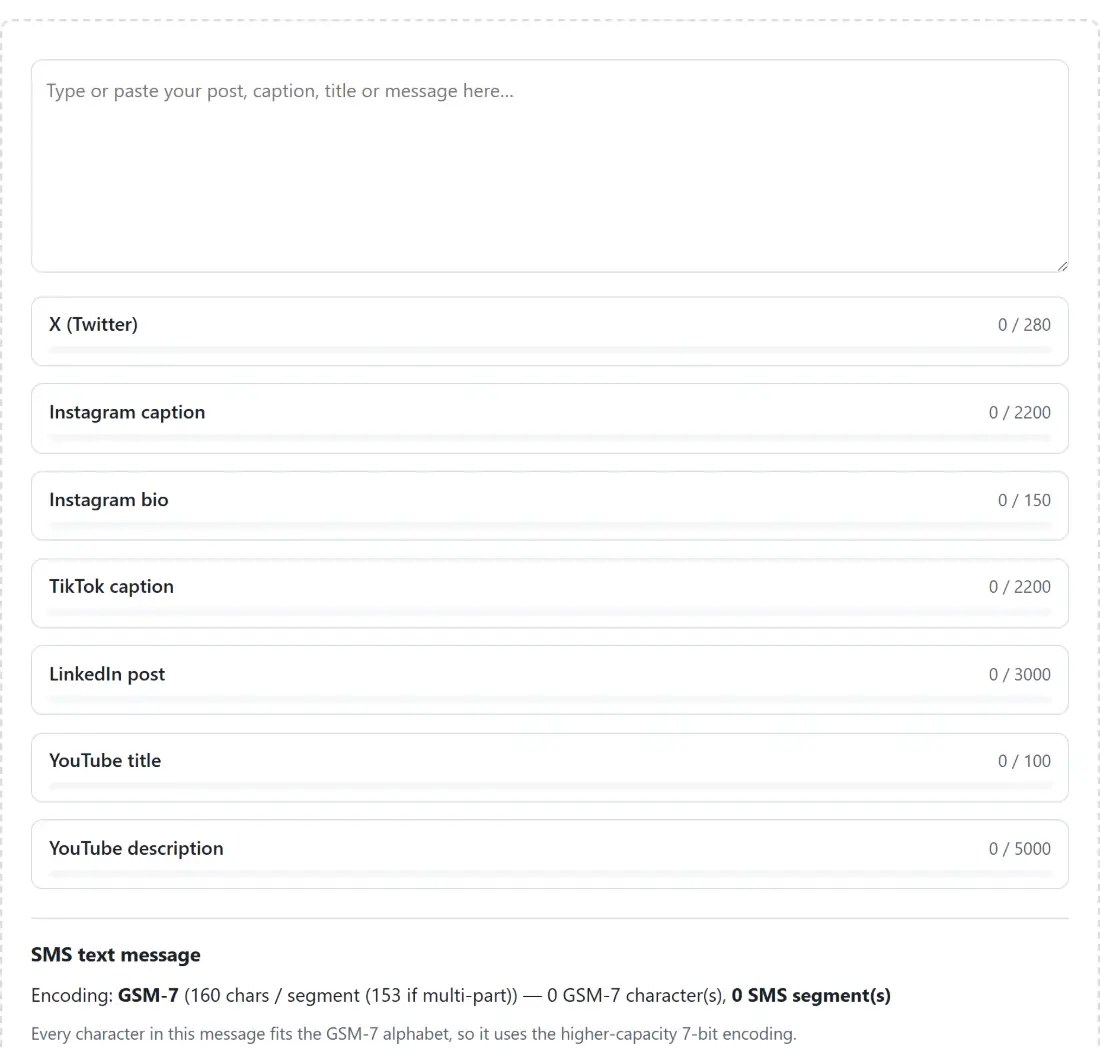
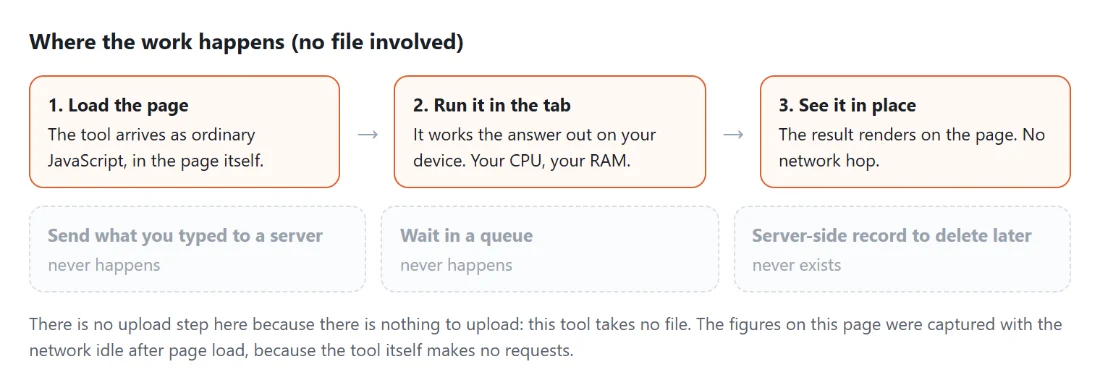
Everything recomputes on every keystroke. Seven platform counters and a full SMS segment calculation, all live, all from the same text box. That is why this page has no button to press and no result to download: there is no single moment when the answer is ready, because the answer changes as you type.
Two of the eight counters do something more interesting than subtract from a limit, and those are the ones worth understanding.
Checking a draft
- Type or paste your post into the box.
- Watch the seven platform counters. Each shows its count against its limit and flags itself when the draft goes over.
- Look at the X counter separately if your post contains a link, because it will not agree with the raw count.
- Read the SMS block if the text is going out as a text message. It tells you the encoding, the number of segments and how much room is left in the current one.
- Edit and watch the numbers move. Nothing is saved and nothing is sent anywhere.
The limits themselves are the current widely published values. Platforms change them, sometimes quietly, so treat a count that is one or two characters under a limit as a coin flip rather than a guarantee.
The X rules that break plain counting
X has two counting rules that no plain character counter implements, and both can move your number substantially.
The first is link weighting. Every link X detects is replaced by a fixed 23 characters, whatever its real length, because X shortens every link through its own wrapper before publishing. A 90 character tracking URL therefore costs 23, and a 12 character short link also costs 23. If your draft is over by fifty characters and contains a long URL, you may already be under.
Detection covers links with an explicit scheme and bare addresses beginning with the usual web prefix. Trailing sentence punctuation is trimmed off first, so the full stop at the end of a sentence counts as its own character rather than being absorbed into the link.
The second rule is width. Characters in the East Asian wide ranges count as two rather than one, which halves the effective limit for a post written in Chinese, Japanese or Korean. That is applied per character, so a mixed post is weighted accurately rather than being classified as one or the other.
SMS is the limit that depends on what you type
Every other limit here is a fixed number of characters. SMS is not, and the difference routinely surprises people who send campaign messages.
A message made entirely of characters from the basic GSM alphabet is sent as GSM-7 and fits 160 characters in a single message. Introduce one character outside that alphabet, and an emoji or a curly quotation mark pasted in from a word processor is the usual cause, and the entire message switches to a wider encoding where a single message holds 70. Not the emoji, the whole message. That single character can take a one-part message to three parts.
There is also a middle category. A small set of characters, including the square brackets, the curly braces, the backslash, the tilde, the caret and the euro sign, sit in a GSM extension table and cost two septets each while still keeping the message in GSM-7. A draft that looks comfortably inside 160 characters can be over it because of a few brackets, and that cost is counted properly here rather than assumed away.
Why longer messages hold less per part
When a message needs more than one part, each part has to carry a small header telling the receiving phone how many parts there are and where this one belongs. That header takes space from the payload.
So capacity per part drops once concatenation starts: from 160 to 153 for GSM-7, and from 70 to 67 for the wider encoding. This is why 161 characters costs two full parts rather than one and a fraction, and why estimating segments by dividing your total by 160 gives the wrong answer for anything long.
The counter reports the encoding, the unit length, the number of segments and how much room remains in the current segment, so you can see exactly how close the next boundary is.
Related checks
For a search result rather than a social post, SEO Title & Description Pixel Counter measures in pixels instead of characters, because that is what decides truncation there. Meta Tags Generator writes the tags themselves.
If your post contains a campaign link, build it deliberately with UTM Builder, and remember that on X its length costs the same 23 characters however long it is. For the images that go alongside, OG Image Generator and Thumbnail Maker cover the preview card and the video thumbnail. For plain counting of a longer document, Word Counter is the simpler tool. The rest is on the text tools hub.