Week Number Checker

Find the ISO 8601 week number for any date, convert a week number back to its date range, or list every week of a year. Runs entirely in your browser.

🌐 Español

🔒 Private by design: everything is generated locally in your browser and never uploaded to any server.

Everyone uses week numbers and almost nobody agrees on them

Week numbers are ordinary in European business. A delivery is due in week 32, a project plan runs from week 4 to week 12, a factory shuts for weeks 30 and 31. They are also a reliable source of quiet errors, because there are two incompatible conventions and most people have never been told which one they are using.

The ISO standard, which this tool implements, runs weeks Monday to Sunday and defines week 1 as the week containing the first Thursday of January. The North American convention runs weeks Sunday to Saturday and calls the week containing January 1st week 1. In most years these produce different numbers, and the difference is invisible until two people compare dates.

Looking something up

  1. Choose a mode.
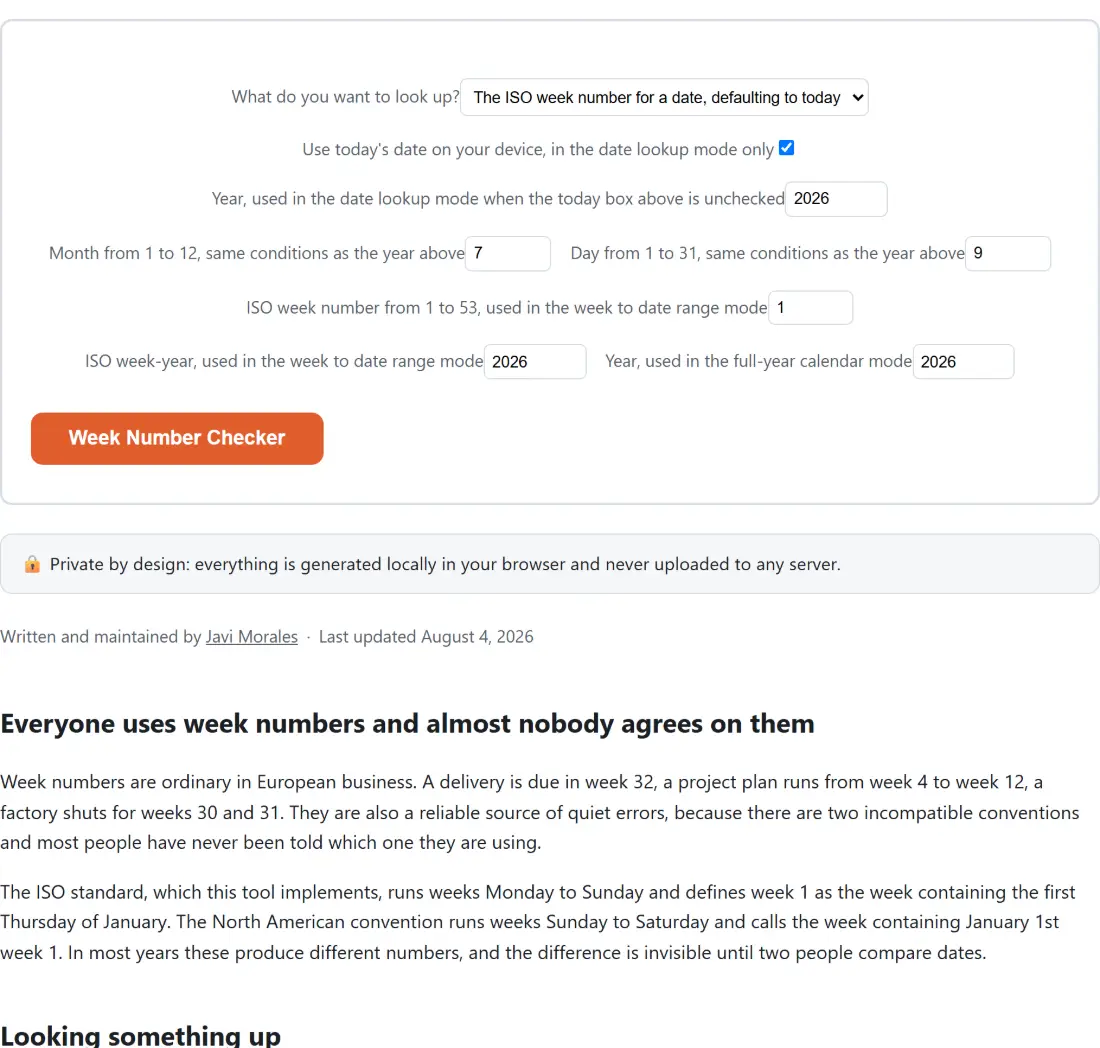
  2. For a date, either leave the today box ticked or untick it and enter a year, month and day.
  3. For a week to date range, enter a week number and a week-year.
  4. For a full year listing, enter a calendar year.
  5. Run it and read the report.

The week-year is not the calendar year

This is the concept that causes the most confusion and the reason the report always shows both.

Because the standard assigns a whole week to whichever year contains its Thursday, the days at the very start and end of a calendar year can belong to the neighbouring year’s numbering. January 1st 2023 was a Sunday, and that week’s Thursday fell in December, so the date belongs to week 52 of 2022. December 31st 2018 was a Monday, and that week’s Thursday fell in January, so it belongs to week 1 of 2019.

Neither is a quirk of this tool, both are exactly what the standard specifies. But quoting a bare week number without its week-year across a year boundary is genuinely ambiguous, which is why the report prints the combined form. Say 2026-W32 and there is nothing to misread.

Some years have 53 weeks

A year has 53 ISO weeks whenever the calendar works out such that an extra Thursday falls inside it. 2020 had 53. 2026 has 53. 2021 had 52.

This matters more than it sounds because a great deal of planning software, and a great many spreadsheets, quietly assume 52. The failure appears at the very end of a long year, when a week exists that the plan has no row for, and by then it is usually a scramble.

The full-year mode states the total before it lists anything, which makes it a two second check when you are building a plan.

The fields you are not using

All the fields for all three modes are visible at once, each labelled with the mode it belongs to. That is a limitation of the option system rather than a design preference, since it cannot show and hide fields based on another field’s value.

The practical consequence is only visual. A field belonging to a mode you are not running is ignored completely, so a leftover value in the week number field cannot affect a date lookup. Reading the labels rather than the field order is the way to navigate it.

For the number of days between two dates rather than which week one falls in, Days Between Dates does that arithmetic, and Age Calculator is the same operation with a birthday framing.

For a physical calendar to write on, Printable Calendar generates one as a PDF. If your week numbers are being compared across offices in different countries, Time Zone Converter covers the other half of that coordination problem. The rest are on the calculators hub.
See it in action

Screenshot of the Week Number Checker tool with What do you want to look up? set to The ISO week number for a date, defaulting to today, Use today's date on your device, in the date lookup mode only set to on
Week Number Checker mid-process: What do you want to look up? set to The ISO week number for a date, defaulting to today, Use today's date on your device, in the date lookup mode only set to on.
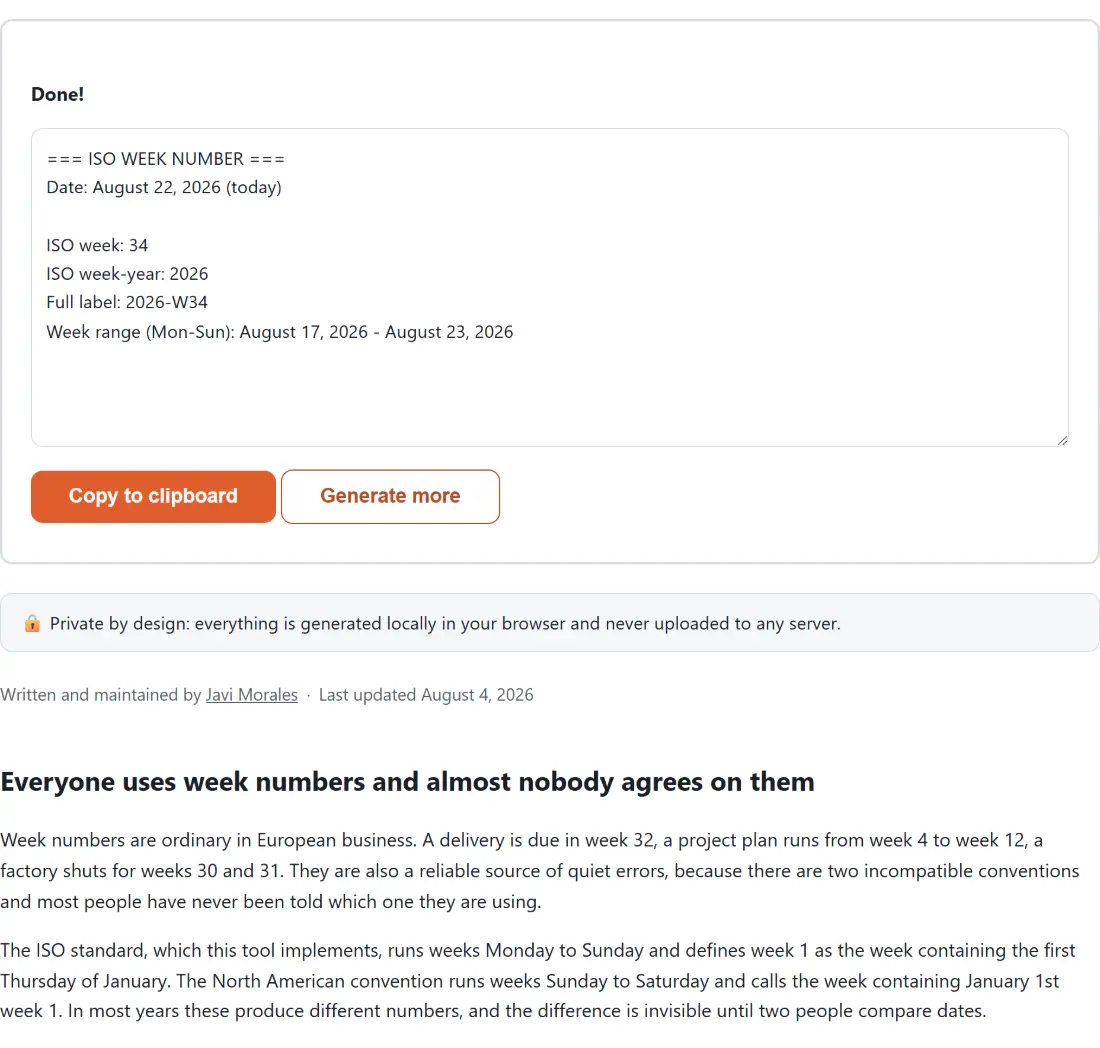
Screenshot of the Week Number Checker result screen showing the generated output “=== ISO WEEK NUMBER === Date: August 22, 2026 (t…”
The finished result: the generated output “=== ISO WEEK NUMBER === Date: August 22, 2026 (t…”. The download link is a local blob URL — the file never leaves your device.

Frequently asked questions

Which week numbering does it use?

ISO 8601, the standard used across Europe and by most business software. Weeks run Monday to Sunday, and week 1 is the week containing the first Thursday of January. That is equivalent to saying week 1 is the week containing January 4th, which is often an easier rule to check by hand. It is not the North American convention where weeks start on Sunday and week 1 is simply the week containing January 1st.

Why does the report show a week-year separate from the date's own year?

Because they genuinely differ several times every decade, and confusing them is the single most common week number error. January 1st 2023 fell on a Sunday and belongs to week 52 of 2022. December 31st 2018 fell on a Monday and belongs to week 1 of 2019. The label combining the week-year and the week, such as 2026-W32, is the unambiguous form and the one to quote.

How many weeks are in a year?

52 or 53, and which one is not obvious. 2020 and 2026 both have 53, while 2021 has 52. A year gets 53 whenever its extra day or two pushes an additional Thursday into it. This is why a calendar that assumes 52 breaks in a way nobody notices until the last week of a long year, and why the full-year mode states the total before listing anything.

What does each mode give me?

The date lookup returns the week number, the week-year, the combined label and the Monday to Sunday range that week covers. The week to date range mode reverses it, taking a week number and a week-year and returning the start and end dates. The calendar mode lists every week of a year with its own date range, which is what to use for planning across a whole year.

Why do the fields for the other modes stay on screen?

Because the option system behind this page cannot hide fields based on another field's value. Each field's label names the mode it belongs to, and fields belonging to a mode you are not using are simply ignored rather than affecting anything. It looks busier than it needs to and it never produces a wrong answer from a stale value.

What is the today checkbox for?

It makes the date lookup use your device's current date rather than the year, month and day fields, which is the answer most people want and saves typing it. Uncheck it to look up a specific date. It applies only to the date lookup and is ignored entirely by the other two modes.

Related tools