Marking your first day on the grid
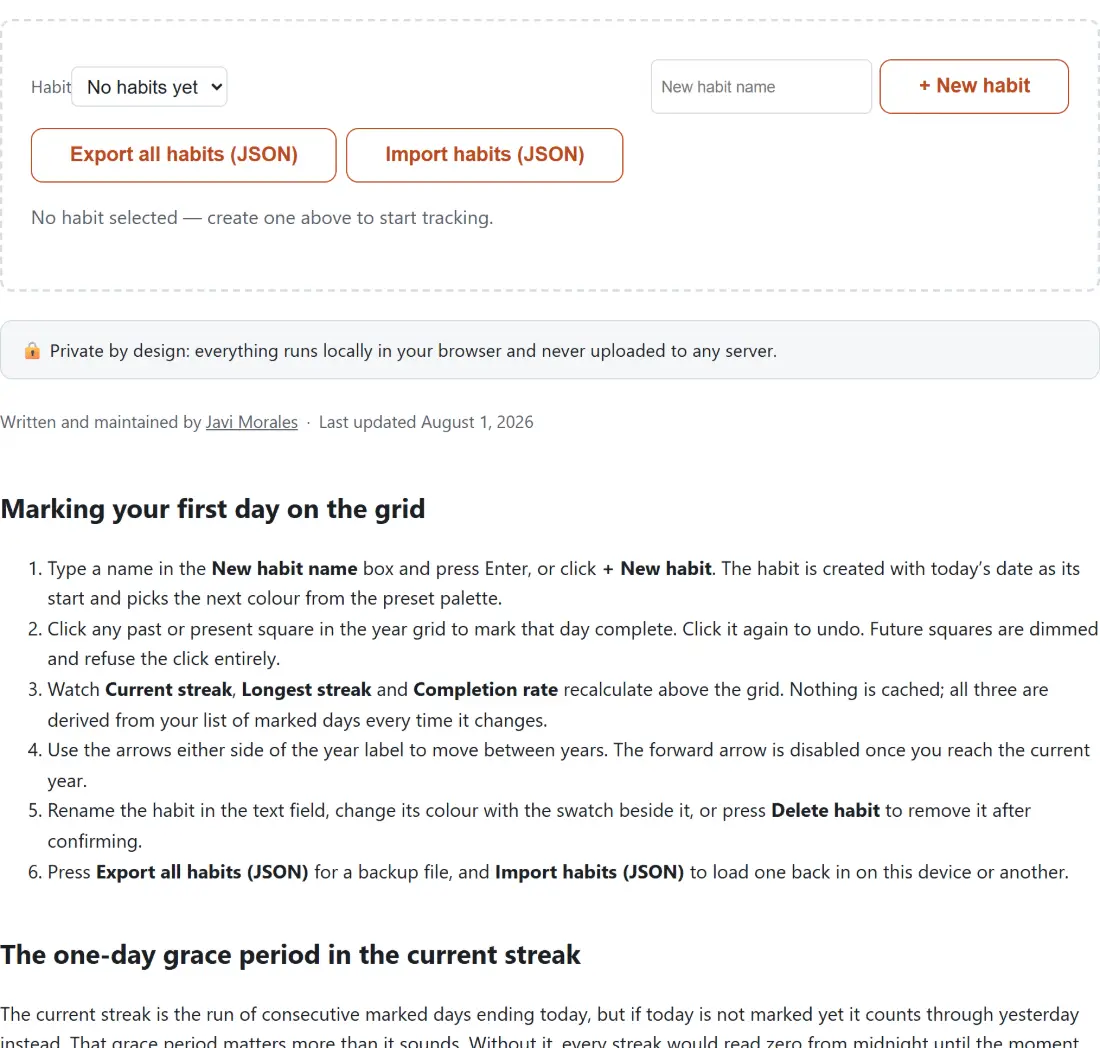
- Type a name in the New habit name box and press Enter, or click + New habit. The habit is created with today’s date as its start and picks the next colour from the preset palette.
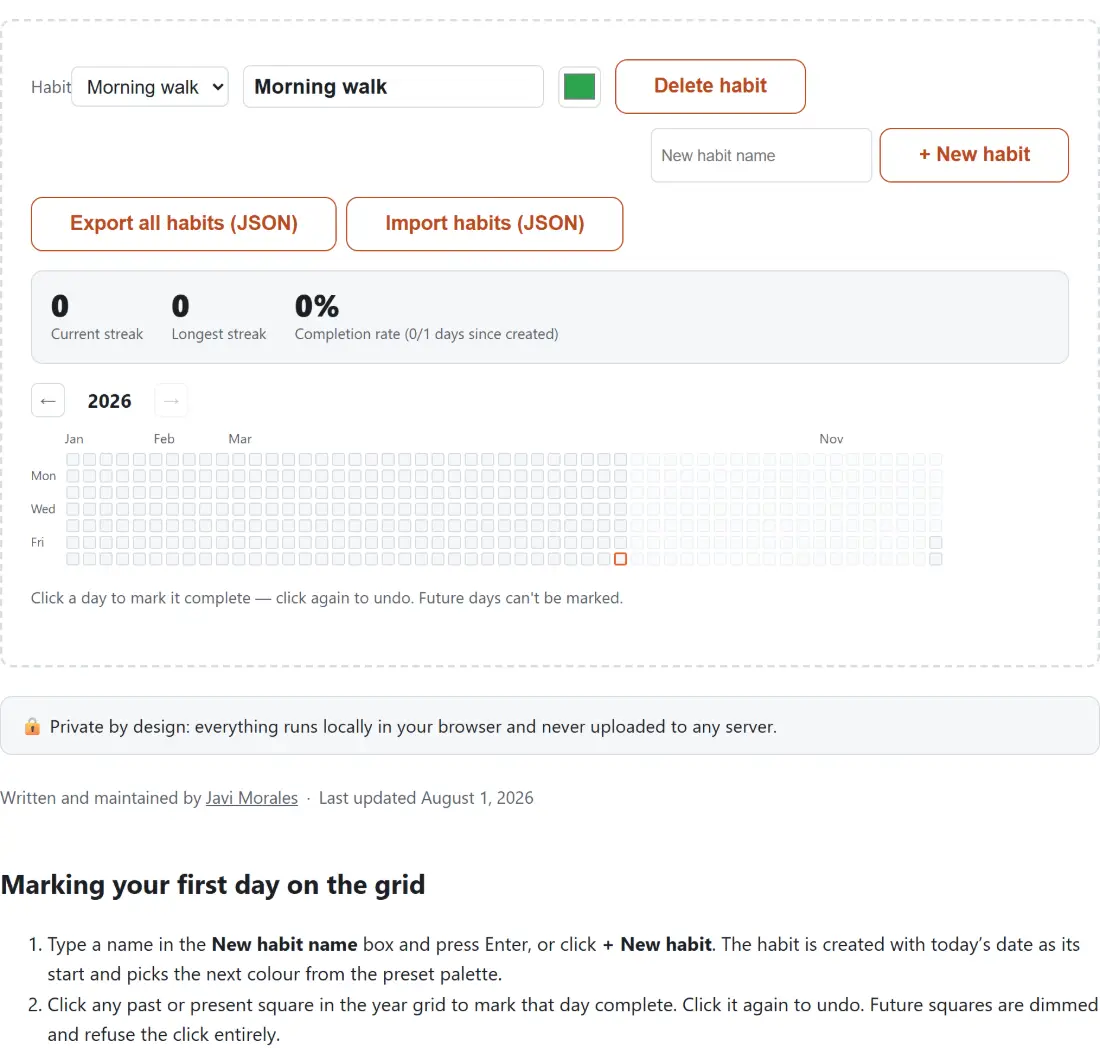
- Click any past or present square in the year grid to mark that day complete. Click it again to undo. Future squares are dimmed and refuse the click entirely.
- Watch Current streak, Longest streak and Completion rate recalculate above the grid. Nothing is cached; all three are derived from your list of marked days every time it changes.
- Use the arrows either side of the year label to move between years. The forward arrow is disabled once you reach the current year.
- Rename the habit in the text field, change its colour with the swatch beside it, or press Delete habit to remove it after confirming.
- Press Export all habits (JSON) for a backup file, and Import habits (JSON) to load one back in on this device or another.
The one-day grace period in the current streak
The current streak is the run of consecutive marked days ending today, but if today is not marked yet it counts through yesterday instead. That grace period matters more than it sounds. Without it, every streak would read zero from midnight until the moment you got round to marking the day, which turns the number you are trying to protect into a source of daily false alarms.
The rule is strict about one thing: if neither today nor yesterday is marked, the current streak is zero, however long the run further back was. Take a habit marked on five consecutive days that ended a week ago. The current streak reads 0, the longest streak still reads 5, and the completion rate carries on reflecting all five days. The longest streak is a full scan of your entire history for the best run of consecutive days, so it never falls when a current run breaks. That separation is the whole point of showing two numbers instead of one.
Backfilling days you were already doing
Marking a day that predates the habit itself is allowed on purpose. You had been running for three weeks before you thought to track it, so it would be perverse to lock those squares. Backfilled days count towards both streak numbers exactly like any other day.
They do not, however, inflate the completion rate, because that percentage only looks at the window between the habit’s creation date and today. A habit created yesterday, with marks on the two days before it as well as yesterday and today, reports a current streak of 4 and a longest streak of 4, while the completion rate reads 100% from 2 days out of 2. The two days outside the window are excluded from both halves of the fraction, so the rate stays honest rather than climbing past 100%.
What the completion rate divides by
The denominator is elapsed calendar days since the habit was created, inclusive of both ends, not days since your first mark and not days in the current year. A habit created today with nothing marked shows 0%, never a blank or an error, because the denominator is 1 rather than 0. Five marked days on a habit created 32 days ago works out at 15% after rounding to the nearest whole percent, because 32 days ago through today is 33 elapsed days.
This is a deliberately unforgiving denominator. It keeps counting on the days you skip, which is what makes the number worth looking at. If you would rather measure effort in blocks of focused time than in days, pair the tracker with the Online Timer and mark the square once the session ends.
365 cells, 366 in a leap year, 53 columns
The grid is a genuine day-by-day calendar year rather than a rolling window. The cell count comes from subtracting one January the first from the next using the same day-counting helpers the Days Between Dates Calculator is built on, so 2026 renders 365 cells and 2028 renders 366 without a leap-year rule written twice.
Those cells are grouped into GitHub-style week columns of seven, Sunday at the top. Because January the first rarely lands on a Sunday, the first column is padded with blanks and so is the last: 2026 comes out as 53 columns with four blank slots before New Year’s Day and two after New Year’s Eve. Hovering any square shows its date. The month strip above the grid is thinner than it looks, though, because an abbreviation is only printed when the first of a month happens to be its column’s opening day; across 2026 that is true for four months out of twelve, so most of the strip is blank.
The JSON file is the only copy you can move
Habits and marked days live in this browser’s local storage and nowhere else. There is no account, no sync and no server, so a habit exists in exactly one browser profile until you do something about it. Export writes every habit you have, not just the selected one, as a readable JSON file named habit-tracker.json, complete with each habit’s colour, creation date and full list of marked days. That file is a real backup and a real migration path, and importing it elsewhere restores your streaks intact.
Clearing site data in this browser wipes the habits with it, which is worth remembering before a spring clean. The same local-first arrangement runs through the tools built alongside this one, such as the Kanban Board and the Online Notepad, and the rest of the collection sits on the generators hub.