From scannable QR codes to CSS gradients to a full chart maker, this category covers the creative and utility generator tools on SysFenix — 18 tools in total, every one running entirely in your browser with no account, no watermark, and no usage limit. This guide walks through what each one does and when to reach for it.
Unlike most competing generator sites that push you toward a paid tier for higher resolution, extra exports, or removing a watermark, every tool below produces its full-quality output for free, every time, because there’s no server-side rendering cost to recoup — the image, chart, or code is built directly in your own browser using canvas and SVG APIs.
QR codes and barcodes
Print menus, business cards, event flyers, and WiFi guest access all rely on QR codes today, and this cluster of tools covers both the generation and reading side of that workflow.
QR and barcode generation is one of the most common “quick utility” searches, and this site covers the full practical range: creating codes, reading them back, and a couple of specialized variants.
- QR Code Generator turns any text or URL into a downloadable QR code, with an adjustable error-correction level (higher levels make the code more resistant to damage or partial obstruction, at the cost of a denser pattern) and a configurable output size.
- WiFi QR Code Generator builds a scannable code that connects a phone directly to your WiFi network the moment it’s scanned with a camera app — genuinely useful for guests, since nobody has to type out a long, complicated WiFi password character by character.
- QR Code Reader from Image decodes an existing QR code from an uploaded photo or screenshot, for the times you have an image containing a code but no phone camera handy to scan it live.
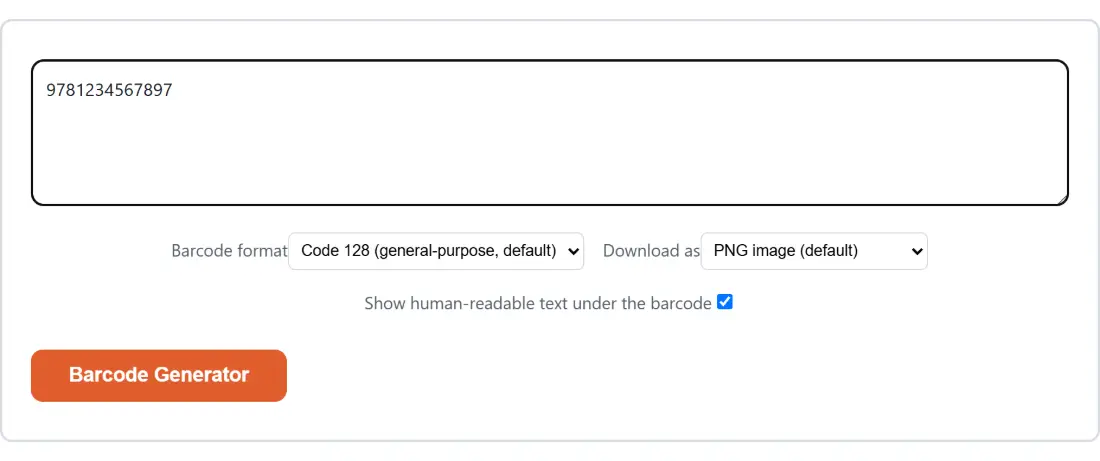
- Barcode Generator generates common 1D barcode formats — CODE128, EAN-13, UPC-A, and more — as a downloadable image, for labeling, inventory, or product mockups.
CSS and web design
If you’re a developer or designer who wants a specific visual effect but doesn’t want to hand-write the exact CSS syntax from memory, these four tools give you a live, draggable preview and copy-ready code.
- CSS Gradient Generator visually builds a linear, radial or conic gradient — with multiple color stops, adjustable angle, and a live preview — then hands you the exact copy-ready CSS, plus an option to export the gradient as a standalone PNG image.
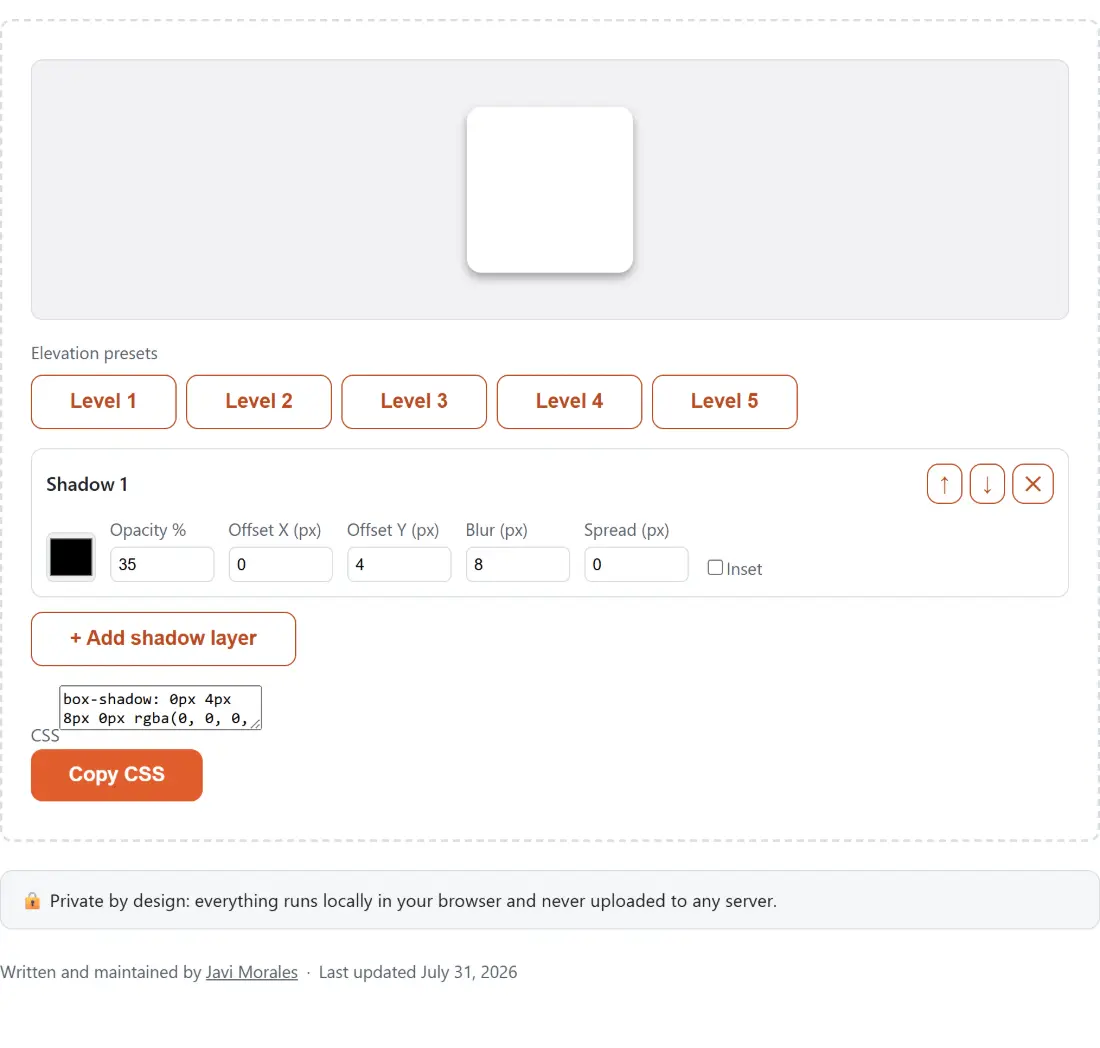
- CSS Box Shadow Generator builds single or multiple layered
box-shadoweffects with sliders for offset, blur, spread, and color, including ready-made Material Design-style elevation presets that mimic how real UI libraries stack shadow layers to suggest different heights above the page. - CSS Clip-Path Generator creates custom shape cutouts for an element — triangles, stars, arrows, rounded insets, or a fully custom shape you draw yourself by dragging points on a polygon — again with instant copy-ready CSS output.
- Color Palette Generator generates random or harmony-based (complementary, analogous, or triadic) 5-color palettes, with the ability to lock individual swatches you like and regenerate just the rest by pressing spacebar — a fast way to explore color combinations for a design project.
Content and images
- Code to Image Screenshot Maker turns a pasted code snippet into a polished, syntax-highlighted image with a macOS-style window frame and a gradient background — the kind of clean, shareable code image commonly posted on social media, in blog posts, or in slide decks.
- OG Image Generator builds a social-share preview image — the picture that shows up when a link is shared on Facebook, X/Twitter, LinkedIn, or Pinterest — from just a title and an optional subtitle, with no source photo required at all.
- Chart Maker builds bar, line, pie or donut charts directly from data you type in, paste from a spreadsheet, or import as a CSV file, exported as either a PNG image or a scalable SVG file for further editing.
- Word Cloud Generator turns a block of pasted text into a frequency-sized word cloud — the more often a word appears, the bigger it renders — with several color themes and automatic filtering of common filler words.
- Lorem Ipsum Generator generates classic Latin-style filler text by words, sentences, or paragraphs, the standard placeholder text used to mock up a page layout before real content is ready.
- AI Image Prompt Builder composes a well-structured Midjourney or ChatGPT/DALL-E image prompt from a set of style, camera, lighting, and parameter options — worth noting this is pure text composition with no AI model or API call involved; it builds you a better starting prompt to paste into an actual AI image tool.
- Email Signature Generator builds a professional HTML email signature — name, title, contact details, and social links — with a live preview, specifically formatted using inline table-based HTML so it pastes correctly into Gmail’s or Outlook’s signature editor without breaking.
Random and study tools
The final group covers randomness and studying — a smaller cluster, but each one solves a distinct, common need.
- Random Number Generator generates genuinely unbiased random numbers using the browser’s cryptographic random number source (not the weaker
Math.random()), plus dedicated dice-roll and coin-flip modes. - Username Generator generates available-sounding usernames or gamertags across gamer, professional, or aesthetic styles, useful for signing up to a new platform or picking a handle for a game.
- Flashcard Maker creates study flashcard decks with a flip animation, a shuffle and lightweight spaced-repetition study mode, CSV/JSON import and export for sharing decks, and a printable layout for offline study.
Which tool should I use?
| I want to… | Use this tool |
|---|---|
| Make a QR code for a URL | QR Code Generator |
| Let people join my WiFi by scanning a code | WiFi QR Code Generator |
| Read a QR code from a screenshot | QR Code Reader from Image |
| Build a CSS gradient background | CSS Gradient Generator |
| Build a drop shadow or layered elevation effect | CSS Box Shadow Generator |
| Cut a custom shape out of an element | CSS Clip-Path Generator |
| Get a matching color palette | Color Palette Generator |
| Share a code snippet as a nice-looking image | Code to Image Screenshot Maker |
| Make a social-media preview image for a link | OG Image Generator |
| Turn spreadsheet data into a chart | Chart Maker |
| Get placeholder filler text for a mockup | Lorem Ipsum Generator |
| Build a structured AI image prompt | AI Image Prompt Builder |
| Create a professional HTML email signature | Email Signature Generator |
| Make study flashcards | Flashcard Maker |
All 18 tools process everything locally in your browser — nothing you create here is ever uploaded. Because there’s no server-side rendering queue, generation is instant even for a full chart or a syntax-highlighted code screenshot, and you can regenerate as many variations as you like without hitting any kind of usage cap or being asked to sign up partway through.