Speech Time Calculator

Paste a script and get its spoken length at 110, 130 and 160 words per minute, plus how many words fill a target duration. Runs in your browser.

🌐 Español

🔒 Private by design: your text is processed locally in your browser and never uploaded to any server.

Three rates, and why these three

Any words to minutes calculator is only as good as the rate it assumes, and most of them hide a single number behind a confident answer. This one shows its work by reporting three rates side by side on every run.

The three are 110, 130 and 160 words per minute. They are not arbitrary. 130 is the number that recurs across public speaking references as a typical clear presentation pace. 110 sits where a measured, pause friendly delivery lands, the pace of an audiobook narrator or a speaker who wants the room to keep up. 160 is a genuinely fast delivery, sustainable for a podcast or a piece to camera but hard to hold for an hour.

Seeing all three at once turns a false precision into a range, which is the shape the answer actually has.

Producing an estimate

  1. Paste your script into the input box.
  2. Pick a Highlighted speaking rate if you want one of the three called out separately. Average is the default.
  3. Set a target duration in minutes if you also want the reverse calculation. Leave it at zero to skip that section.
  4. Run the tool and read the report.
  5. Copy or download the report if you want to keep it alongside the draft.

What the report actually contains

The output is a plain text report in two labelled blocks. The first block gives the word count, then the estimated speaking time at each of the three rates in a lined up column, then a single highlighted line repeating whichever rate you selected.

The second block answers the reverse question for the target duration you set, listing the words needed at each rate. If no valid target is set, that block says so instead of printing a meaningless row of zeroes. A closing note repeats that these are estimates from general English rates and that real delivery varies.

Because the whole thing is text, it drops straight into a script document as a header, which is how I actually use it when a talk has a hard time limit.

Writing to a slot instead of timing a draft

The reverse calculation is the half that gets overlooked, and for anyone writing to a fixed length it is the more useful of the two. You rarely start with a finished script and wonder how long it runs. You start with a five minute slot and need to know how much to write.

The answer is a range there too. Five minutes is 550 words if you plan to speak deliberately and 800 if you plan to move. Writing to the top of that range and then cutting is usually a worse plan than writing to the middle, because the material you cut under time pressure is rarely the material you should have cut.

Where the estimate breaks down

The model is a constant rate with no silence in it, so every source of error points the same way: real delivery takes longer than the estimate, not shorter. Pauses for effect, a laugh you have to wait out, a demo that stalls, a slide that will not advance, and any question from the room are all invisible to a word count.

The practical correction is to leave headroom rather than to adjust the rate. Then check the draft with Word Counter as you write, run the finished version through Teleprompter at the speed you intend to use, and time a real rehearsal against Online Timer. If the script reads slower than you expect, Readability Checker is often the reason, since dense sentences take longer to say than their word count suggests.
See it in action

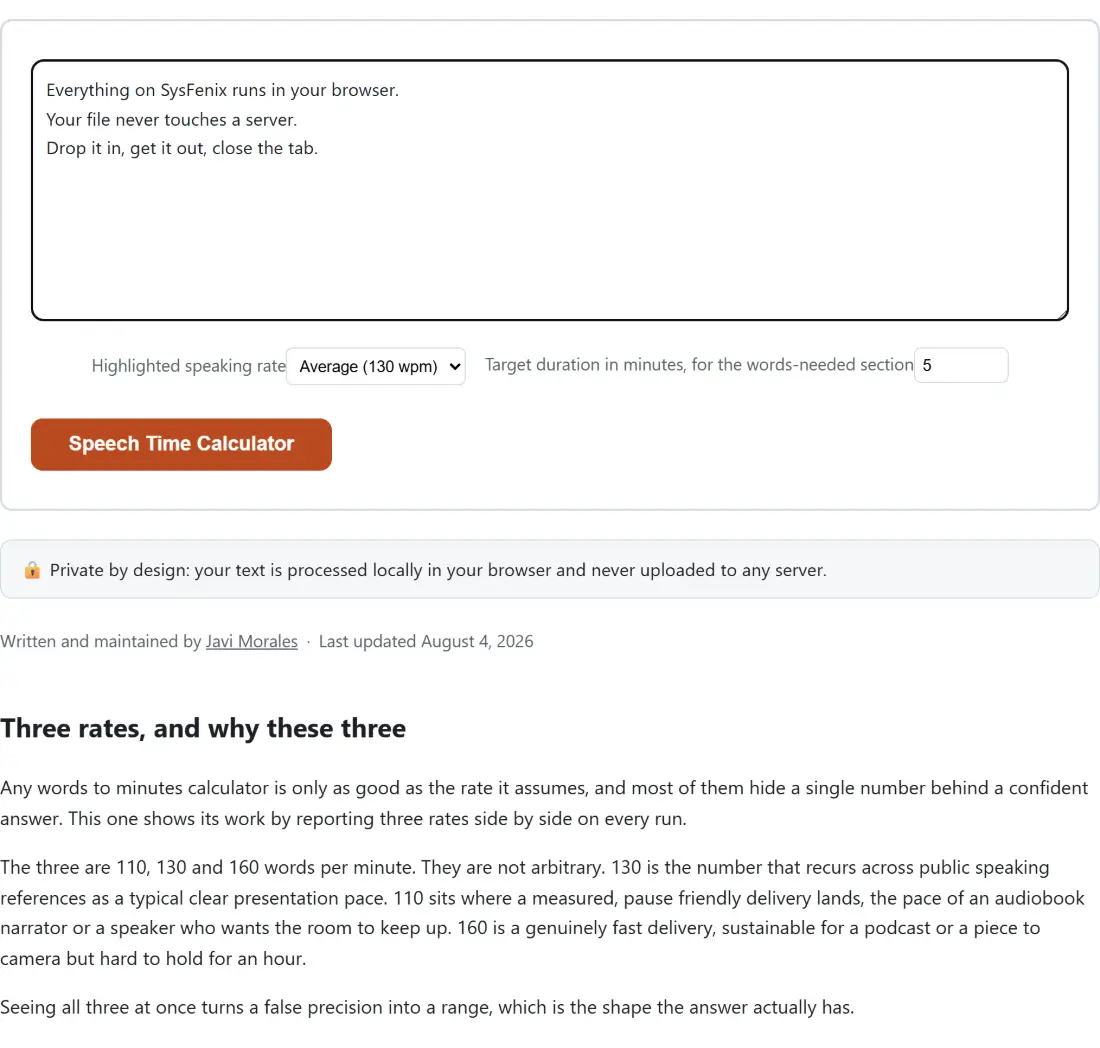
Screenshot of the Speech Time Calculator tool with the sample input “Everything on SysFenix runs in your browser. You…”, Highlighted speaking rate set to Average (130 wpm), Target duration in minutes, for the words-needed section set to 5
Speech Time Calculator mid-process: the sample input “Everything on SysFenix runs in your browser. You…”, Highlighted speaking rate set to Average (130 wpm), Target duration in minutes, for the words-needed section set to 5.
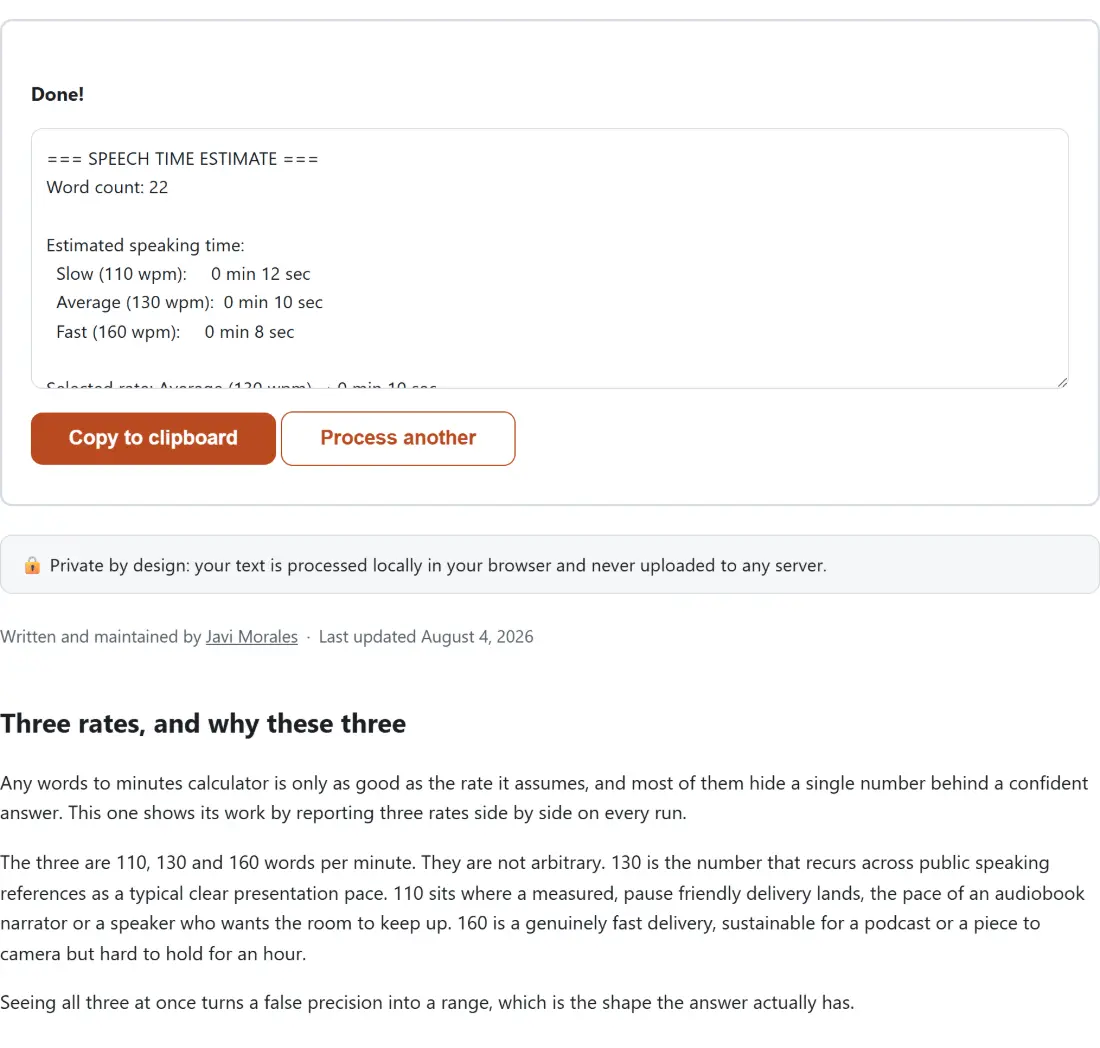
Screenshot of the Speech Time Calculator result screen showing the generated output “=== SPEECH TIME ESTIMATE === Word count: 22 Esti…”
The finished result: the generated output “=== SPEECH TIME ESTIMATE === Word count: 22 Esti…”. The download link is a local blob URL — the file never leaves your device.

Frequently asked questions

Which three speaking rates does it use?

110, 130 and 160 words per minute, labelled slow, average and fast. 110 is a deliberate, measured delivery with room for pauses, the pace of an unhurried keynote or an audiobook. 130 is the figure most public speaking references quote for a clear presentation. 160 is an energetic, up tempo delivery of the kind podcasters and some broadcasters use. All three appear in the report every time, so the rate selector only decides which one gets called out on its own line.

Why does the report show all three rates instead of just the one I picked?

Because the spread between them is the useful information. A script that runs 6 minutes 32 seconds at the average rate runs 7 minutes 44 seconds slow and 5 minutes 19 seconds fast, and knowing you have a two and a half minute swing available tells you far more about whether the script fits a slot than any single number does. The selected rate is repeated below the table as a highlighted line so you still get one headline figure.

How is the duration rounded?

The raw figure is calculated as words divided by rate, times sixty, then rounded to the nearest whole second before it is written out as minutes and seconds. So 850 words at 130 words per minute is 392.31 seconds internally and reads as 6 min 32 sec. Anything an hour or longer gains an hours part in front, so a very long script reads like 1 hr 30 min 55 sec instead of an unhelpfully large minute count.

What does the target duration field do?

It reverses the calculation. Instead of asking how long your text takes, it asks how many words you would need to fill the time you have, and answers for all three rates at once. A five minute slot needs about 550 words at the slow rate, 650 at the average and 800 at the fast one. Leave the field at zero or empty and that section shows a prompt to set a target rather than a table of zeroes.

Does it count words the same way a word counter does?

Yes, it uses exactly the same counting routine as the word counter on this site rather than a second implementation, so the two tools can never disagree about how many words your text contains. That matters more than it sounds, because a discrepancy between the count and the timing would make the estimate impossible to check by hand.

How accurate is the estimate in practice?

Treat it as a planning figure, not a measurement. It assumes a constant rate with no pauses, so it will underestimate any delivery that includes deliberate silences, audience laughter, a demo, questions or a slide change. It also assumes English at a general average pace, and individual speakers vary far more than the gap between the three rates shown. The honest workflow is to use it to get in range, then rehearse once against a timer and adjust.

Related tools