The hour hand moves too, and that is most of the lesson
Ask an adult to draw 3:30 on a blank clock face and a surprising number will put the hour hand squarely on the 3. A real hour hand does not wait: it slides half a degree every minute, so at half past three it has already travelled fifteen degrees past the 3 and sits midway to the 4. Learning to read that in-between position is the difference between guessing a time and actually telling it.
That geometry is the core of these worksheets, and it is not approximated. The minute hand is placed at six degrees per minute, the hour hand at thirty degrees per hour plus half a degree per minute, and both formulas were checked by hand against 12:00, 3:00, 3:30, 6:15 and 9:45 with the expected angles written out before the code was trusted. So 3:30 puts the hour hand at 105 degrees, and 9:45 puts it three quarters of the way from the 9 to the 10, which is exactly the case children get wrong most often.
Read the clock, or draw the hands
The two task modes train opposite directions of the same skill, and a child can be fluent in one while being lost in the other.
Read the clock prints a clock with both hands drawn and a blank ruled line underneath. The student translates a picture into digits. This is the recognition half, and it is where most classroom practice stops.
Draw the hands prints the digital time as a caption and a completely blank clock face above it: numbers, tick marks, no hands. The student has to produce the picture, which means committing to a length for each hand and, crucially, deciding where the hour hand belongs. There is nowhere to hide in this direction. A child who has been reading clocks by looking only at the minute hand will place the hour hand on the number, and you will see it immediately.
Run the same difficulty in both modes across a week and you get a much clearer picture of what has actually landed.
Picking a difficulty and a page density
Difficulty controls the pool of minutes the generator can draw from. “To the hour” allows only :00. “To the half hour” allows :00 and :30, and is the default because it is where most curricula spend the longest. “To the quarter hour” adds :15 and :45. “To the minute” opens up every minute from 0 to 59, which is a genuine jump in difficulty, not a small increment, because it removes the pattern recognition a child can lean on at the other three levels.
Clocks per page is a legibility choice as much as a quantity one. Four clocks lay out as a 2 by 2 grid with big faces, which suits small hands and early practice. Six become 3 by 2, nine become 3 by 3, and twelve pack into 3 by 4 with noticeably smaller dials. The clock radius is computed from whichever of the cell’s width or height is tighter, so a twelve clock page never overflows its grid, but the numbers around the dial do get small. For a first lesson on a 12 clock page, expect to be asked what the numbers say.
One honest quirk of random generation: times can repeat on a page. At “to the hour” there are only twelve possible times, so a twelve clock sheet is nearly guaranteed to double up. That is fine for practice and a bit untidy for an assessment, so generate again if a repeat bothers you.
Generating, checking and printing
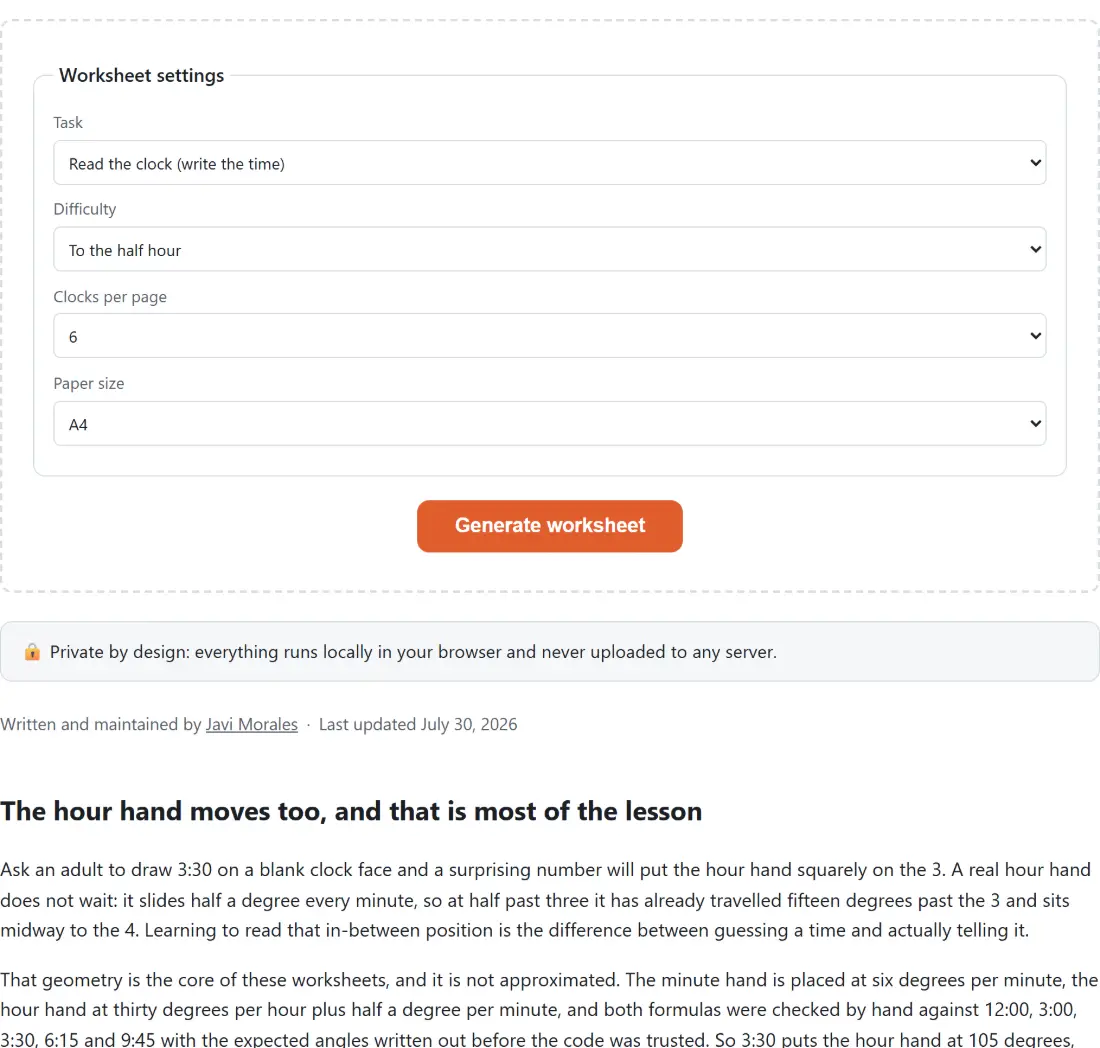
- Choose your Task, Difficulty, Clocks per page and Paper size (A4 or Letter).
- Click Generate worksheet. A fresh random set appears immediately as real clock faces on the page, so you can judge it before committing any paper.
- Tick Show answer key to flip the preview into its answer form, and untick it to go back. Not convinced by a sheet? Generate a new one; nothing is saved or queued.
- Click Download PDF for the two page file, worksheet then answer key, built from exactly the clocks you just previewed.
That last point matters more than it sounds. The download does not re-roll the random times; it takes the set already on screen and renders it, so what you approved is what prints.
What is in the file, and what is not
The PDF is built with pdf-lib, the same library behind the Printable Calendar and the Bingo Card Generator, and it uses the standard Helvetica faces, so the file stays small and opens anywhere without embedding a font. Page one and page two share the same grid, so a clock in position five on the worksheet is in position five on the key. Because the whole thing is drawn as vector lines and text rather than a rasterised picture, it prints crisply at any size and photocopies cleanly.
What it does not include: no AM or PM, no 24 hour times, no written answers in words (“quarter past four”), no elapsed-time questions, and no name line. The clock face itself is deliberately plain, with the numbers 1 to 12 and a tick mark at each of them, and no sixty minute ticks in between to count round. For times tables drill on the same kind of printable page, see Times Tables Practice; for letter formation, Handwriting Practice Worksheets follows the same generate, preview, print shape.