PDF tools are one of the riskiest categories to trust to a random website, because PDFs so often contain something sensitive — a signed contract, a scanned ID, a payslip, a tax document. Every PDF tool on SysFenix processes your file entirely in your own browser tab (using pdf-lib and pdf.js, the same libraries real PDF apps use, compiled to run client-side), so nothing you upload is ever transmitted anywhere. This guide covers all 28 PDF tools, grouped by what you’re trying to accomplish.
Most competing “free PDF tool” websites are actually a thin upload form in front of a server that processes your file remotely — meaning your document briefly exists on someone else’s infrastructure, however “temporary” the claimed deletion policy is. Every tool listed below skips that step entirely: the PDF library runs directly inside your browser’s own JavaScript engine, the file never leaves your device, and there’s no upload progress bar because there’s no upload at all.
Converting into and out of PDF
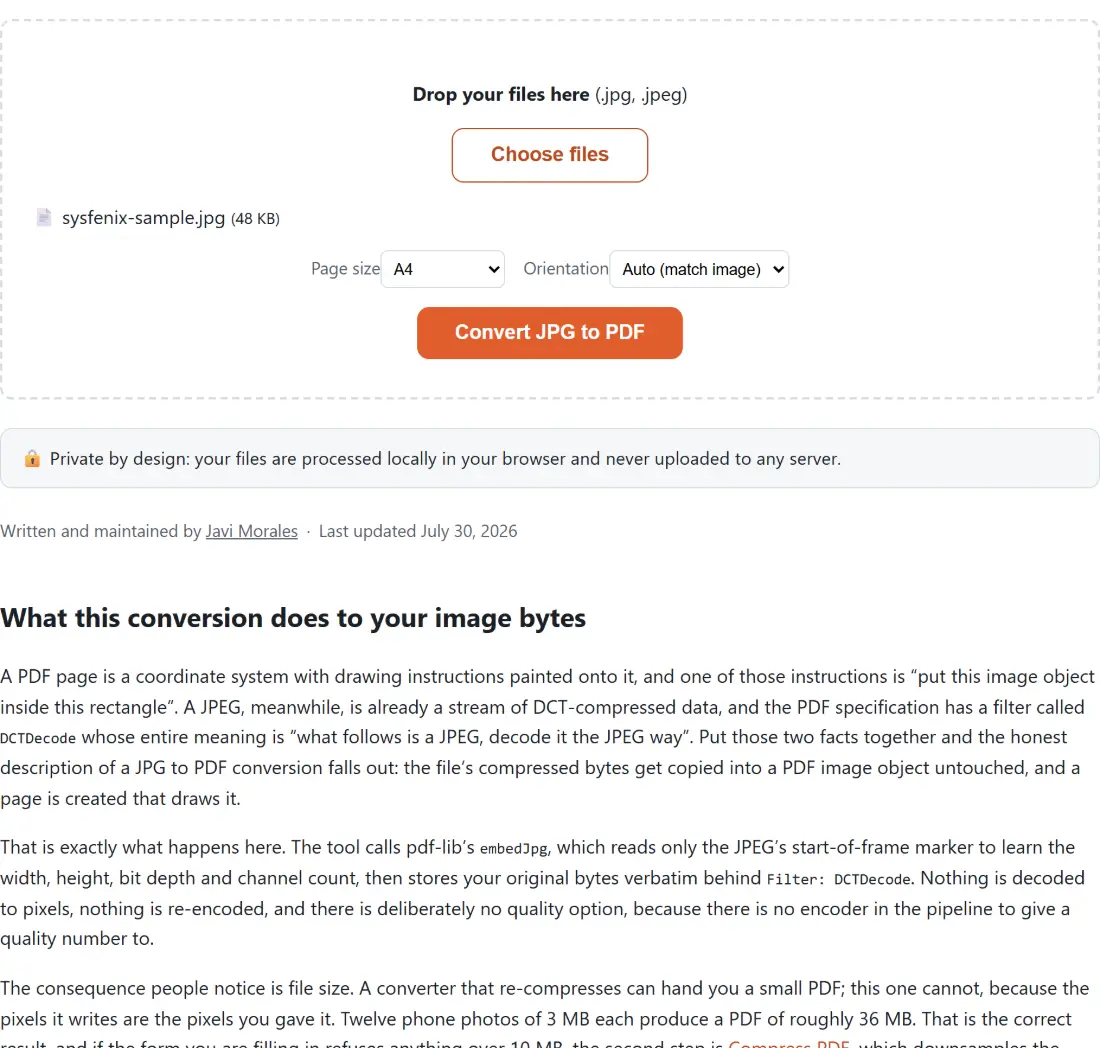
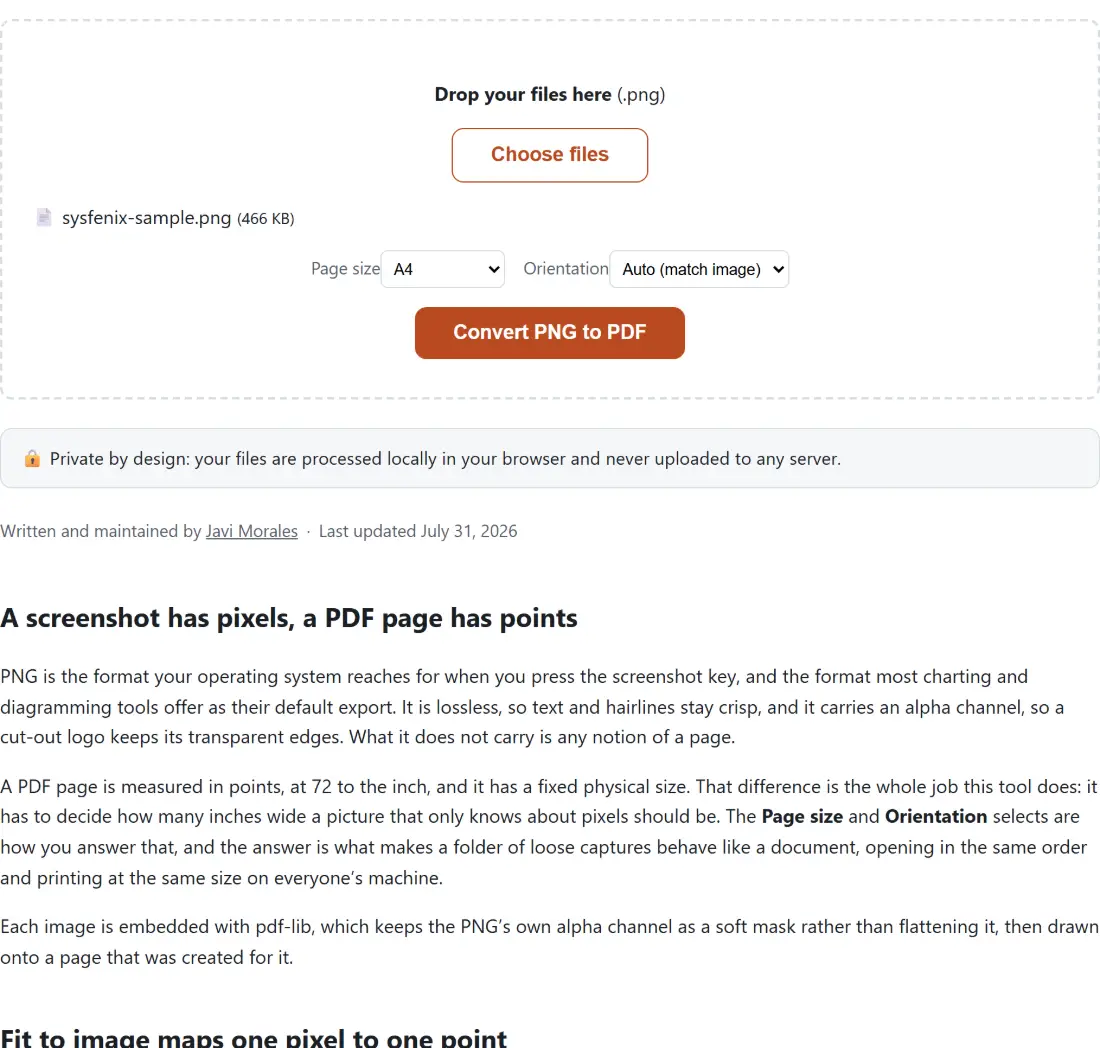
- Convert JPG to PDF and Convert PNG to PDF turn one or several images into a single PDF, with page-size (A4, Letter, or fit-to-image) and orientation options — a common need for combining scanned receipts or photographed documents into one file.
- Convert TXT to PDF turns a plain-text file into a properly paginated PDF, preserving paragraph breaks and automatically wrapping long lines.
- Convert HTML to PDF and Convert Markdown to PDF render an HTML file or a Markdown document into a downloadable PDF — Markdown to PDF chains together the Markdown-to-HTML and HTML-to-PDF conversions internally, with a choice of clean visual themes (default, minimal, or a GitHub-style README look).
- Convert Word to PDF converts a real
.docxfile into a PDF, preserving headings, bold/italic formatting, tables, lists, and embedded images. - Going the other way: Convert PDF to JPG and Convert PDF to PNG render each page of a PDF out as an image — JPG for a smaller file size, PNG when you specifically need lossless quality, for example when a page contains a diagram with sharp lines.
Organizing and reordering pages
- Merge PDF Files combines multiple PDFs into a single document, in the order you upload them — the most-searched PDF task by far, for combining scanned pages or several separate reports into one file.
- Split PDF breaks a PDF into individual pages (each as its own file, bundled into a ZIP), or extracts just a specific page range.
- Delete PDF Pages removes a page or range of pages from a document, for example stripping out a blank cover sheet or an unwanted appendix.
- Reorder PDF Pages moves a single page to a new position within the document, useful for fixing a scan that came out of order.
- Rotate PDF rotates all pages, or a specific page range, by 90, 180 or 270 degrees — common after scanning a document sideways by mistake.
- Add Page Numbers to PDF stamps sequential page numbers onto every page, with position and starting-number options.
Compressing, optimizing and OCR
- Compress PDF shrinks file size with two honest modes: a “strong” mode that rasterizes pages to images for the biggest size reduction (with the tradeoff that the text is no longer selectable afterward), and a “clean” lossless mode that just re-serializes the file more efficiently with no visual change at all.
- Convert PDF to Grayscale converts every color page to black-and-white, useful before sending a document to a black-and-white office printer to save on color-ink costs.
- OCR PDF — Make a Scanned PDF Searchable runs real on-device text recognition over a scanned PDF and adds an invisible, selectable text layer directly on top of the original pages — the pages look pixel-for-pixel identical to before, but the text underneath becomes genuinely searchable and copyable, which is exactly what a plain image-only scan can never do on its own.
Signing, filling, securing and watermarking
- Sign a PDF places an image of your own signature onto a chosen page — worth being clear that this is a visual stamp, not a cryptographic e-signature, so it’s suited for the common “sign and send back” case rather than a legally binding digital signature workflow.
- Fill a PDF Form fills in an interactive AcroForm PDF’s text fields, checkboxes and dropdowns from a JSON file you prepare, ideal for anyone who needs to fill the same form repeatedly.
- Flatten a PDF bakes filled-in (or otherwise interactive) form fields permanently into the static page content, so they display and print correctly in every viewer — a natural last step in the fill-then-sign-then-flatten workflow, since some PDF viewers render live form fields inconsistently.
- Add Watermark to PDF stamps a diagonal text watermark (CONFIDENTIAL, DRAFT, SAMPLE, DO NOT COPY) across every page, at an adjustable opacity and rotation.
- Password Protect a PDF adds real AES-128 encryption requiring a password to open the file, with optional restrictions on printing or copying text.
- Unlock a PDF removes a password from a PDF you already know the password for — this isn’t a password-cracking tool, it simply strips the encryption once you supply the correct password yourself.
Generating brand-new PDFs
A few tools build a PDF from scratch rather than editing an uploaded one — genuinely interactive forms that produce a finished document without ever needing a source file:
- Invoice Generator — fill in seller/buyer details, add line items, set a tax rate and currency, and download a clean, professional invoice PDF, with your details remembered locally for next time.
- Printable Calendar Generator — a monthly or full-year calendar PDF, ready to print, with a choice of week-start day and an optional notes column.
- Certificate Maker — award or completion certificates with a choice of border designs, an optional logo and signature line, plus a CSV batch mode for generating a whole class’s worth at once.
- Graph & Lined Paper Generator — graph, lined, dotted, isometric, or music-staff paper, at a configurable spacing and paper size.
- Bingo Card Generator — printable, guaranteed-unique bingo cards generated from your own custom word or number list, for classroom or party games.
Which tool should I use?
| I want to… | Use this tool |
|---|---|
| Turn photos into a single PDF | Convert JPG to PDF |
| Turn a PDF’s pages into images | Convert PDF to JPG |
| Combine several PDFs into one | Merge PDF Files |
| Pull specific pages out of a PDF | Split PDF |
| Remove a few unwanted pages | Delete PDF Pages |
| Shrink a PDF’s file size | Compress PDF |
| Make a scanned PDF’s text selectable/searchable | OCR PDF |
| Sign a document and send it back | Sign a PDF |
| Fill in an interactive PDF form | Fill a PDF Form |
| Make a filled-in form print reliably | Flatten a PDF |
| Mark a document CONFIDENTIAL or DRAFT | Add Watermark to PDF |
| Add a password to a sensitive PDF | Password Protect a PDF |
| Remove a password I already know | Unlock a PDF |
| Turn a Word document into a PDF | Convert Word to PDF |
| Create a simple invoice | Invoice Generator |
| Print a monthly calendar | Printable Calendar Generator |
Every one of these tools processes your document locally — no upload, no server, no third party ever seeing what’s inside your PDF.