A contact card that needs no server
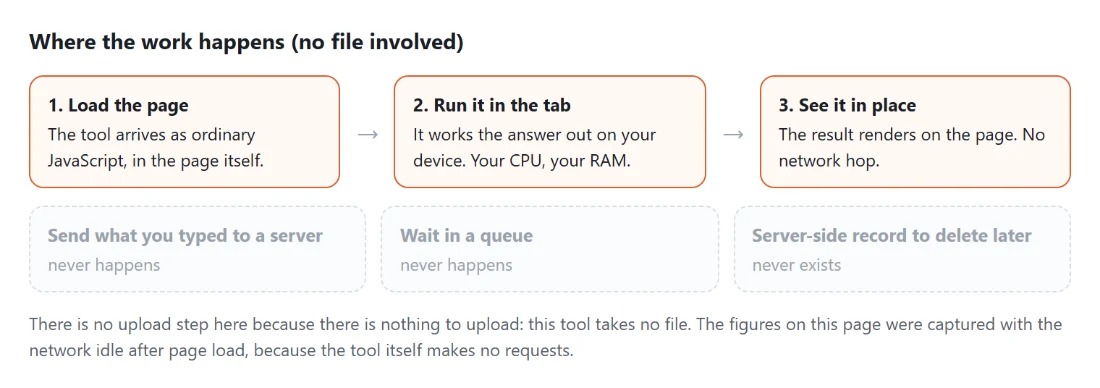
The usual way to put your details behind a QR code is to sign up for a service, fill in a profile, and print a code that points at a page it hosts. It works until the service changes its pricing, rebrands the link, or disappears, at which point every card you printed becomes a dead end.
Encoding the contact card directly into the QR removes the dependency entirely. The scanned code contains the details themselves in the standard contact format, so a phone offers to add the contact straight away with no page load, no network and no third party in between. A card printed this way works the same in ten years as it does today.
The trade is that the code holds a fixed snapshot. Change your phone number and the printed cards are wrong, whereas a hosted profile could have been updated. For a business card that is usually the right trade, since the card is a physical object you would reprint anyway.
Producing a card
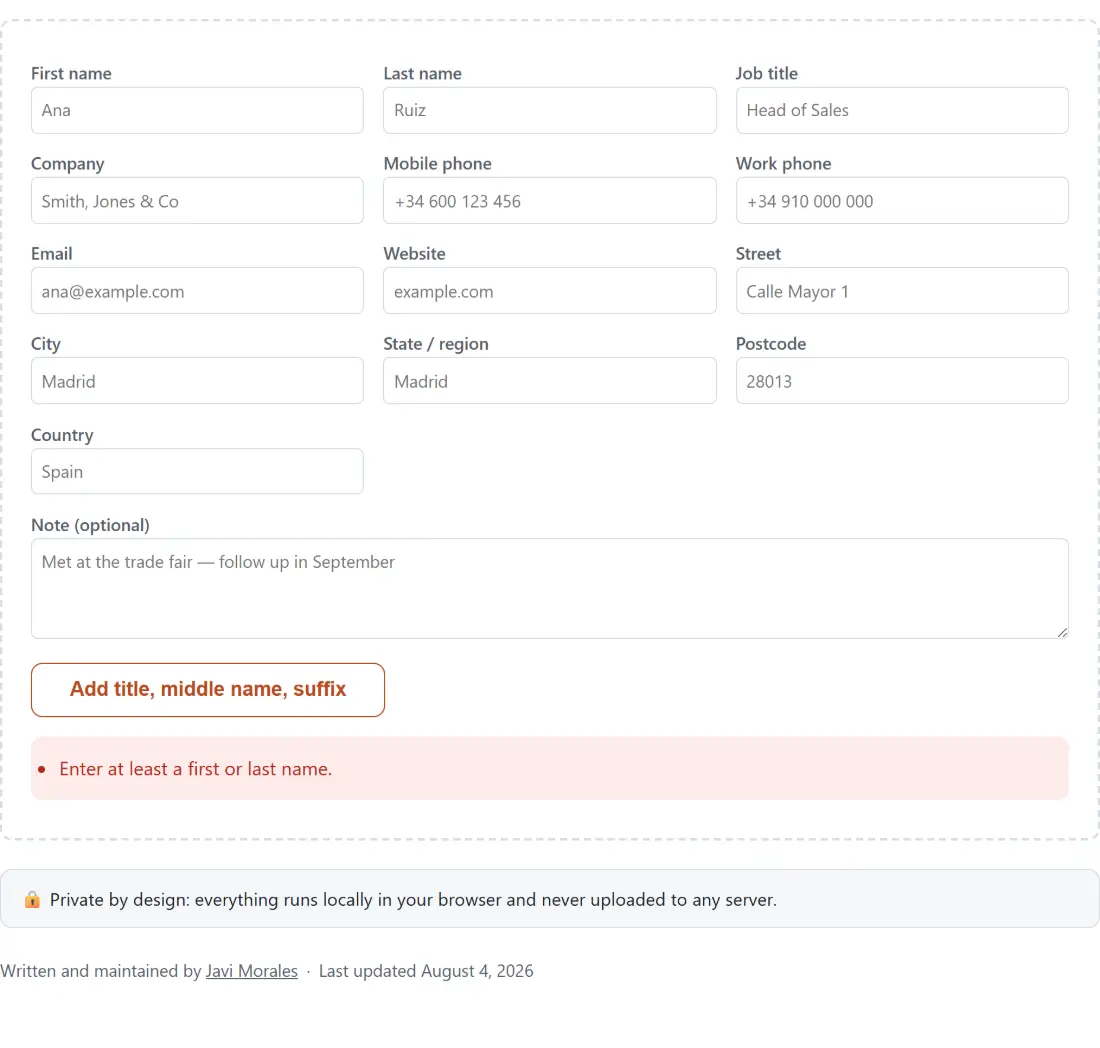
- Fill in the contact fields. A first or last name is the minimum.
- Watch the QR code update as you type. The vCard text, the file and the code all come from the same source.
- Choose a QR size and an Error correction level.
- Download the .vcf file, the QR image as a PNG, or both.
- Choose how many cards per sheet and print, or copy the raw vCard text.
One source, four outputs
Everything the page produces is derived from a single vCard string assembled from the form. The QR encodes that string, the download is that string as a file, the copy control gives you the string, and the print sheet embeds the QR built from it.
That matters because the obvious way to build a tool like this is to generate each artefact from the form separately, and then a field that is handled slightly differently in one path produces a QR that disagrees with the file. Here there is only one thing to be right.
The website field is the one place a deliberate normalisation happens. A bare domain has https prepended, because a contacts app will often refuse to make a scheme-less value tappable, and a tappable link is the whole point of putting it on a card. A value that already declares a scheme is untouched.
The capacity readout, and why it is only a guide
Under the code is a figure showing how many bytes the card takes against roughly what a QR can hold at the chosen error correction level. It is deliberately not a gate.
The reason is that a QR encoder is cleverer than a plain byte count suggests. It can switch into denser modes for runs of digits and capital letters, and a real vCard is full of both, so the encoder will accept cards slightly larger than the byte figure implies. A tool that refused based on the figure would reject cards that actually encode perfectly well.
So the encoder is always asked, every time, and the figure exists to tell you how close you are getting. Only when the encoder itself refuses does a message appear, and it explains the refusal in terms of what to remove.
Error correction is a print decision
The error correction level decides how much of the code can be damaged while remaining readable, and it trades directly against capacity.
For anything printed, choose a higher level. A business card lives in a wallet, gets bent, picks up ink and coffee, and a code with more redundancy keeps scanning through all of that. For a code that will only ever appear on a screen, the lowest level is fine and gives you the most room for a longer card.
The practical consequence of a card that will not fit is nearly always the free text note or a long address. Those are the fields to trim first, before reaching for a lower error correction level, because capacity gained that way costs you durability.
Related contact and code tools
For a QR code around something other than a contact, QR Code Generator covers arbitrary text and links, and Bulk QR Generator produces many at once from a list.
To go the other way and turn contact exports into a spreadsheet, VCF to CSV reads the same file format this tool writes. For the digital equivalent of a business card, Email Signature Generator builds the block that goes at the bottom of your messages. The rest are on the generators hub.