Contacts are exported in a format spreadsheets cannot read
Every phone and every mail account will export your contacts, and almost all of them export a .vcf file. It is the standard interchange format for contact cards and it is a plain text format, so it looks like it ought to be readable.
Open one in a spreadsheet and you get nonsense, because it is not tabular. Each contact is a block of property lines with repeated properties allowed, structured values packed into single lines with internal separators, and long values wrapped across physical lines. None of that maps onto rows and columns without work.
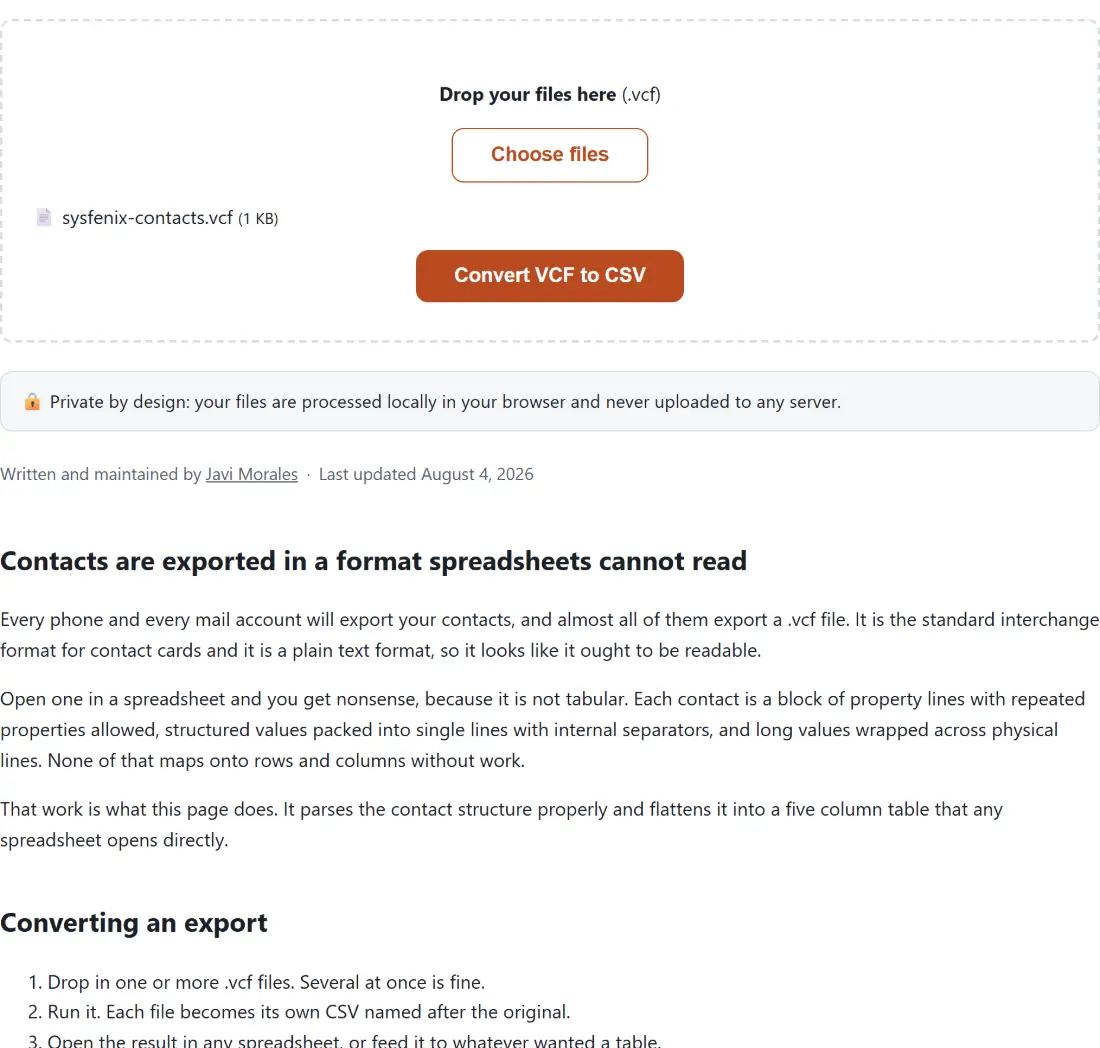
That work is what this page does. It parses the contact structure properly and flattens it into a five column table that any spreadsheet opens directly.
Converting an export
- Drop in one or more .vcf files. Several at once is fine.
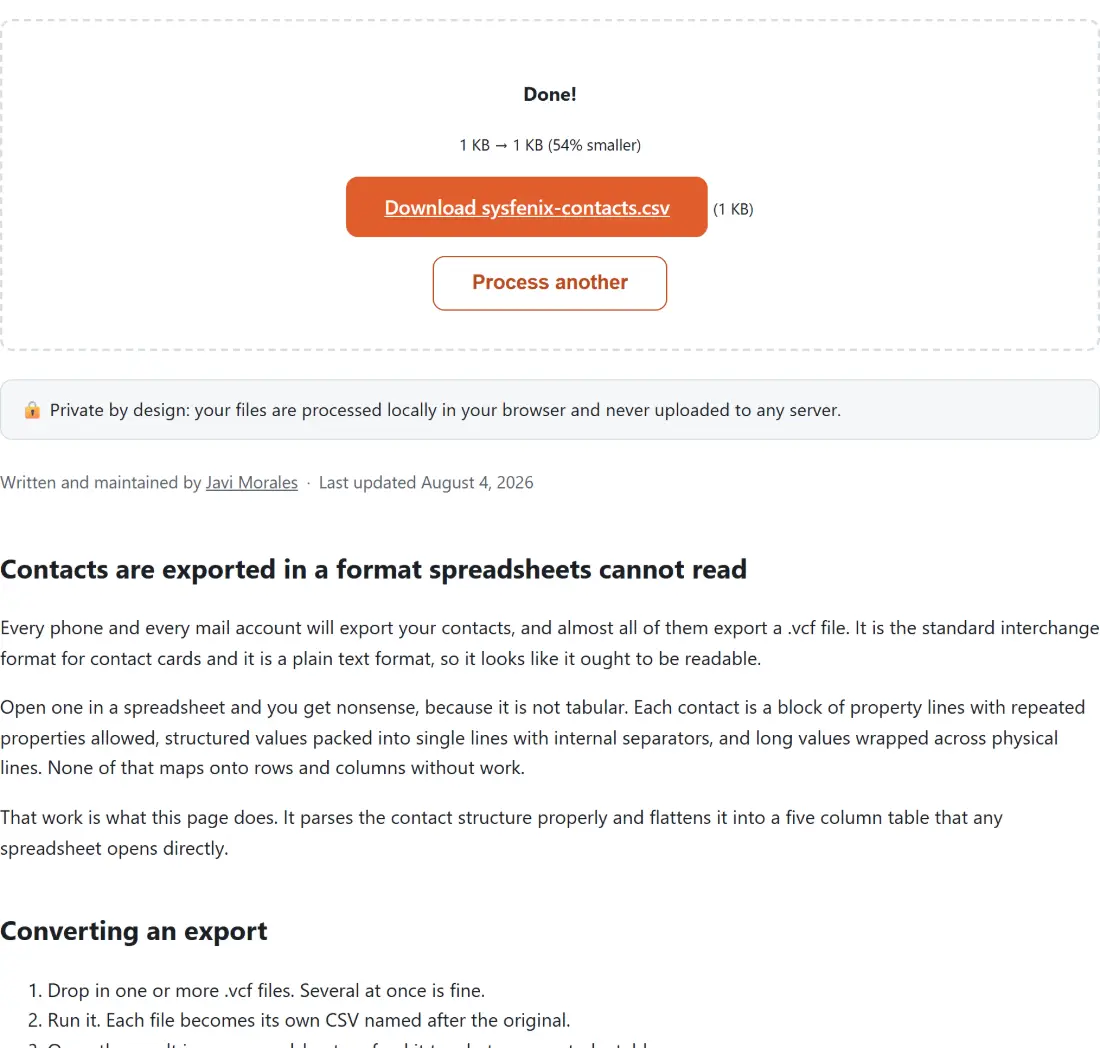
- Run it. Each file becomes its own CSV named after the original.
- Open the result in any spreadsheet, or feed it to whatever wanted a table.
The five column decision
A contact can hold any number of phone numbers, email addresses, organizations and addresses. That immediately raises the question of how to fit them into a table, and there are two answers.
One is a column per value, so a contact with three phones needs three phone columns. The width of the spreadsheet is then set by whichever single contact has the most of anything, most rows have mostly empty cells, and a script consuming the file has to handle a variable column count.
The other is a fixed set of columns with repeated values joined inside a cell. That is what this tool does, using a semicolon and a space as the separator. The width is always five, every row has the same shape, and if you do need the values apart, splitting one column by a known separator is a single operation in any spreadsheet.
The parsing details that break naive converters
Three things about the format catch out anything that treats it as line oriented text.
Long values are wrapped. The specification folds a line by breaking it and starting the continuation with a space or a tab, so a long address or note occupies several physical lines. Anything that parses line by line without rejoining them first silently truncates those values at the fold, and the loss is invisible because the truncated value still looks like a value. Rejoining happens here before any parsing begins.
Structured values pack several fields into one line. A name, an address and an organization are each several parts separated by semicolons, most of which are commonly empty. They are split, unescaped, trimmed and rejoined with the empty parts dropped, which is why an address comes out reading like an address rather than a run of stray commas.
Escaping is real. Commas, semicolons and newlines inside a value are escaped in the file and have to be unescaped on the way out, and the escaping has to be respected when splitting a structured value, otherwise an escaped semicolon inside a street name splits the address in the wrong place.
Where the output goes next
A CSV is the universal handoff format, which is the point of converting. To check the result before importing it somewhere, CSV Viewer displays it as a table in the browser. To pull just the addresses out of a contacts export, Email Extractor works on any text.
For the reverse direction, building a contact card rather than reading one, vCard QR Generator writes the same format this tool reads and produces a scannable code alongside it. To turn the resulting table into printed labels, Label Maker takes it from there. The rest are on the dev tools hub.