The list format, one row at a time
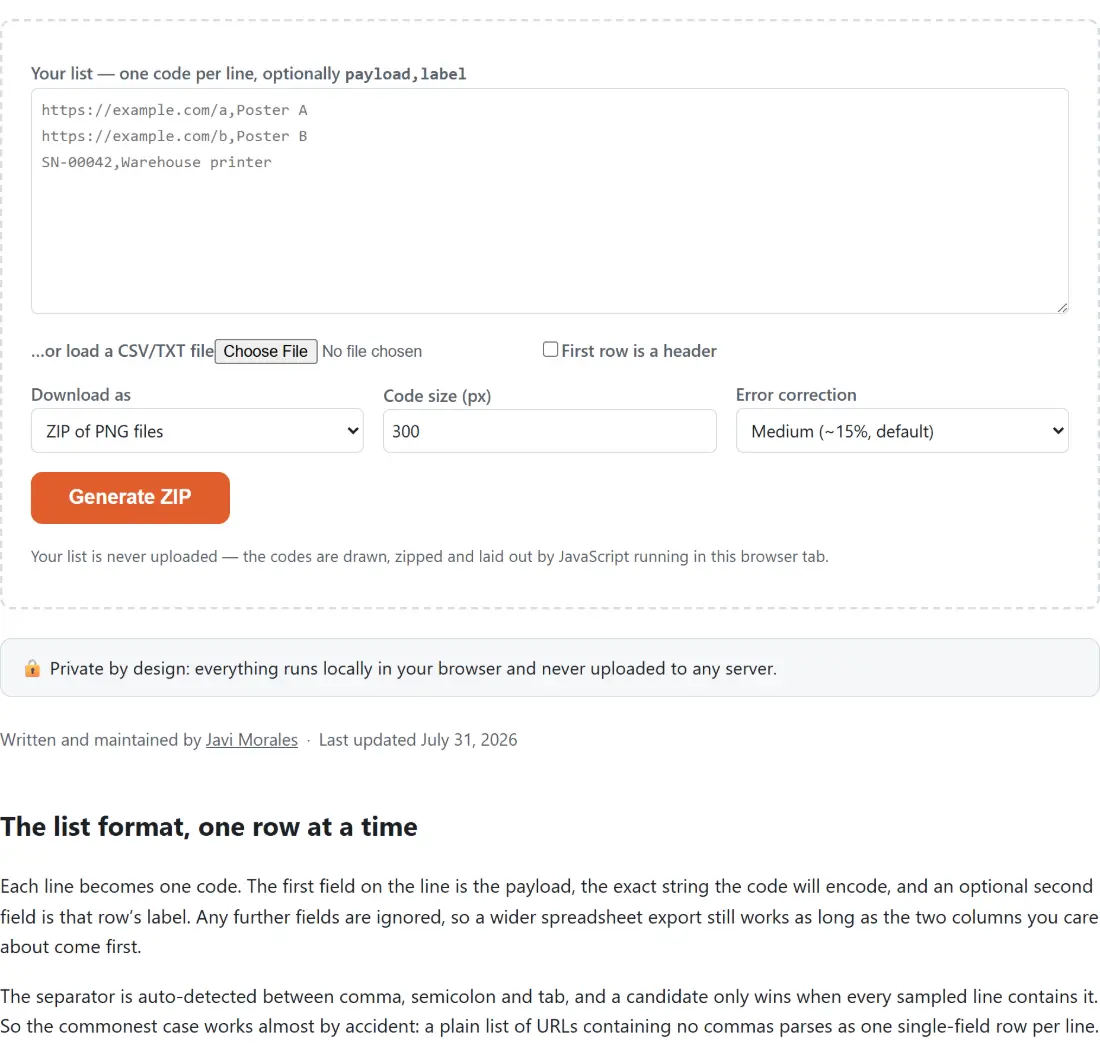
Each line becomes one code. The first field on the line is the payload, the exact string the code will encode, and an optional second field is that row’s label. Any further fields are ignored, so a wider spreadsheet export still works as long as the two columns you care about come first.
The separator is auto-detected between comma, semicolon and tab, and a candidate only wins when every sampled line contains it. So the commonest case works almost by accident: a plain list of URLs containing no commas parses as one single-field row per line. When a payload itself contains the separator, wrap that field in double quotes, as in "https://shop.example/p?a=1,2",Shelf tag.
Windows, Unix and old-style Mac line endings all parse. Blank lines are dropped wherever they appear, including the trailing newline, and a row whose first field is empty after trimming is dropped too, so a file ending in a stray comma does not produce a blank code. Tick First row is a header and the first surviving row is skipped, which is what a CSV exported with column names needs.
Loading a list and getting the file out
- Paste your list into the large box, or use the file picker underneath to load a .csv, .tsv or .txt file. Loading one replaces whatever was in the box and shows the file name beside the picker.
- Pick ZIP of PNG files or Printable PDF sheet under Download as. The settings that only apply to the sheet appear when you choose the PDF.
- Set Code size (px) and Error correction, and for the sheet also Paper size, Codes per row, and whether to Print the label under each code.
- Check the preview table, which lists the first five rows with the payload it read and, depending on the format, either the file name it will use or the label it will print.
- Click Generate ZIP or Generate PDF sheet and watch the percentage. The finished file downloads on its own, with a fallback link underneath in case the browser blocked it.
Two outputs, doing two different jobs
The ZIP holds one PNG per row, drawn at the size you chose, containing nothing but the code. No text is ever rendered into a PNG, so a label only reaches the file name. Pick it when the codes are heading into a design tool, a label printer’s template, a product page or a mail merge.
The PDF sheet is the one for paper. Codes are placed left to right and then top to bottom in the order you pasted them, at 2, 3, 4, 5, 6 or 8 per row on A4 or US Letter with half-inch margins. With labels switched on, each code gets its caption directly underneath, and a row with no label of its own falls back to printing its own payload, so a plain URL list still comes out readable. A caption too wide for its cell is truncated with an ellipsis rather than colliding with its neighbour. The font is a standard WinAnsi face, so accented Latin characters print correctly while anything outside that range, Japanese or emoji for instance, prints as a question mark; the code itself is unaffected, because the payload is encoded independently of whatever is printed under it.
Row numbers keep the archive unique and in order
Every file name in the ZIP is prefixed with its row number, zero-padded to the width of the batch, so a five hundred row run produces names beginning 001 while a two row run produces 1 and 2. That prefix does two jobs. It makes names unique, so two rows both labelled Ticket become distinct files instead of one silently overwriting the other. And it makes any file manager sort the archive back into the order you pasted, which matters the moment the codes are serialised and the twentieth one has to end up on the twentieth item.
The rest of the name comes from the row’s label, or from its payload when there is no label. Letters and digits survive, accented and non-Latin ones included, because the archive is written with UTF-8 names. Slashes, colons, quotes, wildcards and whitespace become hyphens, leading dots are stripped so nothing turns into a hidden file, and the stem is truncated. A row with nothing usable left falls back to a numbered generic name.
The ceiling, the refusals, and what to check first
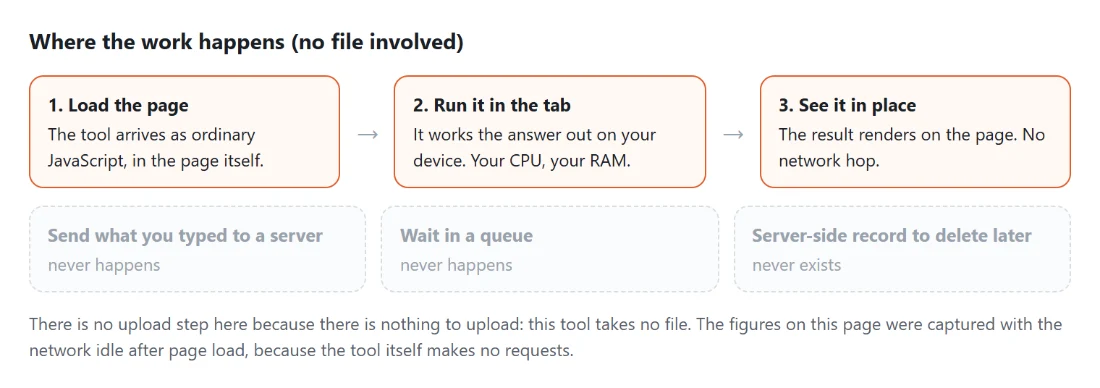
A batch is capped at 500 codes. Paste more and the summary line marks the list as over the limit while the generate button stays disabled until you split it, because every code is rendered one at a time on your own device rather than on somebody’s server.
Two failure shapes are worth recognising. A list that produces no usable rows, usually a file whose first column was blank rather than an empty file, simply leaves the generate button disabled and no preview table appears at all. And a file the browser cannot read prints a message suggesting you paste the contents instead, the fastest fix when a spreadsheet has exported something exotic.
Most other questions about a batch are really questions about one code. The QR code generator produces a single downloadable PNG, the QR code reader decodes one back out of a photo or screenshot so you can check a printed sheet, and the address label maker lays text onto real Avery sheets when what you are printing is not a code at all. If the campaign URLs going into the list still need tracking parameters, build them with the UTM link builder first.