The glance problem a clock grid solves
There are two completely different time zone questions, and they want different tools. One is arithmetic: if I propose 3pm Tuesday, what does that become for the team in Berlin and in Bangalore? The other is not arithmetic at all: is it a reasonable hour to phone my sister in Tokyo? The second question has no inputs. You do not want to pick a date, set an hour and read a table; you want to look at a screen and already know. A grid of live clocks answers it in the time it takes to move your eyes, and that is the only job this page has. If you are actually planning a meeting, Time Zone Converter is the tool that slides one reference instant across several zones at once.
Setting up your grid
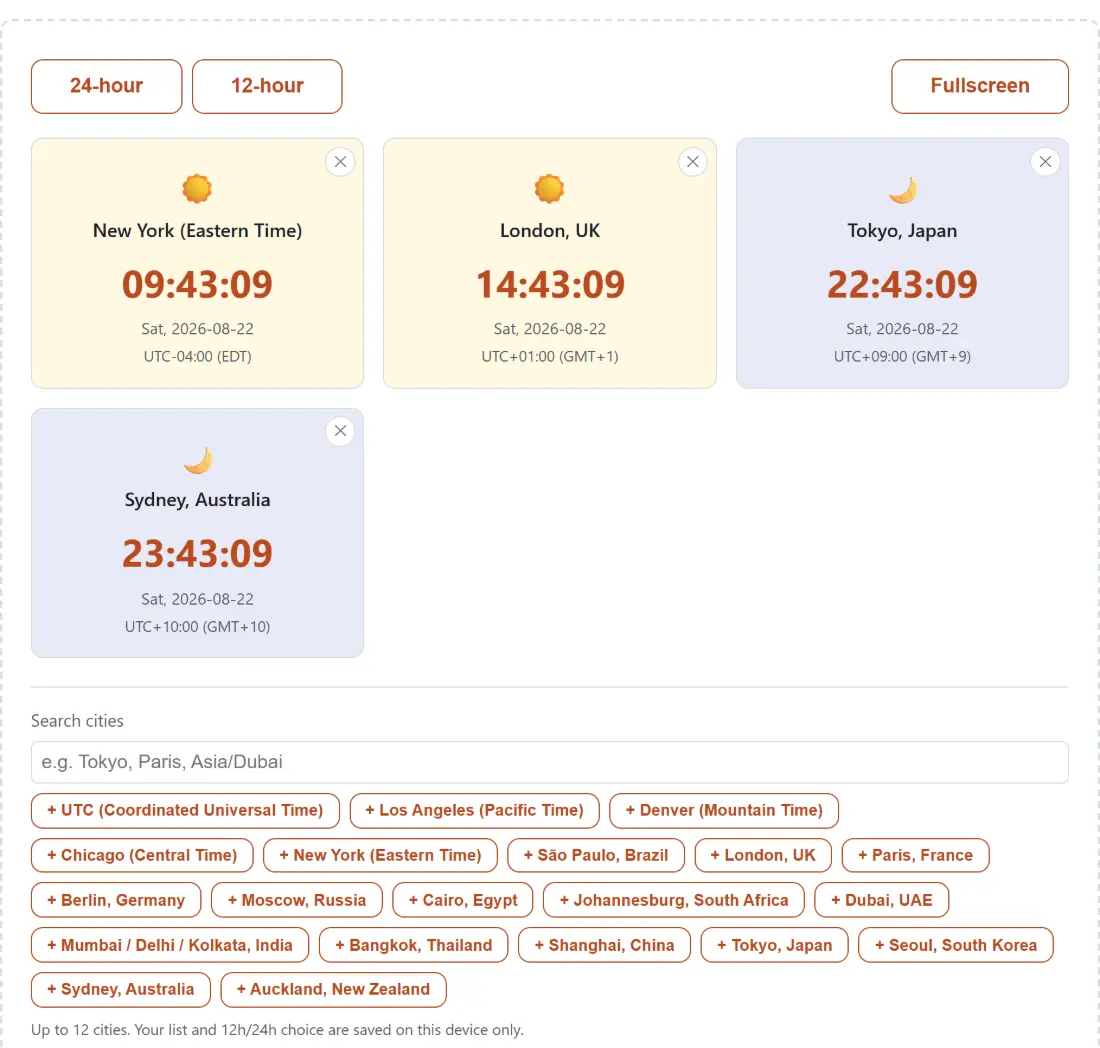
- The page opens on four clocks (New York, London, Tokyo, Sydney), each ticking once a second.
- Type into Search cities to filter the quick-add buttons. The filter matches the human label and the IANA identifier both, so
tokyo,japanandasia/tokyoall surface the same entry. - Click a + City button to add it, or press Enter on whatever you typed to add that zone directly.
- Press the ✕ on a card to drop it. The last remaining card refuses to go, so the grid is never empty.
- Switch between 24-hour and 12-hour at the top, then hit Fullscreen when you want the clocks and nothing else.
Where the city list comes from, and how to add a zone that is not on it
The quick-add buttons are a curated shortlist of twenty zones: one per broadly recognisable city or region, spanning every populated continent, plus plain UTC. That is a deliberate choice rather than a shortcut. Your browser knows several hundred zone identifiers, and a scrollable wall of them is a worse picker than twenty buttons covering the cities people actually track.
The shortlist is not a ceiling, though. Whatever you type is validated against the browser’s real zone database, not against those twenty entries, so America/Halifax or Pacific/Chatham plus Enter gives you a working clock even with no button to click. Zones added that way display their raw identifier as the card title, since no curated city name exists for them. Type something the browser does not recognise and you get a plain “not a recognized time zone name” notice instead of a silently broken card.
Half-hour offsets and DST dates that a hardcoded table gets wrong
Every card’s time, date, weekday and offset come from Intl.DateTimeFormat, which reads the IANA time zone database your operating system already ships and keeps patched. That matters more than it sounds like it should, because zones are not tidy.
Offsets are not all whole hours. India sits at UTC+05:30, Nepal at UTC+05:45, parts of Australia at UTC+09:30, and the Chatham Islands at UTC+12:45. Daylight saving starts and ends on dates that vary by country, and the southern hemisphere runs opposite to the northern one, so for a few weeks each year the London to Sydney gap is not the number you memorised. Because the offsets here are resolved from live data on every tick rather than from a table somebody typed once, the cards stay right through those transitions without anyone shipping a fix.
Each card prints the numeric offset (UTC+09:00) and, where the browser has one, the short zone abbreviation beside it. Some zones have no real abbreviation in the browser’s data and get a generic GMT+9-style string instead. The numeric offset is the authoritative half of that pair.
What the sun and moon icon actually means
Every card carries a sun or a moon, and the card’s own shade follows it. The rule behind that is deliberately crude: local hours 06:00 through 17:59 count as day, everything else counts as night. It cannot be much better, because a zone identifier tells you nothing about latitude, and latitude is what decides when the sun comes up. In June, 05:00 in Stockholm is broad daylight and this page will still draw a moon.
So read it as a fast sort into “probably awake” and “probably asleep”, not as astronomy. When you need real numbers, Golden Hour Calculator computes actual sunrise, sunset and golden hour times from a location rather than a zone name.
Wall-clock mode, and what stays on this device
Fullscreen hides the search box and the city picker, leaving just the format toggle and the Exit button, and lets the card grid fill the display, which is what you want on a spare monitor or an old tablet propped beside a desk. Leaving fullscreen by any route (the Exit button, the Escape key, the browser’s own control) restores the controls immediately. One caveat worth stating plainly: fullscreen does not keep a device awake. Screen and sleep timers belong to the operating system, and this page has no vote in them. If you want something that ends with an alarm rather than running forever, Online Timer and Countdown to Date are the right pages.
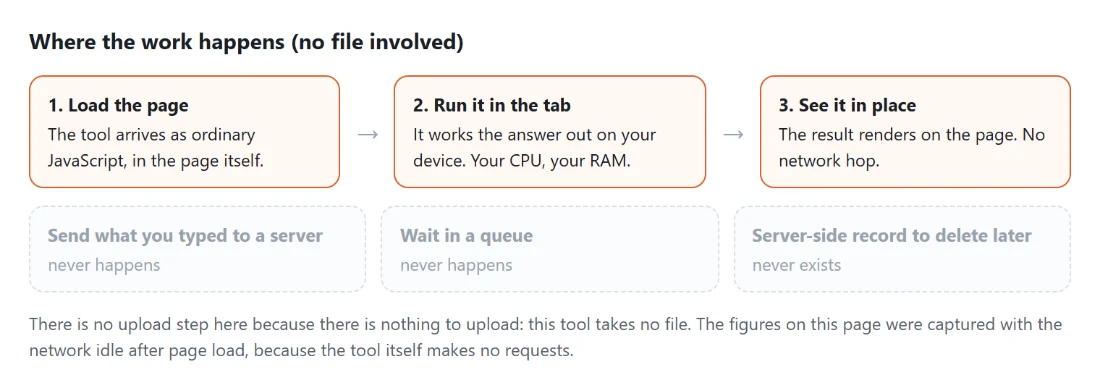
Your chosen cities and your clock format are written to two small local storage keys in this browser, on this device only. Nothing about the list is transmitted anywhere, so there is no sync between machines, and a stored list containing entries your browser no longer recognises has those entries quietly dropped on load rather than breaking the grid.