A wide door in, a narrow door out
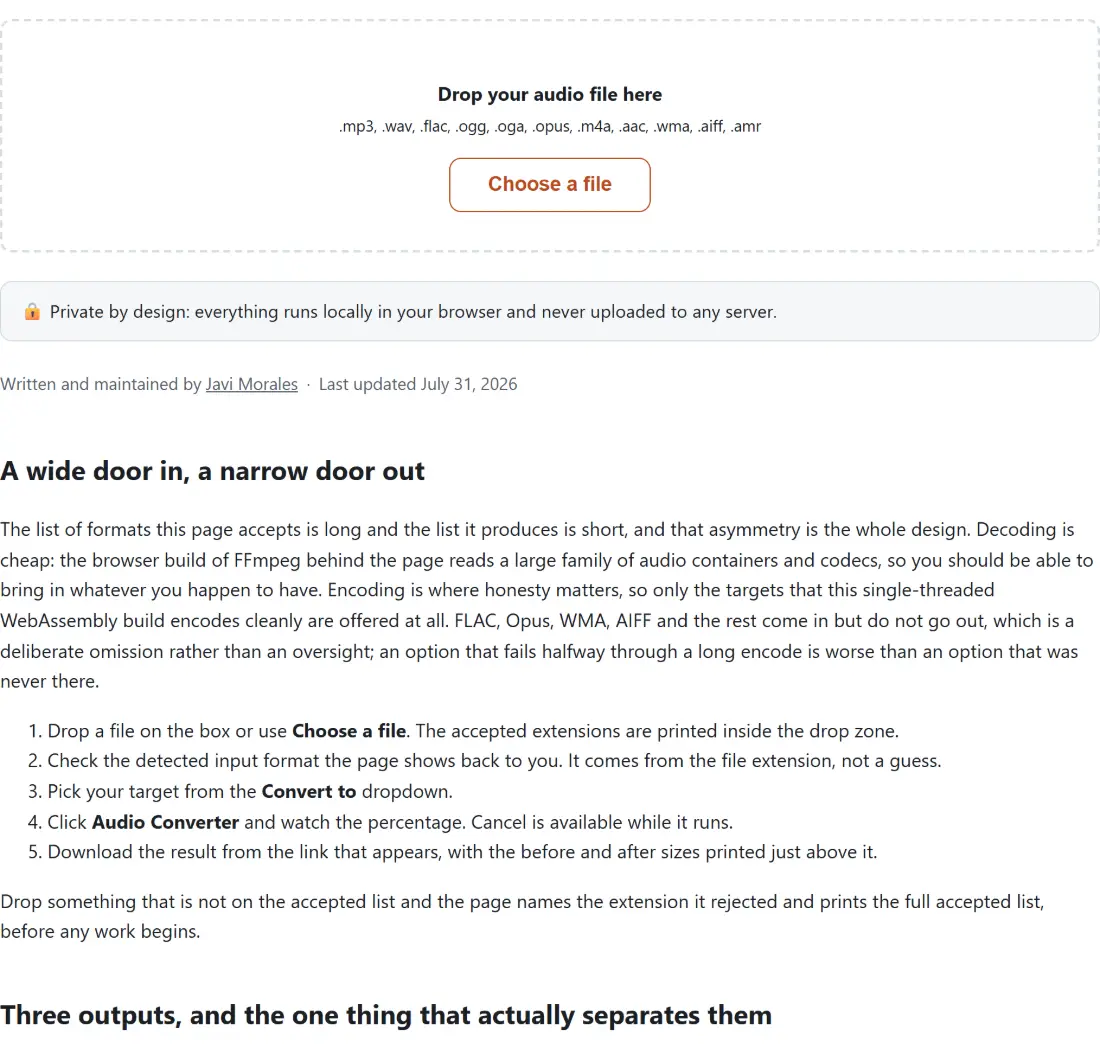
The list of formats this page accepts is long and the list it produces is short, and that asymmetry is the whole design. Decoding is cheap: the browser build of FFmpeg behind the page reads a large family of audio containers and codecs, so you should be able to bring in whatever you happen to have. Encoding is where honesty matters, so only the targets that this single-threaded WebAssembly build encodes cleanly are offered at all. FLAC, Opus, WMA, AIFF and the rest come in but do not go out, which is a deliberate omission rather than an oversight; an option that fails halfway through a long encode is worse than an option that was never there.
- Drop a file on the box or use Choose a file. The accepted extensions are printed inside the drop zone.
- Check the detected input format the page shows back to you. It comes from the file extension, not a guess.
- Pick your target from the Convert to dropdown.
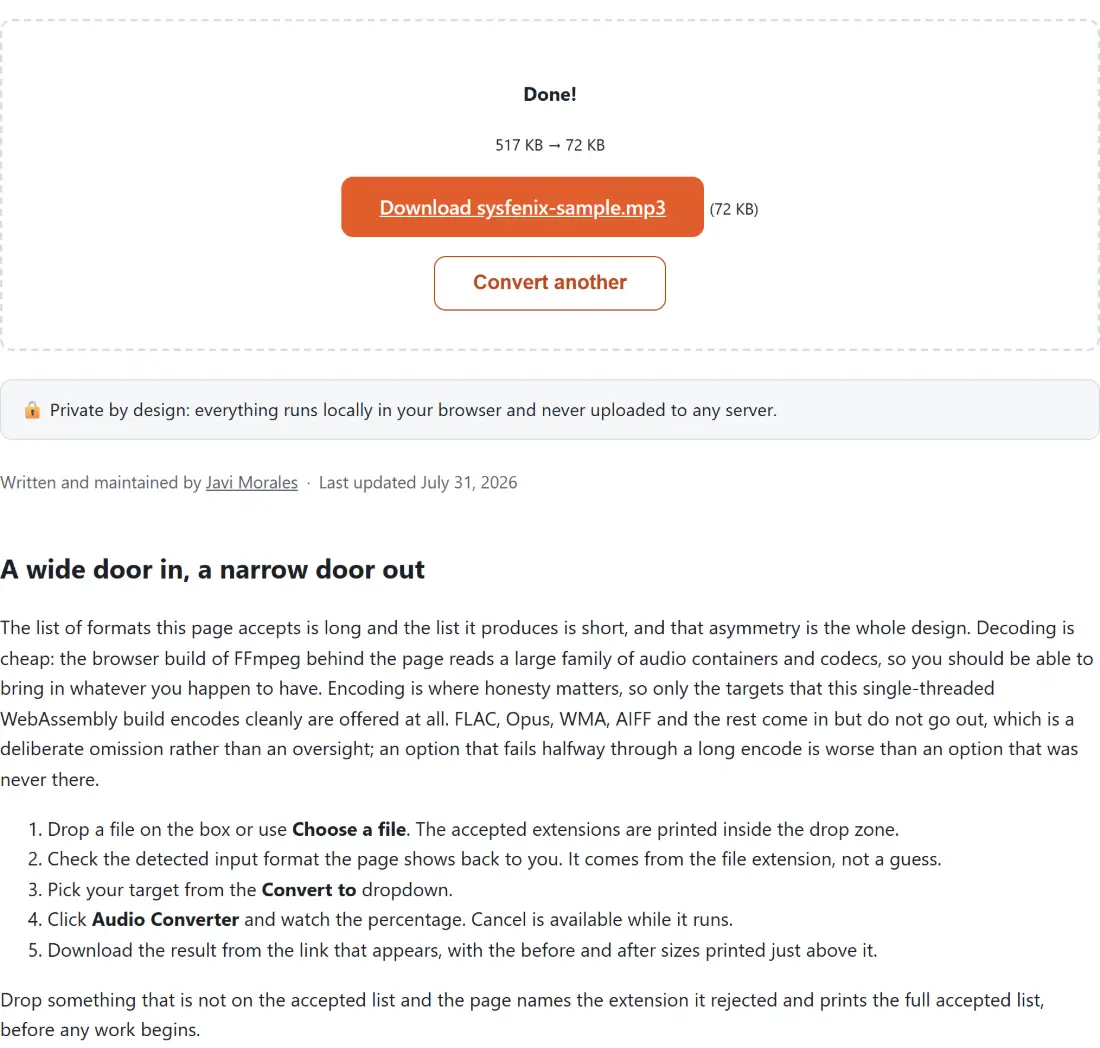
- Click Audio Converter and watch the percentage. Cancel is available while it runs.
- Download the result from the link that appears, with the before and after sizes printed just above it.
Drop something that is not on the accepted list and the page names the extension it rejected and prints the full accepted list, before any work begins.
Three outputs, and the one thing that actually separates them
MP3 and M4A are both lossy and both encoded here at 192 kbps, so the choice between them is not really about quality at this setting. MP3 is the compatibility answer: there is essentially no device with a speaker that cannot play one. M4A wraps AAC, which is the better codec of the two on paper and the native citizen of the Apple ecosystem, so it is the right pick when the file is heading for an iPhone, Apple Music or an app that expects AAC. At 192 kbps most listeners on most gear will not reliably pick one from the other, and the guide to choosing a bitrate for voice against music goes into where that stops being true.
WAV is the odd one out and should be chosen for a reason, not as a default. It is uncompressed 16-bit PCM, which means no encoder decisions at all and a file whose size is simply sample rate times channels times two bytes per second. Roughly ten megabytes a minute for CD-quality stereo is the number worth remembering. That is exactly what a DAW, a sampler or an ageing piece of software that refuses compressed input wants, and exactly the wrong thing to email somebody.
Generation loss decides the order you do things in
A lossless source, meaning FLAC, WAV or AIFF, holds every sample of the original recording. Encoding one to MP3 or M4A discards detail permanently, in exchange for a file a fraction of the size. That trade is usually worth making, but only once and only in the right direction.
The direction people get wrong is the return trip. Converting an MP3 to WAV does not restore anything; it faithfully stores the already-damaged audio in a much larger container. There are honest reasons to do it, chiefly software that cannot read compressed input, but it is not an upgrade and no tool can make it one. The rule that follows is simple: always convert from the highest quality copy you still have, and avoid chaining one lossy format into another lossy format when the original is still on your disk somewhere.
The first run pays for the engine, later runs do not
Nothing here happens on a server. The FFmpeg build that does the decoding and encoding is downloaded into the page the first time you convert something, and it is not small, so the first run has a wait attached before any progress appears. After that the engine stays loaded for the rest of the tab’s life and later conversions start straight away. It also runs on a single thread, because the multi-threaded build requires security headers this site cannot set, so a long recording takes real time rather than being instant. The trade is that your audio never leaves the device and there is no upload limit beyond your own memory.
Cases where a dedicated page beats this one
This page converts audio into audio, and refuses video on purpose so that dropping an MP4 is never ambiguous. To pull the soundtrack out of a video file, Convert Video to MP3 is built for it and offers a bitrate choice as well.
If your goal is a smaller MP3 rather than a different format, converting it here will not help, since the MP3 target re-encodes at 192 kbps regardless of what the source was. Compress MP3 exists for that, with lower-bitrate presets aimed at email, messaging and speech-only recordings. And when you always make the same conversion, a format-specific page such as FLAC to MP3 skips the format detection step and offers a bitrate choice this hub does not expose, which is the only real reason to prefer it.