Audio tools online are a minefield of upload limits, expiring download links, and format converters that quietly cap you at a couple of files a day. Every audio tool on SysFenix runs entirely in your own browser tab — using ffmpeg compiled to WebAssembly for format conversion and editing, and the browser’s native Web Audio API or an on-device machine-learning model for the more advanced features. Nothing you upload is ever sent to a server.
This guide walks through the whole audio toolset — conversion, editing, AI-powered tools, and a few genuinely useful audio utilities — so you can find the right one quickly. Because ffmpeg is a real, general-purpose audio/video engine (the same one countless professional tools are built on) compiled to run inside the browser, these tools aren’t limited hacks — they’re doing the identical processing a desktop app would do, just without the install step and without your file ever touching a server.
Converting to MP3 (and back)
Format conversion is the single most common audio-tool search, and it’s worth understanding why MP3 is nearly always the safe default target: it’s supported by essentially every device, app, and car stereo in existence, whereas some lossless or newer formats can be a gamble depending on where the file ends up being played.
MP3 is still the safest, most universally compatible audio format, so most conversion here targets it:
- Convert MP4 to MP3 and Convert Video to MP3 — extract just the audio track from a video file (the latter accepts a much wider range of video containers if MP4 specifically isn’t your source)
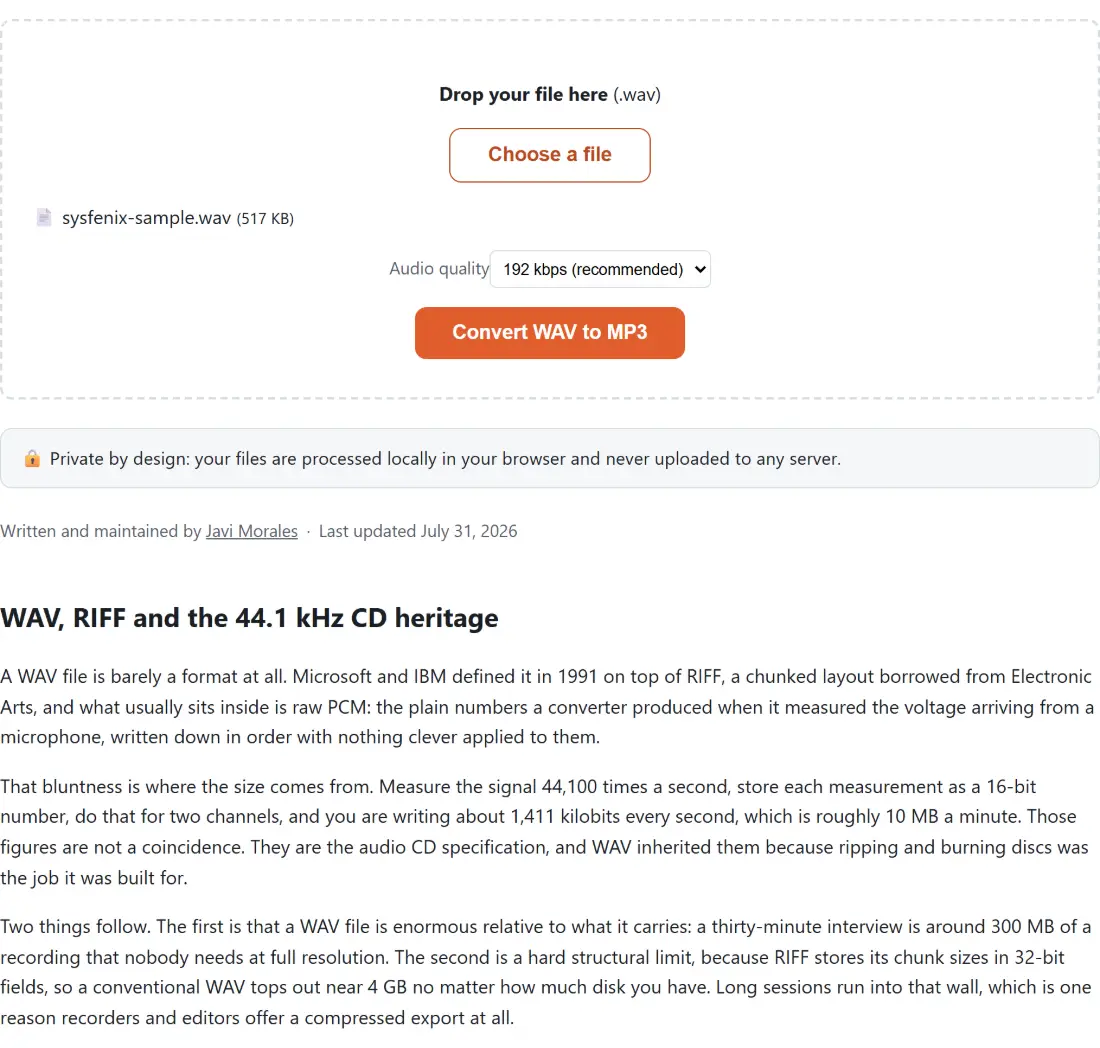
- Convert WAV to MP3, Convert M4A to MP3, Convert FLAC to MP3, Convert OGG to MP3, Convert OPUS to MP3 — the most common everyday audio formats
- Convert AIFF to MP3 — for GarageBand/Logic bounces and older Mac audio libraries
- Convert AMR to MP3 — for voice recordings from older phones
- Convert WMA to MP3 — for legacy Windows Media Audio files
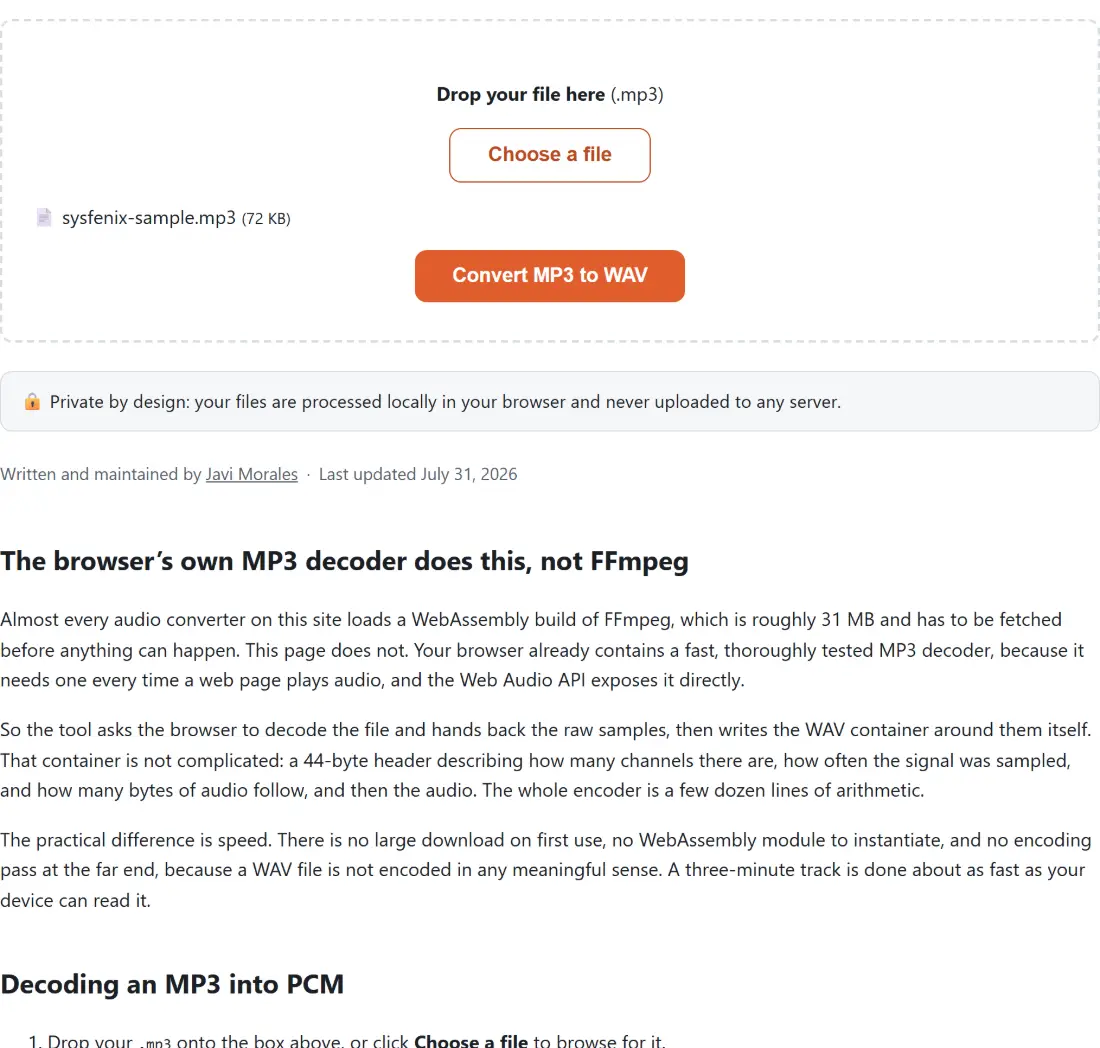
- Convert MP3 to WAV — the reverse direction, when you need uncompressed PCM audio for editing in another program
Every one of these lets you choose a bitrate where it matters (320/256/192/128 kbps), so you can trade file size against quality intentionally rather than guessing — a higher bitrate keeps more of the original audio detail at the cost of a larger file, while a lower one shrinks the file for easier sharing.
Cutting, speeding, pitching and cleaning up audio
Beyond raw format conversion, this is where most of the genuinely useful audio editing happens — trimming a clip down, fixing volume issues, or applying a creative speed/pitch effect.
- Cut MP3 trims an MP3 down to a start/end range with a lossless stream-copy operation — fast, and no quality loss.
- Change Audio Speed speeds up or slows down a track from 0.5x to 3x.
- Audio Pitch Changer shifts pitch up or down by a chosen number of semitones independently of speed, plus ready-made Nightcore and Slowed + Reverb presets for the classic internet-audio effects.
- Boost MP3 Volume applies a flat volume gain (or reduction) — quick, but can clip at high boost levels if the source is already loud.
- Normalize Audio Loudness is the more precise alternative: it measures your file’s actual loudness and corrects it to a target (streaming, podcast, or broadcast standard) using a real two-pass loudness-normalization algorithm, rather than a blind gain bump.
- Convert Stereo to Mono fixes “audio only in one ear” recordings by properly downmixing both channels (or picking just the left or right channel), instead of the naive halved-volume result a basic mono conversion gives you.
- Compress MP3 shrinks an MP3’s file size with presets for email, WhatsApp, and voice-quality recordings — and never makes the file bigger than the original.
- Edit MP3 Tags edits the title/artist/album/year/genre metadata (and cover art) embedded in an MP3, without re-encoding the audio itself.
- Convert MP3 to M4R (iPhone Ringtone) trims and converts an MP3 into the format iPhone needs for a custom ringtone.
Recording and AI-powered audio tools
- Voice Recorder records straight from your microphone and saves the result as MP3 or WAV.
- Transcribe Audio to Text runs an on-device speech-recognition AI model to turn a voice recording, interview, or meeting into a text transcript — no audio ever leaves your browser, even though it’s genuinely running a neural network.
- Text to Speech Converter does the reverse: turns typed text into a natural-sounding spoken-audio file, again entirely on-device.
- AI Vocal Remover & Karaoke Maker separates a song into vocal and instrumental tracks using a real audio-source-separation model, useful for making a quick karaoke version or isolating an a cappella.
Audio utilities and instruments
A handful of tools here aren’t conversion or editing at all — they’re small, genuinely useful audio utilities that don’t need a file upload, built entirely with the browser’s native Web Audio API rather than ffmpeg:
- Online Metronome — a drift-free, tap-tempo metronome for practicing an instrument.
- Tone Generator and Speaker Test — generate test tones or run a full left/right speaker/headphone diagnostic.
- Virtual Piano — a playable 3-octave piano, usable with your mouse or computer keyboard.
- White Noise Generator — white/pink/brown noise and ambient sounds (rain, ocean) with a sleep timer.
- Audio Spectrum Analyzer — a live microphone frequency visualizer.
Which tool should I use?
| I want to… | Use this tool |
|---|---|
| Extract audio from a video file | Convert Video to MP3 |
| Convert WAV/M4A/FLAC/OGG to MP3 | WAV to MP3 / M4A to MP3 / FLAC to MP3 / OGG to MP3 |
| Cut a section out of an MP3 | Cut MP3 |
| Make a track louder without clipping | Normalize Audio Loudness |
| Make a quick volume bump (accept some risk of clipping) | Boost MP3 Volume |
| Fix audio that’s only playing in one ear | Convert Stereo to Mono |
| Shrink an MP3’s file size for sharing | Compress MP3 |
| Speed up or slow down a track | Change Audio Speed |
| Change pitch without changing speed (or vice versa) | Audio Pitch Changer |
| Edit an MP3’s title/artist/album tags | Edit MP3 Tags |
| Make a custom iPhone ringtone | Convert MP3 to M4R |
| Record my voice | Voice Recorder |
| Get a written transcript of a recording | Transcribe Audio to Text |
| Turn written text into spoken audio | Text to Speech Converter |
| Separate vocals from instrumental for karaoke | AI Vocal Remover & Karaoke Maker |
| Practice an instrument with a metronome | Online Metronome |
All of it — from a simple format conversion to a real AI transcription model — runs locally in your browser, with your audio files never leaving your device. Whether you’re converting an old voice memo, cutting a podcast clip down to size, or generating a spoken-word audio file from a script, there’s no daily limit, no account, and no watermark on any of the 30 tools in this category.