Why concatenating audio is not a file-append operation
There is a folk trick for MP3s: cat part1.mp3 part2.mp3 > whole.mp3. It half works, because an MP3 is a stream of largely independent frames and most players will keep decoding straight past the seam. What you actually get is a file whose header still declares the duration of the first part, so the seek bar lies, some players stop early, and any variable-bitrate duration table is now describing a file that no longer exists. Try the same trick with a WAV and you get silence after the first file, because the RIFF header at the front states a byte count the appended data contradicts. Try it with an M4A and the file will not open at all, since MP4 containers keep a sample index that has to describe the whole stream.
Joining audio properly means decoding every input back to raw samples, laying those samples end to end, and encoding once. That is what happens here. FFmpeg, compiled to WebAssembly, runs inside the page: the same engine that sits under most desktop and server audio tooling, doing the same work on your own CPU.
The filter graph this tool actually sends to FFmpeg
Mixed uploads never agree on anything. A phone voice memo might be 48 kHz mono AAC, a music file 44.1 kHz stereo MP3, a field recording 96 kHz 24-bit WAV. Both of FFmpeg’s joining mechanisms require their inputs to match, so every track gets its own normalising step first, aformat=sample_fmts=fltp:sample_rates=44100:channel_layouts=stereo, before it meets any other track.
With crossfade set to None, the normalised streams feed a single concat=n=N:v=0:a=1 filter. That is the concat filter, deliberately, not the concat demuxer. The demuxer is the fast stream-copy path, and it cannot join heterogeneous codecs, which is the entire point of a tool that accepts four formats at once.
With a crossfade selected, the graph changes shape, because acrossfade only ever takes two inputs. Tracks therefore chain pairwise: track one fades into track two, that result fades into track three, and so on, with the running mix always feeding the next fade as its first input. Both sides use FFmpeg’s tri curve, a symmetric triangular fade, which is the filter’s own default.
One consequence of that chain surprises people, so it is worth stating plainly: a crossfade shortens the result. Three three-minute tracks joined with a two-second crossfade produce 8 minutes 56 seconds, not 9 minutes, because each of the two overlaps removes two seconds from the total running time.
Picking a crossfade length, and when zero is the right answer
For anything spoken, use None. A crossfade over speech overlaps the end of one sentence with the start of the next, and the result sounds like two people talking across each other. Podcast segments, dictation, interview parts and audiobook chapters all want a hard cut. If you want a beat of silence between them, that belongs in the source files, not in the transition.
One second suits ambience, narration over music, and anything where you simply want the seam to stop being audible. Two to three seconds is mix territory: a workout playlist, sleep or study audio, a run of tracks at similar tempo. Past three seconds a crossfade starts reading as a fault rather than a transition, which is why the list stops there.
Every track has to be strictly longer than the crossfade, since a track exactly as long as the fade has no audio left outside it. Rather than let FFmpeg die mid-encode with an opaque message, each input’s duration is probed first and the job stops with something you can act on, naming the track and both numbers. That probe pass only runs when a crossfade is selected, so a plain join skips it entirely and starts sooner.
192 kbps MP3 or 16-bit WAV
MP3 output is libmp3lame at a constant 192 kbps, the same setting the other audio tools here use. Because joining always decodes and re-encodes, one generation of MP3 loss is unavoidable, and at 192 kbps it is inaudible to most listeners on most equipment. Choose MP3 when the joined file is the finished product: something to send, upload, or just listen to.
WAV output is uncompressed 16-bit PCM at 44.1 kHz. Choose it when the join is a step rather than a destination, because you intend to trim, level or master the result afterwards. It adds no loss of its own, although it cannot restore anything a compressed source already threw away, and against this tool’s own 192 kbps MP3 setting it is about seven times the size, since 16-bit stereo at 44.1 kHz is 1,411 kbps. Ten minutes of stereo WAV runs to roughly 100 MB, where the MP3 of the same join is nearer 14 MB.
Joining a set of tracks
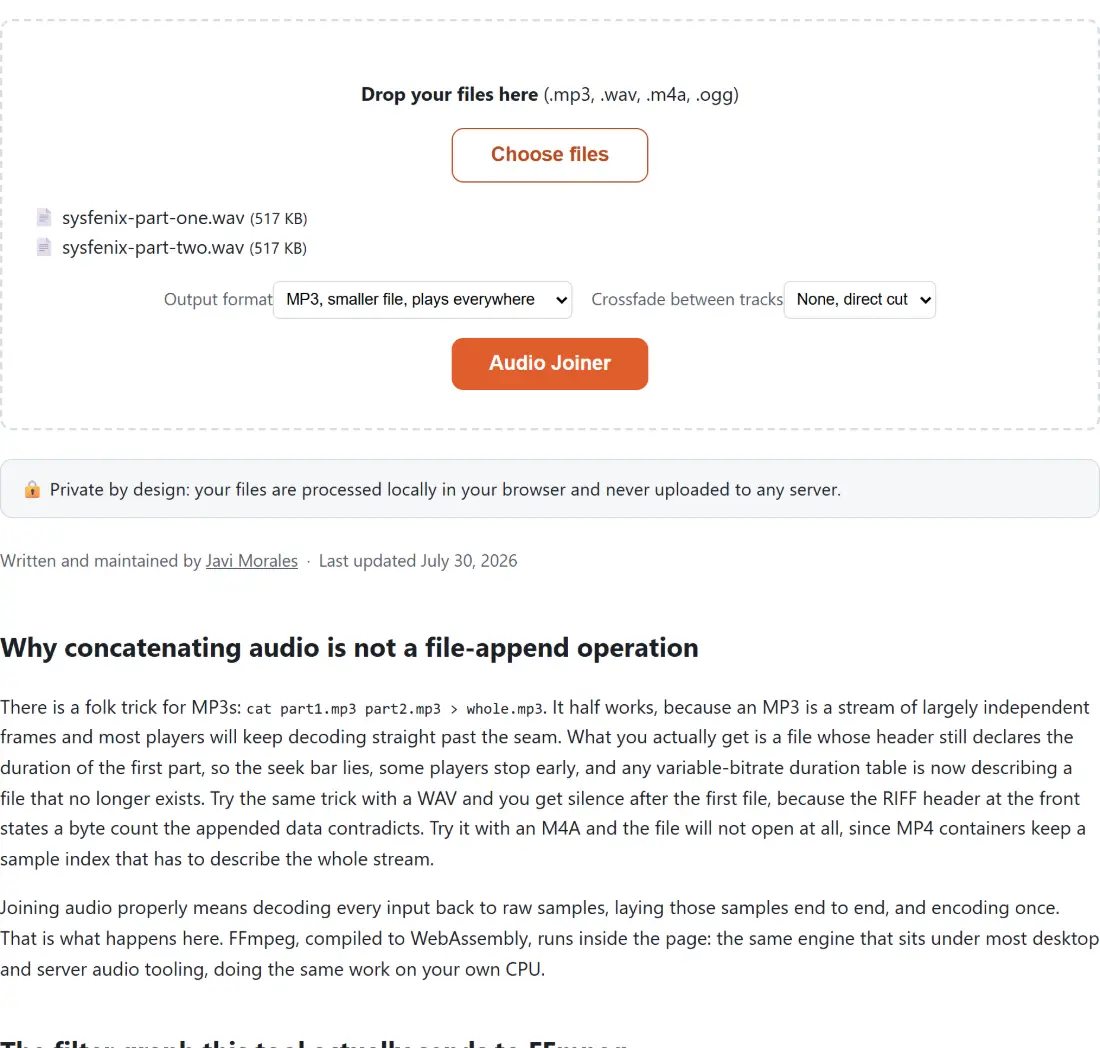
- Drop MP3, WAV, M4A and OGG files into the box, mixed freely.
- Check the list. Tracks join top to bottom in the order you added them, and there is no reorder control, so clear and re-add if the order is wrong.
- Choose an Output format and, if you want blended transitions, a Crossfade between tracks.
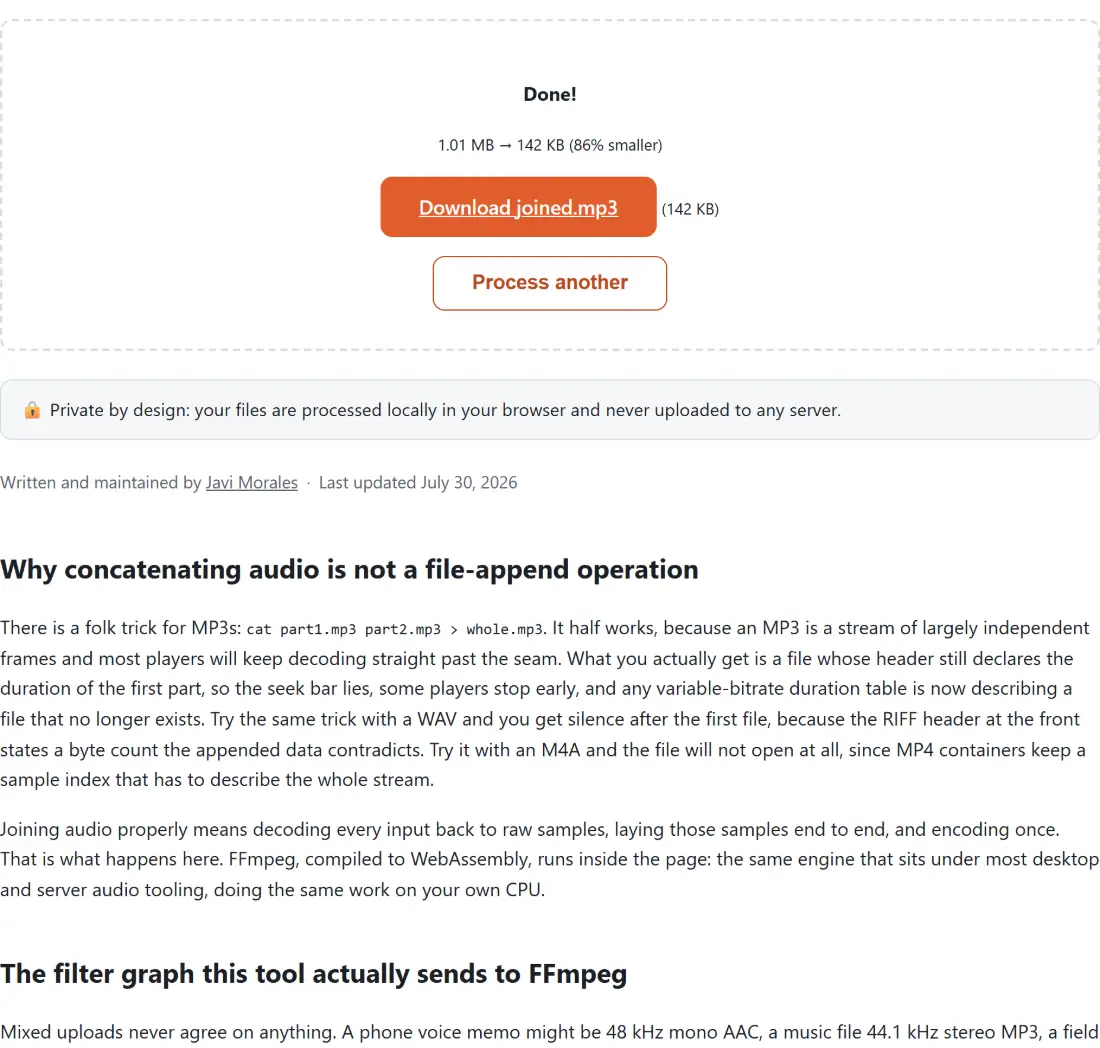
- Click the button and watch the progress bar. The result downloads as
joined.mp3orjoined.wav.
When a join fails or sounds wrong
A volume jump at a seam is not a joining bug, it is a difference between your source recordings, and a crossfade will not hide it. Run the result through Normalize Audio, or level the quiet file first and then join. Nothing in this tool touches gain.
A tab that runs out of memory on a very long job is the honest limit of client-side processing: decoded audio and the encoder both live in browser memory, and hours of material can exceed what the tab is allowed. Split the work, joining halves first and then the two halves, and it will usually go through. If you needed sections rather than whole files, cut them with the MP3 Cutter first and join the pieces afterwards; the two tools are meant to be used in that order. To shrink a long joined file before sharing it, follow up with Compress MP3.