Your ear finds the beat; the page only does the arithmetic
Tempo is one of the few musical quantities a human is genuinely better at than a naive algorithm. You hear where the pulse is within a bar or two, through a swung groove, a half-time bridge or a sparse intro that automatic detectors regularly read at double or half speed. What people are bad at is turning that felt pulse into a number.
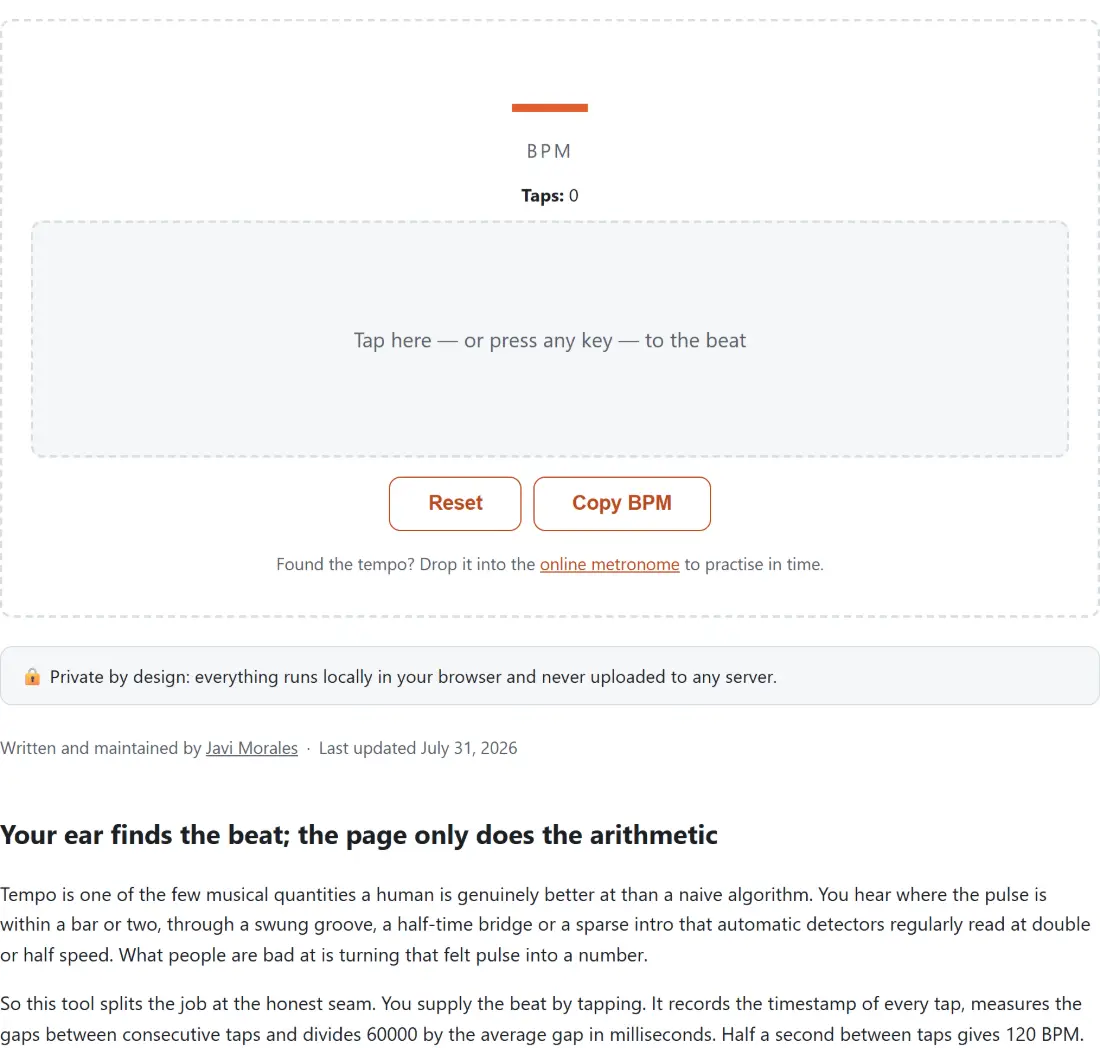
So this tool splits the job at the honest seam. You supply the beat by tapping. It records the timestamp of every tap, measures the gaps between consecutive taps and divides 60000 by the average gap in milliseconds. Half a second between taps gives 120 BPM. A full second gives 60. Averaging instead of trusting one gap is what makes it usable, because no human taps two beats exactly evenly, and the errors mostly cancel.
That number matters in more places than musicians expect. DJs beatmatch by it, producers set a project grid to it, dance and fitness instructors build playlists around it, and anyone learning a piece needs it before a metronome is any use at all.
Tapping a track down to one number
- Start the music playing, from anywhere: a streaming tab, a record, a rehearsal room next door.
- Tap the beat, either by clicking the pad or by pressing any key while the page is focused.
- Watch the reading appear on the second tap and settle over the next several. Nine taps fill the rolling window, after which the oldest gap drops out for every new one.
- Keep an eye on the confidence bar. If it is low, the problem is your tapping, not the song, so keep going until it climbs.
- Press Copy BPM to take the number, or Reset to clear and measure a different section.
There is no submit step and nothing to wait for. Each tap updates the readout immediately, which means you can tap through a tempo change and watch the number follow it.
The readout only remembers your last eight intervals
The BPM shown is a rolling average over the most recent eight gaps, which is nine taps, rather than everything since you started. That choice has two practical effects.
The first is forgiveness. A hesitant opening pair of taps drags the number around while you find the groove, and then falls out of the window and stops mattering. You do not have to reset and start cleanly; you just keep tapping and the early mess ages out.
The second is responsiveness. When a track shifts tempo, or when you correct your own timing after realising you were tapping on the offbeat, the reading follows within a few taps instead of being anchored by a long history. Until you have eight gaps every gap counts, so the first few taps carry more weight than later ones.
Long pauses are handled separately, because a pause is not a beat. If more than two seconds pass without a tap, the display dims and your next tap starts a fresh measurement rather than folding one enormous interval into the average. This is what lets you pause between tracks and simply carry on.
Confidence scores your hand, not the song
The percentage next to the reading is not a probability that the tempo is correct, and it would be dishonest to present it as one. It is a direct measure of how evenly you tapped: the statistical spread of your recent gaps divided by their average. Tap like a machine and it approaches 100. Tap erratically and it falls, reaching zero once the spread hits about 15 percent of the average gap.
Read it as feedback on the input rather than a verdict on the output. High confidence with a number that is exactly double the real tempo is entirely possible, because you can tap eighth notes very evenly indeed. What high confidence does rule out is the other common failure, where a single mistimed tap has skewed an average built from too few samples.
Nothing is listening
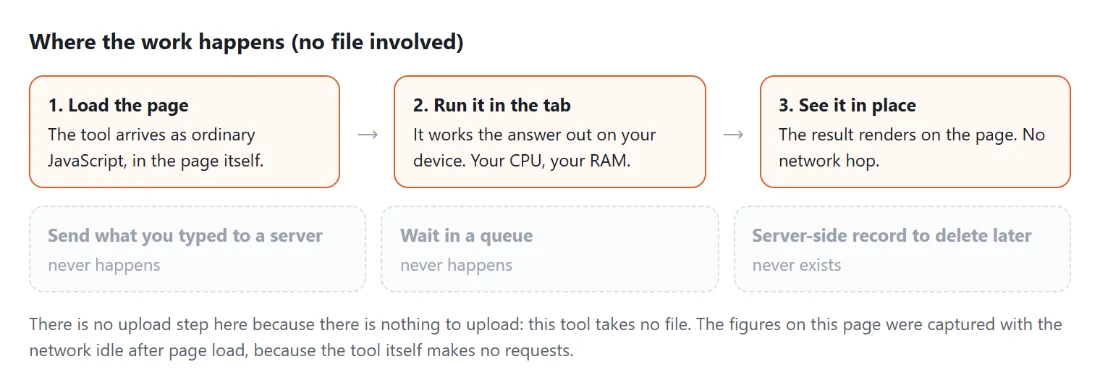
This page never opens a microphone and never reads an audio file. It observes the timing of your clicks and key presses and nothing else, which is why it works on a song playing from a phone speaker across the room, on vinyl, or on a band rehearsing next door. It is also why automatic detection is not offered: getting it right on real material is a hard signal-processing problem, and a confident wrong answer is worse than no answer.
Once you have the tempo, the online metronome will hold it for practice, and it has a tap input of its own if you would rather stay on one page. For the jobs that do need to hear something, the guitar tuner uses the microphone for live pitch detection, and the spectrum analyzer draws the microphone’s frequency content as moving bars. And if the plan is to work on the recording itself rather than measure it, the audio pitch changer shifts pitch in semitones without changing the speed, which is the operation that would otherwise ruin the tempo you just measured.