Semitones are the unit because pitch is not linear
Pitch is a ratio, not an amount. Twelve semitones up is exactly double the frequency, and every semitone in between is the twelfth root of two, about 1.0595. That is why this page asks for semitones instead of a percentage: “raise it by 20 percent” means nothing musical, while “up three semitones” is a minor third and lands you somewhere a guitarist or a singer can immediately name.
The practical consequences fall out of that curve. A shift of one or two semitones is subtle enough that a listener who does not know the original will not question it, which is the useful range for nudging a song into a comfortable key or disguising a voice slightly. Five to seven semitones is an obvious transposition. Twelve is a whole octave and will start to sound synthetic on a voice, because vocal formants are shifted along with the pitch rather than being held in place, which is what separates this from a studio pitch shifter that models the voice.
Relabel the sample rate, then undo the speed
The mechanism is worth understanding, because it explains both what the tool does well and where it stops. Manual mode first relabels the audio’s sample rate by the ratio a semitone shift implies, playing the same samples faster or slower. That shifts pitch and speed together, the classic tape-speed effect. The stream is then resampled back to its original rate so the encoder sees something normal, and a tempo filter running at the reciprocal ratio pulls the speed back to where it started while leaving the new pitch alone.
The result is a genuine pitch-only shift: a voice moved up five semitones still talks at its original pace. The tempo stage is doing real time-stretching, so at the extremes of the range you may hear a faint smearing on transients such as drum hits, which is the honest cost of the approach. Across the whole minus twelve to plus twelve range the correction fits in a single filter stage, so nothing is being chained or compounded.
If you want the opposite job, changing the tempo while leaving the pitch alone, that is Change Audio Speed, which runs the tempo filter on its own with presets from half speed to triple.
The presets skip the correction deliberately
Nightcore and Slowed plus Reverb are not pitch shifts with a style attached; they are the same relabelling step with the tempo correction removed, which is exactly what makes them sound like the genre.
Nightcore speeds the track to 1.25 times, which raises the pitch by about 3.9 semitones at the same time. Slowed plus Reverb takes the exact reciprocal, 0.8 times, dropping speed and pitch by the same proportion in the other direction, and layers a single spaced-out echo on top for the hazy, distant feel the style is built on. The two are mirror images by construction rather than by taste, so a track run through one and then the other comes back to its original speed and pitch, now carrying the echo and two generations of encoding.
Manual mode at plus four semitones and the Nightcore preset are therefore very different outputs despite the similar pitch: the first keeps the original tempo, the second is a quarter faster. Reach for the presets when you want the effect and for manual mode when you want the note.
Everything comes back as a 192 kbps MP3
Pitch work changes the timing and frequency content of every sample, so unlike trimming there is no stream-copy shortcut. Whatever you bring in, MP3, WAV, M4A, OGG or FLAC, comes out as an MP3 encoded at 192 kbps, with any embedded cover-art image dropped along the way. Coming from a lossless source that means one generation of loss you cannot undo, so keep the original if the file matters. The downloaded name tells you what happened to it, ending in the semitone shift or the preset name.
Two related jobs need different pages. Trimming first, if your source is already an MP3, is worth doing with Cut MP3, which copies the frames of your chosen range without re-encoding at all, so you only pay for one lossy pass instead of two. And if what you want is a character effect rather than a musical interval, Voice Changer has chipmunk, deep, robot, echo and telephone presets ready made.
Getting a usable result on the first attempt
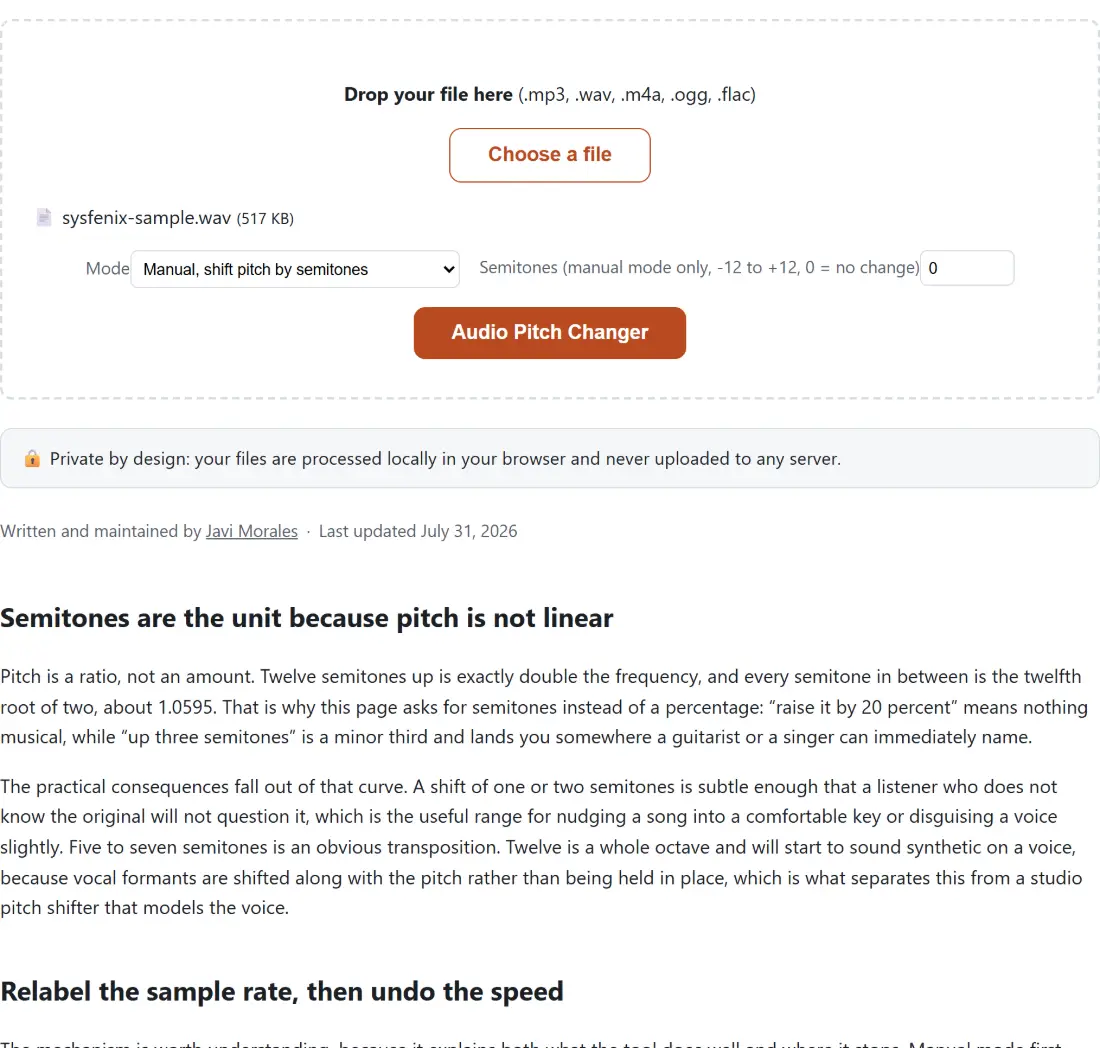
- Drop your file on the box or click Choose a file.
- Set Mode to manual for an exact interval, or to one of the two presets.
- In manual mode, set Semitones (manual mode only, -12 to +12, 0 = no change) to a positive number to go up or a negative one to go down.
- Click Audio Pitch Changer and leave the tab in the foreground while the bar fills.
- Download the MP3, and listen to it before you rely on it.
Processing time scales with the length of the recording, because the encoder runs single-threaded inside the page rather than on a server, which is the same reason nothing is ever uploaded. Cancel is available while a run is going, but it tears the engine down and clears the drop zone, so treat it as an abort rather than a pause. If a run fails outright, the page reports it generically, and the causes are almost always a truncated download or a file whose extension does not match its actual contents. More options for the same recording are one page over on the audio tools hub.