The pairing pattern that keeps seed 1 and seed 2 apart
A bracket drawn at random is not a bracket, it is a lottery with extra steps. The convention every serious knockout draw follows is built so that strength is spread across the sheet: seed 1 meets the lowest seed in the first round, seed 2 meets the second lowest, the top two can only collide in the final, and the top four can only meet from the semifinals onward. In a 16-slot draw that produces the familiar 1 versus 16, 2 versus 15 layout you see in tennis and college basketball.
That arrangement is generated here rather than typed in, from a simple recursive rule: a bracket of one seed is just seed 1, and a bracket of twice the size takes each seed in the smaller version and follows it with its complement. Applied repeatedly it gives the slot order 1, 8, 4, 5, 2, 7, 3, 6 for eight players, which is exactly the standard sheet.
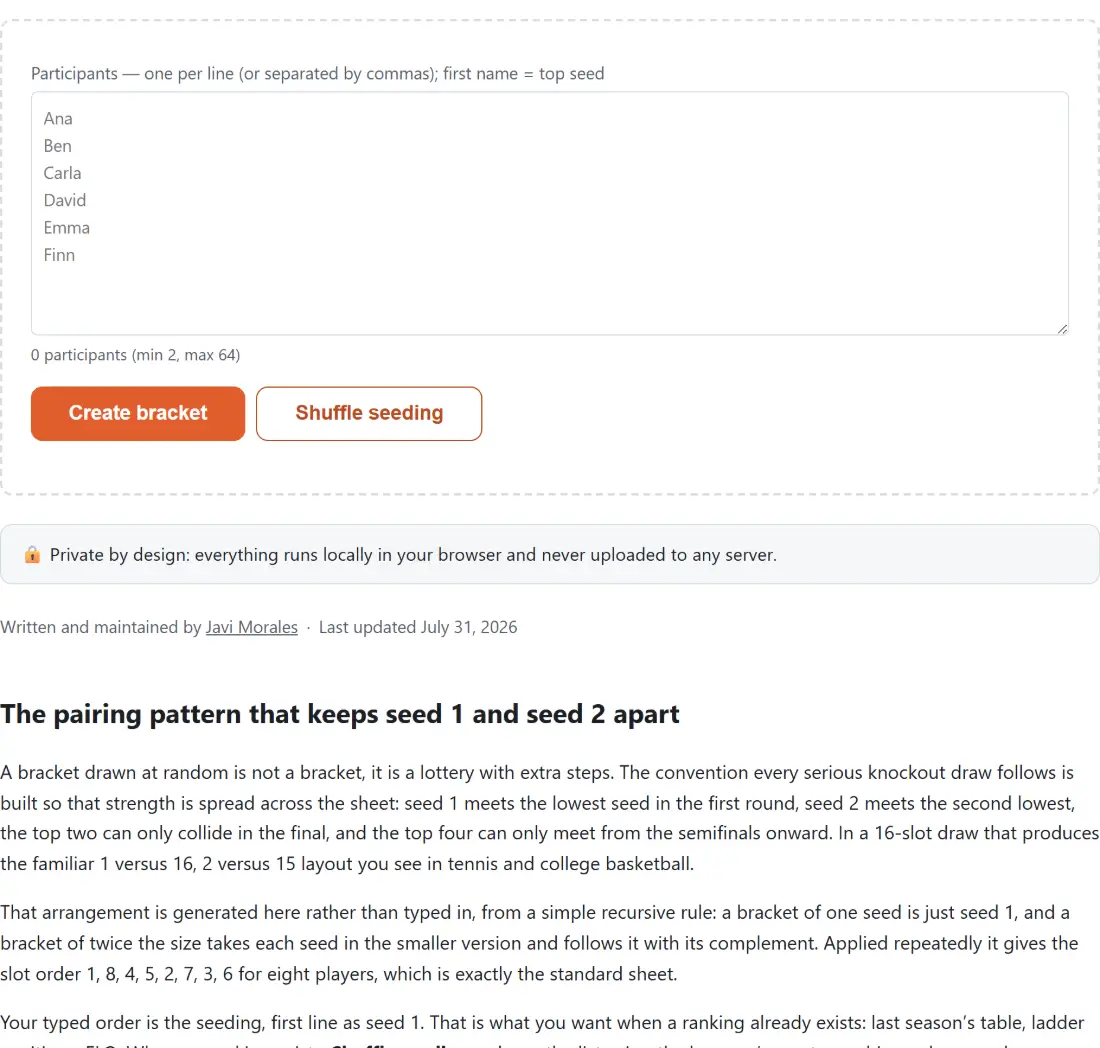
Your typed order is the seeding, first line as seed 1. That is what you want when a ranking already exists: last season’s table, ladder positions, ELO. When no ranking exists, Shuffle seeding redraws the list using the browser’s cryptographic random number generator, which is a defensible answer to anyone who wants to argue the draw was arranged.
Byes are not assigned, they are what is left over
Knockout brackets only work at powers of two, and sign-up sheets do not care. With 6, 11 or 23 entrants, the field is rounded up to the next power of two and the surplus slots have nobody in them. Because the pairing rule pits each seed against its complement, those empty slots land opposite the top seeds automatically, so the byes go to the strongest part of the field without any separate placement step.
With six people that means an eight-slot bracket, seeds 1 and 2 going straight to the semifinals, and a first round of 3 against 6 and 4 against 5. Two useful properties fall out of the same structure: a bye can only ever appear in the first round, and a match can never be a bye against a bye, which is the failure mode that makes hand-drawn brackets look broken.
From a pasted list to a filled-in bracket
- Type or paste the participants into the box, one per line or separated by commas. Blank entries and exact duplicates are dropped as you type, and the counter under the box shows how many the tool actually sees.
- Click Create bracket to use your order as the seeding, or Shuffle seeding for a random draw.
- Click a name to advance it. Clicking the same name again undoes it, and clicking the other name flips the result.
- When the final is decided a champion line appears above the bracket.
- Take it away with Copy share link, Download PNG or Download PDF.
Changing an early result does not force you to redo the rest. Any later pick that named a participant who is no longer in that part of the draw is cleared, because it was a prediction about somebody who is not there any more, while every result on an untouched path is kept exactly as it was.
The whole bracket rides in the address bar
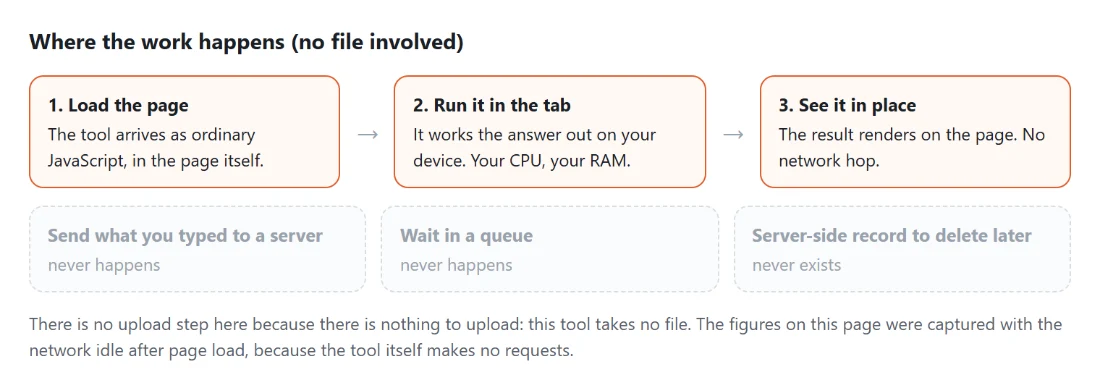
There is no server here and no database, so the state has to live somewhere the browser can carry: the URL itself. Every name and every picked winner is encoded as query parameters, and the address bar is rewritten after each change rather than only when you ask for a link. Copy share link simply copies what is already there.
Two consequences are worth stating plainly. First, anyone you send the link to can read the participant names from the link, and so can anything that logs URLs, including your own browser history, so do not use it for a list you would not put in a group chat. Second, a copied link is a frozen snapshot: whoever opens it can carry on clicking winners from that point and re-share their own version, but nothing you do afterwards updates a link you already sent.
Two exports, drawn from one layout
The on-screen bracket, the PNG and the PDF are all built from the same computed geometry, so they cannot drift apart. What differs is the destination. Download PNG rasterises the exact bracket on screen at double resolution, which is the one for pasting into a chat, a Discord channel or a slide. Download PDF redraws the same layout onto a single landscape A4 page, scaled to fit and centred, which is the one for the office wall. Both are produced on your device and land in your downloads folder.
Practical limits: from 2 to 64 participants, where 64 is a six-round bracket. The build buttons stay disabled until the list holds at least two names, and going over 64 stops with a message that tells you how many you pasted. Both exports use a fixed light colour scheme, dark text on a white background, so a PNG stays readable pasted onto a dark background.
Three neighbours cover the rest of the evening. The Random Team Generator reads a pasted list exactly the same way and splits it into balanced teams when the format is teams rather than a knockout. The Wheel of Names picks one random winner with more drama, for a prize draw. And for the matches themselves, the Online Chess Clock counts each player’s time separately with bullet, blitz and rapid presets.