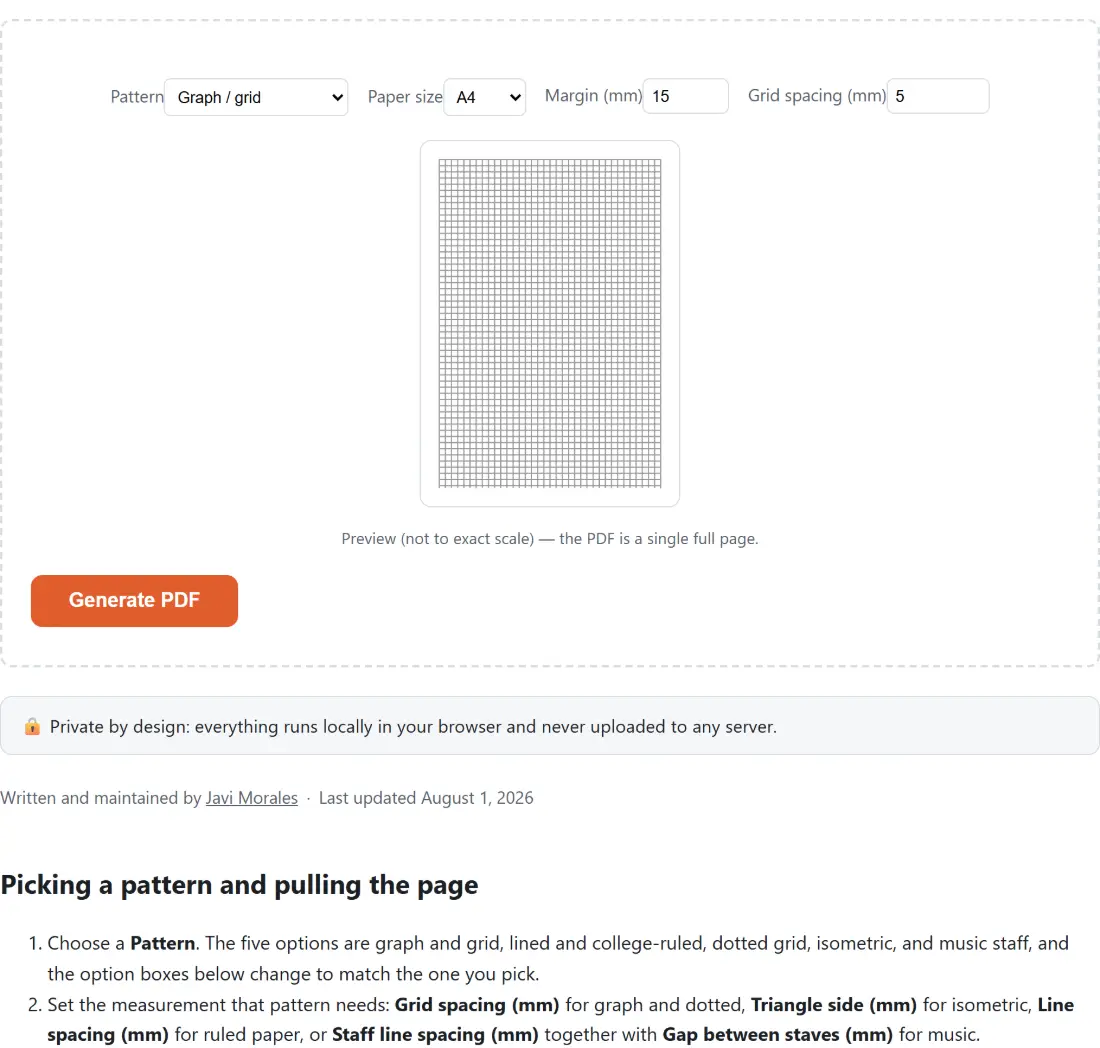
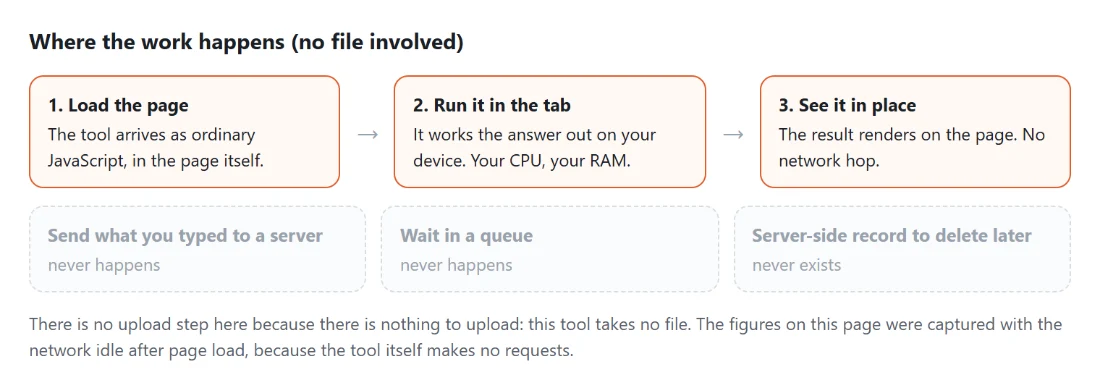
Picking a pattern and pulling the page
- Choose a Pattern. The five options are graph and grid, lined and college-ruled, dotted grid, isometric, and music staff, and the option boxes below change to match the one you pick.
- Set the measurement that pattern needs: Grid spacing (mm) for graph and dotted, Triangle side (mm) for isometric, Line spacing (mm) for ruled paper, or Staff line spacing (mm) together with Gap between staves (mm) for music.
- Pick Paper size, A4 or Letter, and set the Margin (mm) border. The live preview redraws as you type, using the same geometry functions the PDF itself is built from, just scaled down.
- Click Generate PDF. The file downloads immediately, named after the pattern, as in
graph-paper-isometric.pdf, with a fallback link underneath in case your browser blocks the automatic download.
Millimetres in, PDF points out
Every measurement on this page is entered in millimetres and converted once. A PDF point is a fixed 1/72 of an inch by specification, and an inch is exactly 25.4 mm, so the conversion is a single multiplication applied in one place before any drawing happens. That is why the numbers you type survive to paper unchanged, as long as your printer is not silently scaling the page to fit.
The two paper sizes are the real ones: A4 at 595.28 by 841.89 points, which is 210 by 297 mm, and US Letter at 612 by 792 points, or 215.9 by 279.4 mm. The margin is applied to all four sides, so the default 15 mm leaves a drawable area of 180 by 267 mm on A4 and 185.9 by 249.4 mm on Letter. Everything else is drawn inside that rectangle. If your work needs measuring rather than drawing, the Online Ruler calibrates a screen ruler against a credit card, which pairs well with a printed grid.
A4 and Letter, counted line by line
Letter is wider and shorter than A4, and the counts follow. At the 5 mm default, A4 gets 37 vertical and 54 horizontal lines while Letter gets 38 and 50. The dot grid, drawn at the same intersections, comes out at 1998 dots on A4 and 1900 on Letter. Wide-ruled at 8.7 mm gives 31 lines on A4 and 29 on Letter; switch to college-ruled at 7.1 mm and you get 38 and 36.
None of this is a rounding artefact you need to work around. It is simply what happens when a fixed spacing meets two differently proportioned sheets, and it is the reason a template site with one pre-baked A4 file cannot serve a US reader honestly. Both sheets are drawn to the millimetre you asked for, and the last row or column is dropped rather than squeezed if it will not fit whole.
The red rule on the ruled pattern
Ruled paper is not only horizontal lines. The lined pattern also draws a single vertical rule in a muted red, 32 mm inside the left edge of the drawable area, which is the detail that makes a printed sheet read as notebook paper rather than as a stack of lines. Because it is measured from the drawable area and not the paper edge, the default 15 mm margin places it 47 mm in from the physical edge of the sheet.
The other patterns get no rule at all, and the line weights differ on purpose: grid and ruled lines are a light 0.6 point grey so pencil work reads above them, dots are darker and drawn at a 1.1 point radius, and staff lines are heavier at 0.9 point in near black because sheet music is meant to be read, not written over.
Staves that fit, and the one that gets dropped
Music staff paper stacks groups of five evenly spaced lines. The height of one staff is four gaps, so at the 2.5 mm default a staff occupies 10 mm, and the separate Gap between staves (mm) value, 10 mm by default, is the blank space before the next one starts. Stacking continues only while a whole staff still fits inside the margin, which means A4 yields 13 staves at those defaults and Letter yields 12. A partial staff is never drawn; a half-cut set of lines at the foot of the page is worse than white space.
If you are assembling a paper planner rather than a music book, the Printable Calendar Generator covers the same two paper sizes and adds portrait or landscape, and Convert TXT to PDF turns a plain notes file into pages you can bind alongside these sheets. For tracing practice with letter shapes rather than blank rules, the handwriting practice sheets generator is the better starting point.
What this generator will not do
It draws one portrait page per click, with no orientation switch, no page count and no line colour picker. Spacing is millimetre-only, so imperial spacings are reached by typing their exact conversion. The number fields carry sensible limits, but they are the browser’s own, so a value typed far outside the intended range is passed through to the layout rather than clamped: set a margin larger than the sheet and you will get a page with nothing on it, which is an odd thing to ask for but worth knowing before you conclude the tool is broken.
The preview is a scaled miniature, not a true-size proof, so treat it as a check that you picked the right pattern rather than as something to measure against. And if generation ever fails, the page says so in one line and keeps your settings, so you can adjust a number and try again without re-entering everything. The rest of the printable output on this site sits on the PDF tools hub.