Plain text has no pages until something gives it some
A .txt file is a stream of characters. It has no page size, no margins, no font and no idea where one page should end and the next begin. Your text editor invents all of that on the fly, which is why the same file looks different in every program that opens it, and why sending one to somebody who expected a document tends to disappoint.
Turning that stream into a PDF means making every one of those decisions and then freezing them. This tool makes them with pdf-lib: a page of the size you chose, a fifty point margin on all four sides, Helvetica at your chosen size, and lines spaced at 1.2 times that size. Once written, the result paginates identically on a phone, in Acrobat and on paper.
Exported chat logs, server output, transcripts from a recording app, notes from a minimal editor and anything copied out of a terminal all arrive as plain text, and all of them become far easier to share once they have pages.
The layout grid: 50 point margins and 1.2 line spacing
The numbers are fixed rather than exposed, so it is worth knowing what they are.
Margins are 50 points on every side, which is about seven tenths of an inch. On A4 (595.28 by 841.89 points) that leaves a usable line width of 495.28 points. On US Letter (612 by 792 points) it is 512.
Line spacing is 1.2 times the font size, so the 12 point default puts baselines 14.4 points apart. Text starts 50 points below the top edge and a new page begins as soon as the next line would fall below the bottom margin, which gives a little over fifty lines per A4 page at the default size.
Font size accepts 8 to 24 and changes both axes at once: a larger size wraps lines sooner and fits fewer of them per page, so the page count climbs faster than the size increase alone suggests. Twelve is a comfortable reading size; ten is a good choice for a long log you mainly want to be able to search through in print.
Indentation and tabs do not survive the wrap
This is the limitation most worth knowing before you convert anything technical. To wrap a line at word boundaries, the text is split on runs of whitespace and the words are rejoined with a single space each. Leading indentation, tab stops and any columns you had lined up with spaces all disappear.
For prose that is invisible and correct. For a stack trace, a source listing, an ls output or a fixed-width report it destroys the thing that made the file readable. If the alignment matters, rename the file to .md, wrap the content in a fenced code block, and use Markdown to PDF, which renders a code block in a monospaced face and preserves its whitespace.
Two behaviours do survive. Explicit line breaks are respected, so your original line structure is the starting point rather than one long paragraph. And blank lines are kept as blank lines that still take up vertical space, so paragraph spacing carries across intact.
Words too long to fit on any line, typically URLs or base64 blobs, are broken character by character until they fit rather than being allowed to overflow the margin.
Helvetica, WinAnsi, and the characters that stop the run
The output uses Helvetica, one of the fourteen standard fonts every PDF reader is required to provide, and refers to it by name rather than shipping the font program inside the file. That is what keeps the file small and lets it render anywhere, and it comes with one hard constraint: Helvetica is encoded with WinAnsi, a single-byte character set that covers English and Western European languages, common punctuation, currency symbols and accented Latin letters.
Anything outside that set has no representation at all. Chinese, Japanese and Korean characters, Cyrillic, Greek, Hebrew, Arabic, mathematical symbols and emoji cannot be encoded, and the conversion stops rather than substituting a blank. On screen you see the generic failure message, which is unhelpfully vague for a cause this specific, so it is worth checking your source file first if it contains anything beyond Latin script. There is no font-embedding option to work around it.
The file itself is read as UTF-8. A text file saved by an older program in a legacy code page will decode incorrectly, and accented characters will look scrambled before layout begins. Resaving as UTF-8 in any modern editor fixes that.
Building the document
- Drop your
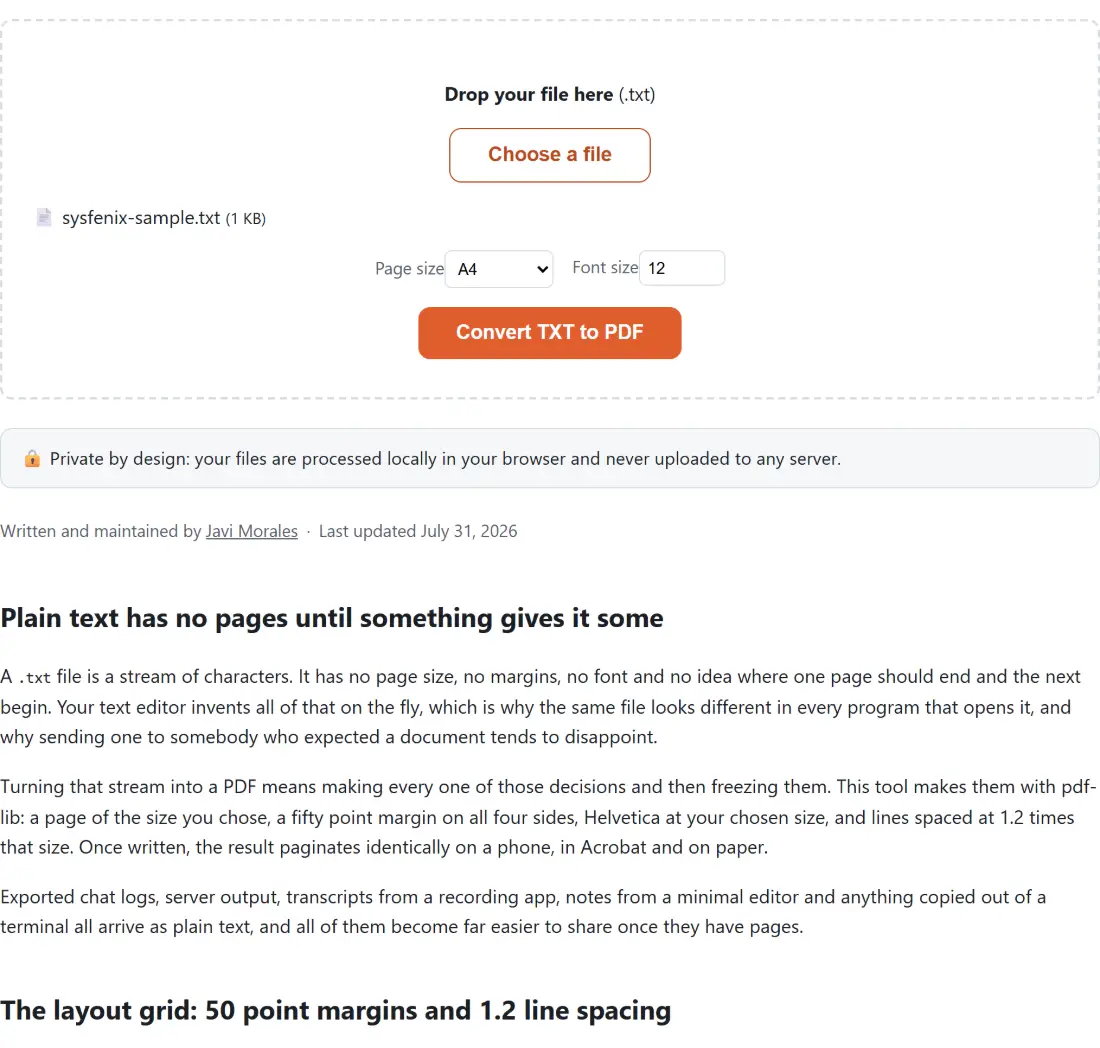
.txtfile into the box above, or click Choose a file. - Pick a Page size, A4 or US Letter.
- Set a Font size between 8 and 24.
- Click Convert TXT to PDF. Every page is laid out in a single synchronous pass, so the bar tends to jump straight to the end rather than creep, even on a long file.
- Save the result, which keeps your file’s name with a
.pdfextension.
When Markdown, DOCX or HTML is the better source
Reach for a different converter when the source has structure this one will flatten.
If your file is really Markdown, with # headings, bold markers and bullet lists, Markdown to PDF renders that structure as headings and lists instead of printing the punctuation literally. That page takes .md and .markdown only, so rename the file before you drop it in. If it started life in a word processor, DOCX to PDF keeps its headings, lists and tables rather than reducing everything to one size of Helvetica. If it is a saved web page, HTML to PDF is the right route.
If you have no file yet, Online Notepad lets you type in the browser and download a .txt you can bring straight back here. And once you have several converted documents, Merge PDF joins them into one.
Your text never becomes part of a network request. That is not an abstract benefit for this particular file type: .txt is what people export private journals, customer chat transcripts and internal logs full of hostnames and account IDs into. All of it is read from your device’s memory and laid out in the same tab. Further reading: the best PDF tools, compared.