Seven targets, and what each one uses to remember the original key
Printing name: str for a key called name is the easy half. The half that decides whether the generated file is usable is what happens once post_code has become a property called postCode. Unless the original spelling is recorded somewhere, the model has quietly stopped describing the payload it came from, and no compiler will mention it.
Each renderer answers that with the mechanism its own language has. Go writes a json:"post_code" struct tag on every field, renamed or not. Pydantic writes a Field(alias=...) holding the original key, but only where the Python name came out different, and Java, Kotlin and C# follow that same rule with a Jackson @JsonProperty("..."), a kotlinx.serialization @SerialName("...") and a System.Text.Json [JsonPropertyName("...")]. Since C# properties are PascalCase, an ordinary lowercase key counts as renamed there, so nearly every property picks up an attribute. Swift emits a CodingKeys enum only when something was renamed, and then lists every property in it, because the enum has to cover them all once it exists.
The plain Python dataclass is the exception: it has no aliasing at all. To build one directly from a parsed dict, either choose Python Pydantic or untick the naming checkbox and keep your keys as they arrived.
Two records in, a dataclass and a Go struct out
This is a real run rather than an illustration. The input:
[
  { "user_id": 1, "first_name": "Ada", "is_active": true, "tags": [],
    "home_address": { "city": "London", "post_code": "NW1" } },
  { "user_id": 2, "first_name": "Alan", "is_active": false, "tags": [],
    "home_address": { "city": "Wilmslow", "post_code": "SK9" },
    "last_login": "2026-01-04" }
]
On the defaults, that produces:
from dataclasses import dataclass
from typing import Any, Optional, List

@dataclass
class HomeAddress:
    city: str
    post_code: str

@dataclass
class Root:
    user_id: int
    first_name: str
    is_active: bool
    tags: List[Any]
    home_address: HomeAddress
    last_login: Optional[str] = None

# Your JSON is a list of these: List[Root]
Four details there came from the data, not from a template. HomeAddress is named after the key that held it and is written above Root, because a Python type hint needs the class to exist already. last_login is optional because the first record has no such key, and in the dataclass renderer an optional field always sinks to the bottom of its class. tags became List[Any] since an empty array reveals nothing about its contents. And only the imports the file genuinely uses are written, so switching the nullable style to X | None drops Optional from that line.
Set Target language to Go structs and the same input gives you this, indented with a tab in the real output:
package models

type HomeAddress struct {
    City string `json:"city"`
    PostCode string `json:"post_code"`
}

type Root struct {
    UserId int `json:"user_id"`
    FirstName string `json:"first_name"`
    IsActive bool `json:"is_active"`
    Tags []interface{} `json:"tags"`
    HomeAddress HomeAddress `json:"home_address"`
    LastLogin *string `json:"last_login,omitempty"`
}

// Your JSON is a list: []Root
The optional string became *string with omitempty on its tag, while Tags did not become a pointer at all. A nil slice is already Go’s way of saying absent, and *[]T is an idiom worth not generating.
The Go renderer ignores the naming checkbox, and one key shape defeats it
Untick Convert field names to the target language’s naming convention, run that same JSON through Go structs, and you get character for character what you got with the box ticked. Go exports a struct field by capitalizing it, and encoding/json silently skips an unexported field in both directions, so lowercase names would give you a struct that round-trips nothing. The renderer forces PascalCase whatever the option says.
One key shape defeats that rule, and it is a genuine bug. A key beginning with a digit cannot be an identifier in any of these languages, so an underscore is prefixed to make it valid. Feed in an object whose keys are first-name, 2fa and HTTPServer:
type Root struct {
    FirstName string `json:"first-name"`
    _2fa bool `json:"2fa"`
    HttpServer string `json:"HTTPServer"`
}
_2fa starts with an underscore, which in Go means unexported, which means encoding/json ignores it in both directions. Rename that field by hand before compiling. The two lines around it show the word splitter behaving well on a hyphenated key and on a run of capitals.
Java allows one public class per file, and that decides the file name
Java is the only target here with an opinion about files. A .java file may declare at most one public top-level class, and its name has to match the file, so a file full of public model classes will not compile at all. The renderer marks only the root class public and leaves the nested ones at package scope, still usable from anywhere in the same package. The output therefore has to be saved as Root.java to compile as it stands.
Two smaller specifics. Every field is boxed, Integer and Boolean rather than the bare primitives, so a JSON null deserializes without an unboxing crash even into a field the inference thought was always present. And accessors are built from the converted field name, so is_active becomes a field isActive with a getter called getIsActive() rather than isActive(). That compiles; it just reads oddly next to hand-written Java.
Which of the seven a compiler has actually seen
The module is straight about this, so this page will be too. While it was written, the Python and Java output were checked against real toolchains, Python 3.12 parsing the generated file and importing dataclasses, and javac compiling the Java against a stub annotation standing in for Jackson. No Go, Kotlin, C# or Swift compiler was available in that environment, so those four were verified against each language’s documented conventions instead. Weaker, and the source comment says so rather than implying all seven were equal.
Two conventions they encode are easy to overlook. A Kotlin data class must have at least one constructor parameter, so an empty {} in your JSON comes out as a plain @Serializable class Meta. And Swift has no built-in type for an arbitrary JSON value, so when your data needs one the file gains a small self-contained AnyCodable struct, added only in that case.
Pasting, generating, and the button that empties the box
- Paste a JSON object, or an array of objects, into the box above. More records is better, since a key missing from one of them is the only evidence that the key is optional.
- Choose Target language. Python dataclass is the default; the rest are Python Pydantic, Go structs, Java, Kotlin, C# and Swift.
- For either Python target, set Python nullable-type style (Python only) to
Optional[X], from typing, works on any Python 3or toX | None, PEP 604, Python 3.10 and up. The other five ignore it. - Leave Convert field names to the target language’s naming convention ticked for idiomatic naming, or untick it to keep your keys as written.
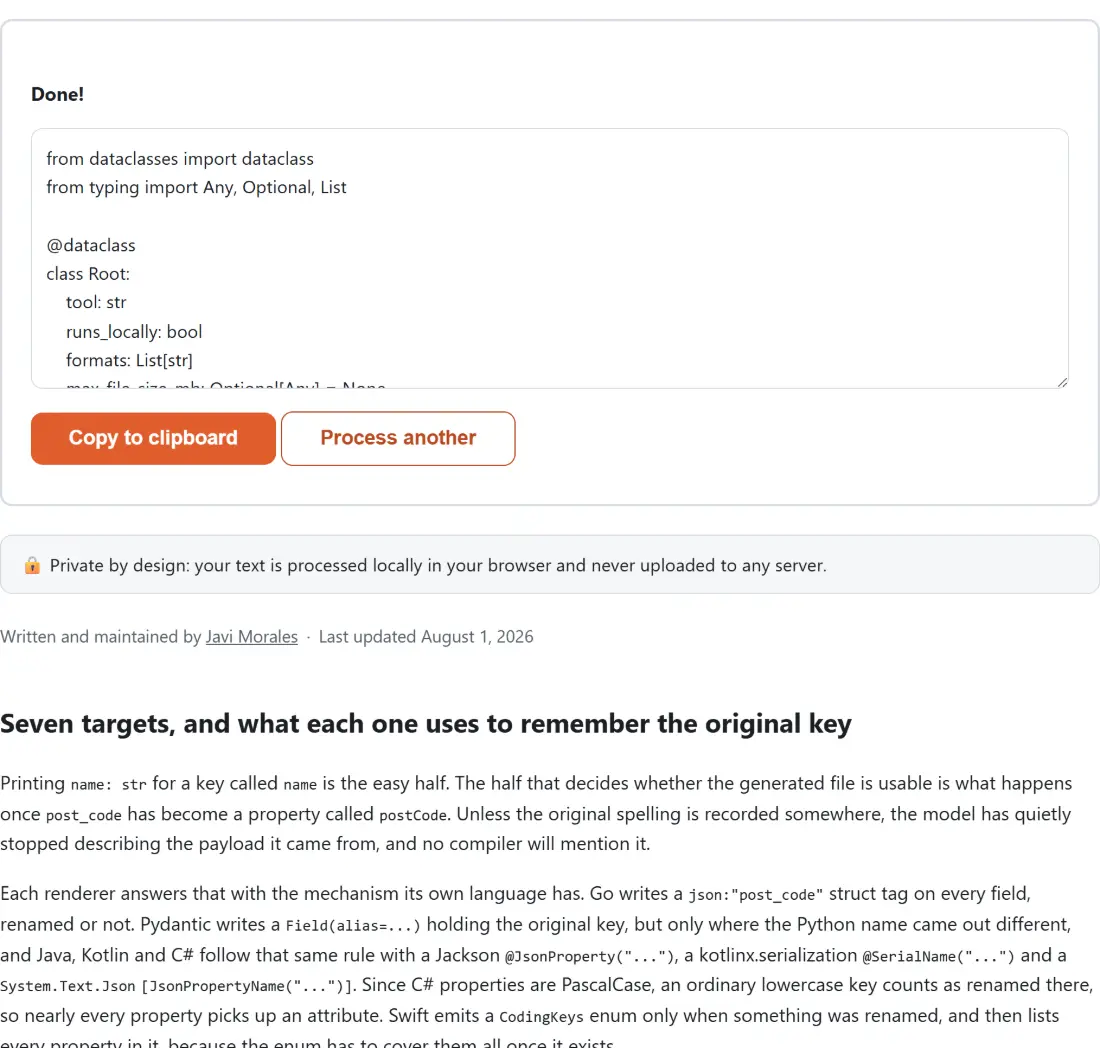
- Click JSON to Code (Model Classes). The code replaces the input box, Copy to clipboard takes it, and Process another starts over.
That last button clears the input as well as the output, so producing the same payload in a second language means pasting it in again. The dropdowns keep what you last chose, so hold the JSON on your clipboard until you have every file you need. If it will not parse at all, the JSON Formatter is the quickest way to find out and the JSON Editor is where to repair it as a tree; if the real API does not exist yet, the Fake Data Generator builds a JSON array to generate from.
Working in TypeScript instead? JSON to TypeScript imports the very inference core this page runs on, with one deliberate difference: it never renames a key, because a TypeScript property name is the JSON key and there is no alias to fall back on. And when the question is whether an incoming payload matches a contract rather than what shape it happens to have, the JSON Schema Validator is the one that answers it.
![Screenshot of the JSON to Code (Model Classes) tool with the sample input “{"tool":"json-to-code","runsLocally":true,"forma…”, Target language set to Python dataclass, Python nullable-type style (Python only) set to Optional[X], from typing, works on any Python 3](/shots/json-to-code-ui.webp)