Box one holds the document, box two holds the schema
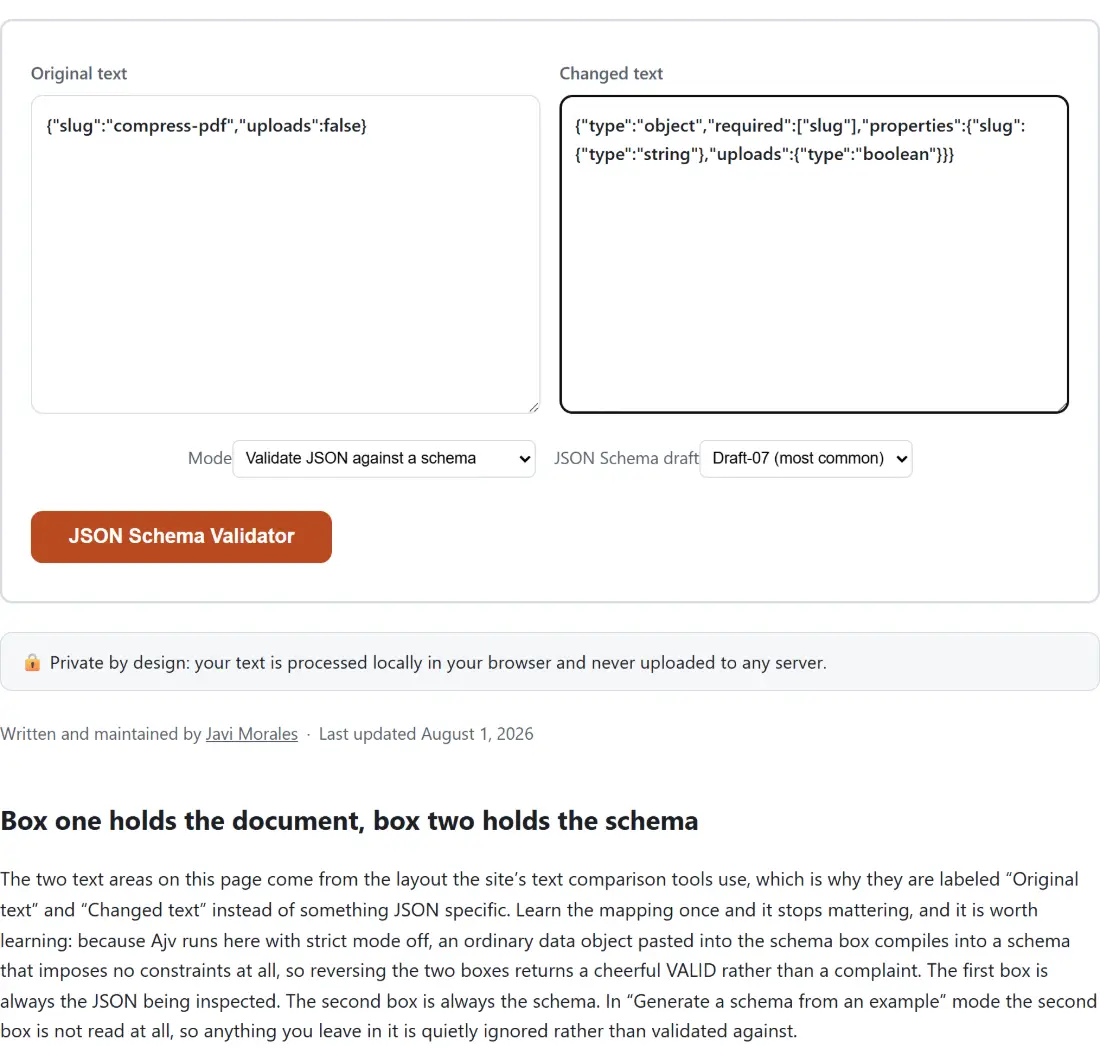
The two text areas on this page come from the layout the site’s text comparison tools use, which is why they are labeled “Original text” and “Changed text” instead of something JSON specific. Learn the mapping once and it stops mattering, and it is worth learning: because Ajv runs here with strict mode off, an ordinary data object pasted into the schema box compiles into a schema that imposes no constraints at all, so reversing the two boxes returns a cheerful VALID rather than a complaint. The first box is always the JSON being inspected. The second box is always the schema. In “Generate a schema from an example” mode the second box is not read at all, so anything you leave in it is quietly ignored rather than validated against.
- Paste the JSON document you want to check into the box labeled Original text.
- Paste the JSON Schema into the box labeled Changed text.
- Leave Mode on “Validate JSON against a schema”, then set JSON Schema draft to “Draft-07 (most common)” or “2020-12 (latest)” so it matches the schema you just pasted.
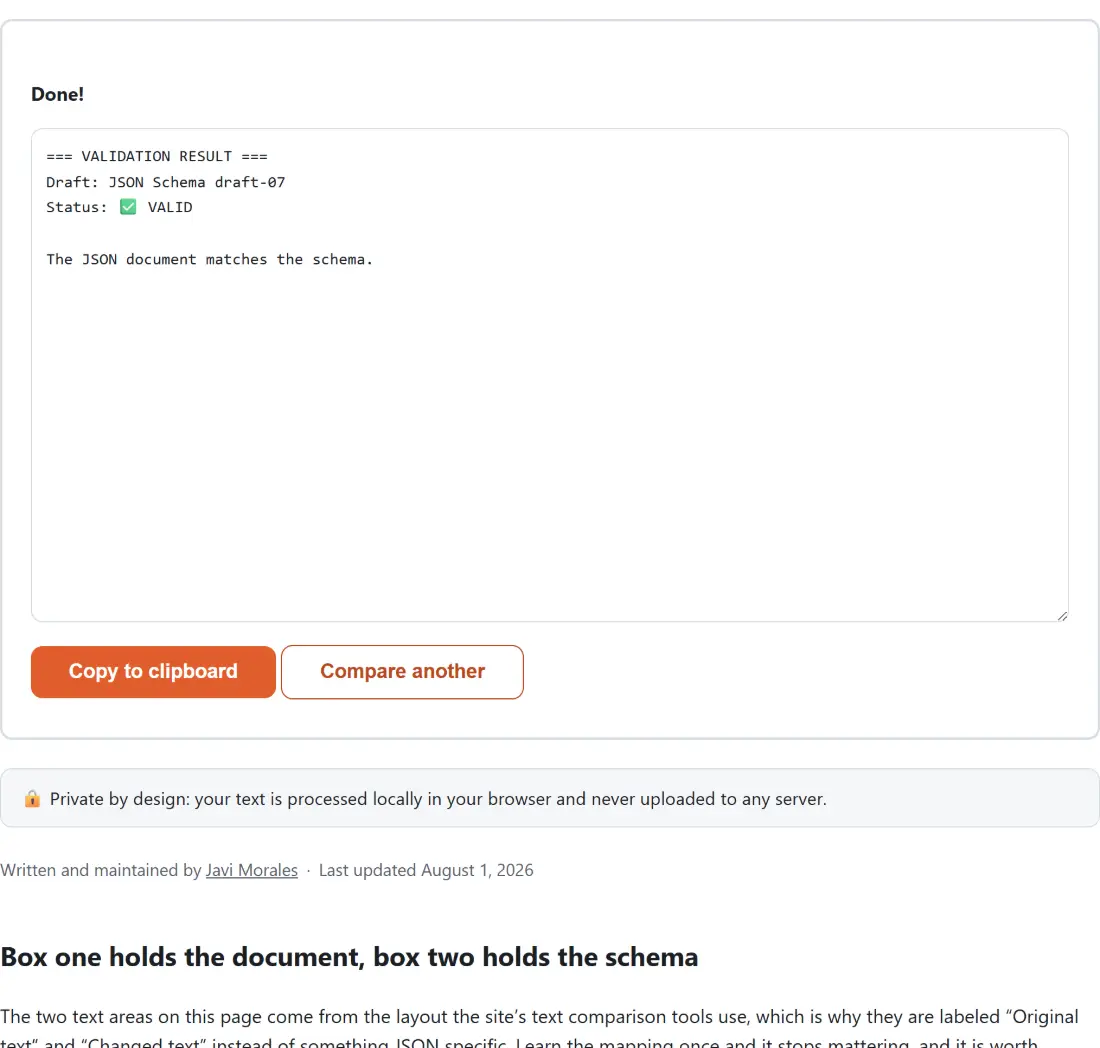
- Click the action button, which carries this tool’s own name, and read the report that replaces both boxes.
- Take the result away with Copy to clipboard, or press Compare another to start again. That second button empties both boxes, so checking a second document against the same schema means pasting the schema in again.
Anatomy of a failing report
Take a document with a negative age, an unexpected extra key and a missing city, checked against a schema that requires name, age and city, sets a minimum of zero on age and refuses additional properties. The report comes back numbered:
=== ERRORS ===
1. (root): must have required property 'city'
2. (root): must NOT have additional properties (property: "extra")
3. /age: must be >= 0
Everything before the colon is a JSON Pointer into your document. A pointer of /age means the top-level age member; a deeper failure would read /items/2/price. When the failure belongs to the document as a whole rather than to any one field, as with a missing required key, the pointer is empty and the report prints (root) instead so the line still reads sensibly.
The second line is worth a closer look. Ajv’s own message for a rejected extra key is just “must NOT have additional properties”, which tells you a rule was broken but not which key broke it. The name is available in the error object’s parameters, so this tool appends it in brackets. That one addition is usually the difference between fixing a payload immediately and diffing it against the schema by eye.
Every line you see is produced by the tool itself rather than by an exception. A malformed document, a schema that is not valid JSON, and a schema that parses but is not a legal JSON Schema each land in their own labeled branch of the report, so you get a specific sentence in the result box rather than a generic failure banner.
Draft-07 and 2020-12 are not interchangeable
Both drafts are in genuine daily use, which is the only reason a selector exists. Draft-07 is what most published schemas, most tutorials and OpenAPI 3.0 target. 2020-12 is what OpenAPI 3.1 and newer generators emit. The two are not a version bump you can ignore, and one keyword shows why. Validate the document [1, "x"] against a schema whose prefixItems says the first element must be a string. Under Draft-07 the result is VALID, because prefixItems did not exist yet and an unknown keyword is skipped. Under 2020-12 the same pair reports one error, /0: must be string. Nothing about the schema or the document changed; only the rule set did.
The practical habit this suggests is simple. If a schema you inherited never seems to reject anything, run it once under each draft before concluding the data is clean.
Format keywords are accepted, then ignored
A schema here can say "format": "email" and it will compile without complaint, but the value is only ever checked as a string. Format support in Ajv lives in a separate companion package that this tool does not bundle, so the keyword is recognized as unknown, noted in the browser console, and skipped. That is a deliberate trade for a smaller download, and it is the single most common way a validator can look stricter than it is. Where a real constraint matters, write it as a pattern with a regular expression, or as minLength, enum or minimum, all of which are enforced.
Turning one example payload into a starting schema
Switch Mode to “Generate a schema from an example”, drop a real response into the first box, and you get back a complete schema with a $schema URI matching whichever draft is selected. It is a first draft, not a finished contract, and it makes three guesses you should expect to edit. Numbers always become "type": "number", so an integer id is not constrained to integers. Every key in the example is listed as required, because a single sample is the only evidence available. For an array of similarly shaped records the generator merges the items, keeping every key it saw but marking as required only the keys present in all of them, so one record missing a field will not force that field on the rest.
If the example itself is what you need first, generate a realistic payload with the Fake Data Generator, or tidy a real one with the JSON Formatter before pasting. When a document fails and you cannot see where, the JSONPath Tester lets you query for the exact field the pointer named, and the JSON Diff tool answers the related question of what changed between the payload that passed and the one that did not. Schemas written in YAML need a trip through YAML to JSON first, since only JSON is accepted here. Our developer tools guide puts this page in context alongside the rest of the encoding and formatting set.