Macro targets are three multiplications stacked on top of a calorie number, and the calorie number is where almost all of the uncertainty lives. This page walks that chain in the open: a resting-metabolism estimate, an activity multiplier, a goal adjustment, then a percentage split into protein, carbohydrate and fat, and finally an even division across your meals. Every intermediate figure is printed, so you can see which step moved your number.
Mifflin-St Jeor, five multipliers and a percentage goal
Basal Metabolic Rate is what you would burn lying still all day. This calculator uses the Mifflin-St Jeor equation from 1990, which is generally more accurate across body types than the 1919 Harris-Benedict equation it replaced:
Men:   BMR = 10 x weight(kg) + 6.25 x height(cm) - 5 x age(years) + 5
Women: BMR = 10 x weight(kg) + 6.25 x height(cm) - 5 x age(years) - 161
Multiplying that by an activity factor gives Total Daily Energy Expenditure, the maintenance figure. The five factors are 1.2 for sedentary, 1.375 for lightly active, 1.55 for moderately active, 1.725 for very active and 1.9 for extra active, matching the set most published TDEE calculators use.
The goal then scales TDEE by a percentage rather than by a flat kilocalorie amount. Cut multiplies by 0.80, Maintain by 1.00, Bulk by 1.15. A flat 500 kilocalorie deficit is a punishing fraction of a small sedentary person’s day and a rounding error for a large athlete; a percentage tracks whatever your own number happens to be. Both adjustments sit at the moderate end of the ranges commonly published for fat loss and lean gain.
Filling the form in the order the fields read
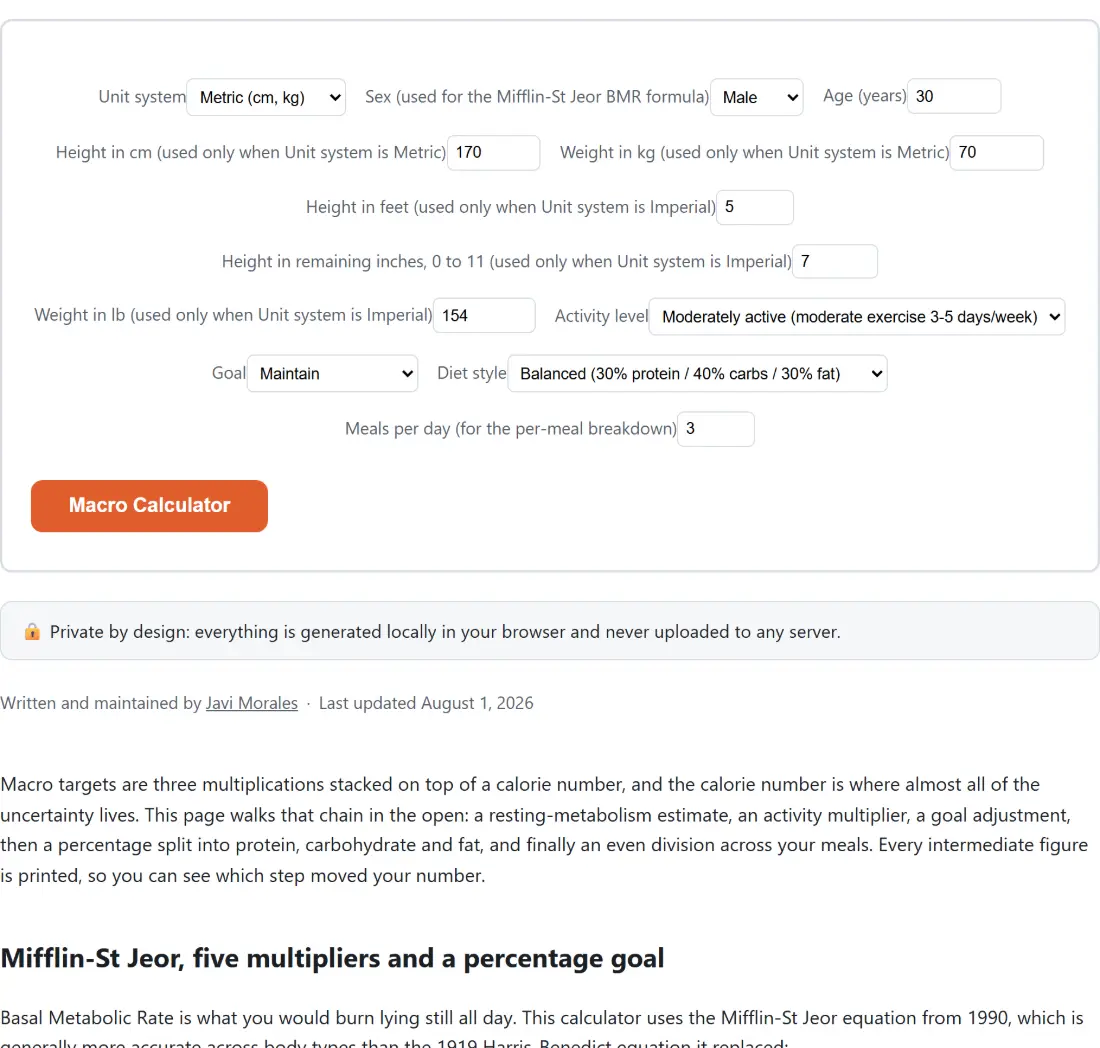
- Choose a Unit system, then set Sex (used for the Mifflin-St Jeor BMR formula) and Age (years).
- Fill in the two measurement fields for your system: Height in cm (used only when Unit system is Metric) and Weight in kg (used only when Unit system is Metric), or the three imperial fields. The other set is ignored, not hidden.
- Pick an Activity level, a Goal, a Diet style and a value for Meals per day (for the per-meal breakdown).
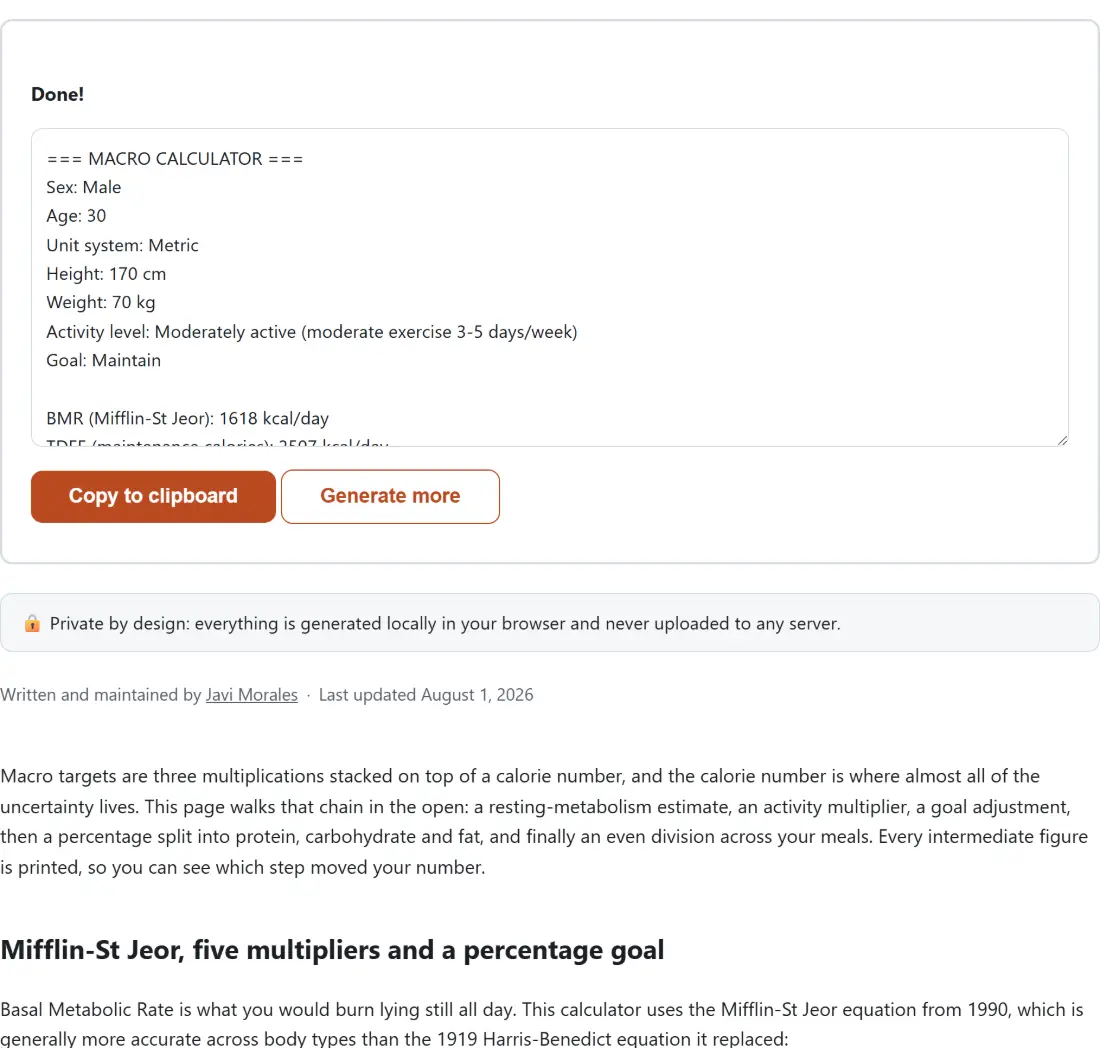
- Click Macro Calculator. The report opens with your inputs echoed back, then BMR, TDEE and your daily target, then the gram split, then the per-meal lines.
- Use Copy to clipboard to keep the report, or Generate more to bring the form back so you can change a setting.
That last point is worth flagging, because the form is not on screen next to the result. Once the report is showing, the options collapse; Generate more is what returns them.
A worked example at the default settings
Leave every field alone and you get a 30-year-old male, 170 cm, 70 kg, moderately active, maintaining, on the Balanced preset, eating three meals. The report reads:
BMR (Mifflin-St Jeor): 1618 kcal/day
TDEE (maintenance calories): 2507 kcal/day
Daily calorie target: 2507 kcal/day

Protein: 188 g (752 kcal)
Carbs:   251 g (1003 kcal)
Fat:     84 g (752 kcal)

  Meal 1: 63g protein / 84g carbs / 28g fat
  Meal 2: 63g protein / 84g carbs / 28g fat
  Meal 3: 62g protein / 83g carbs / 28g fat
Notice the third meal is a gram or two lighter. Protein divides as 63, 63, 62 because 188 does not split three ways evenly, and the remainder goes to the earliest meals. Switch that same person to Cut on the High-protein preset over four meals and the target drops to 2006 kilocalories, giving 201 g protein, 201 g carbs and 45 g fat.
The 1,200 and 1,500 kcal floor, and when it fires
A percentage deficit misbehaves at the small end. Take a 68-year-old woman at 150 cm and 42 kg who is sedentary: her BMR comes out at 857 and her TDEE at 1028, so a 20% cut would land at 822 kilocalories a day. The calculator refuses to print that. It raises the target to 1200 for women and 1500 for men, and adds a note to the report saying the raw figure was below the floor and what the floor was.
Two honest caveats. The floor only applies to the Cut goal, because Maintain is meant to reflect your real expenditure and Bulk is above TDEE by construction. And those two numbers are conventional, widely-cited minimums rather than personalized medical thresholds; several of the sources that quote them also argue they are too low for many adults. If your calculation is hitting the floor, that is a signal to talk to a dietitian, not a target to hit.
Three diet presets, and the gram drift they leave behind
The calorie target is divided using the standard 4, 4 and 9 kilocalories per gram for protein, carbohydrate and fat. Balanced is 30/40/30, Low-carb is 30/20/50, and High-protein is 40/40/20, all three summing to exactly 100%. Low-carb holds protein steady and moves the difference into fat; it is genuinely lower in carbohydrate without being a ketogenic restriction.
Protein and fat calories are each rounded to a whole number, and carbohydrate takes whatever is left, so the three calorie figures always total the target exactly. Converting each to whole grams is where a small drift appears: at the defaults, 188 g, 251 g and 84 g multiply back to 2512 kilocalories against a 2507 target, five over. The worst case the arithmetic allows is 8.5 kilocalories, half a gram per macro at 4, 4 and 9 per gram, and the test suite sweeps every preset across a wide range of calorie totals to prove the gap never exceeds it.
Where this calculator stops and a dietitian starts
Everything above is population arithmetic. It cannot see your body composition, your thyroid, your medication, or how much you actually moved yesterday. The report says so under its own important heading, because a report is the thing people screenshot and send on without the page around it.
Useful company for that: the Calorie Calculator covers only the calorie side and literally imports this page’s BMR and TDEE functions, so the two can never disagree about your maintenance number. The BMI Calculator supplies the height and weight constants both of them convert with. The Body Fat Calculator estimates composition from tape measurements, which is what actually tells you whether a cut is working, and the One Rep Max Calculator covers the training side. For tracking the change week over week, the Percentage Calculator does the arithmetic, and the rest of the calculators category is one click away.