Three challenges, three different kinds of remembering
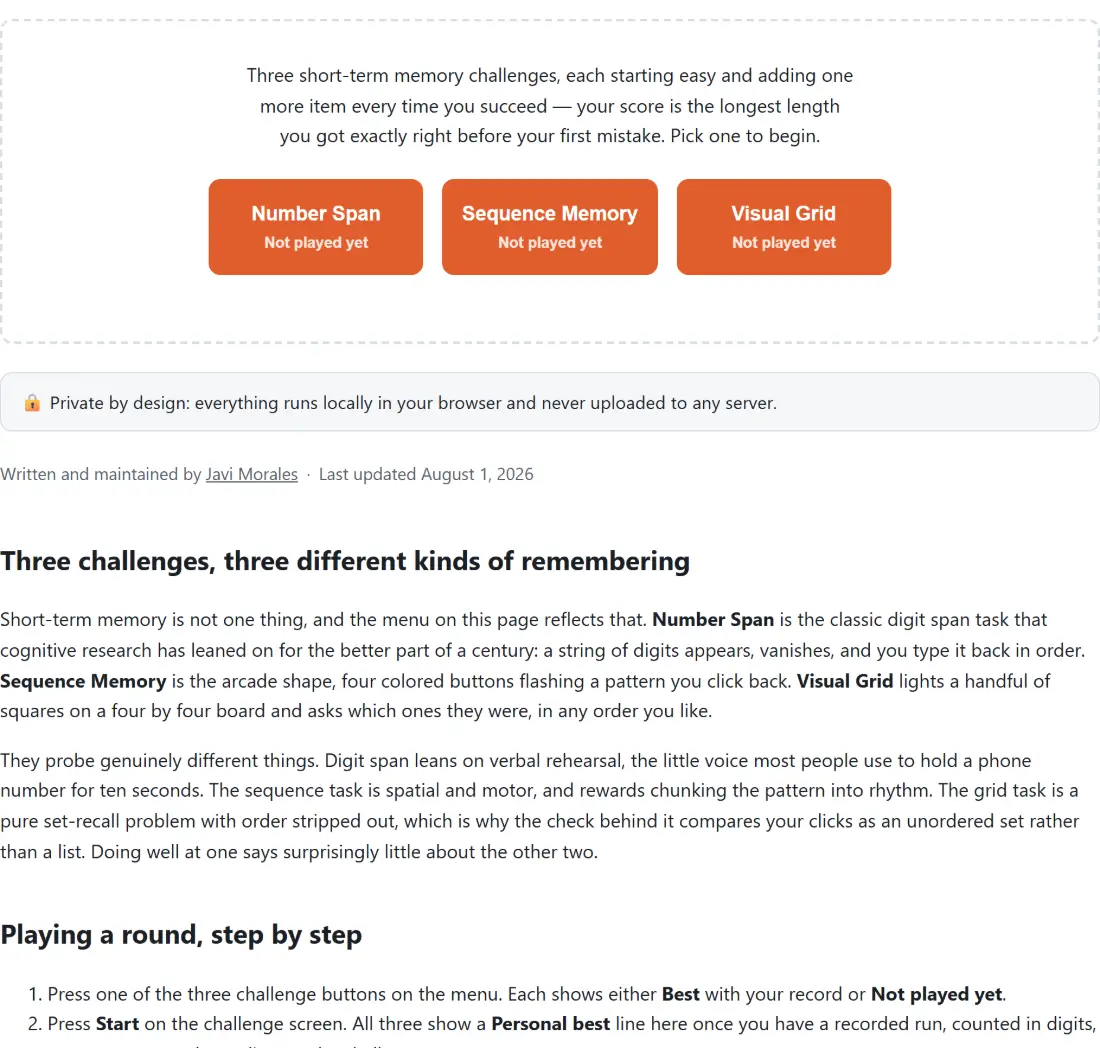
Short-term memory is not one thing, and the menu on this page reflects that. Number Span is the classic digit span task that cognitive research has leaned on for the better part of a century: a string of digits appears, vanishes, and you type it back in order. Sequence Memory is the arcade shape, four colored buttons flashing a pattern you click back. Visual Grid lights a handful of squares on a four by four board and asks which ones they were, in any order you like.
They probe genuinely different things. Digit span leans on verbal rehearsal, the little voice most people use to hold a phone number for ten seconds. The sequence task is spatial and motor, and rewards chunking the pattern into rhythm. The grid task is a pure set-recall problem with order stripped out, which is why the check behind it compares your clicks as an unordered set rather than a list. Doing well at one says surprisingly little about the other two.
Playing a round, step by step
- Press one of the three challenge buttons on the menu. Each shows either Best with your record or Not played yet.
- Press Start on the challenge screen. All three show a Personal best line here once you have a recorded run, counted in digits, steps or squares depending on the challenge.
- Watch the round. Digits appear as one large line, grid squares light up in accent color, and sequence buttons brighten one at a time.
- Recall it once the display clears. Type the digits and press Submit, click the grid squares and press Submit, or click the colored buttons in order, which is judged after every single click.
- Press Next round each time you are right. The challenge adds one more item and continues until you get one wrong.
- Read your final number on the results screen, then press Try again, or press the back control to pick a different challenge.
Your score is the last round you cleared, not the one that beat you
Every challenge follows the same rule and it is worth stating plainly, because scoring is where these tests usually get fudged. If you recall six digits correctly and then fail the seven-digit round, your score is 6. The round that ended the run contributes nothing. Fail the very first round and your score is 0, which is recorded honestly rather than quietly rounded up to the starting length.
Typing is forgiving in one specific way. The digit check strips every non-digit character out of what you typed before comparing, so spaces or dashes between the numbers do not count against you. What it will not forgive is order or length: the recalled digits must match position for position. Visual Grid is the opposite, comparing your selected cells as a set, so you can click them in whatever order you spot them, but the count has to match exactly.
The percentile behind Number Span, and why the other two do not get one
After a Number Span run scoring above zero, the results screen adds a line estimating what share of people you did as well as or better than. That number comes from a normal distribution centered on 7 with a standard deviation of 2, the familiar seven-plus-or-minus-two reference, evaluated with the same error-function approximation the reaction time test already uses for its own percentile. In practice a span of 7 reads 50 percent, 8 reads 69, 9 reads 84, 10 reads 93 and 11 reads 98, and the whole thing is clamped to the 1 to 99 range so it never claims that nobody or everybody is beaten.
Sequence Memory and Visual Grid get no percentile, deliberately. They are this tool’s own game shapes rather than standardized instruments, and there is no citable population baseline to compare a score against. Inventing one would look more scientific and mean less, so the results screen for those two reports the raw number and stops there.
Thirty results kept in local storage, and nothing sent anywhere
Every completed run is prepended to a shared history list covering all three challenges, and the list is capped at 30 entries with the oldest dropping off the end. The menu screen shows the ten most recent in a small table with When, Challenge and Score columns, plus a Clear history button that empties it in one press.
That list lives in your browser’s local storage on this device. It is not synced, not uploaded and not readable by us, which also means it does not follow you to another browser or survive clearing site data. If storage is unavailable, which happens in some private browsing modes, the tool quietly falls back to an empty history rather than failing, so the challenges still work but nothing is remembered between visits. Reading a stored list that has been corrupted degrades the same way, discarding malformed entries instead of throwing.
Reading your results without over-reading them
Randomness here comes from the browser’s ordinary pseudo-random generator, which is exactly right for a game and would be wrong for anything security-related. Combined with a run that ends the instant you slip once, that makes any single attempt noisy: an unlucky digit string or a notification arriving mid-round can cost you two items.
Treat a single score as a data point rather than a measurement. What these tests are genuinely good for is comparison against yourself, which is why the history exists at all. Run the same challenge at different times of day, or before and after a bad night’s sleep, and the pattern across a dozen runs will tell you more than any one result. Pairing it with the typing speed test or the mouse tester gives a fuller picture of input speed and accuracy, and the rest of the tester tools cover screens, keyboards, webcams and microphones.