Before buying a new keyboard, diagnosing a flaky mouse, or checking a brand-new monitor for dead pixels, it genuinely helps to actually test the hardware directly rather than just guess. This category covers 11 interactive testers and everyday productivity widgets on SysFenix — every one running live in your browser tab with nothing recorded or uploaded. Unlike a native diagnostic app you’d have to download and install, every tool here works instantly on any device with a browser: a shared work laptop, a friend’s PC you’re helping troubleshoot, or a brand-new machine you’re testing before the return window closes.
These tools fall into three natural groups: hardware testers that check whether your physical equipment (keyboard, mouse, monitor) is actually working correctly, skill and reaction tests that measure something about you rather than your hardware, and everyday timers/widgets that don’t test anything at all — they’re just useful, self-contained utilities you’d otherwise open a separate app for.
Hardware testers
If you’ve just bought a new keyboard, mouse, or monitor — or you’re buying a used one secondhand and want to check it thoroughly before handing over any cash — these four tools give you a fast, no-install way to verify the hardware actually works exactly as advertised.
- Keyboard Tester highlights every key as you press it, shows the exact key code (not just the character, so it works correctly across keyboard layouts and languages), flags a possibly-stuck key that’s been held down unusually long, and displays how many keys are currently held down at once. That last part matters for anyone shopping for a gaming keyboard, since manufacturers often advertise “N-key rollover” — the ability to register many simultaneous keypresses — and this tool lets you actually verify the claim by holding down a handful of keys together and watching the count.
- Mouse Tester tests every mouse button, including the extra back/forward buttons many gaming and productivity mice have, scroll-wheel direction and step size, double-click speed, and an estimated polling rate (how often your mouse reports its position to the computer, in Hz). If a mouse feels laggy or a button occasionally doesn’t register, this tool makes the problem visible instead of just “feeling” wrong.
- Dead Pixel Test cycles your entire screen through solid colors — white, black, red, green, blue, and a couple of blended colors — full-screen, one at a time. A dead pixel (permanently black, never lighting up) is easiest to spot against a bright background; a stuck pixel (permanently lit to one color) is easiest to spot against black. Running through every color in sequence gives you the best chance of catching either kind, which matters most right after unboxing a new monitor or laptop, while a return is still possible.
- Online Ruler turns your screen into a true-to-scale physical ruler in millimeters, centimeters, or inches. Because a “pixel” isn’t a fixed physical size — it depends on your monitor’s resolution and your browser’s zoom level — the tool calibrates itself first, either against the known size of a standard credit card held up to the screen, or against your monitor’s known diagonal size and resolution, so the on-screen markings genuinely correspond to real-world measurements once it’s calibrated.
Skill and reaction tests
These three tools don’t test your hardware at all — they test you, and they’re a fun, quick way to get an objective, repeatable number for something you might otherwise only guess at.
- Reaction Time Test shows you a waiting screen, then switches to a “go” color at a random moment; you click as fast as you can, and the tool measures the delay in milliseconds. It runs 5 rounds and reports your average, best, and worst time, plus a rough percentile estimate against typical human reaction times — useful context for competitive gamers, or just as a fun way to compare with friends.
- Typing Speed Test measures your words-per-minute and accuracy typing a passage of text over a 1, 3, or 5-minute session, with live character-by-character error highlighting as you type so you can see exactly where mistakes happen. Your results are saved locally so you can track improvement over multiple attempts.
- Memory Test runs three escalating short-term memory challenges: remembering a growing string of digits, repeating back a growing sequence of flashed positions, and recalling a growing pattern on a visual grid. Each challenge starts easy and adds one more item every time you succeed, continuing until you finally make a mistake — a simple, classic way to gauge working memory.
Timers and everyday widgets
The last group isn’t about testing anything at all — it’s four genuinely useful, self-contained utilities that don’t need their own dedicated app.
- Online Timer & Stopwatch combines a countdown timer (with a sound alarm and a fullscreen display, so you can see it from across the room) and a stopwatch, with one-click Pomodoro-style duration presets like 25 or 50 minutes — handy for cooking, studying, or timed work sessions.
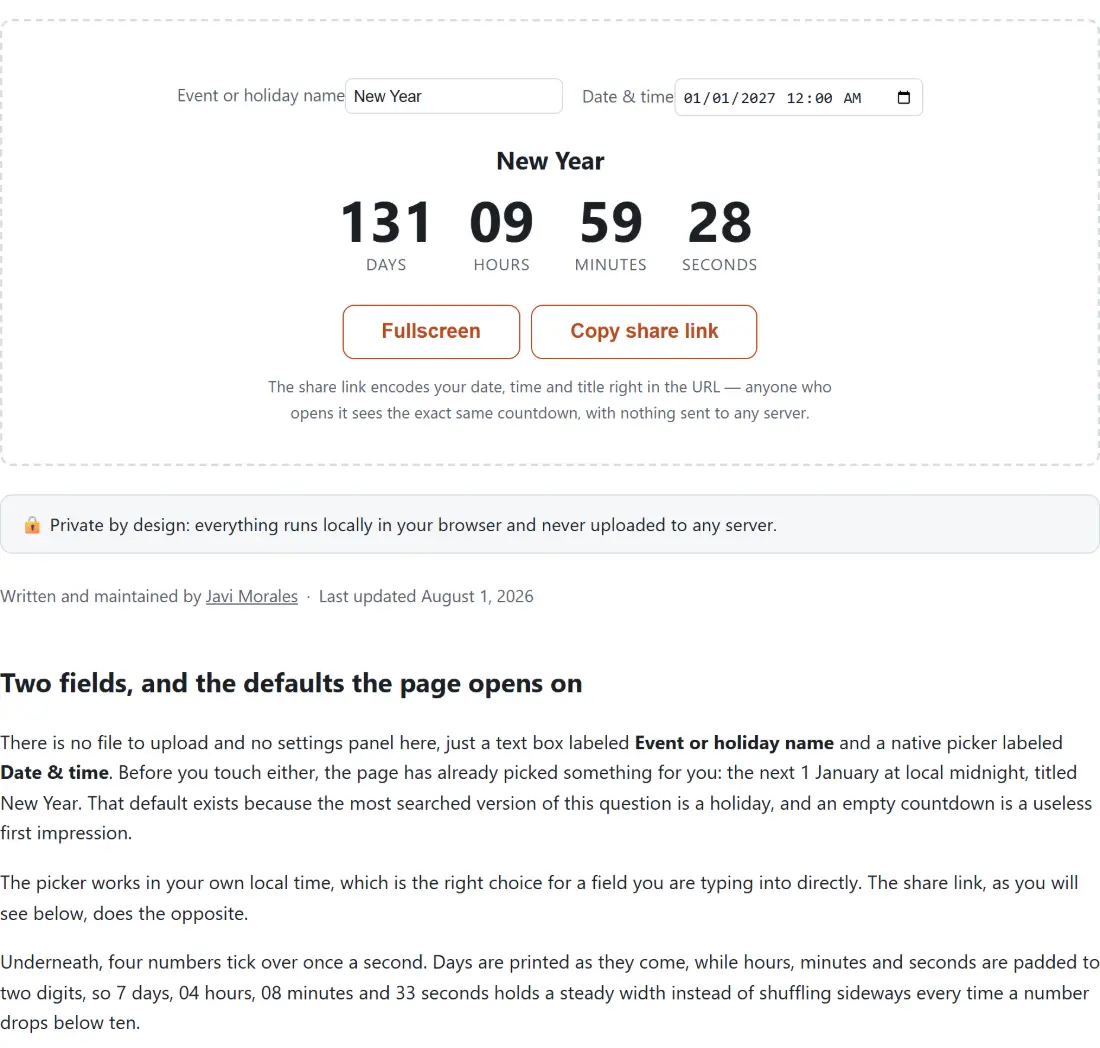
- Countdown to Date counts down to any future date or event you specify, down to the second, and generates a shareable link that encodes the entire countdown directly in the URL — no account, no server-side database, just a link that reconstructs the same countdown for anyone who opens it.
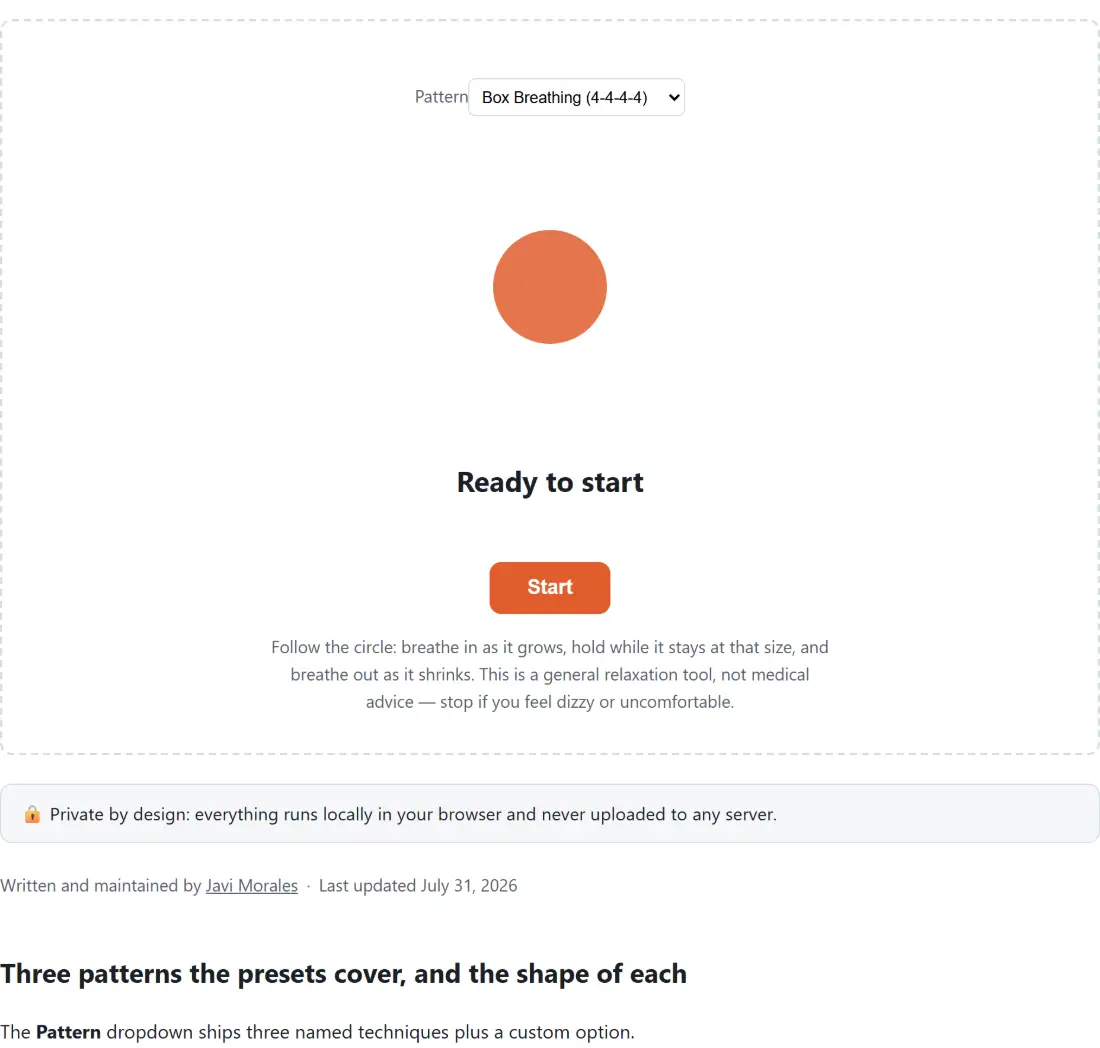
- Breathing Exercise is a guided breathing pacer offering Box Breathing (a 4-4-4-4 pattern used by the US Navy SEALs), the 4-7-8 technique, and coherent/resonant breathing, each shown as a visual circle that expands and contracts on the correct timing so you don’t have to count in your head.
- Online Whiteboard is a simple, local drawing whiteboard with a pen, highlighter, eraser, basic shapes, text, and full undo/redo, exportable as a PNG or PDF — no sign-up, no real-time collaboration server, and no data leaving your device; it’s meant for quick personal sketches and notes, not team collaboration.
Which tool should I use?
| I want to… | Use this tool |
|---|---|
| Check if my keyboard keys all work | Keyboard Tester |
| Test my mouse buttons and scroll wheel | Mouse Tester |
| Look for a dead or stuck pixel on my monitor | Dead Pixel Test |
| Measure a real-world object on screen | Online Ruler |
| Test how fast my reflexes are | Reaction Time Test |
| Measure my typing speed and accuracy | Typing Speed Test |
| Test my short-term memory | Memory Test |
| Set a countdown timer or stopwatch | Online Timer & Stopwatch |
| Count down to a specific future date | Countdown to Date |
| Practice a guided breathing exercise | Breathing Exercise |
| Sketch or take quick notes on a whiteboard | Online Whiteboard |
Every one of these tools runs live in your browser — no install, no account, and nothing about your device or your results ever leaves your tab. Whether you’re testing a device you just bought, killing time on a break with a reaction-speed challenge, or just need a quick countdown timer without opening a whole separate app, these 11 tools cover a genuinely broad range of everyday needs.