An M4R is an MP4 file wearing a different letter
There is no M4R codec and no M4R container. An .m4r is an ordinary MPEG-4 audio file, structurally the same thing as the .m4a files Apple has produced since the iTunes Store opened, given a different extension so that iOS files it under ringtones instead of under music. That is the whole trick, and it is also why this conversion is short work rather than a specialist job.
FFmpeg, however, does not recognise the extension. Left to guess a muxer from a filename ending in .m4r, it has nothing to go on, so this tool names the format explicitly with the muxer that writes the .m4a and .m4b family. The resulting file is a genuine MPEG-4 container carrying an AAC stream, which is exactly what the phone is looking for, rather than an MP3 that has been renamed and will simply be ignored.
The exact command behind the button
Everything the tool does resolves to one FFmpeg invocation. For a start time of 45 seconds it is:
ffmpeg -ss 45 -i input.mp3 -t 30 -c:a aac -b:a 128k -movflags +faststart -f ipod output.m4rLeave the start at zero and the first two arguments disappear entirely; the module only emits a seek when the number you typed is greater than zero. The rest never changes. The duration flag is a hard 30, the codec is AAC at 128 kbps, the index is moved to the front of the file so a player can begin before the whole thing is read, and the output format is stated rather than inferred.
Worth noticing what is absent. There is no probe pass, no duration read, no loudness pass and no fade. Those would all be defensible additions, and each would cost a second run over the file for something a five second decision in a music player usually settles better.
Choosing the 30 seconds a phone will actually play
- Drop your MP3 on the box, or click Choose a file. Only
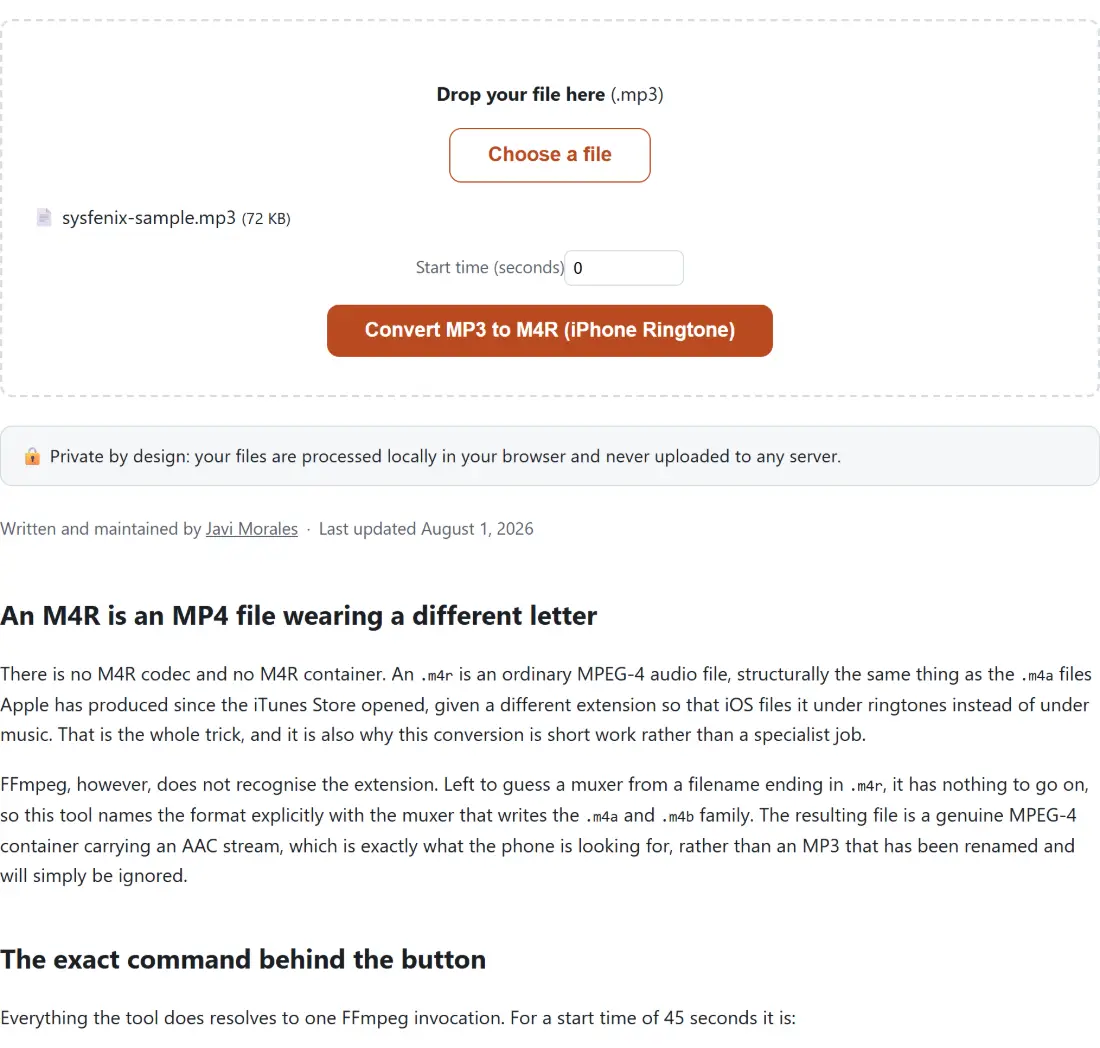
.mp3is accepted, and anything else is named and refused before any work begins. - Type a Start time (seconds) in plain seconds. A hook at 1 minute 15 is 75, and 2 minutes 30 is 150. Leave it at 0 to start from the top.
- Click Convert MP3 to M4R (iPhone Ringtone) and watch the percentage. Cancel is available while it runs, though it also empties the box.
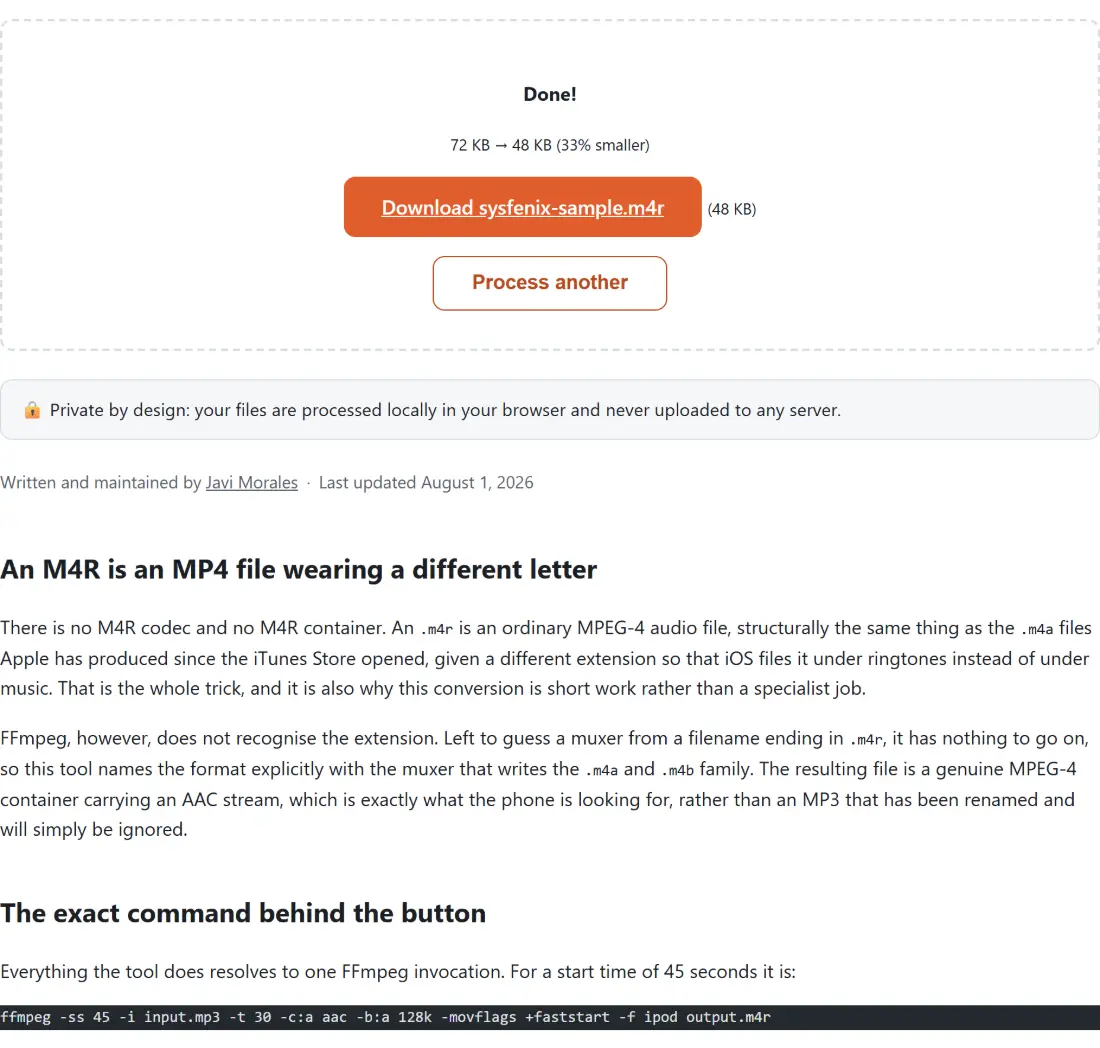
- Use the Download link that appears, which is already named after your source file with the new extension on it.
- Process another clears the page if you want to try a second start time from the same track.
The intro of a song is nearly always the wrong 30 seconds. Ringtones are heard for two or three seconds before somebody answers, so the part that has to be instantly recognisable needs to be at the front. Pick the timestamp by playing the track in whatever you normally use, note where the hook lands, and enter that. Because the seek runs at the container level, jumping to 3 minutes 20 of a long file costs no more than starting at zero.
When to cut the clip somewhere else first
The single field on this page is a start, never a length, so there is no way to produce a tone shorter than 30 seconds except by starting near the end of the track. For a short text tone or an alert, Cut MP3 is the better first step: it takes a start and an end in seconds and copies the compressed frames across without decoding them, so the trim itself costs nothing in quality. Bring the resulting clip back here with the start left at zero and this page does the format work only.
That ordering also helps when you are auditioning several candidates. Cutting three ten second clips and listening to them is quicker than converting three full ringtones and syncing them all to a phone to find out which one you like.
What this tool hands over, and what Apple still wants from you
The output is a correctly formed MPEG-4 file with a ringtone extension, and that is the end of what a browser can do. It cannot reach into your phone. Getting the file onto the device is still Apple’s own step, through Finder on a Mac or through iTunes or the Apple Devices app on Windows, dropping the file into the device’s tones list and syncing. After that it shows up alongside the built-in tones in the sound settings.
If you ever want to go the other way and turn an old ringtone back into something you can edit, note that M4A to MP3 accepts .m4a and .aac and nothing else, so an .m4r has to be renamed before that page will take it. The bytes inside are compatible; the drop box only reads the extension.
The cost of a second lossy pass, and when it matters
Every run here decodes your MP3 and re-encodes to AAC, so this is a lossy format being turned into a different lossy format. The artefacts do not cancel out, they accumulate. At 128 kbps through a phone speaker in a coat pocket that is academic, which is why the rate is fixed and not exposed as a choice.
It stops being academic if you feed it something already thin. A voice memo compressed for messaging, or a track ripped at a low rate years ago, arrives with detail already gone and leaves with a little more of it missing. If you have the same music as a WAV or FLAC somewhere, converting that to MP3 at a healthy rate first and then coming here gives a better ringtone than starting from the smallest copy you own. The bitrate guide covers where those thresholds sit for speech against music, and the rest of the audio tools here handle the conversions that get you there.