Build it, take it, then retake what you missed
A quiz tool that only builds quizzes is half a tool. The useful loop is build, take, see what you got wrong, and go again on just those questions, which is how anybody actually revises.
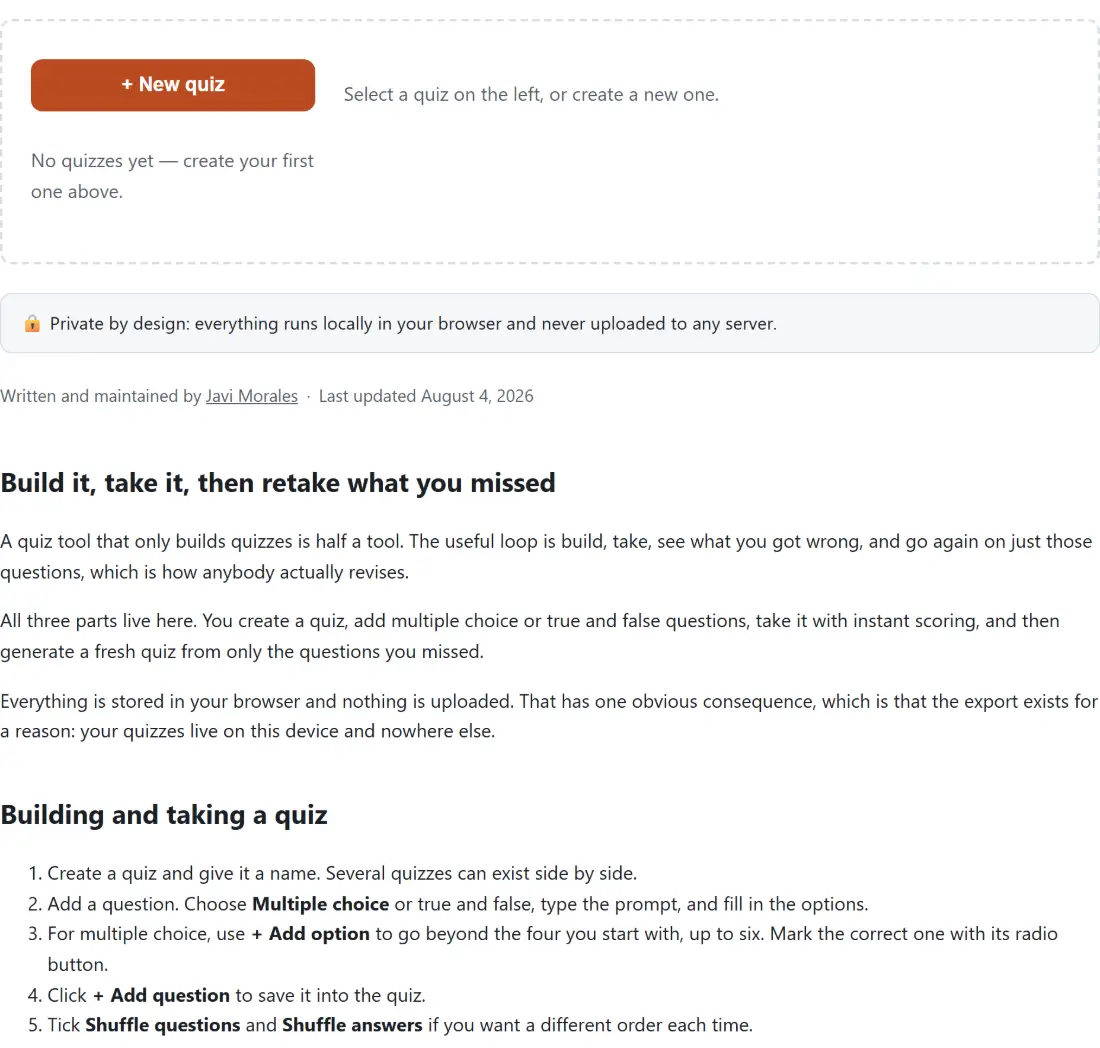
All three parts live here. You create a quiz, add multiple choice or true and false questions, take it with instant scoring, and then generate a fresh quiz from only the questions you missed.
Everything is stored in your browser and nothing is uploaded. That has one obvious consequence, which is that the export exists for a reason: your quizzes live on this device and nowhere else.
Building and taking a quiz
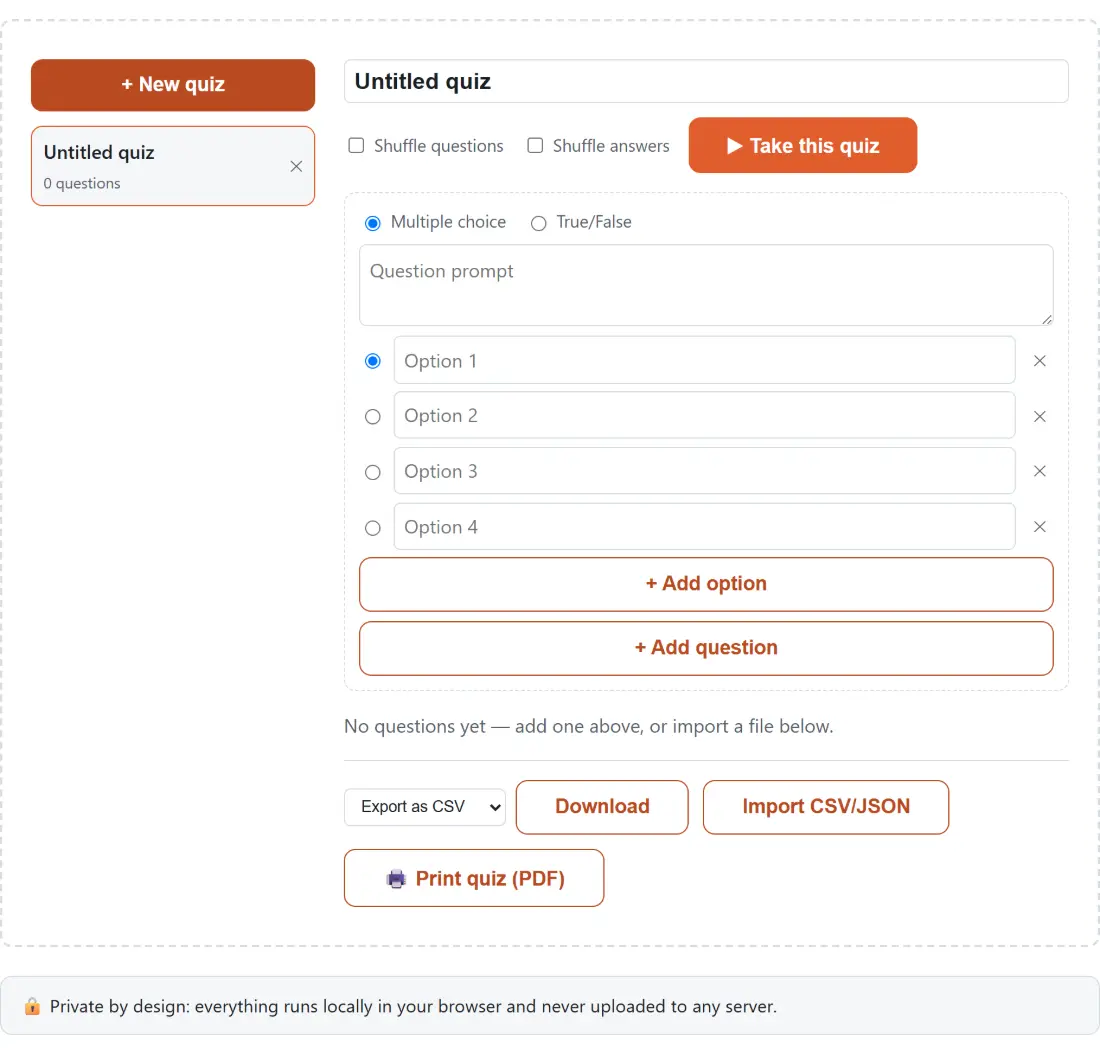
- Create a quiz and give it a name. Several quizzes can exist side by side.
- Add a question. Choose Multiple choice or true and false, type the prompt, and fill in the options.
- For multiple choice, use + Add option to go beyond the four you start with, up to six. Mark the correct one with its radio button.
- Click + Add question to save it into the quiz.
- Tick Shuffle questions and Shuffle answers if you want a different order each time.
- Click the take-this-quiz button, which stays disabled until the quiz has at least one question.
- Answer, submit, and read your score. Then generate a retry quiz from the ones you missed.
- Use the export dropdown to save as CSV or JSON, or the import button to load a file.
Adding questions is deliberately quick, because a quiz you did not finish making is worth nothing.
The bug this deliberately does not have
Shuffling answer options is the feature that breaks scoring in an enormous number of quiz implementations, and the cause is always the same.
The naive approach stores which option is correct by its position, so the third one in the list. Shuffle the list and the third one is now a different option, while the stored answer still says three. Every shuffled question is then marked against the wrong thing, and the failure is quiet because the quiz still produces a plausible score.
Here each option carries its own stable identity, and the question records the identity of the correct one. Shuffling reorders a display list and touches nothing else, so scoring compares identities and is completely unaffected by presentation order. The same holds for shuffling the questions themselves.
The shuffle itself is a Fisher-Yates, which produces every possible ordering with equal probability. The tempting alternative of sorting with a random comparator is not a shuffle at all: it is measurably biased and its behaviour depends on the sorting implementation, which is why it is avoided here and the implementation is shared with the flashcard tool rather than written a third time.
Scoring, including the awkward cases
Three situations are handled explicitly rather than accidentally.
An unanswered question scores as incorrect. The comparison requires a real selection before it checks anything, so a missing answer can never coincide with a correct option identity and score by accident.
A quiz with no questions scores zero out of zero at zero percent, rather than dividing by nothing and reporting a non-number. It is an unlikely state, since the start button is disabled for an empty quiz, but it is handled anyway.
And correctness is always identity based, never positional, which is what makes the shuffle safe.
The percentage is rounded to a whole number, and the per-question results are kept so the retry set can be built from them.
Retrying only what you missed
After scoring, the questions you got wrong or left blank can be pulled into a new quiz of their own.
Each question is carried across unchanged, keeping its options and its correct answer, so it scores identically in the new quiz. Nothing is rephrased or regenerated. The new quiz is named after the original with a marker showing it is the missed subset.
A perfect attempt would produce an empty set, so the retry button is simply disabled once your score is full marks. It is the same treatment the start button gets for an empty quiz, and it beats launching a quiz with no questions, which would be a confusing reward for getting everything right.
Import, export and where things live
CSV and JSON both work in both directions. The CSV handling reuses this site’s existing writing and parsing rather than a second implementation, which matters because a question prompt containing a comma or a quotation mark is common and is exactly what naive CSV code gets wrong.
Storage is a list of independent quizzes in this browser’s local storage. There is no sync and no account. Export a quiz you care about, particularly before clearing browsing data.
Related study tools
Flashcard Maker is the companion for plain recall rather than multiple choice, and the two share their shuffle implementation. Times Tables Practice covers arithmetic drilling for younger students.
For a classroom, Team Generator splits a list into groups, Bingo Card Generator makes a set of unique cards, and Certificate Maker handles what comes after the quiz. Word Unscrambler is the vocabulary equivalent. The rest is on the generators hub.