Decimal hours, the unit payroll actually asks for
Nobody gets paid in hours and minutes. Payroll systems, invoices and employment contracts all work in decimal hours, which is why a shift written down as “8h 45m” has to become 8.75 before it is any use. That conversion is where hand-calculated timesheets go wrong, because minutes are base sixty and the calculator on your desk is not. Divide 45 by 60 and you get 0.75; type 8.45 by mistake and you have quietly given away eighteen minutes.
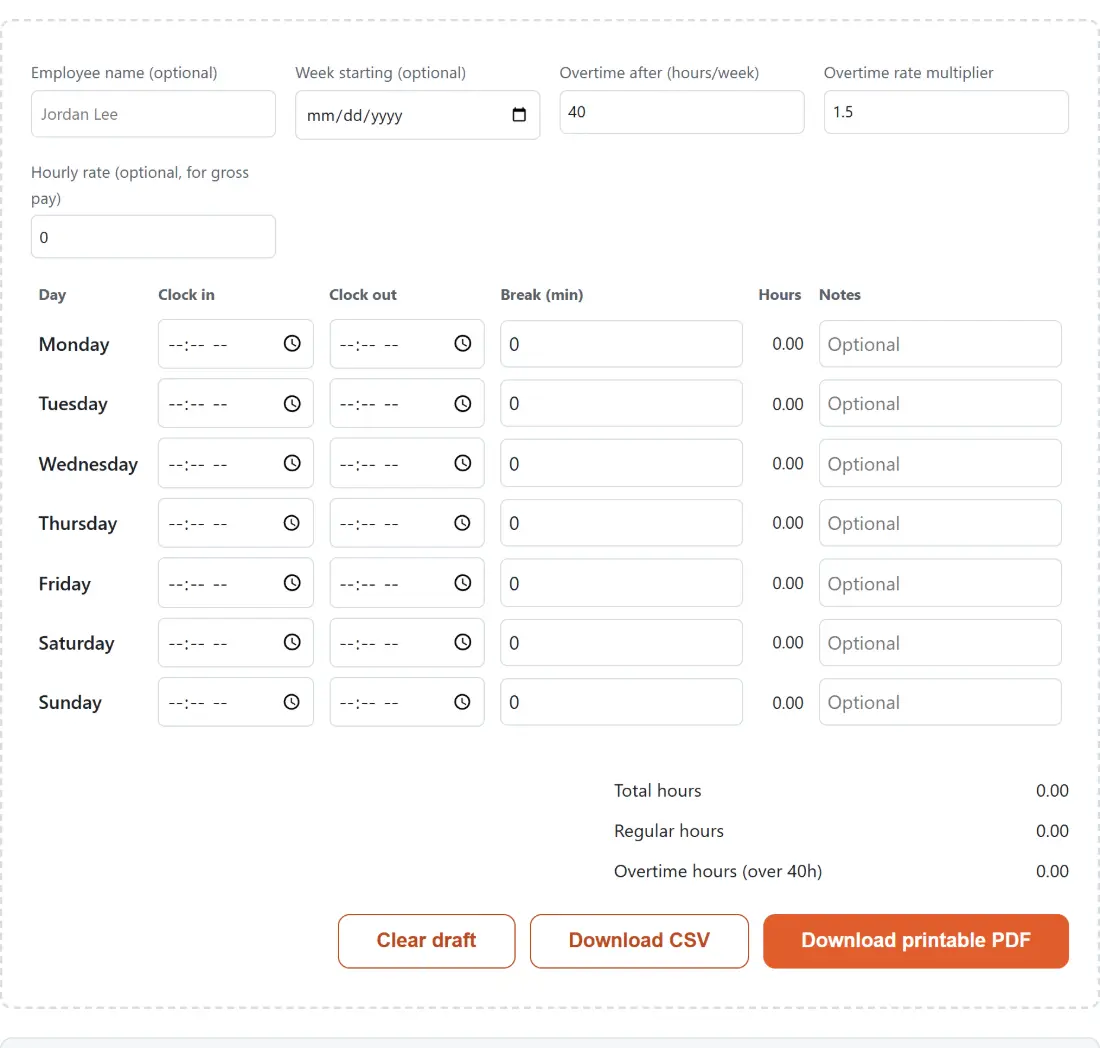
This page does that conversion for every row as you type, to two decimal places, and adds the week up for you. Enter times the way a clock shows them and read hours the way a payslip wants them.
Filling in the week
- Optionally set an Employee name and a Week starting date. Both are labels only and change no arithmetic. They print together on the PDF’s subtitle line; the CSV carries neither, and the downloaded file name is built from the week starting date alone, so the employee name never reaches a file name.
- Set Overtime after (hours/week) and the Overtime rate multiplier, which start at 40 and 1.5. Add an Hourly rate if you want pay figures as well as hours.
- For each day, enter Clock in, Clock out and any unpaid Break (min). The Hours cell updates on every keystroke, and there is a free-text notes field per row for things like “covered late shift”.
- Read the totals block underneath: total, regular and overtime hours, then regular, overtime and gross pay once a rate is set.
- Download the CSV or the printable PDF.
The midnight wrap, and the one case we refuse to guess
Night shifts are the reason most simple time card calculators are wrong. A security guard clocking in at 22:00 and out at 06:00 has worked eight hours, but subtract one time from the other and you get minus sixteen. Retail closing shifts, hospital nights, warehouse loading and hospitality all hit this routinely.
The rule here is simple and visible. If clock-out is later than clock-in, subtract normally. If clock-out is earlier, add a full day of minutes first, so 22:00 to 06:00 comes out at 480 minutes, minus a 30-minute break, giving 7.50 hours. The row displays an “overnight” badge when that branch runs, which is the part we cared about most while building it: a silent correction is indistinguishable from a bug when you are checking your own pay.
The interesting case is the third one. What should 09:00 to 09:00 mean? Arithmetically it could be a 24-hour shift, and treating it that way would be defensible. We treat it as zero instead, because in practice two identical times means a row someone tabbed through without finishing, or a copy-paste that grabbed the wrong cell, roughly always. A test pins that behaviour down so it cannot drift back to the more literal reading.
Why the totals add up in minutes, not hours
Every figure on the page is derived from whole minutes and only converted at the moment it is printed. This is not fussiness. Take seven shifts of eight hours twenty minutes each. Every row displays 8.33, because 500 minutes is 8.3333 hours rounded to two places, and adding those seven printed figures gives 58.31. Summing the same week as 3,500 minutes and converting once gives 58.33. Rounding first has quietly eaten 0.02 hours, a little over a minute of unpaid work, out of a single week; repeat that across a month of overtime shifts and the drift stops being rounding and starts being money. The same discipline applies to pay, which is computed from minute totals rather than from the rounded hours you can see.
Overtime after 40 hours is a default, not a rule
The 40-hour weekly threshold with a 1.5 multiplier is the most widely recognised convention, so it is what the page opens on. It is not law everywhere, and it is not the only shape overtime takes. Some places count daily hours, some use a different multiplier past a second threshold, plenty of contracts differ from the statutory minimum, and salaried roles may have no overtime at all. Both fields are editable precisely because the default will be wrong for some readers, and neither this page nor any generic calculator can tell you which rules bind your situation.
Once your total is settled, Invoice Generator turns it into a billable line item, and Days Between Dates helps when the pay period boundaries themselves need working out.
Two exports, two readers, and where the draft lives
The CSV exists for spreadsheets and payroll imports. It is RFC 4180 quoted with the same field escaping our JSON to CSV converter uses, so a note containing a comma or a quotation mark survives intact, and it ends with a small totals block below the day rows.
The PDF exists for humans and filing cabinets. It is one A4 page with a heading, your name and week starting line if you set them, a ruled five-column table of the seven days, and a right-aligned summary with gross pay in bold. It is built to be printed, signed and handed over.
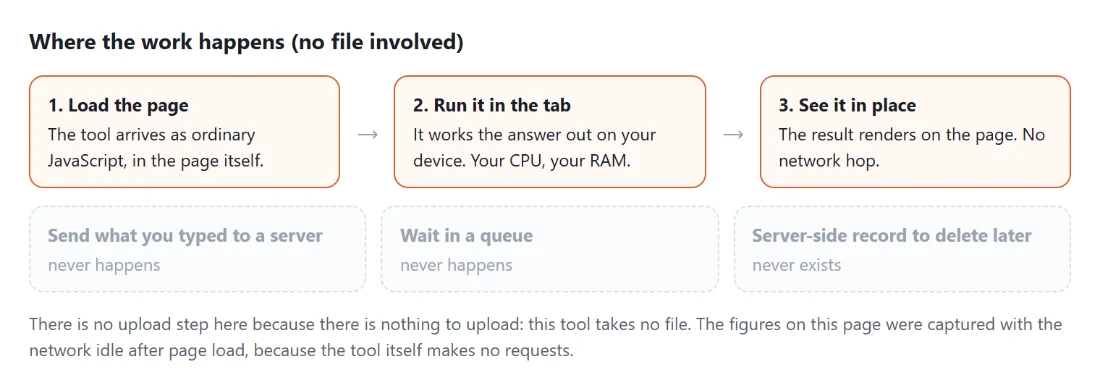
Both files are assembled inside the tab from data that never travelled anywhere, and both are named from your week starting date when you set one. That is worth spelling out for this particular tool, because a timesheet is a record of exactly who worked which hours for how much money, which is not the sort of thing that ought to sit on a stranger’s server to save you a subtraction.