Five effects, each doing something specific
A voice changer with a slider labelled from robot to alien is fun for a minute and useless for anything else. These five presets each reproduce a recognisable, describable effect, and knowing what each one actually does makes it obvious which to pick.
Two of them shift pitch, one up and one down. One modulates the signal to make it metallic. One adds a repeat. One reproduces the frequency limits of a telephone line. There is no free parameter on any of them, because a preset that needs tuning is not a preset.
Applying an effect
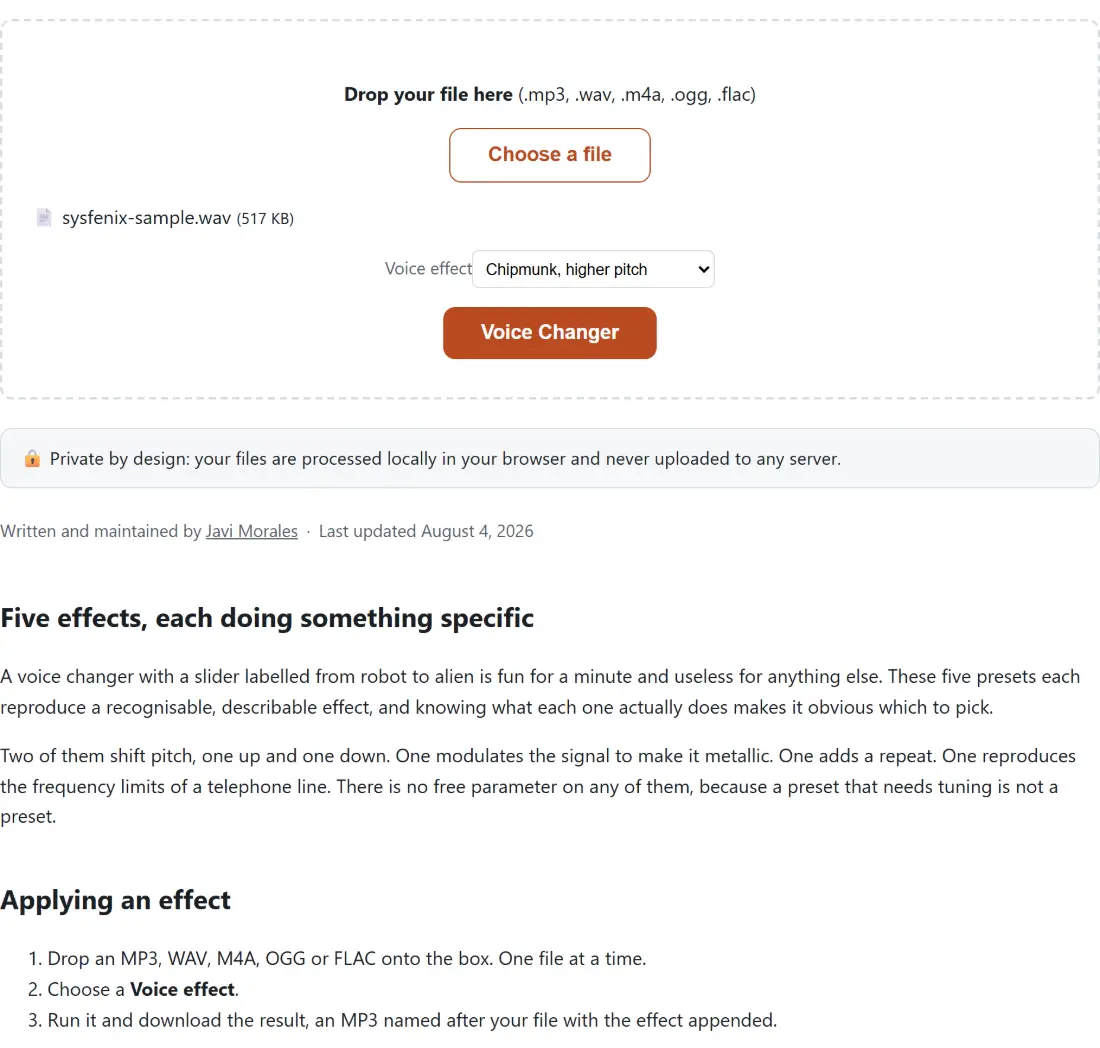
- Drop an MP3, WAV, M4A, OGG or FLAC onto the box. One file at a time.
- Choose a Voice effect.
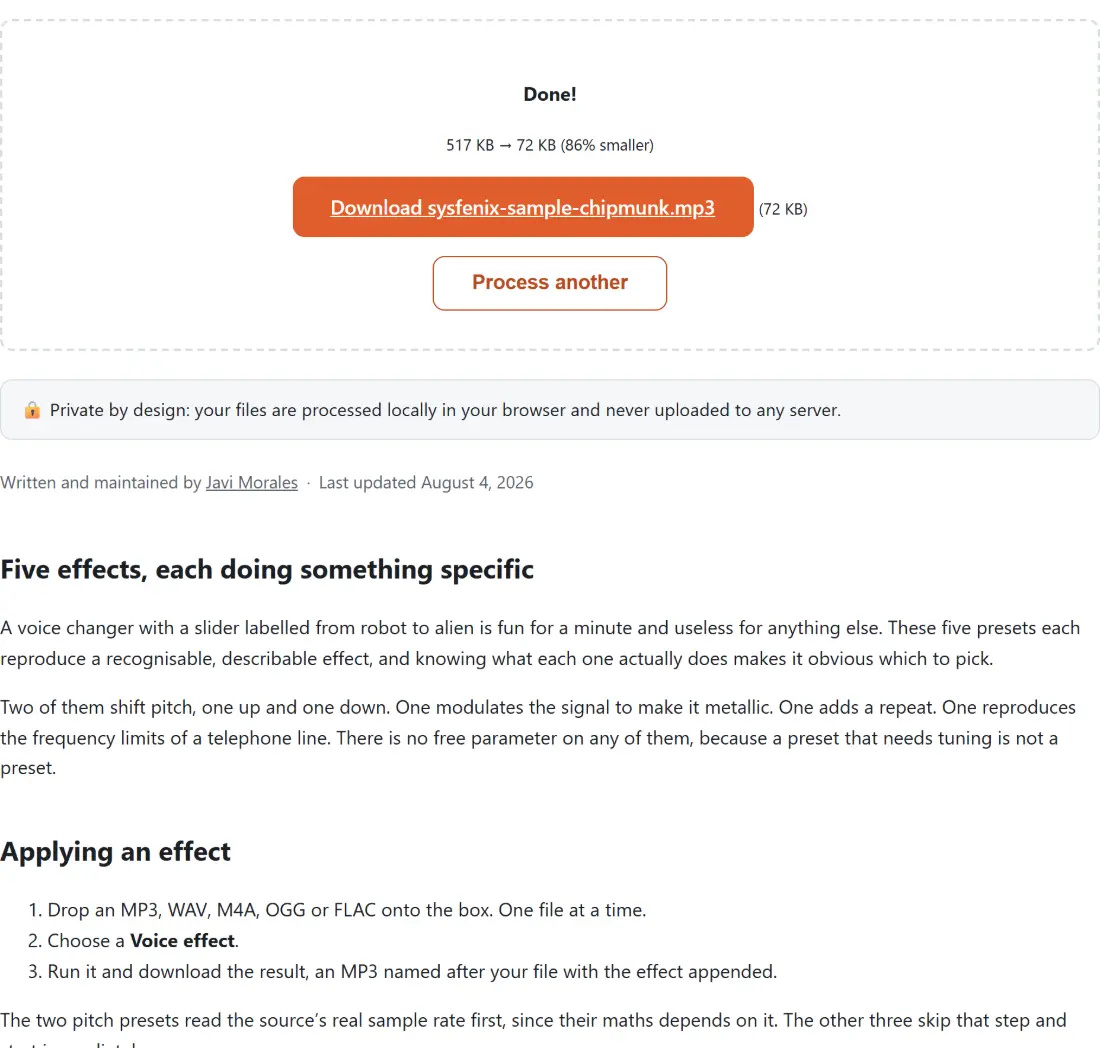
- Run it and download the result, an MP3 named after your file with the effect appended.
The two pitch presets read the source’s real sample rate first, since their maths depends on it. The other three skip that step and start immediately.
Pitch without speed, and why it matters
Change a record player’s speed and the pitch goes up with it. That is the whole relationship, and it is why the simplest pitch shift also shortens the recording and makes the speech faster.
For a comedy chipmunk voice that might be acceptable. For anything where the words matter it is not, because a voice sped up by a third is much harder to follow.
The two pitch presets here therefore do the shift in two stages. The playback rate is changed, which moves pitch and speed together, and then a tempo correction is applied that restores the original speed while leaving the pitch where it was moved to. The result is a voice at a different pitch speaking at exactly the original pace, occupying exactly the original duration.
If you want the pitch shift with a value you choose rather than one of these two presets, Audio Pitch Changer exposes it directly.
The robot is modulation, not a vocoder
There are two very different things people mean by a robot voice.
A vocoder imposes the frequency envelope of a voice onto a synthesised carrier, which is the classic musical robot and requires real analysis and resynthesis.
This is the other kind, and it is much simpler. The pitch is wobbled 18 times a second and the amplitude 45 times a second. Both rates sit well above the range where modulation is perceived as a wobble, so rather than hearing the modulation you hear its effect on the timbre, which is a hard metallic buzz.
Calling it a modulation robot rather than a vocoder is the accurate description, and it is worth knowing if you were expecting the other thing.
The telephone effect reproduces a real limit
Analogue phone systems carried a band from roughly 300 to 3400 hertz. That was not a stylistic decision, it was what fitted in the available bandwidth, and everything outside it was simply gone.
Removing the bottom takes away the chest resonance that makes a voice sound present and close. Removing the top takes away the sibilance and air that make it sound detailed. What is left is the middle, which carries almost all the intelligibility and none of the presence, which is exactly why phone calls were perfectly understandable and never sounded like the person was in the room.
The mild compression after the filtering flattens the dynamics the same way a phone line did, so a shouted word and a quiet one arrive at similar levels.
Related audio tools
To make the recording in the first place, Voice Recorder captures your microphone directly to a file. To clean up a noisy source before applying an effect, Remove Audio Noise is worth a pass first, since these effects will happily process hiss along with the voice.
To trim the result down to the part you want, Cut MP3 handles that. For a spatial effect rather than a character one, 8D Audio moves the sound around the stereo field. The rest are on the audio hub.