Small speakers throw the low end away
Most of the hardware people actually listen on is bass-limited by physics. A laptop speaker, a phone speaker and cheap earbuds have drivers too small to move meaningful air below roughly 100 Hz, so the weight a mix carries on studio monitors is simply never reproduced. The mix is fine; the speaker is not. Lifting the bottom of the file hands that hardware more low-frequency energy to work with, which is the same trick a car stereo bass knob or a player’s bass-boost preset performs, except that here the change is baked into a file you keep and can carry to any player, including ones with no equalizer of their own.
There is a second, less musical use. A voice memo or an interview recorded on a phone mic usually sounds thin, because a small mic rolls off exactly the range that gives a voice its chest and body. A modest lift in the upper bass fattens that recording noticeably without touching the consonants that carry intelligibility.
The corner frequency and the decibel number do different jobs
Two controls describe the change, and they are not interchangeable.
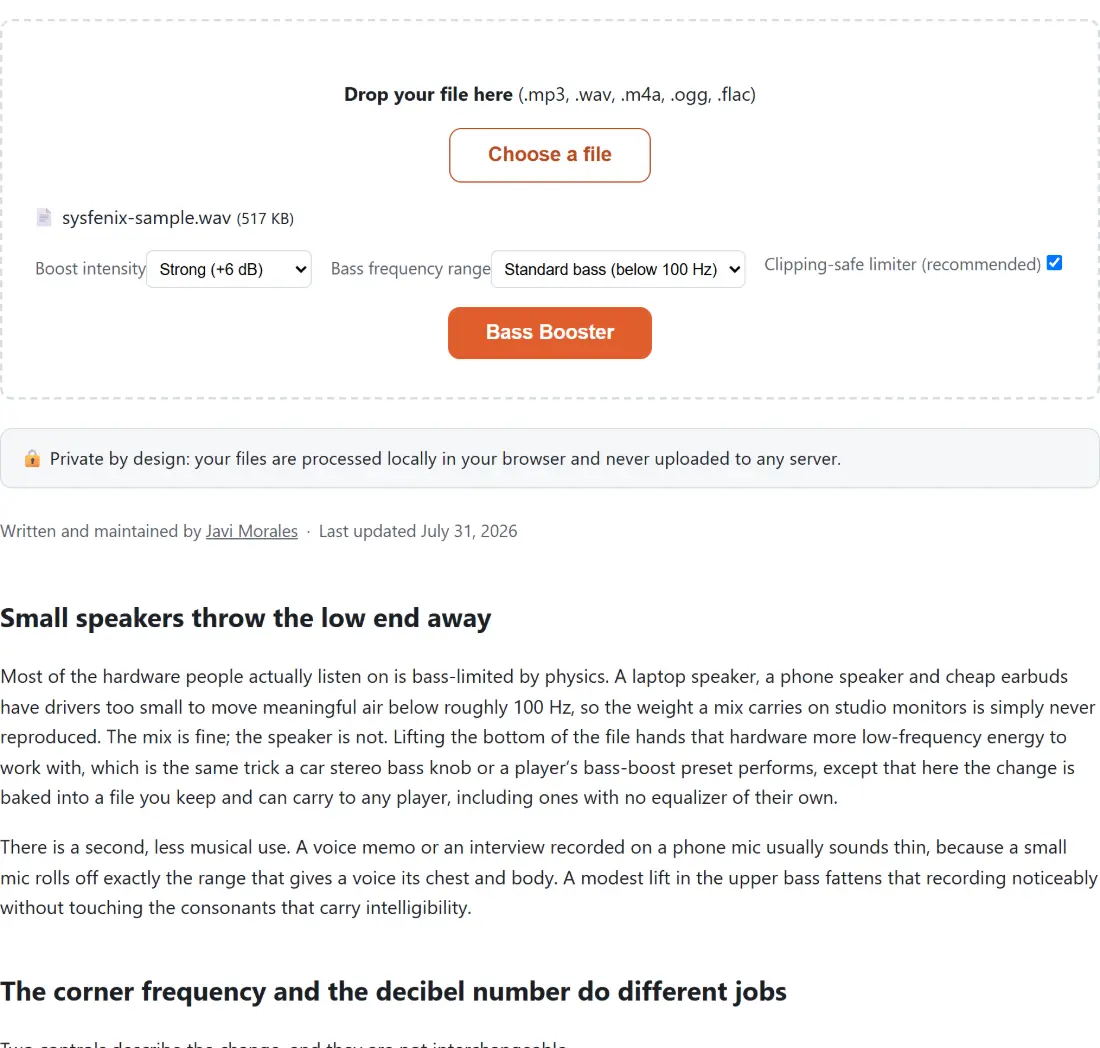
Bass frequency range sets the corner of a low shelf. Everything below it is lifted; everything above it is left exactly where it was. Standard bass (below 100 Hz) is the default and covers the classic bass-knob region. Deep sub-bass (below 60 Hz) keeps the boost down in rumble territory, adding weight on headphones or a subwoofer while leaving vocals and bass guitar alone. Warm / wide (below 150 Hz) reaches up into the upper bass, where the body of a male voice and the warmth of an acoustic guitar live: the preset that rescues thin recordings, and the one most likely to make a dense band mix sound boxy.
Boost intensity sets how much lift that shelf applies, at Subtle (+3 dB), Strong (+6 dB) or Extreme (+12 dB).
That shape is the whole difference between this page and a volume change. Boost MP3 Volume, which takes MP3 files only, multiplies every sample, so the balance between bass, vocals and cymbals stays identical and the track is merely louder. A shelf changes the balance itself, which is what “more bass” actually means.
One file, one pass, then judge it by ear
- Drop a single audio file into the box, or click Choose a file. MP3, WAV, M4A, OGG and FLAC are accepted, and anything else is refused with a message naming the file and listing the extensions that are allowed.
- Pick a Boost intensity. Strong (+6 dB) is the default and the setting most tracks want.
- Pick a Bass frequency range, leaving it on Standard bass (below 100 Hz) unless you specifically want sub-only weight or upper-bass warmth.
- Leave Clipping-safe limiter (recommended) ticked unless you are deliberately testing what the bare shelf does.
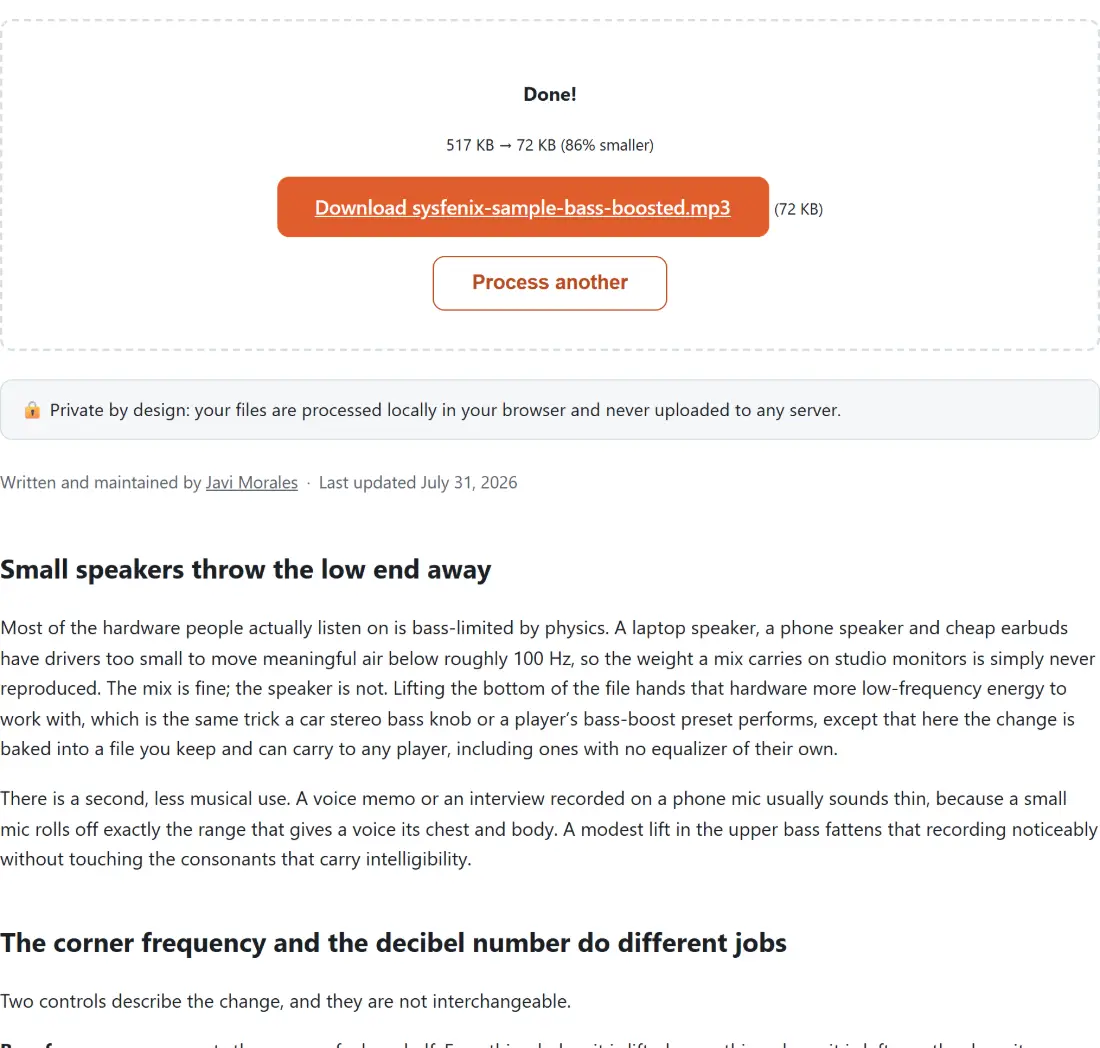
- Click Bass Booster and wait for the progress bar. The result arrives as a download link with its size beside it.
There is no live preview, so the working loop is run, listen, adjust. In practice that round trip is short enough that comparing two presets costs less time than a single upload to a server-side tool would.
Everything comes back as a 192 kbps MP3
Changing an equalizer curve means every sample has to be decoded, altered and written out again, so a lossless stream copy is impossible whatever container you started from. The file is re-encoded with the MP3 encoder at a fixed 192 kbps and named after your original with -bass-boosted.mp3 on the end. If 192 kbps is more than a spoken-word recording needs, Compress MP3 takes an MP3 down further, and it hands back the original bytes untouched in the case where a preset would not actually make the file smaller.
When the result sounds worse instead of bigger
Three things account for most disappointing runs.
The first is material that was already mastered loud. Extreme (+12 dB) on a modern dense master asks the limiter to do a great deal of work, and heavy limiting is audible as a flat, breathing quality. Step down to Strong (+6 dB) and the same track usually sounds bigger, not smaller.
The second is muddiness rather than clipping. Warm / wide (below 150 Hz) overlaps the region where male voices and low guitar strings sit, so a full band mix can turn boxy. Standard bass (below 100 Hz) or Deep sub-bass (below 60 Hz) keeps the lift underneath the instruments carrying the tune.
The third is a loudness problem wearing a bass costume. If the real complaint is that the file is quieter than everything else in a playlist, an equalizer is the wrong lever entirely: Normalize Audio Loudness measures the file with a two-pass EBU R128 analysis and brings it to a chosen loudness target instead, and the rest of the audio tools cover cutting, converting and speed changes.
If a run fails outright, the panel replaces the underlying reason with a single generic message, so start by confirming the file plays in an ordinary player. A truncated or partially downloaded audio file is the usual culprit.